Finishing the arm holders and a TON of problems!
- Session
- 7 of 33
- Date
- 1 May 2026
- Time worked
- 4 h 4 min
- Reading time
- 4 min
- Images
- 29
I had the idea to move the thing where the heat insert is placed (to hold the screws and the arm on the base) a bit higher, so that the arms wouldn’t be so high and the drone would look cleaner.
But while starting, I recognized that the holes for the screws on the base were 1mm offset (they were 5mm from the edge), so I moved them to 4mm. While doing that, I accidentally deleted the holes for the screw head T-T, but I could fix that pretty quickly.
And after moving it up, it looked like this:
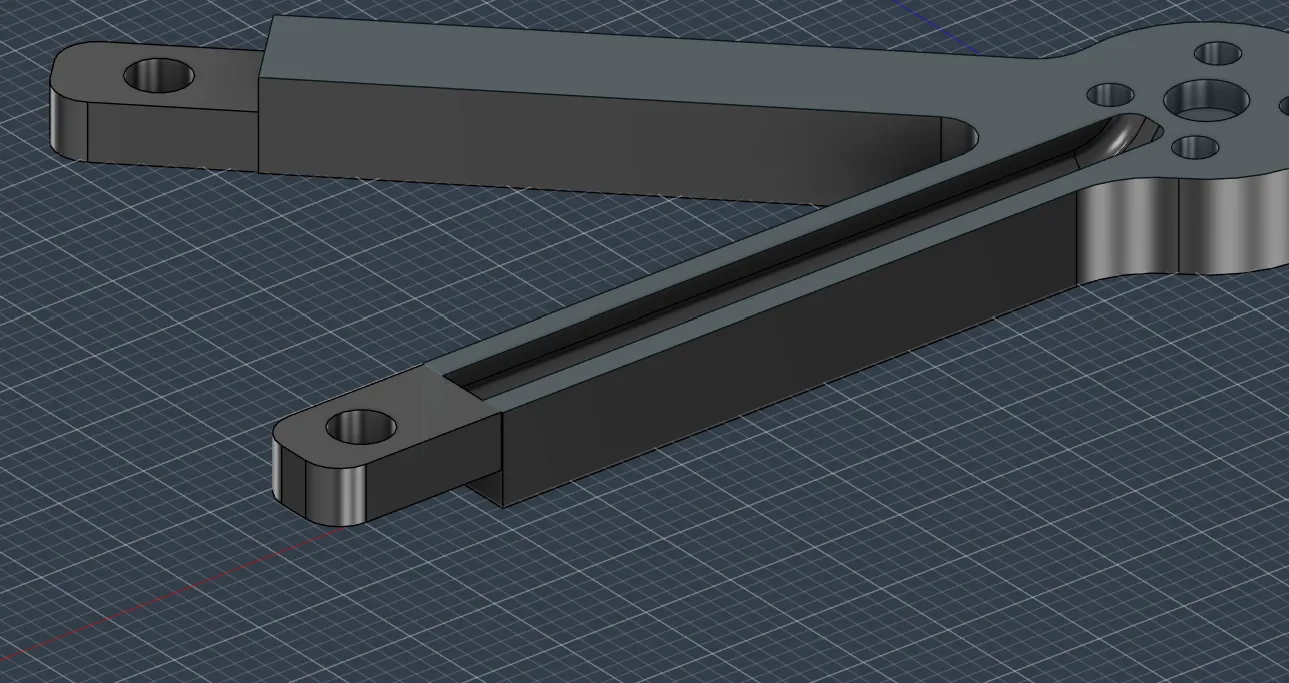
And I also added that for the second arm.
But then I also added a slope for better grip and stability
After that, I decided to also add a slope on the underside of the arm. Here’s how it looks now:
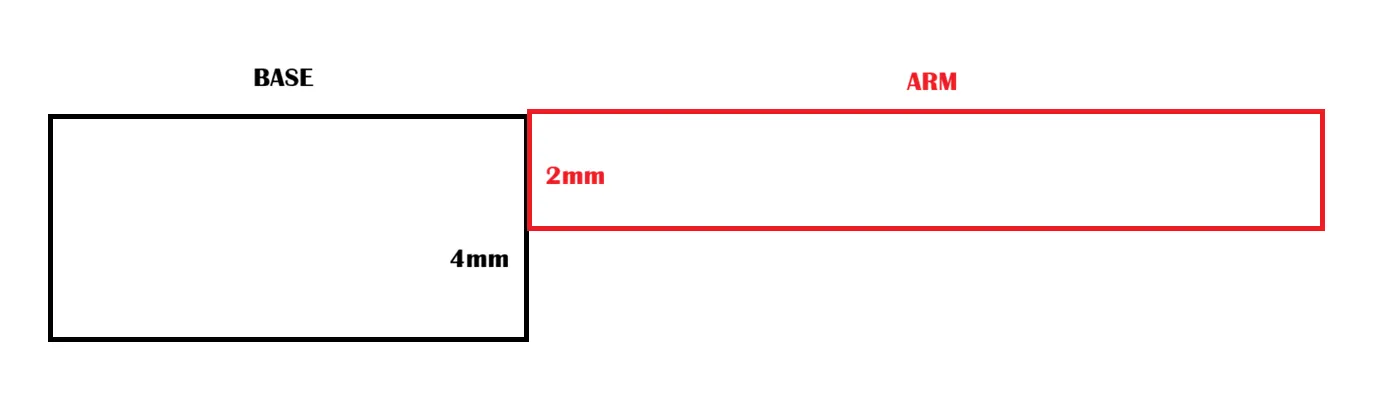
And here is how it would look then:
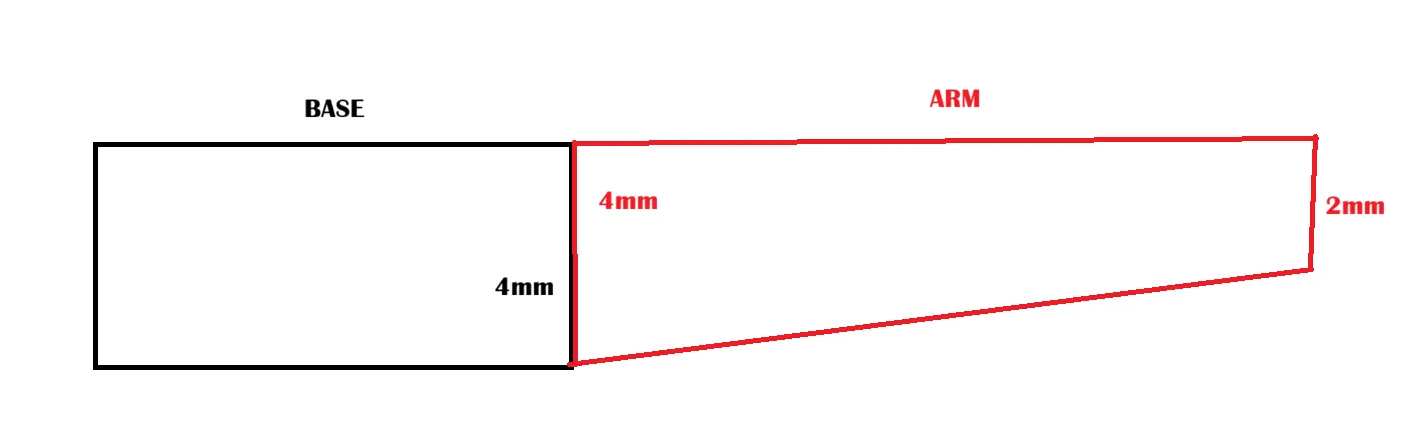
I decided to use the slope for more stability, but also so that the drone looks better and cleaner.
After adding the slope, it looked like that:
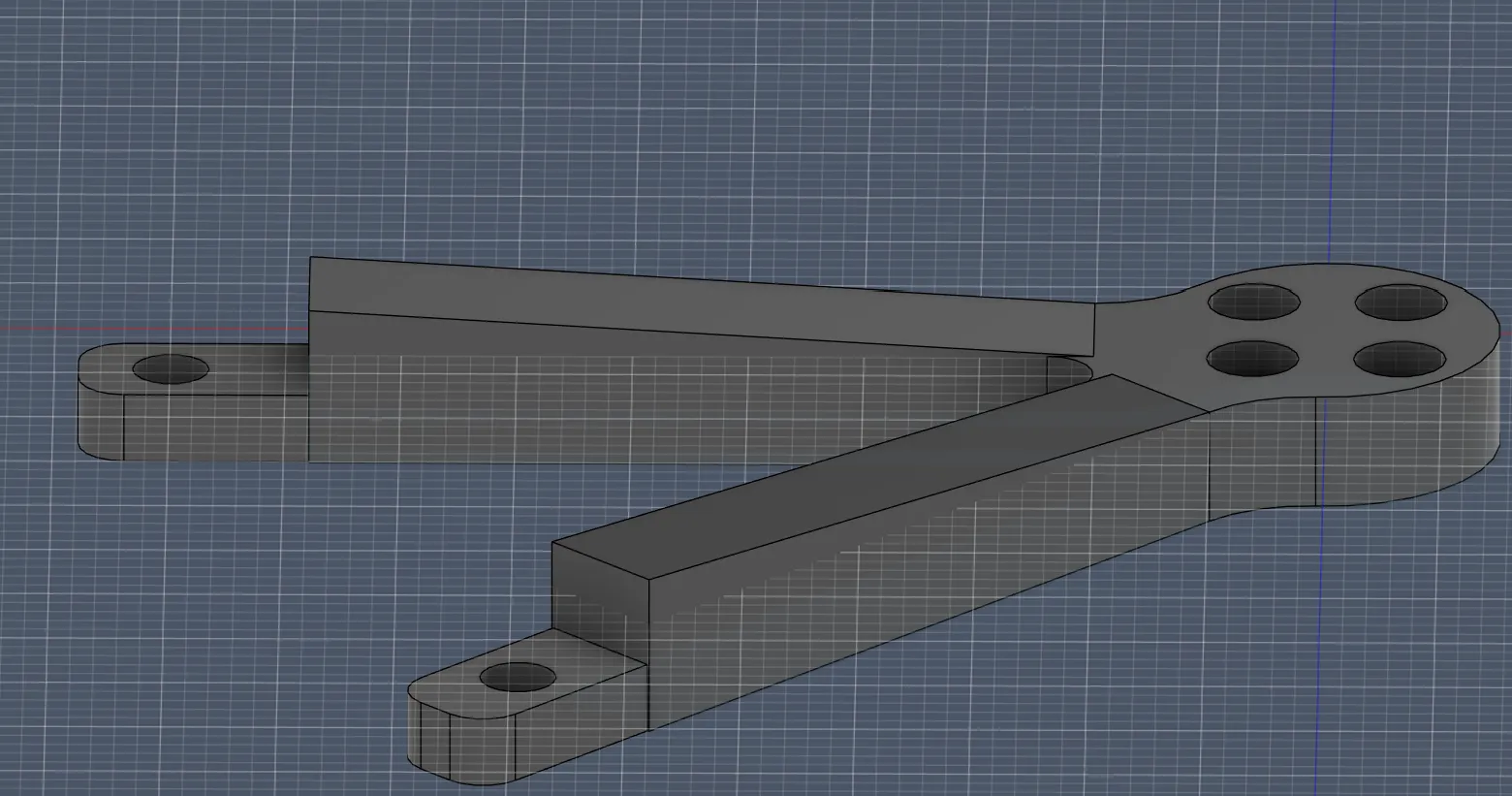
But I wasn’t completely happy, because the line where the slope ended was very back, so it didn’t look very clean:
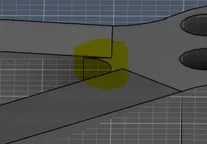
But after fixing and moving the slope a bit more forward, it looked much better and really nice:
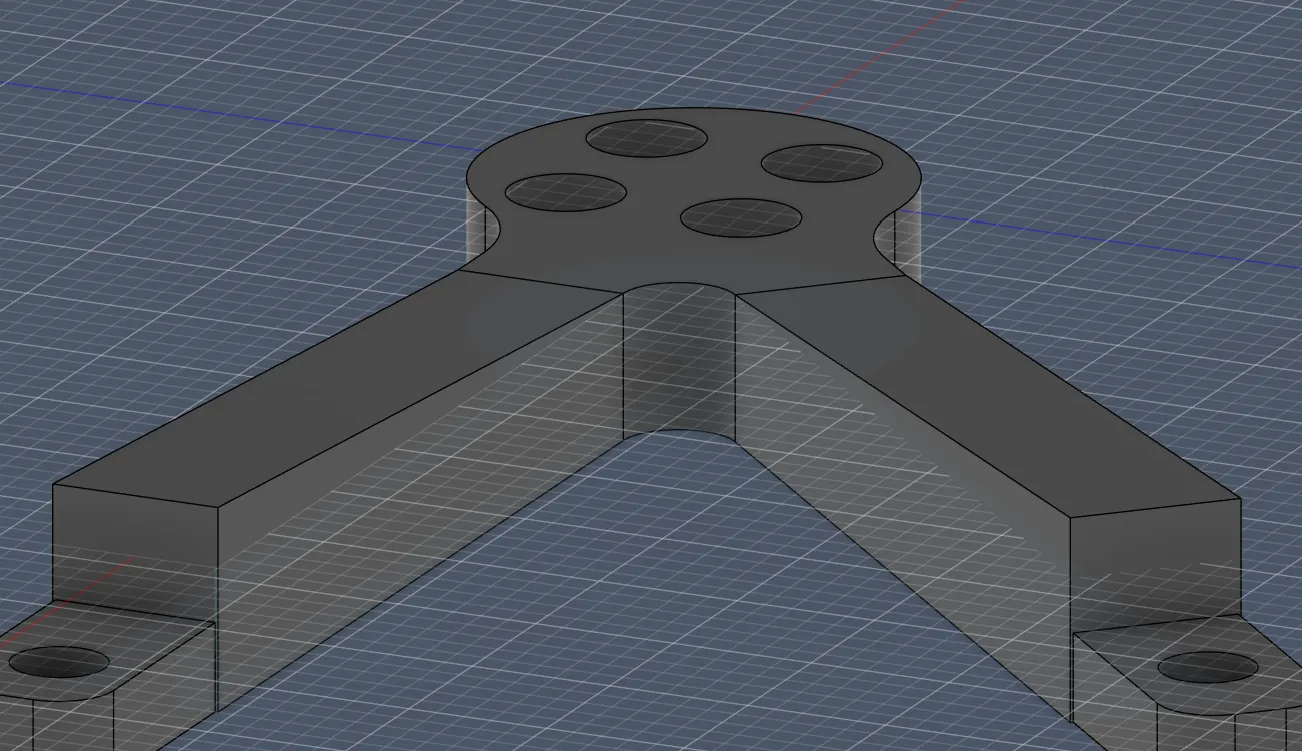
Now, after I fixed and implemented the slope for the arm and moved the heat insert part higher, I continued with the cable tunnel because now the insert part is higher and the cable has now nowhere to go through:
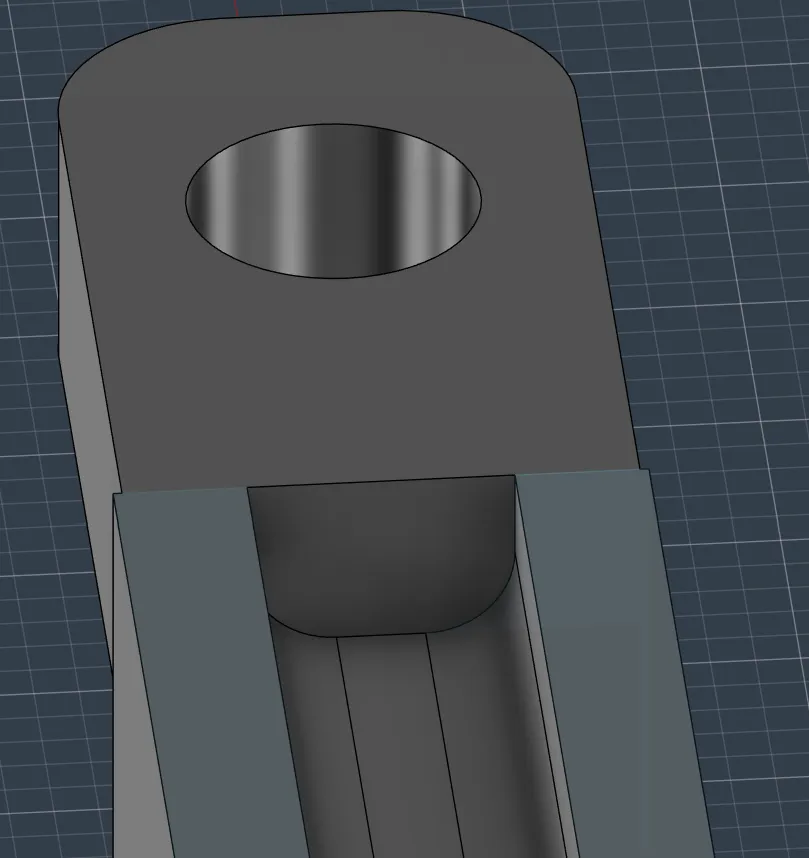
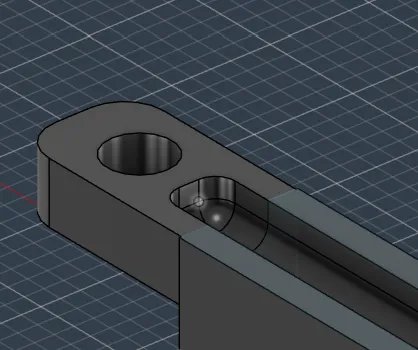
So I extruded the cable tunnel for 3.3 mm and rounded the edges with a radius of 1 mm:
After completely finishing the arm, I continued with the connection of the arms to the base plate of the drone.
To start adding the case where the arms could slide in, I first needed to redesign the arms on the base, which took an ENORMOUS amount of time:
- I first had to measure everything
- design the rectangles
- then, because I have rounded corners:
- calculate how big the circles are
- calculate where the circles have to be placed
- and then draw everything together
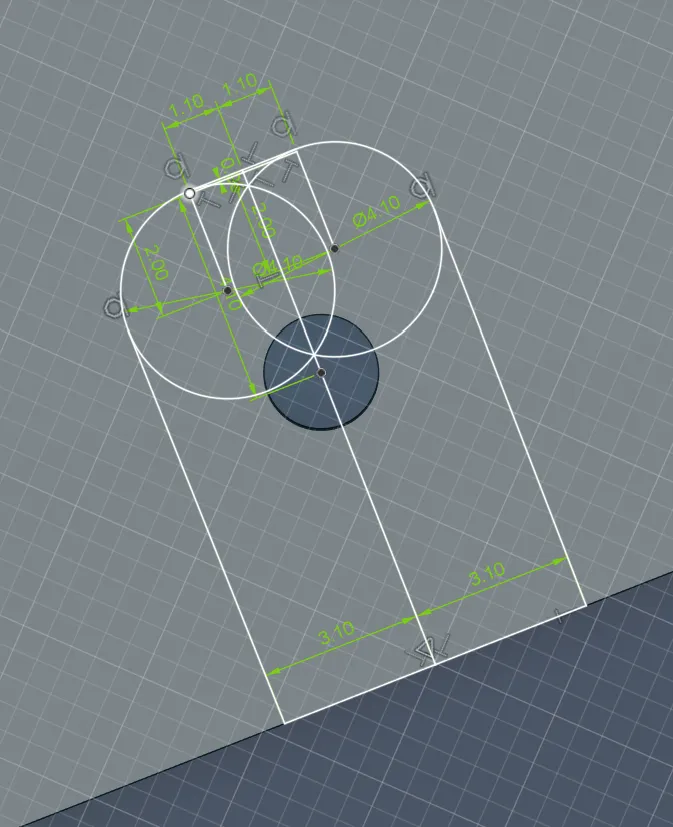
But then I forgot that I should add a tolerance of 0.2 mm to everything, so I had to update everything AGAIN.
So after repeating everything 4 times for the sloped arms, I had this result:
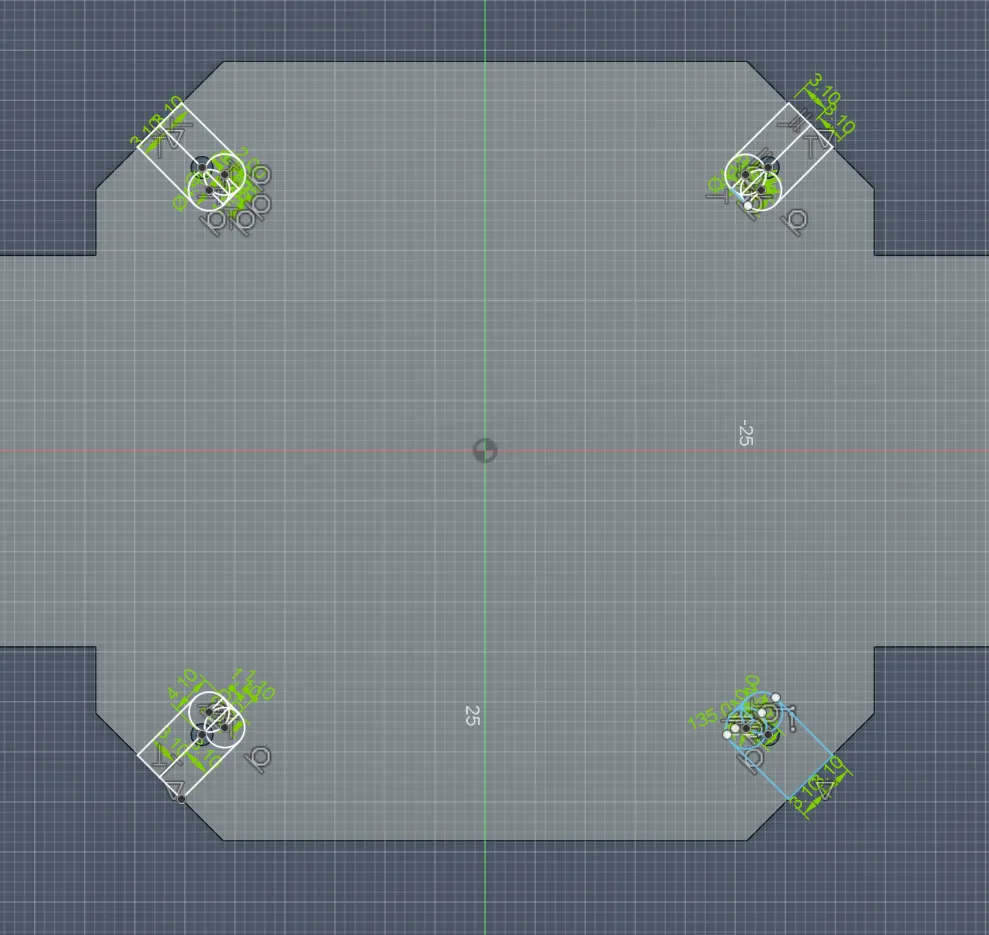
After that, I had to outline the parts, which was a challenge, but fortunately I managed it:
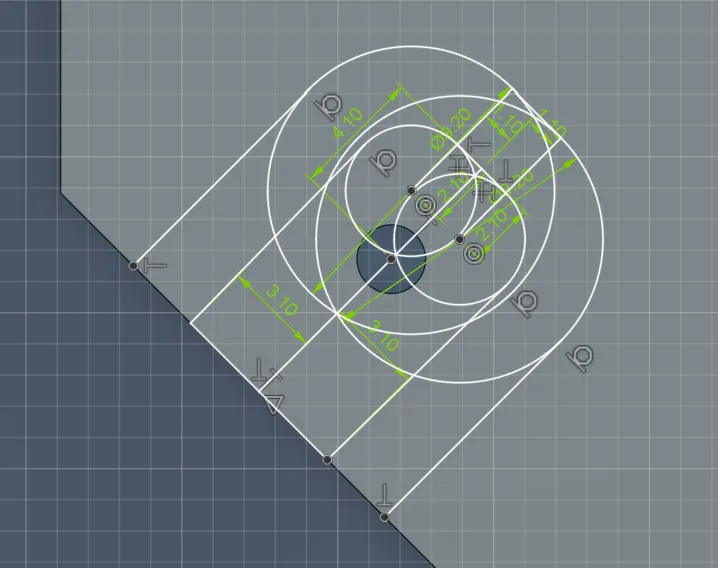
And again reconstructed that for all 4:
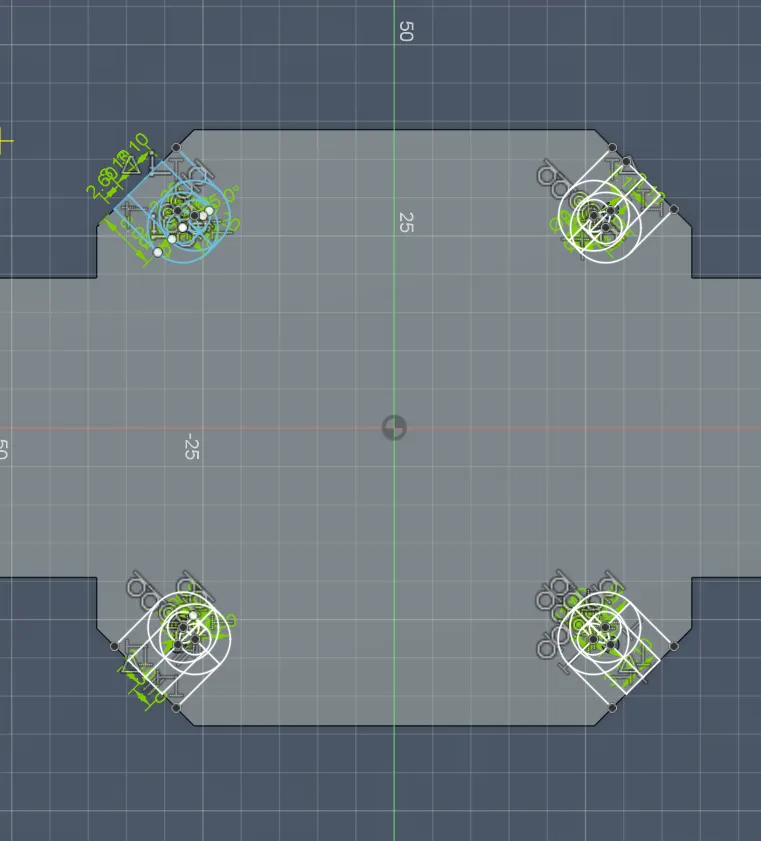
And lastly, after all this work (which was really suffering), I extruded the parts for 3.3 mm because the arm part is 3.1 mm tall and I wanted some buffer for the screw and heat insert.
After that, I also rounded the base with a radius of 4 mm:
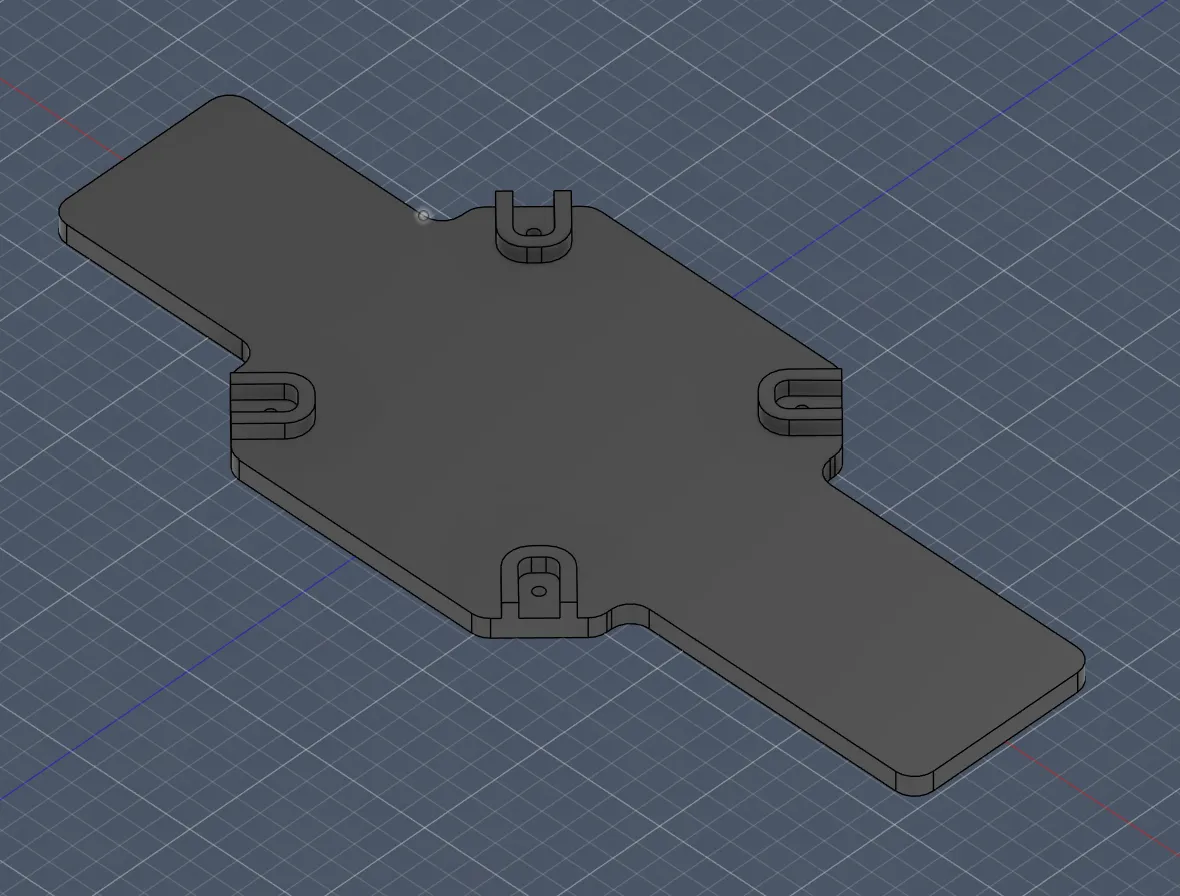
After the first part of this session, I started with the vertical arm holders.
For that, I first drew again the radius of where the arms and motors are located to know the exact positions:
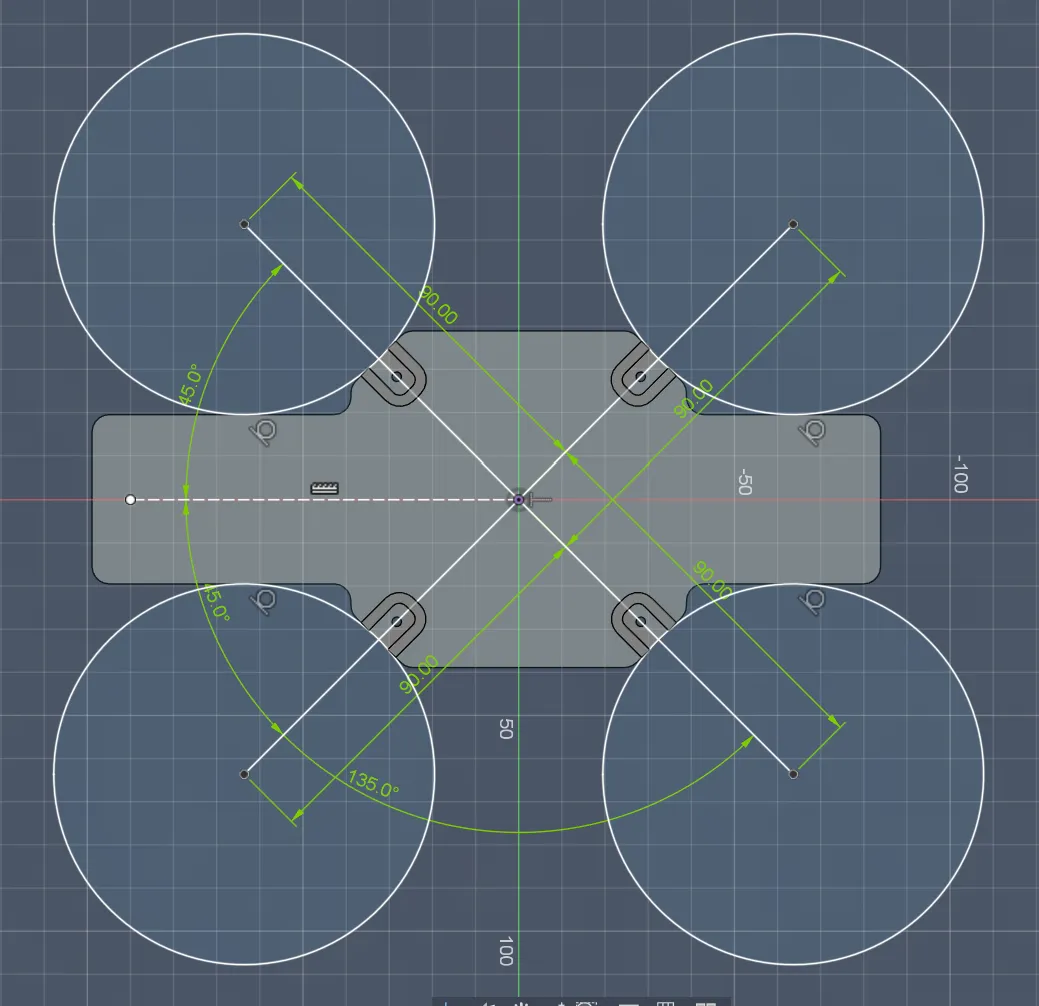
Then I marked where and how the arms are located to start again with the case for the arms:
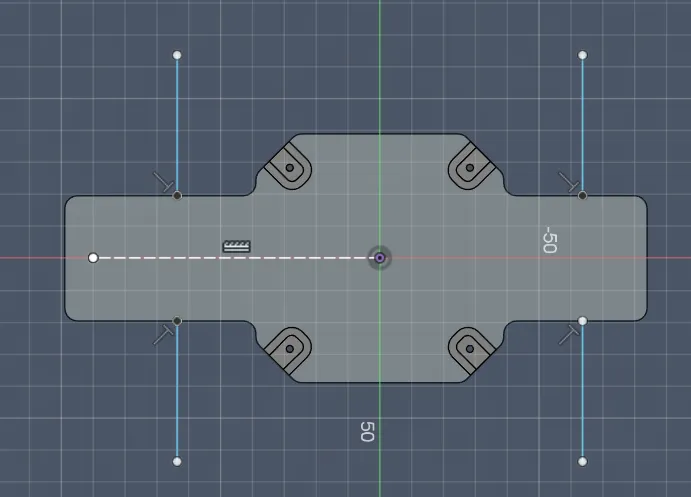
Then I drew the screw holes for the second arms with a diameter of 2.2mm (0.2 tolerance):
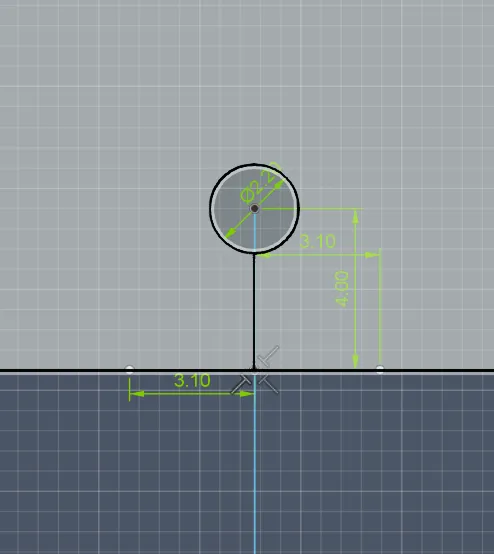
And extruded them to -5 mm to create the holes:
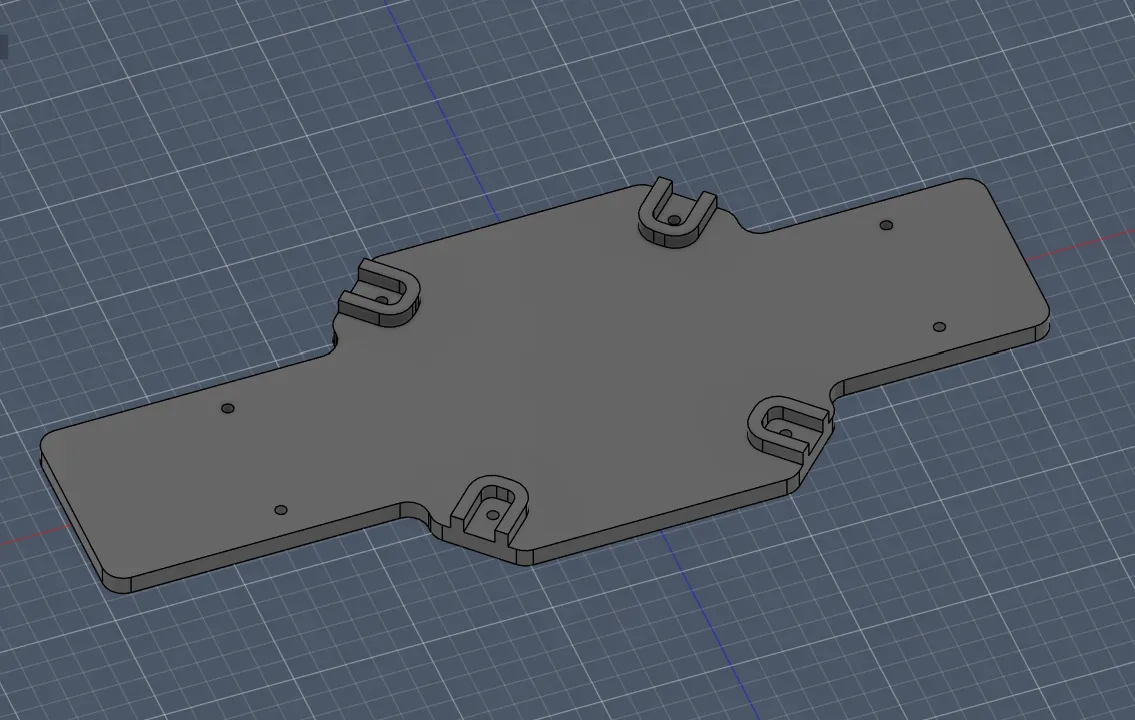
Then I proceeded like before with sketching the arm outline case:
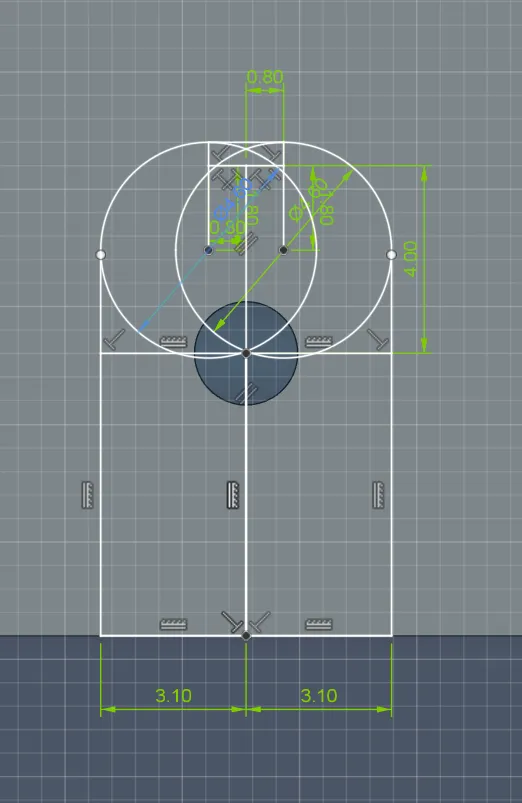
And also recreated it for all 4:
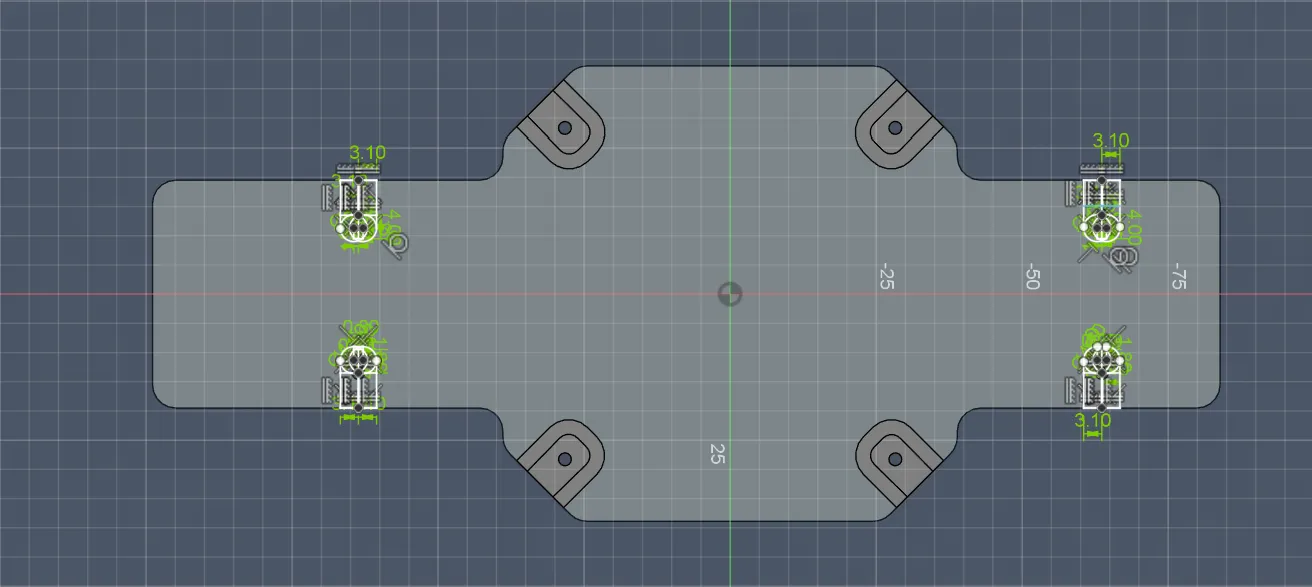
After extruding them again for 3.3mm, I saw a missing part, but I quickly redrew and extruded it:
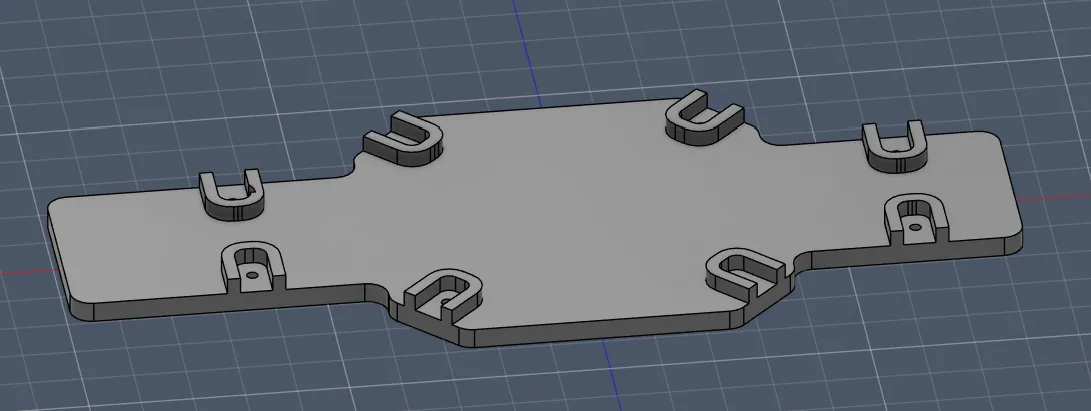
Then I noticed that I forgot to make the holes for the screw head on the other side:
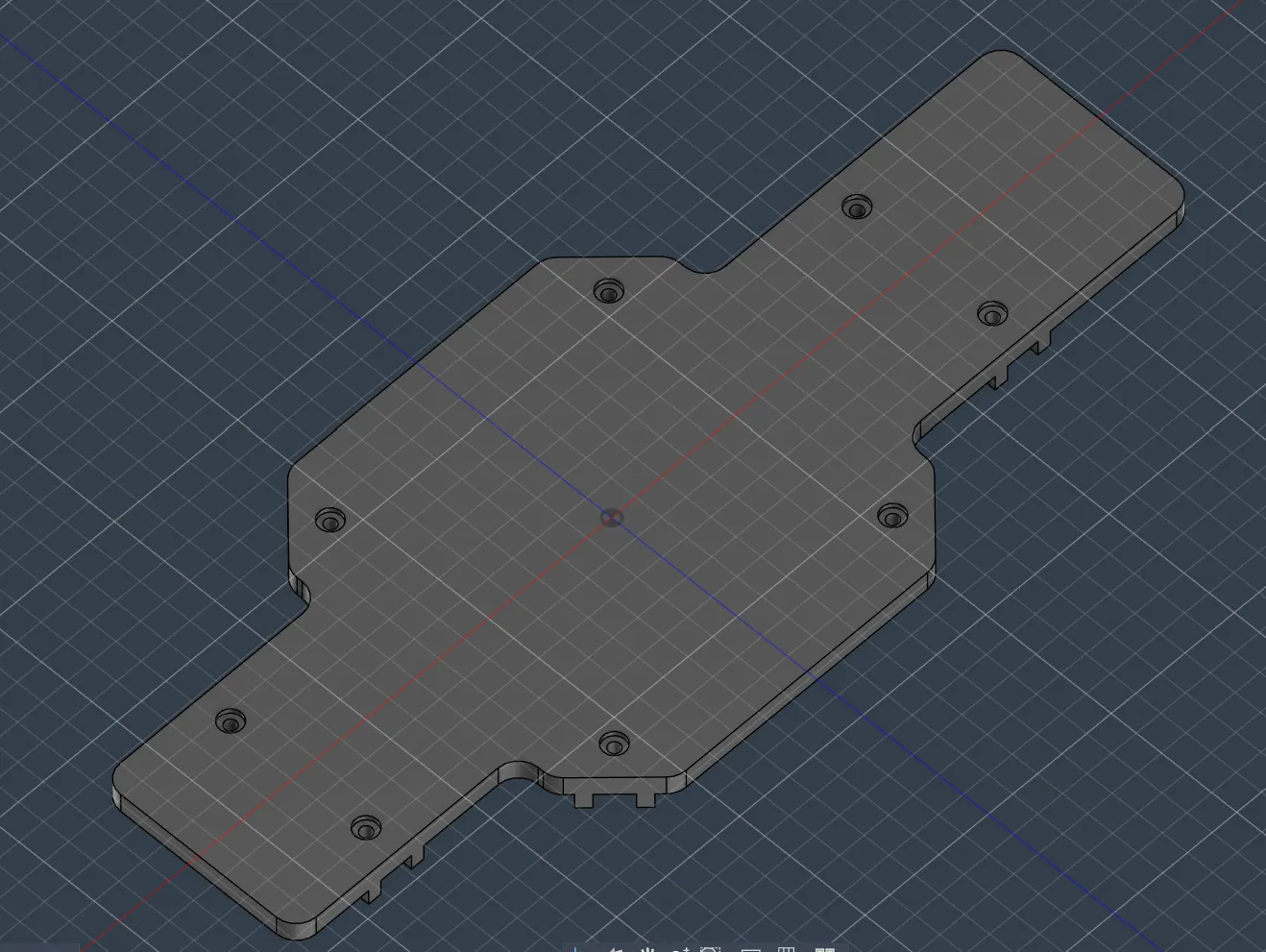
Then I thought I was finished… but had AGAIN a problem: the holes didn’t fit perfectly because the centers were different (4mm at the base and 5mm the arm), so I fixed that.
Before:
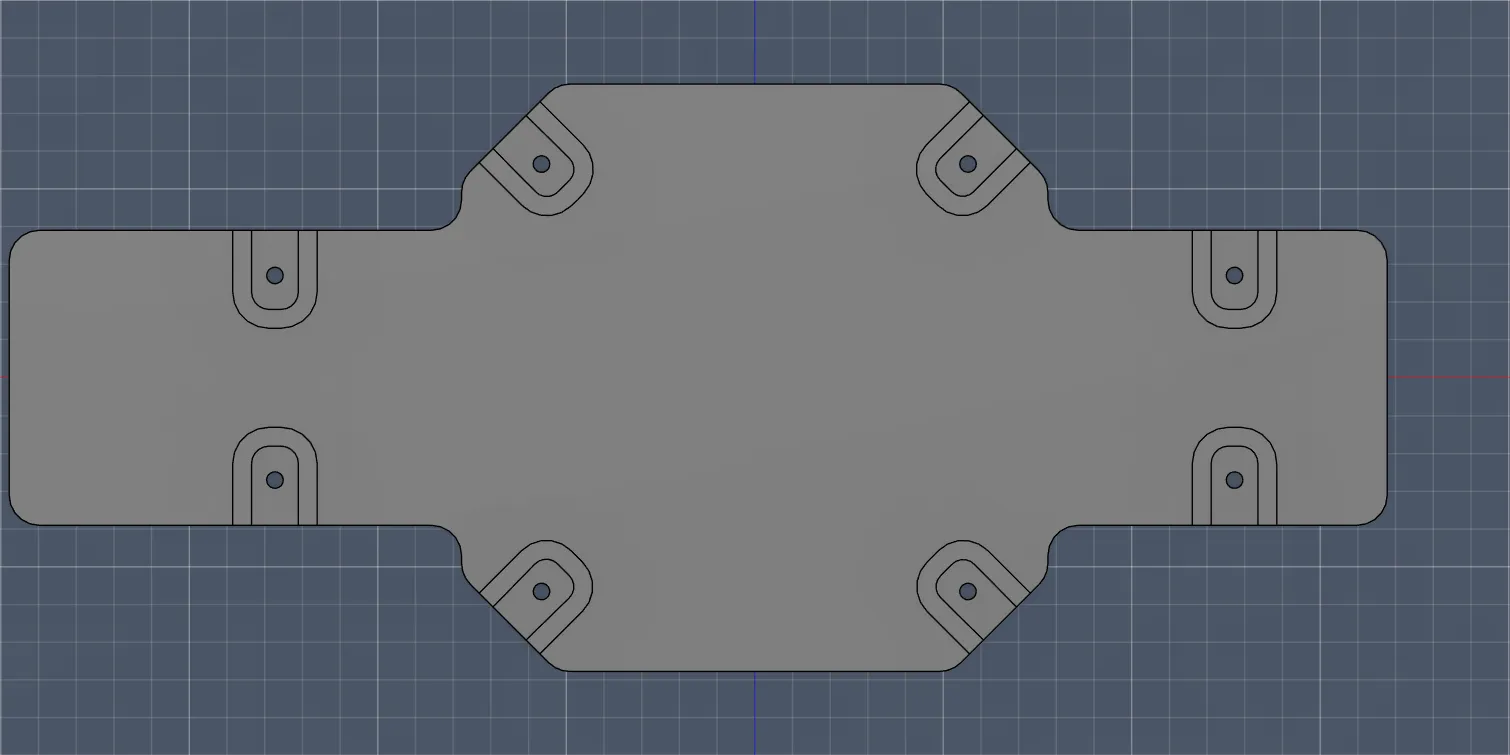
After:
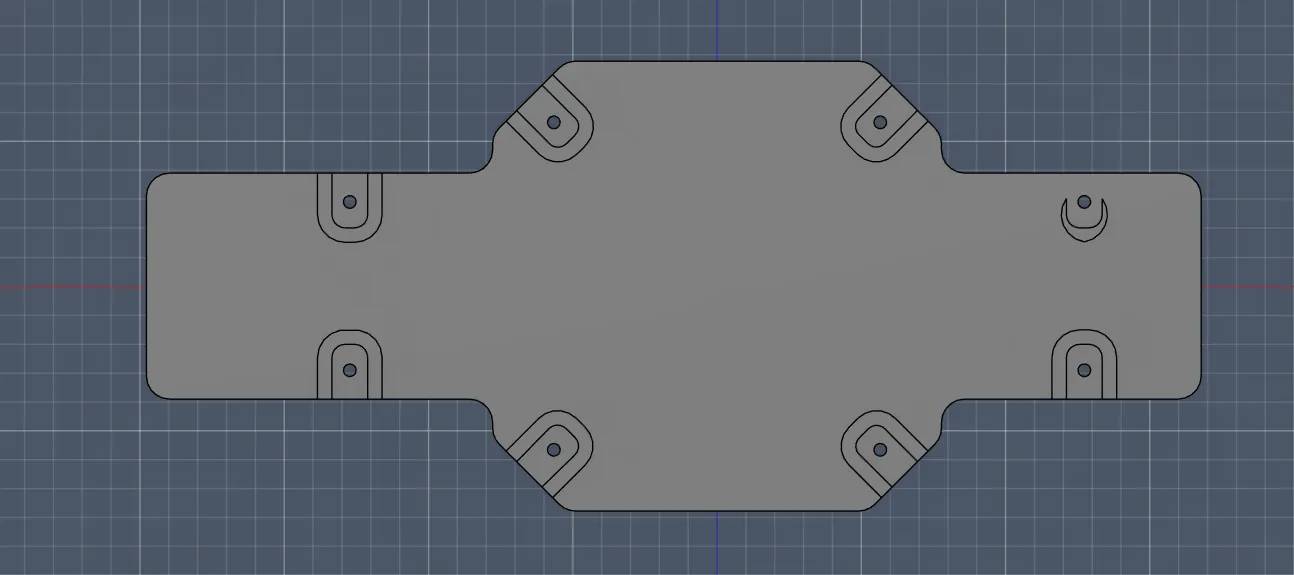
It worked, but somehow other holes disappeared again, so I had to redo them.
Then another problem: one part didn’t extrude:
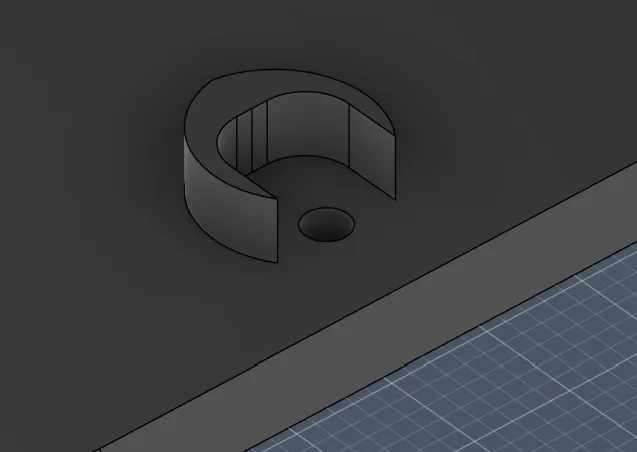
So I fixed the borders and extruded again:
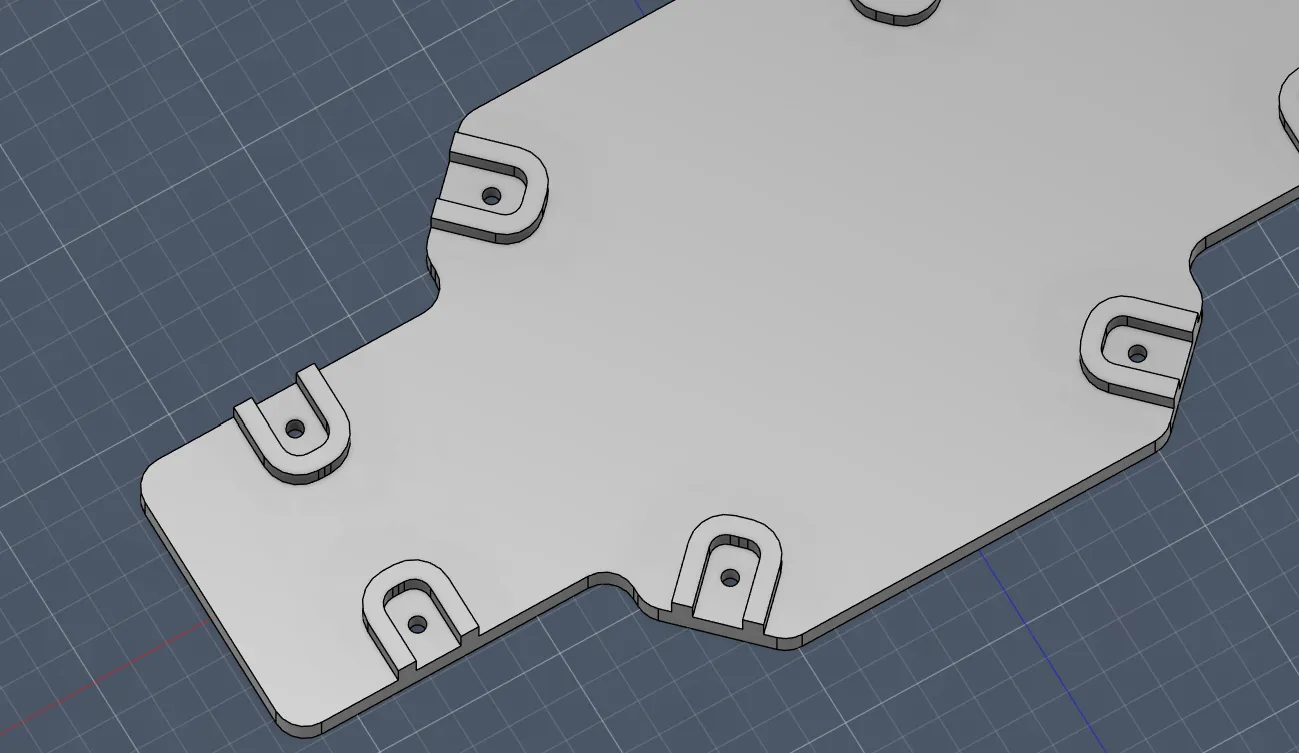
Then AGAIN I thought I was done… but the distance didn’t match (on the base it was 9.5mm but the arm was 10mm):
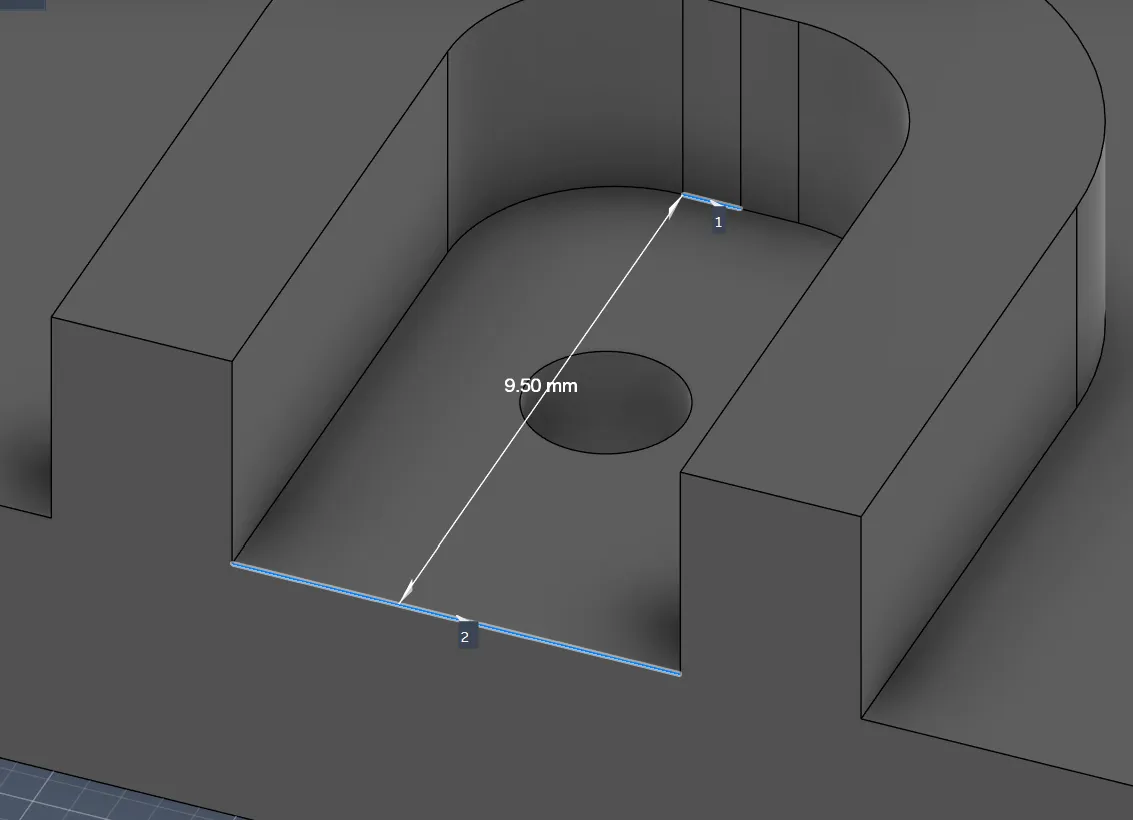
After fixing the lines, everything finally aligned perfectly:
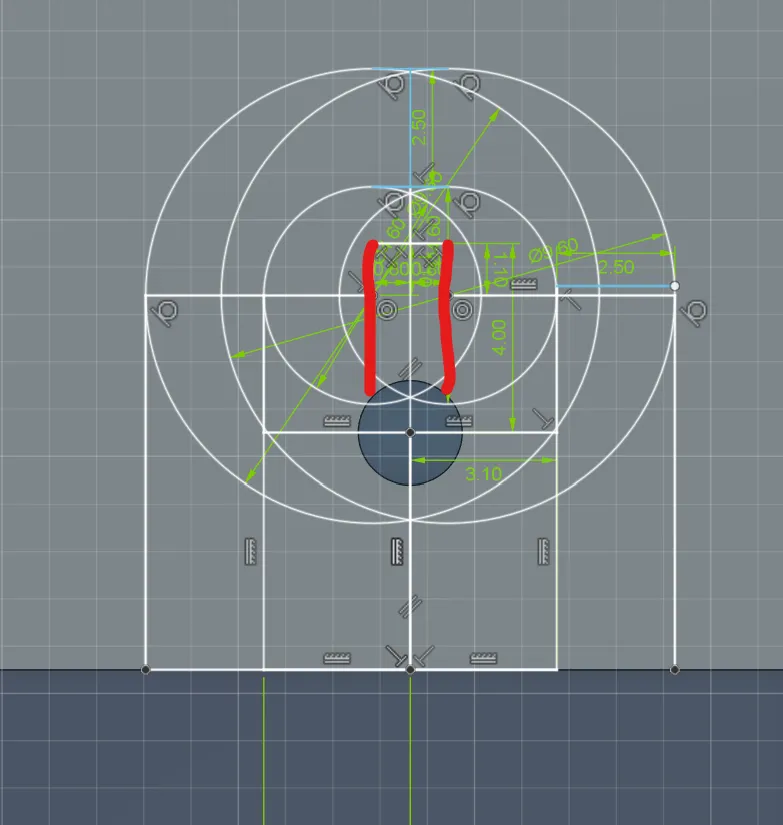
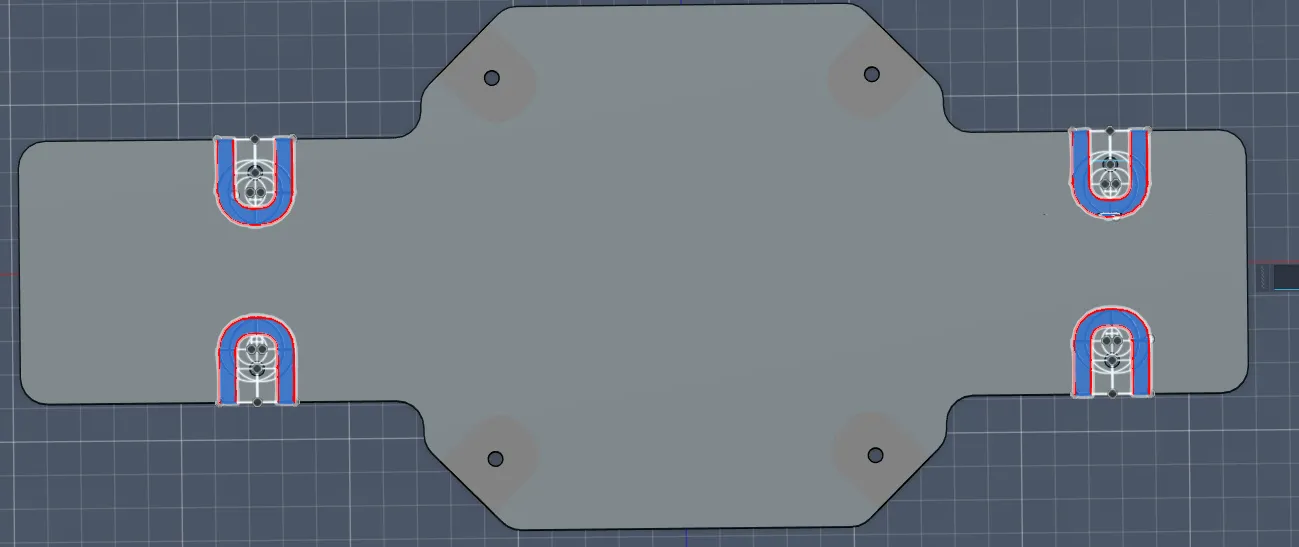
After repeating that for all arms and fixing a TON of extrusion bugs, it finally looked like this and everything fits perfectly!!!
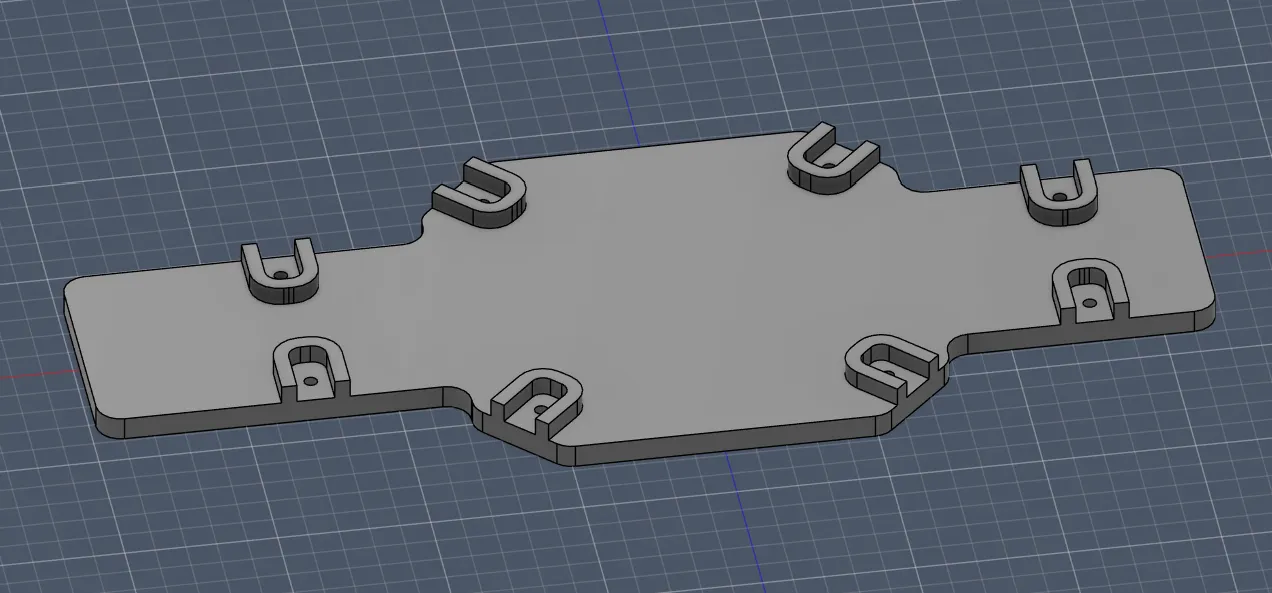
P.S. While writing this journal, I had a mini heart attack because the images didn’t load and only showed "image.png", but after refreshing they appeared again.
Also, I learned a new Fusion skill: you can go back to old sketches and apply changes. Soooo cool!!
Exhausting session but happy with progress.
Session recordings
Timelapse recordings of this session.