Fixing PCB, CAD and lastly starting and finishing the Landing station!
- Session
- 27 of 33
- Date
- 25 May 2026
- Time worked
- 5 h 59 min
- Reading time
- 8 min
- Images
- 46
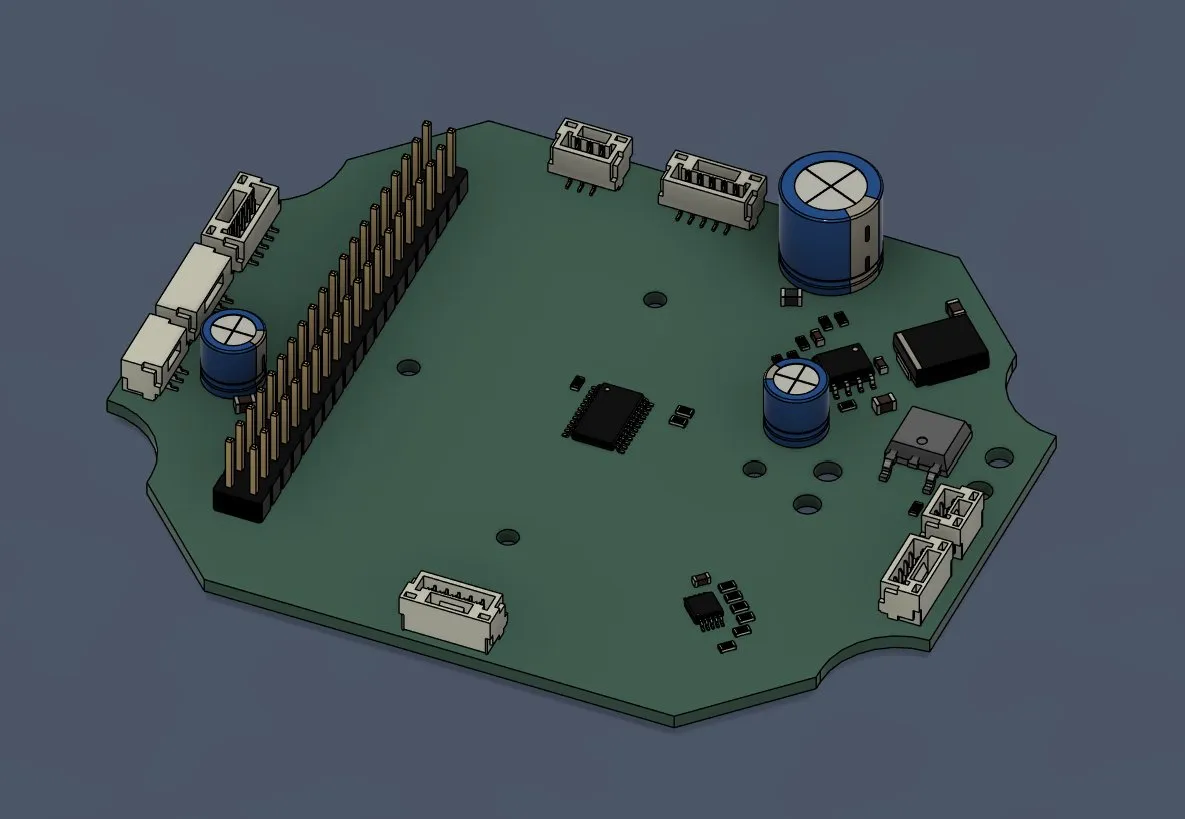
After uploading the PCB into Fusion, it looked like that:
and after placing it in the drone, it looked like that:
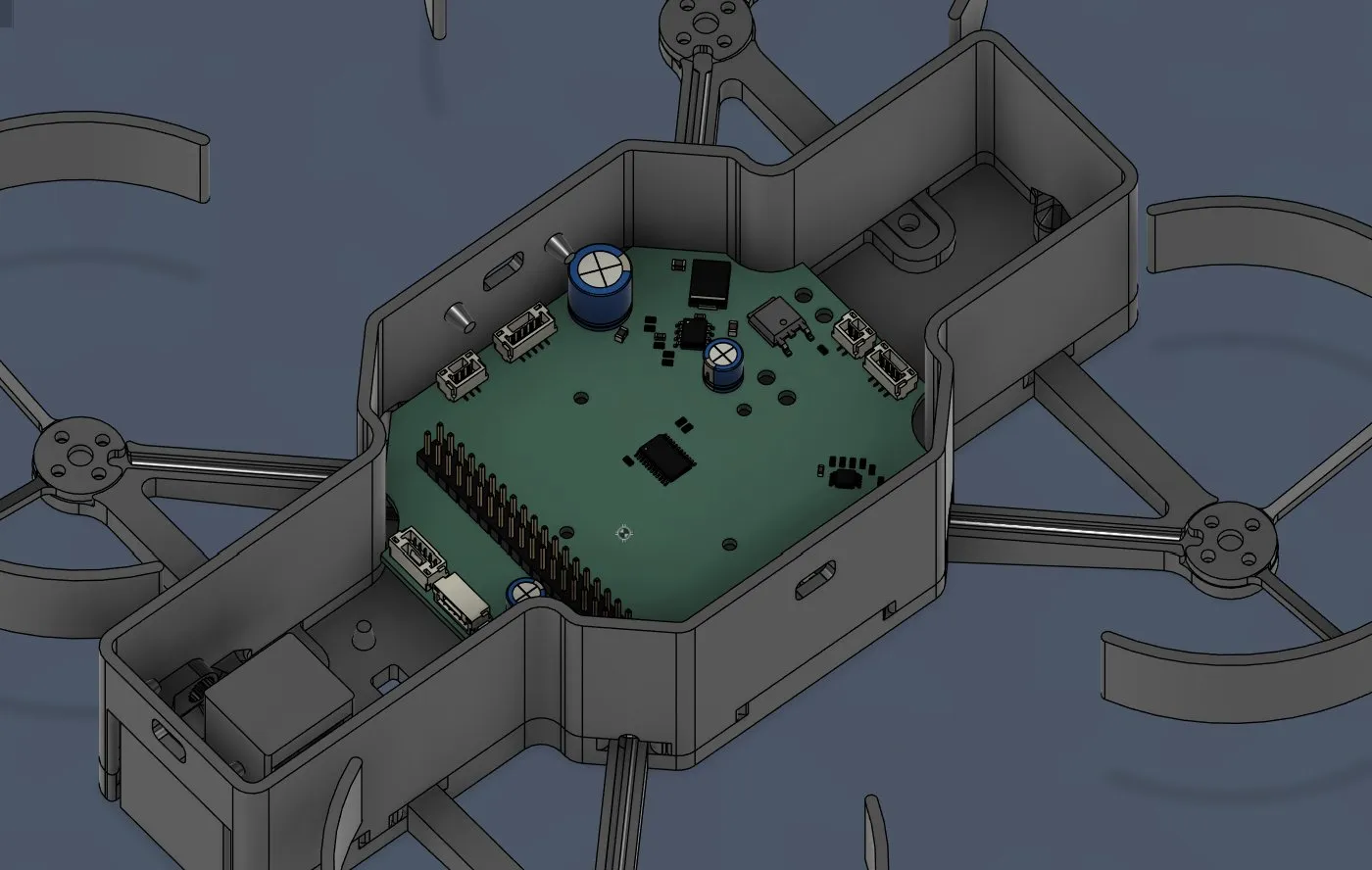
and now I started creating the columns, so that I can screw the PCB with the fx on the drone.
After measuring the height, I started placing them (height was 8.82mm) +4mm , because of the thickness of the platfrorm
but firstly I had to check how big the hole should be
and I decided that I should add an additional 2mm for more stability, and also so that the heat insert fits perfectly, and after adding the holes which I copied from the arms and lastly rounded the bottom, it looked like that:
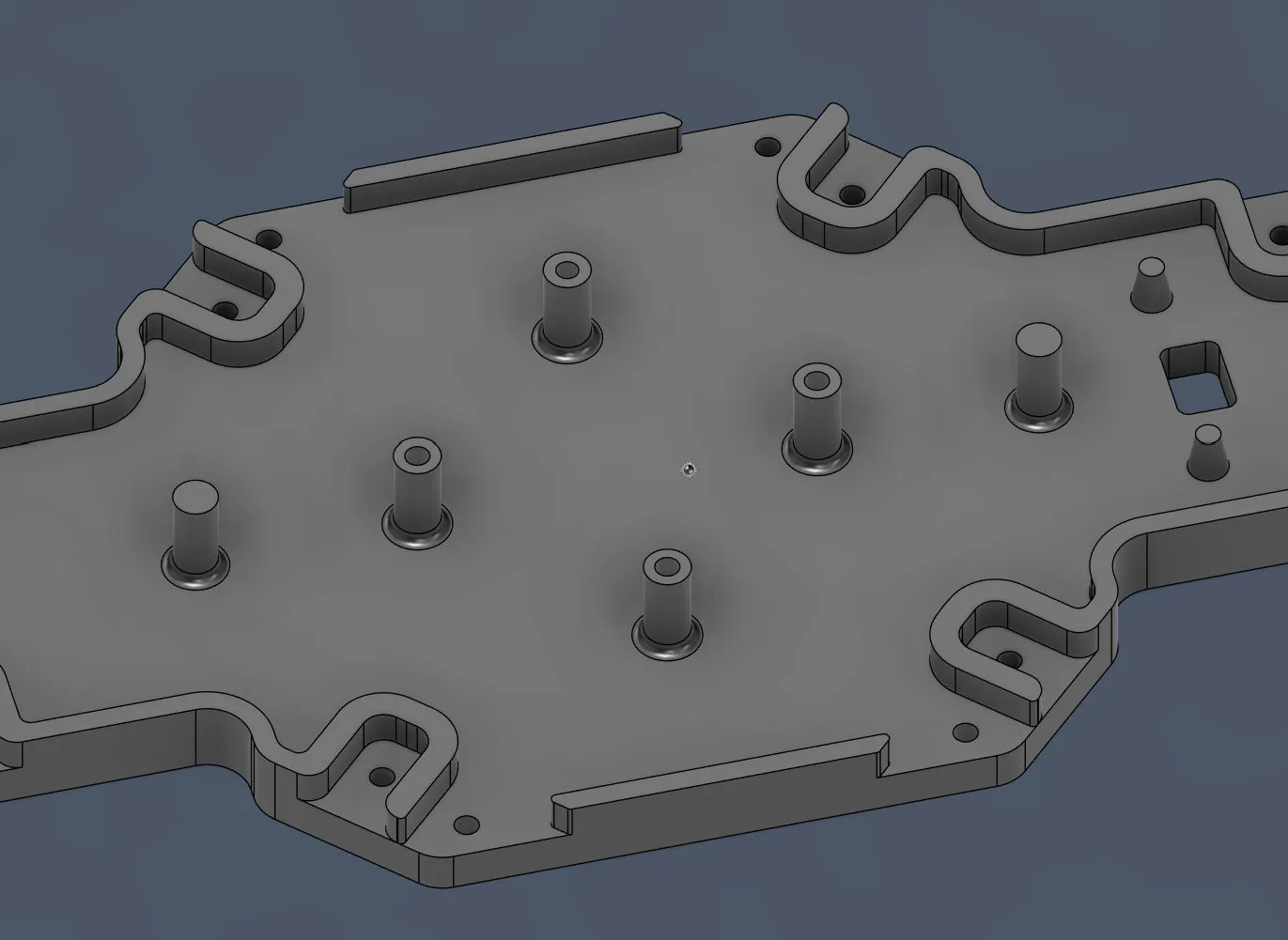
and after adding the PCB on it again, it looked like that:
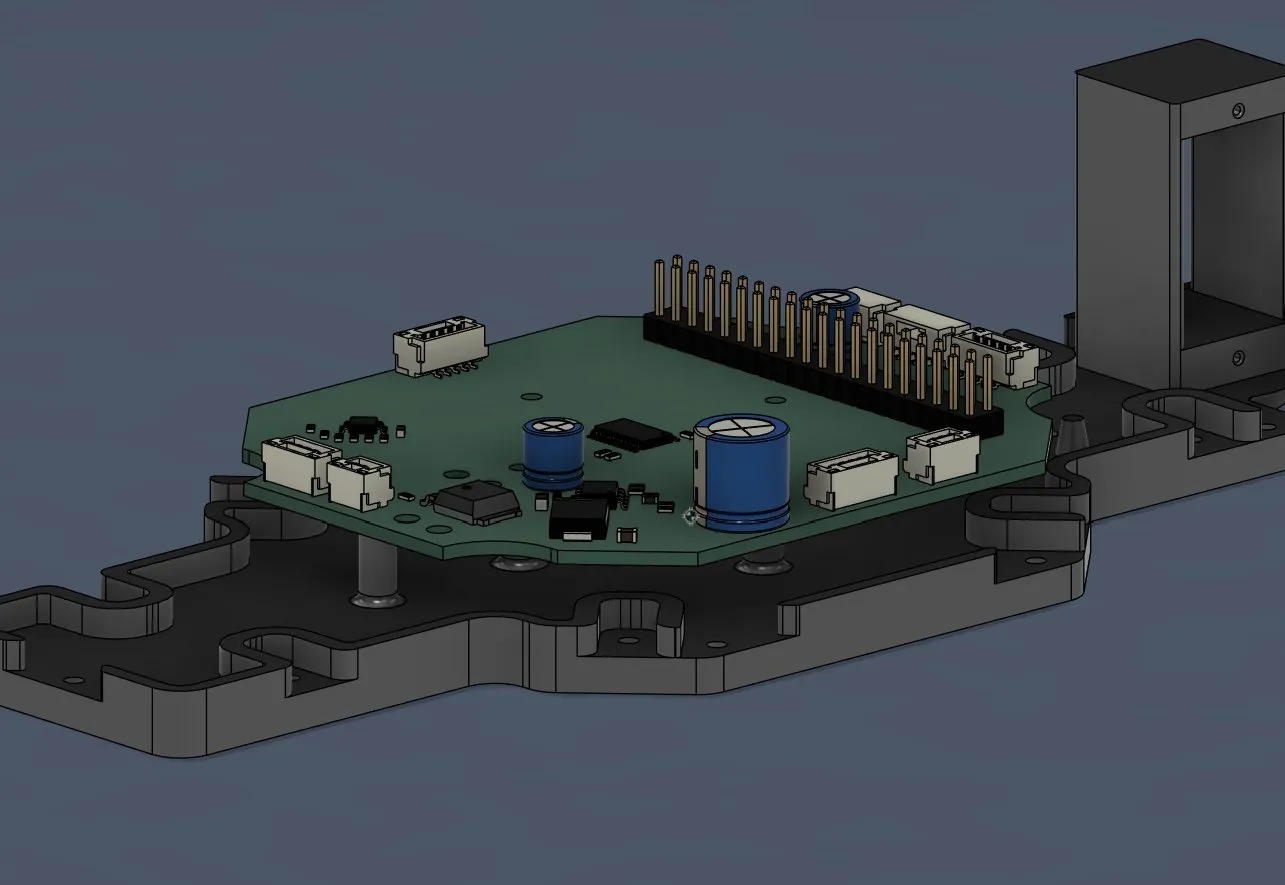
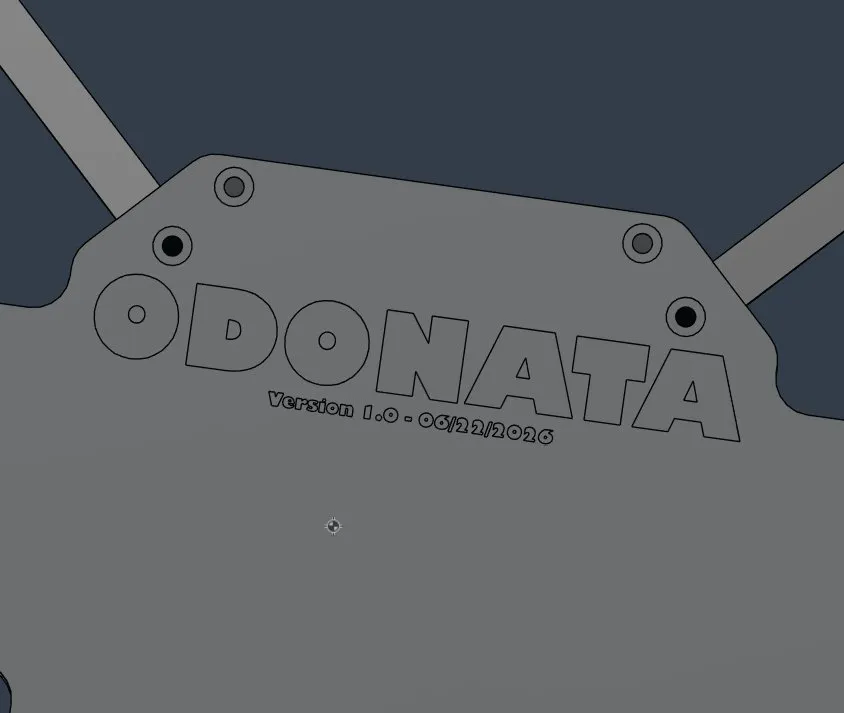
and then I wanted to add the text to the drone, so I firstly searched up how to do that. You have to make a new sketch and then there is a tool called "Text" where you can write sth on the sketch
Firstly I wrote the name on it: ODONATA
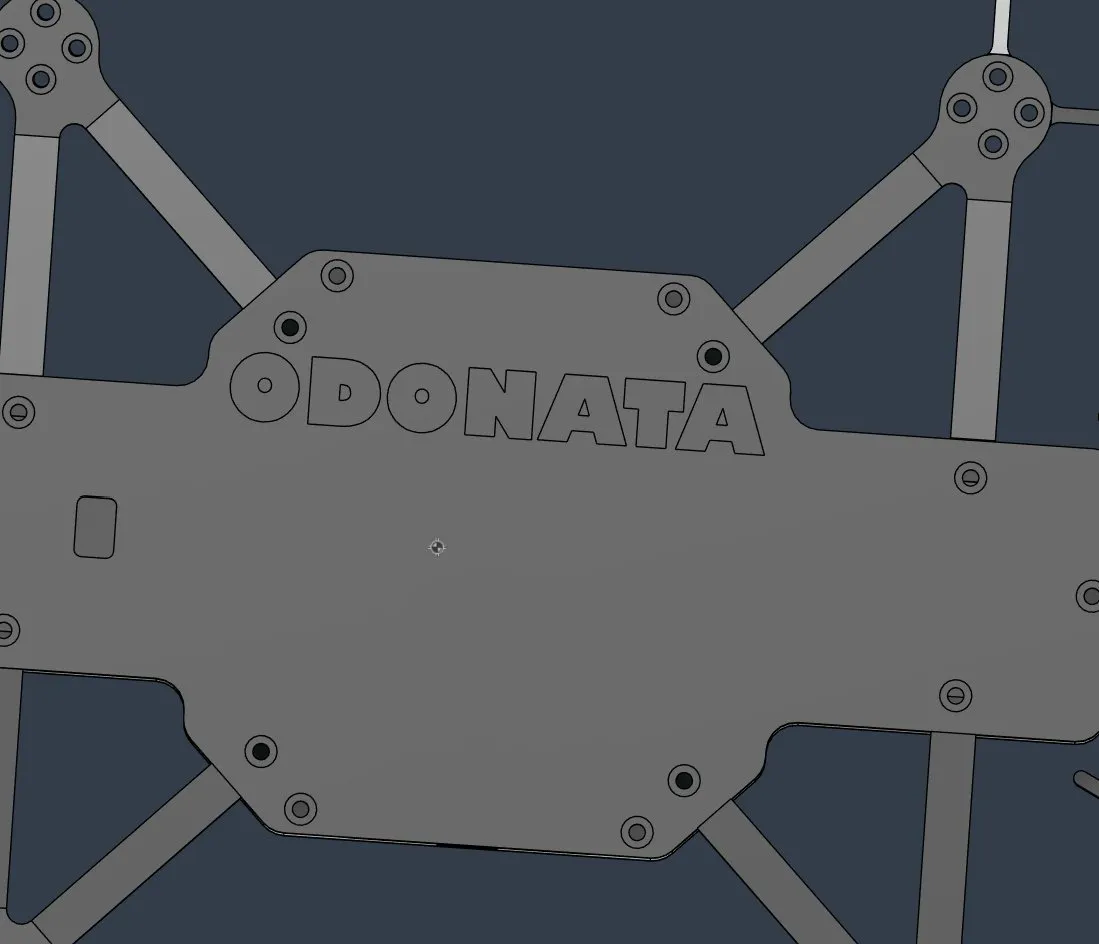
and then the version plus date:
then I started making the 3D model a bit cooler and made small like notches on the sides:
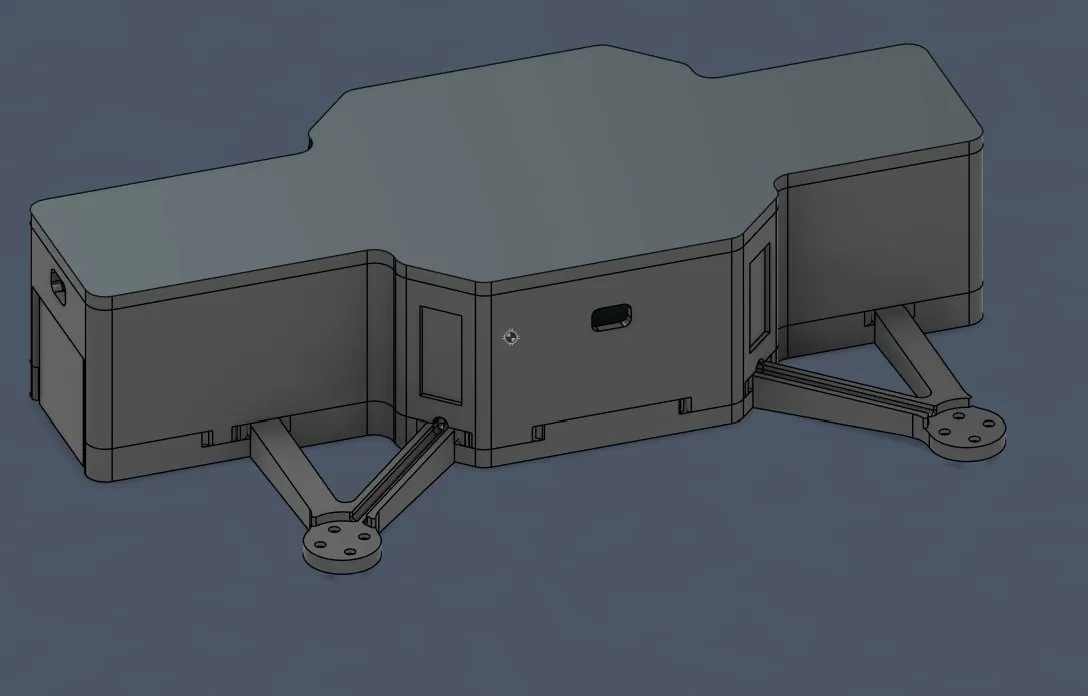
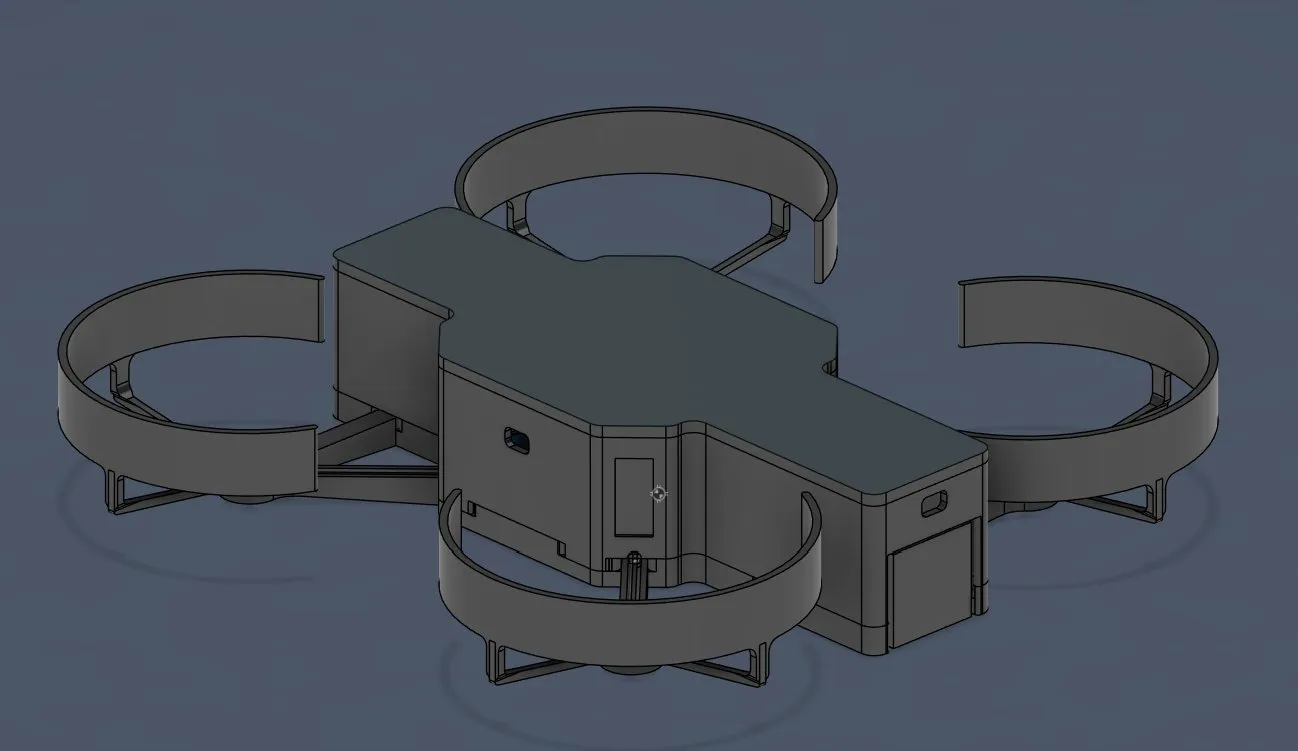
I tried other things like /// >>> or ||| but that didn't look nice and I just left it as it was, but now...... THE DRONE ITSELF IS FINISHED!!! Here is the finished drone:
and then I started with the landing station. Like I said before, it will be like that and will have its own AprilTag attached in the front.
I firstly drew the lines and made an outline of 1cm, so that if the drone has an offset of 10mm it will position itself, and now I also made a small outline of 0.5mm, so that the drone can perfectly fit.
And then I deleted the old lines and kept the others, and so I got that:
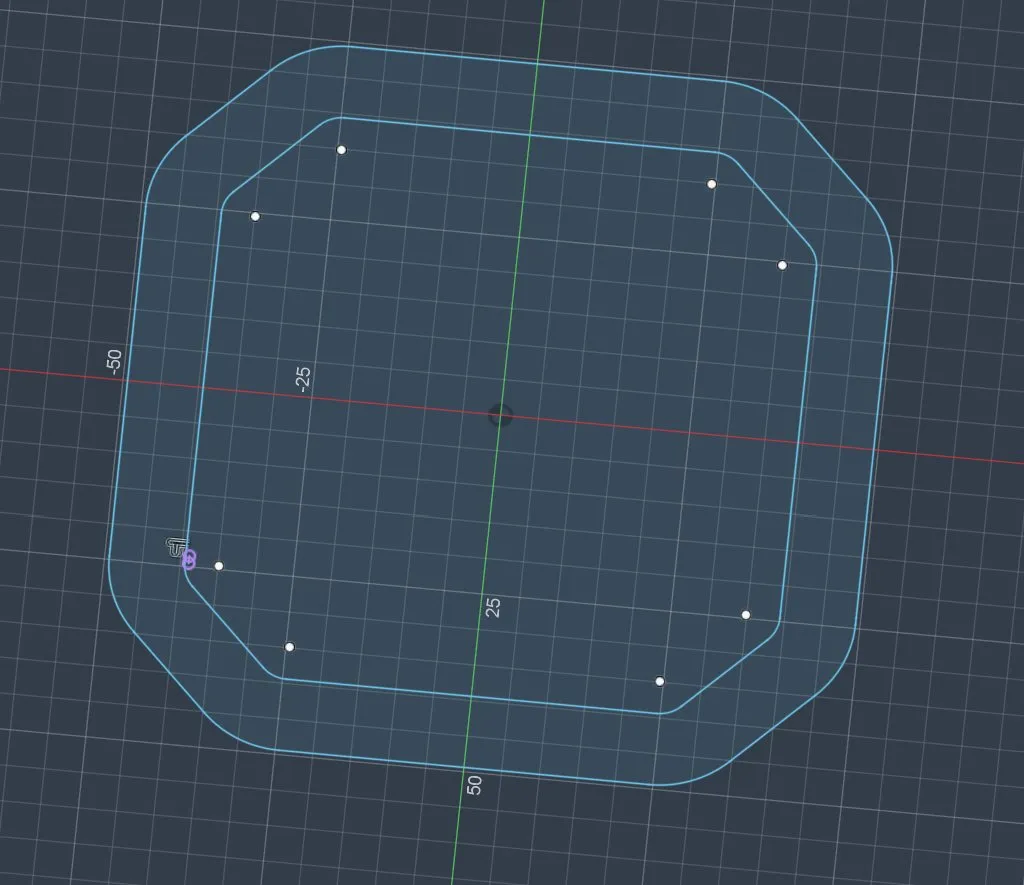
but after that I saw that I forgot to add the holes for the front, back, and the arms. So I went back and changed that.
And after adding them in the sketch, it looked like that:
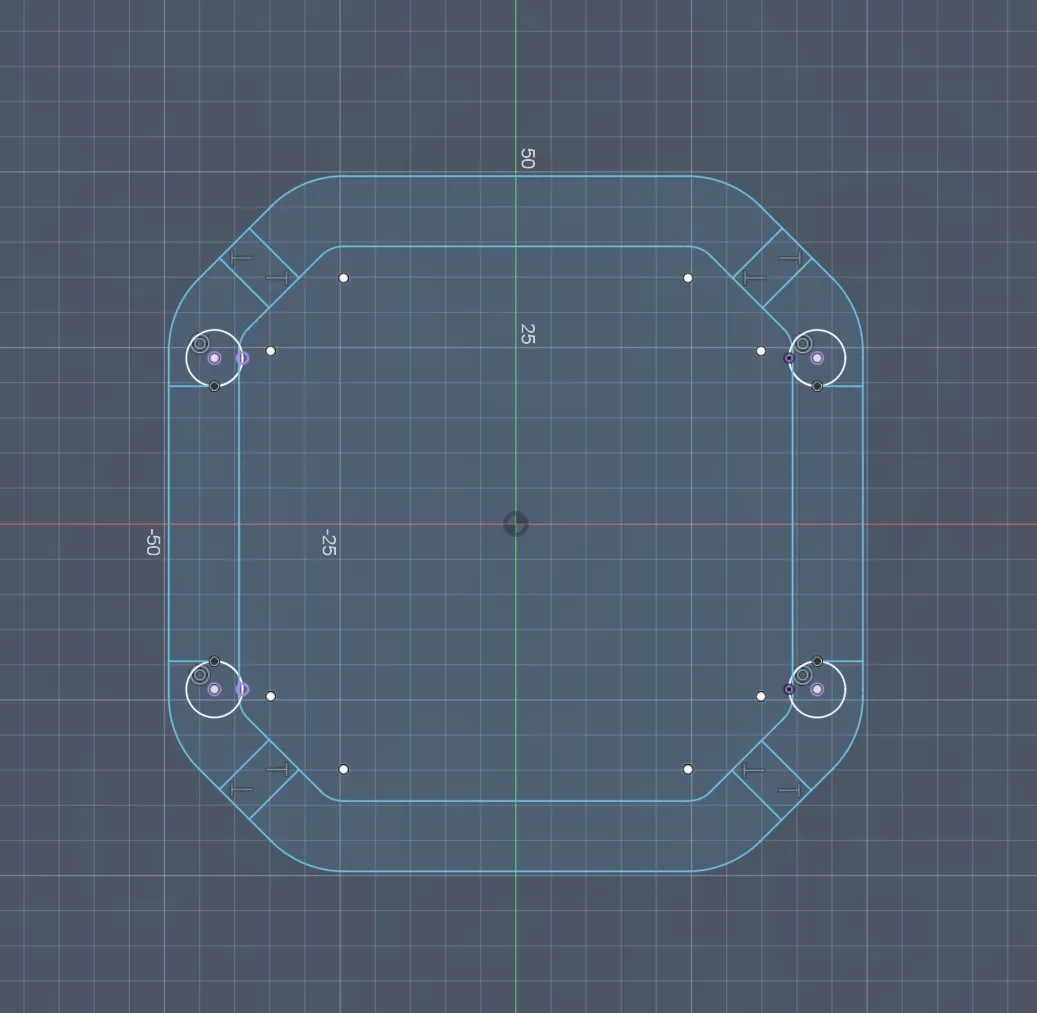
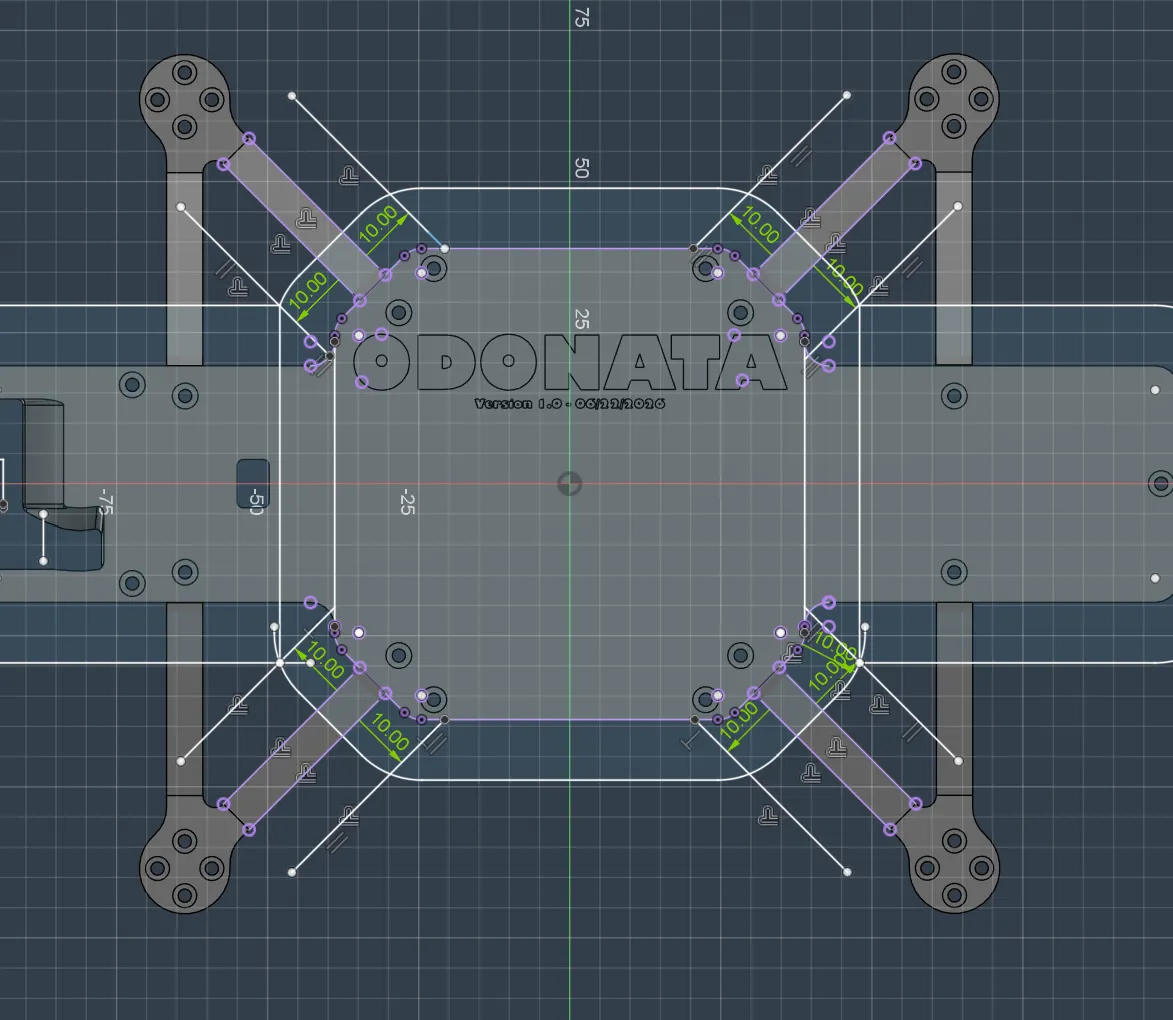
now I only had to make the 10mm offset, so it works out with the 10mm error.
And then I had to stop because I had a headache, and after measuring my temperature I had a very high fever, so I lay down. And now, one day later, I'm better and continuing! During that time, I remembered that I forgot to add the on/off switch for the drone into the CAD, and I decided to place it on the back because it's the easiest to click there; on the sides, the propellers make it more dangerous.
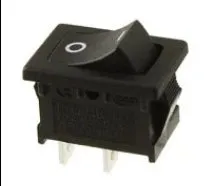
And I decided to use this switch: https://www.digikey.de/de/products/detail/e-switch/RA1113112R/3778055?gclsrc=aw.ds&gad_source=1&gad_campaignid=20496382285&gclid=Cj0KCQjww8rQBhDjARIsAE43KPMbfgeEBc8-5HGrJN0BMzVz1RTfrfVK5zAIDxv98wixdx1Dpi16iw4aAjvNEALw_wcB because it can handle up to like 120V and 10A, which IS PERFECT!! It looks like the classic switch (cool):
and then I found the dimensions of the cutout and I directly applied them into the CAD:
and after cutting it out, it looked like that, but the cover holder thing was also sticking out, SO I decided to also cut it.
And I wanted to see if the battery and the switch would fit into it, and during that, I saw that the JST-GH that I added to the PCB was different from the one on the battery, so I had to update the footprint:
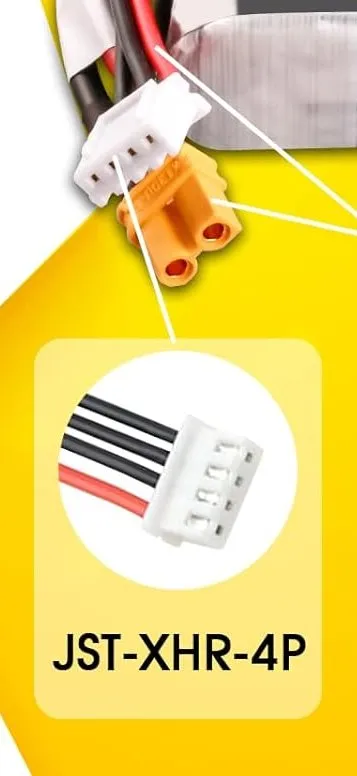
and after searching online, I found out that I would need this one: Connector_JST:JST_XH_B4B-XH-A_1x04_P2.50mm_Vertical
and after updating, I had to fix some issues with that:
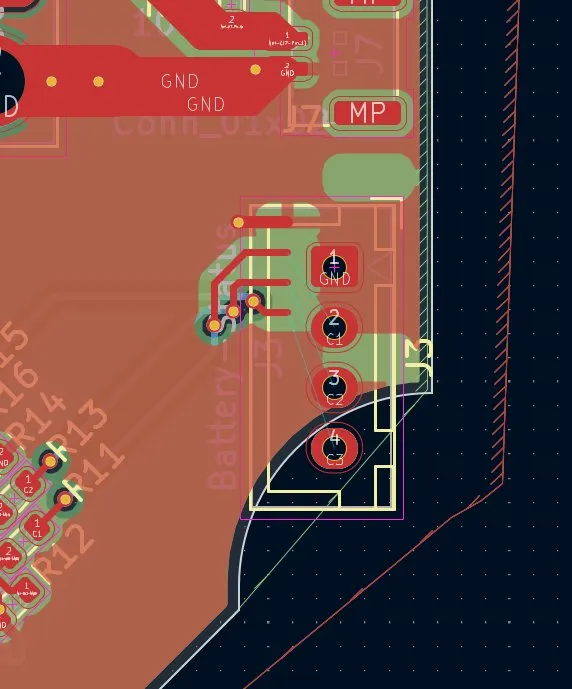
and after finding the optimal position and rewiring, it looked like this (and in 3D, I was a bit shocked btw that this connector is THAT BIG):
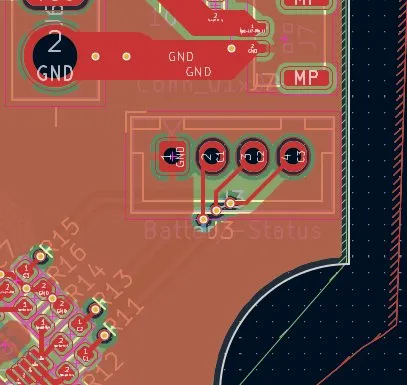
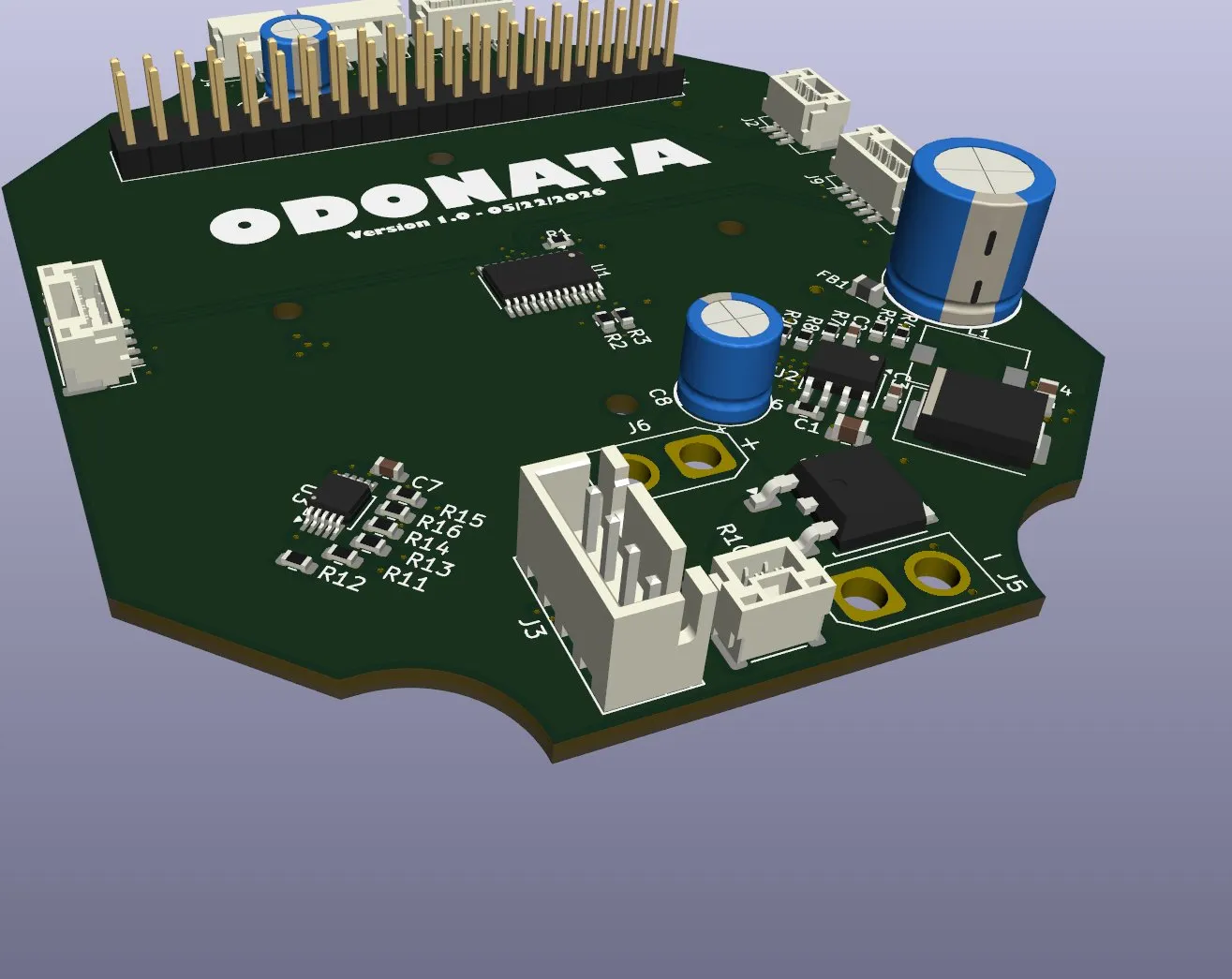
but then I was very afraid that the battery wouldn't fit perfectly, so I designed the battery to test it, and..... the battery didn't fit, whYyYY?
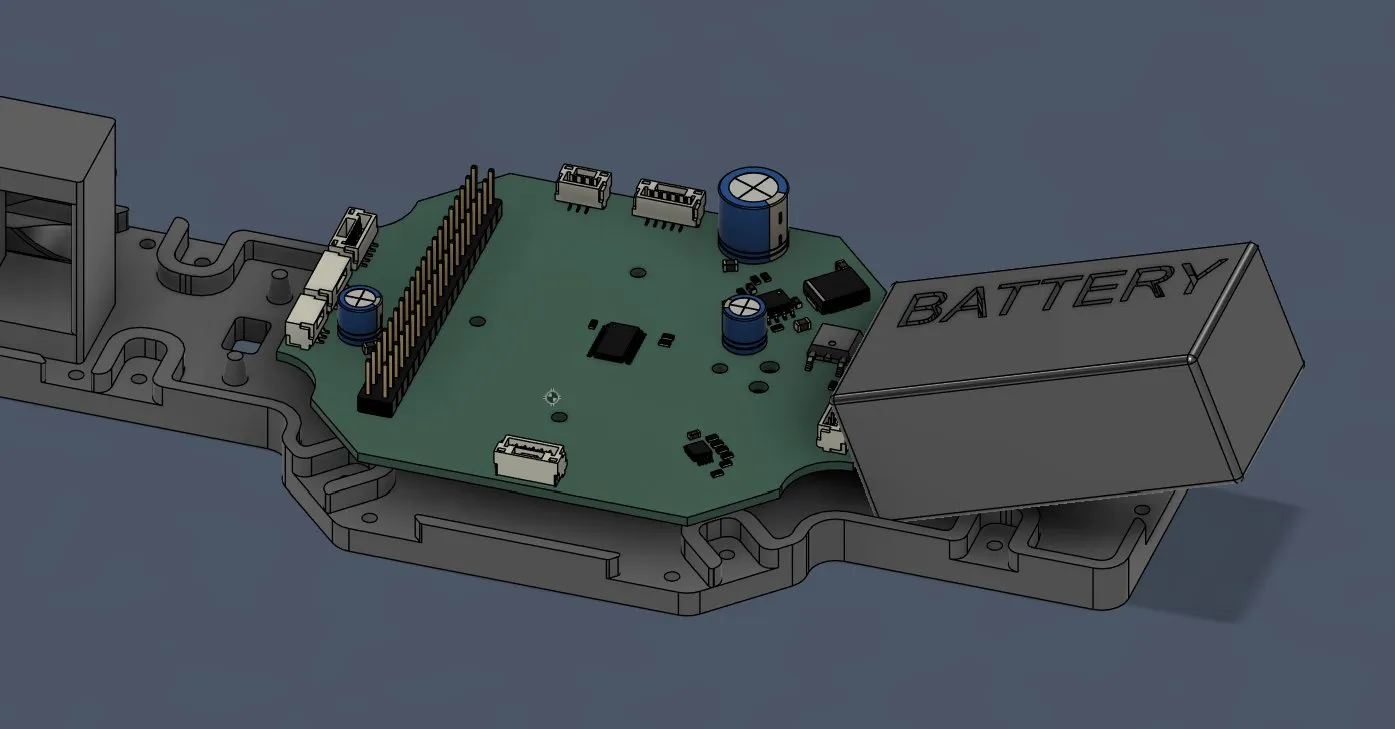
and after trying and thinking for like 20 min what to so, I saw that the only solution would be to extrude the back by 15mm. So after adding a construction plane and moving it to the point, I split the back of the drone, moved it back, and made the back of the drone larger. And after positioning the battery in there, it was almost perfect (I'm just afraid how the center of gravity will be).
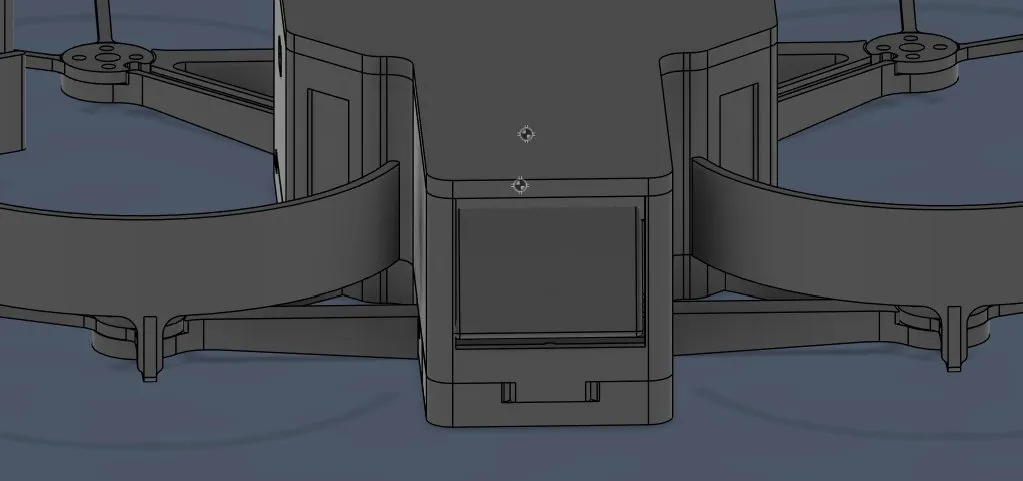
I just had to cut a bit of the cover holding part and it would be fine, SO I did it.
I cut the part that was unnecessary and I rounded the cut corners, and it looked like that:
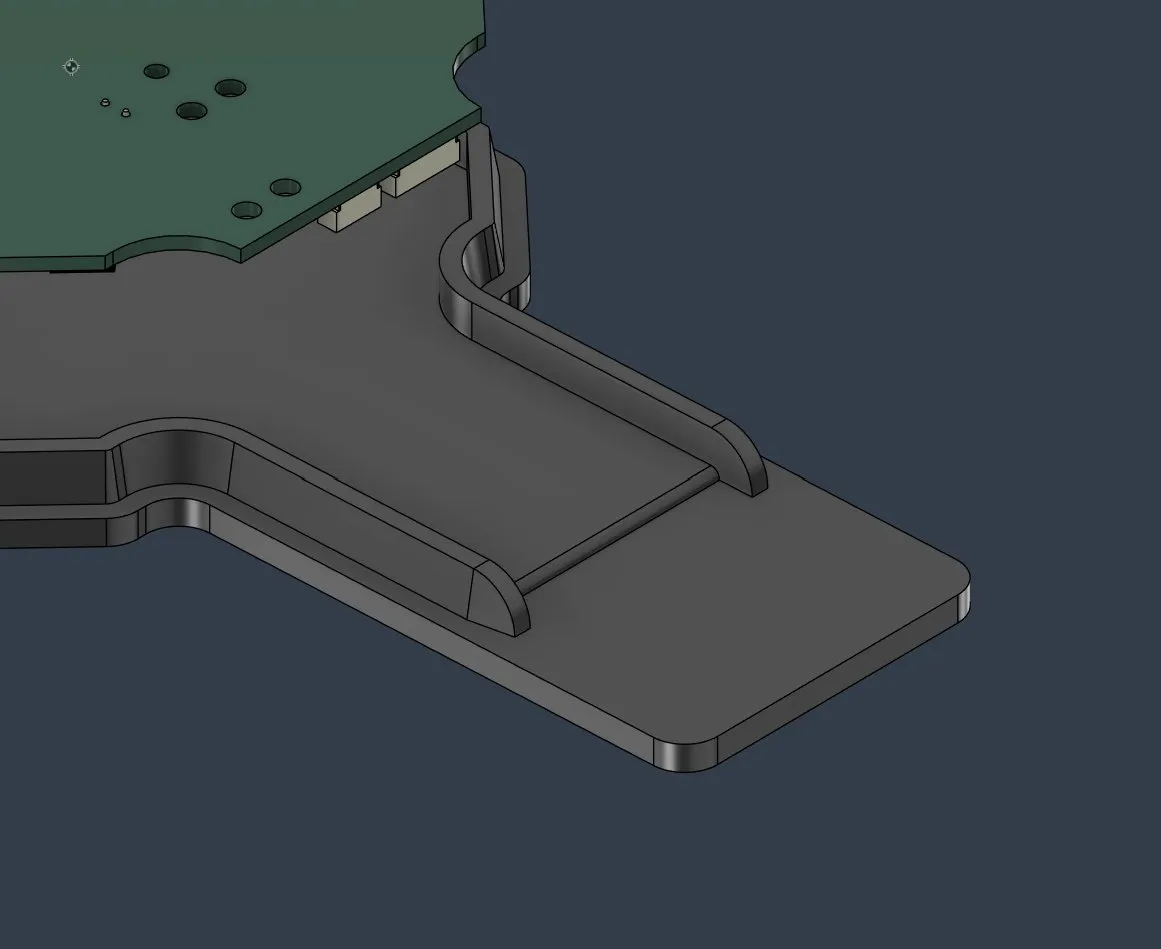
so after that, this part was finished:
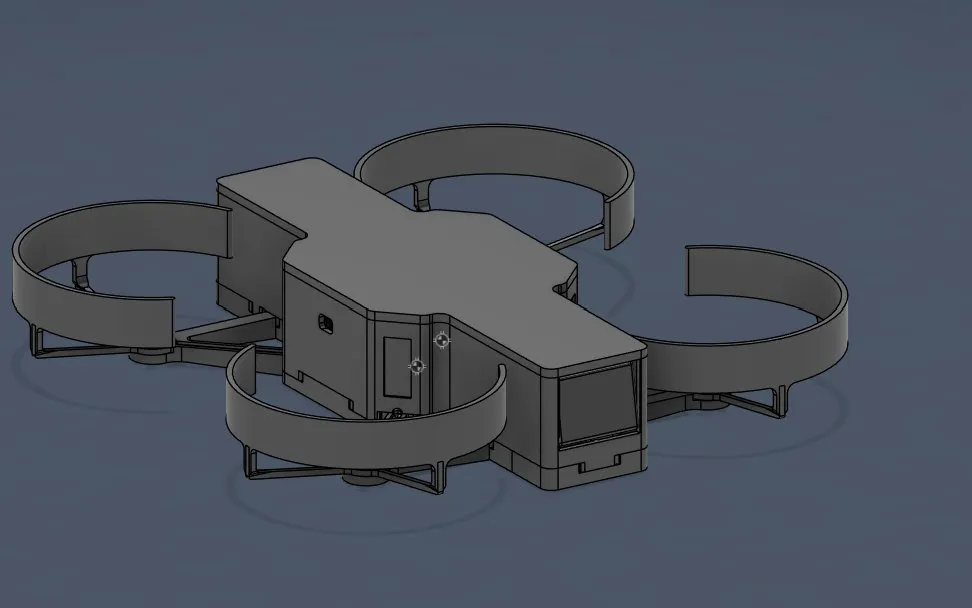
But I still had to position the on/off switch. At first, I didn't want to position it on the cover, but I didn't have space anywhere else, so I had to do it. And after finding the perfect spot for the on/off button on the top, it looked like that:
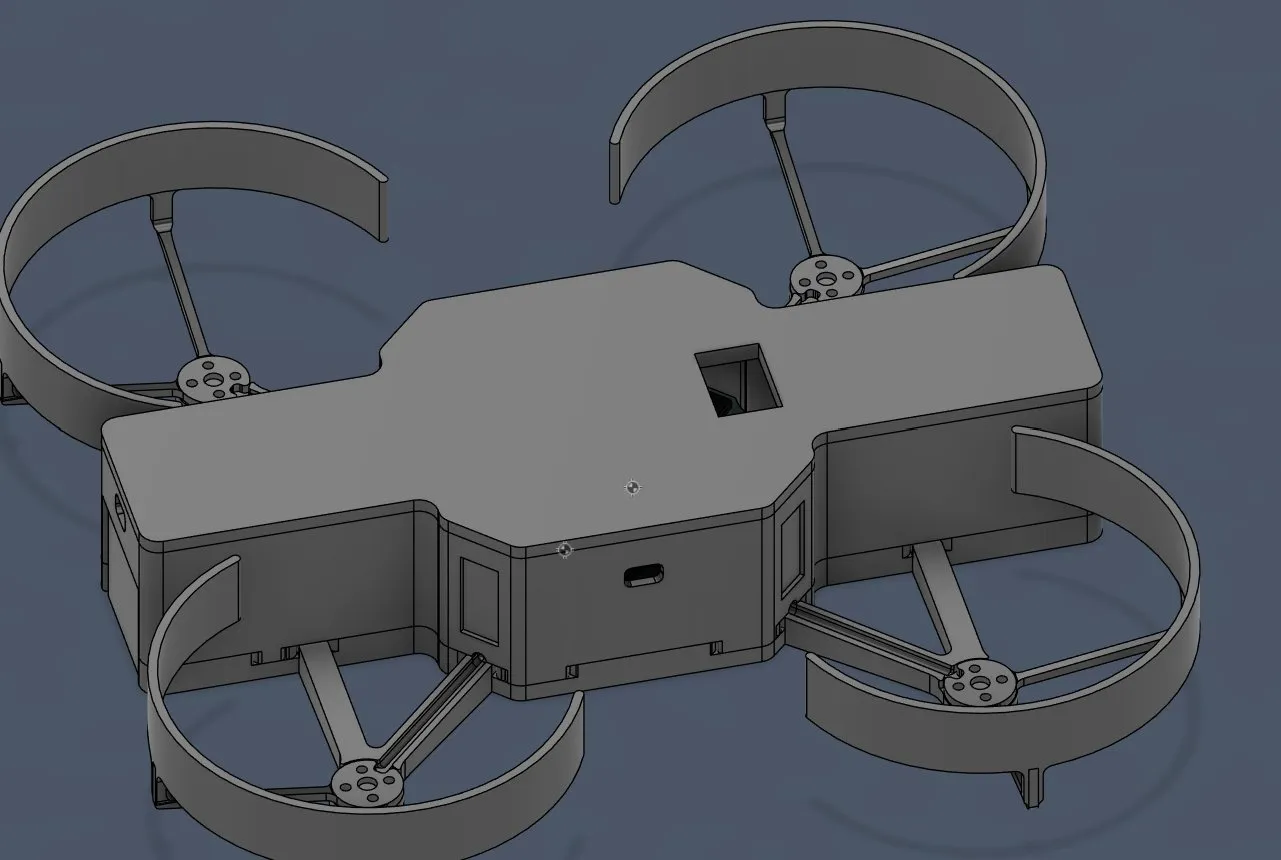
It is the perfect position because it needs about 2cm to the bottom, and there is nothing for about 2.5cm, and it's directly under the pins which is connected to it.
and the drone is finished!!!!
and now we continue on the landing station again, but when I wanted to open it, it was lost.... I probably forgot to save, sooooo I had to start from the beginning T-T
I firstly started by making a new sketch and projecting the important lines:
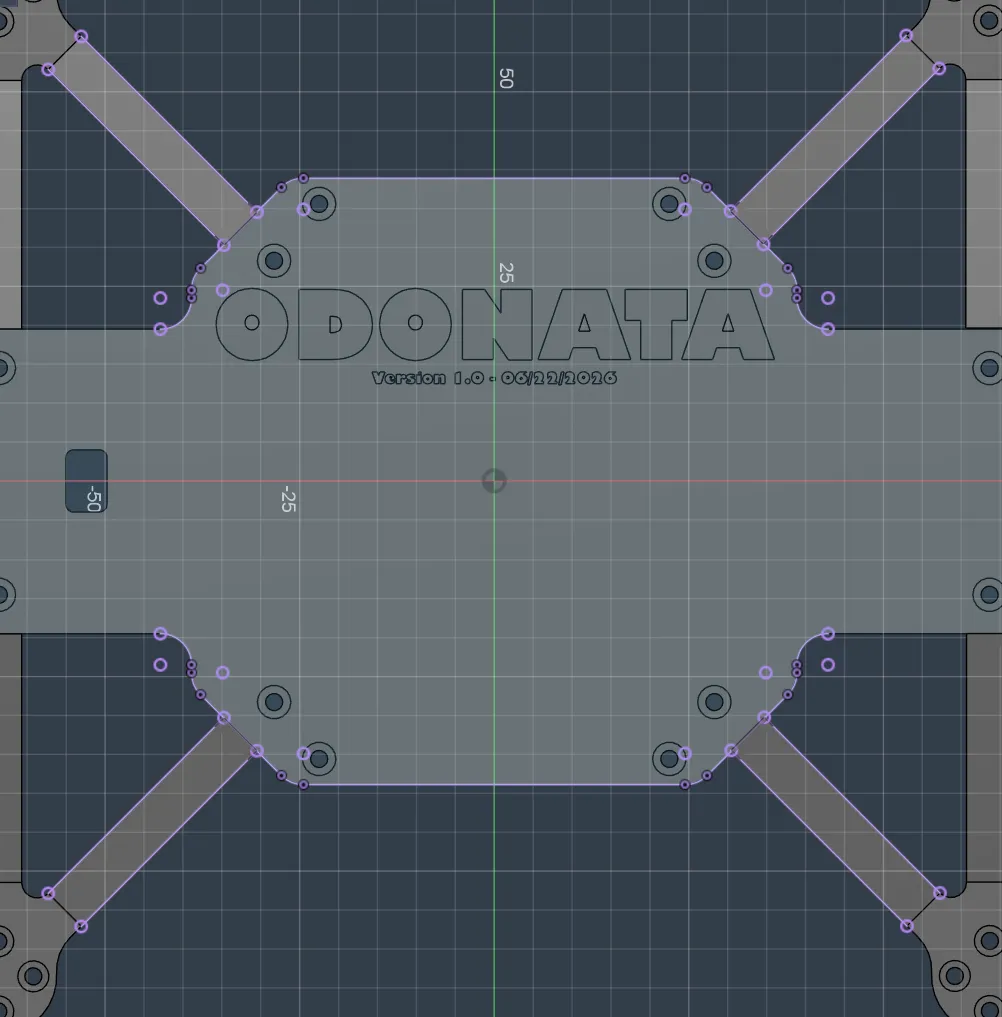
and after making an offset of 10mm (so that the drone centers itself):
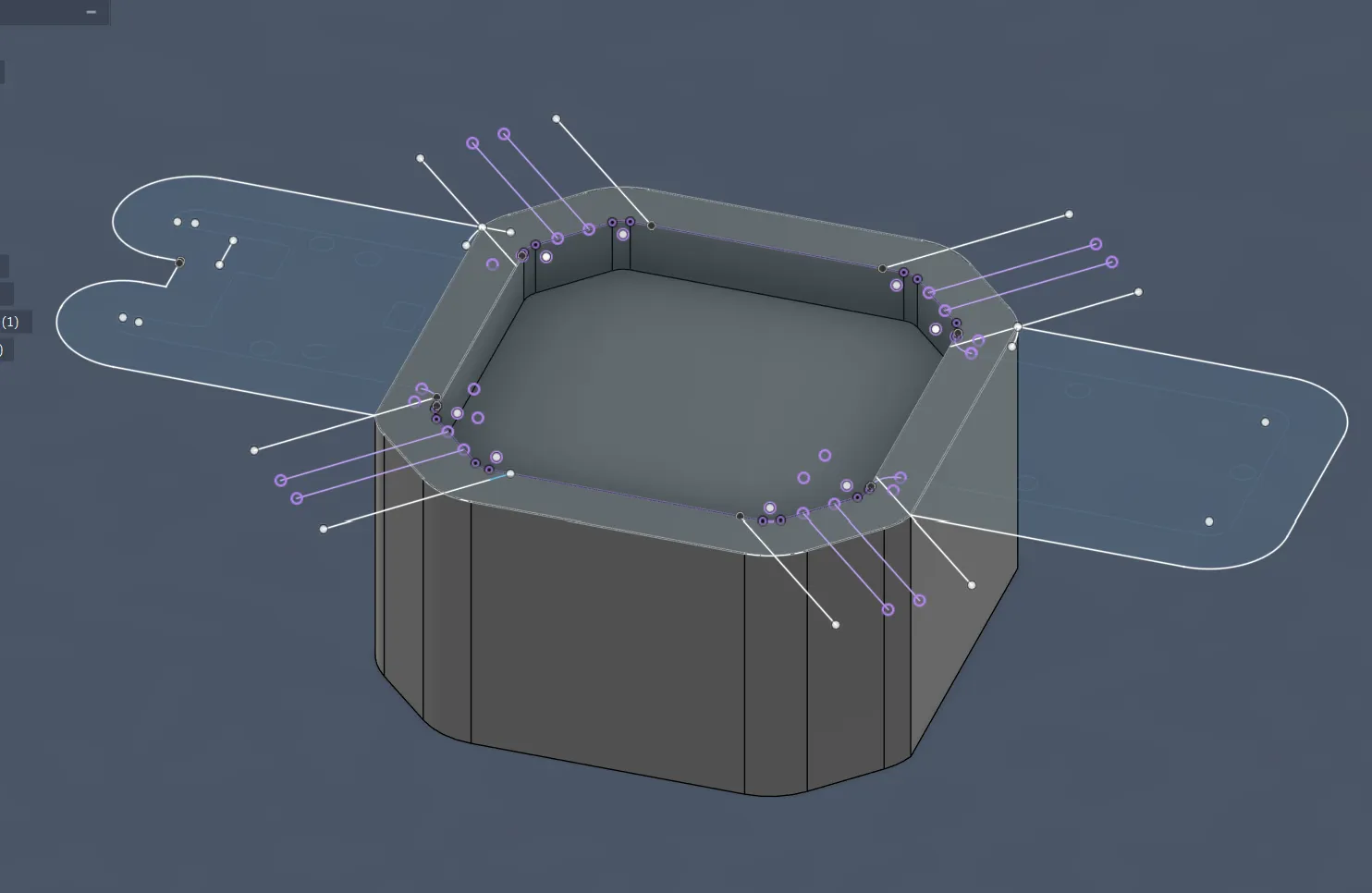
I then started extruding for 50mm, so that after landing the camera can still see the AprilTag and can stabilize itself etc. After that, I made the hole in the middle where the drone will land on:
after that, I cut out where the parts will stick out, so the arms and the front and back body.
So I firstly removed the holes and the text from the platform, so that I can extrude and cut the things out of the landing station:
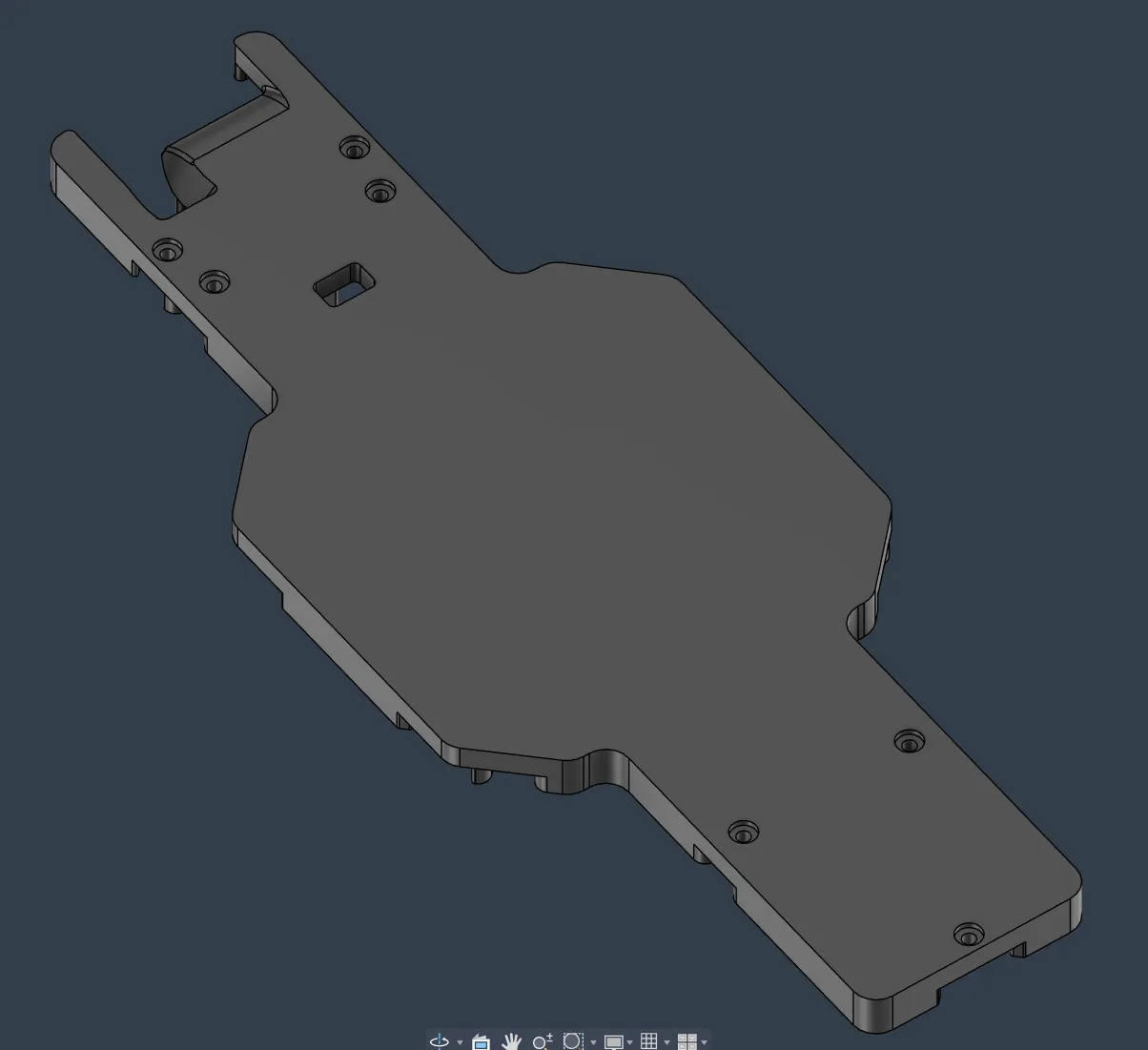
and so I cut the front and back object into the landing station:
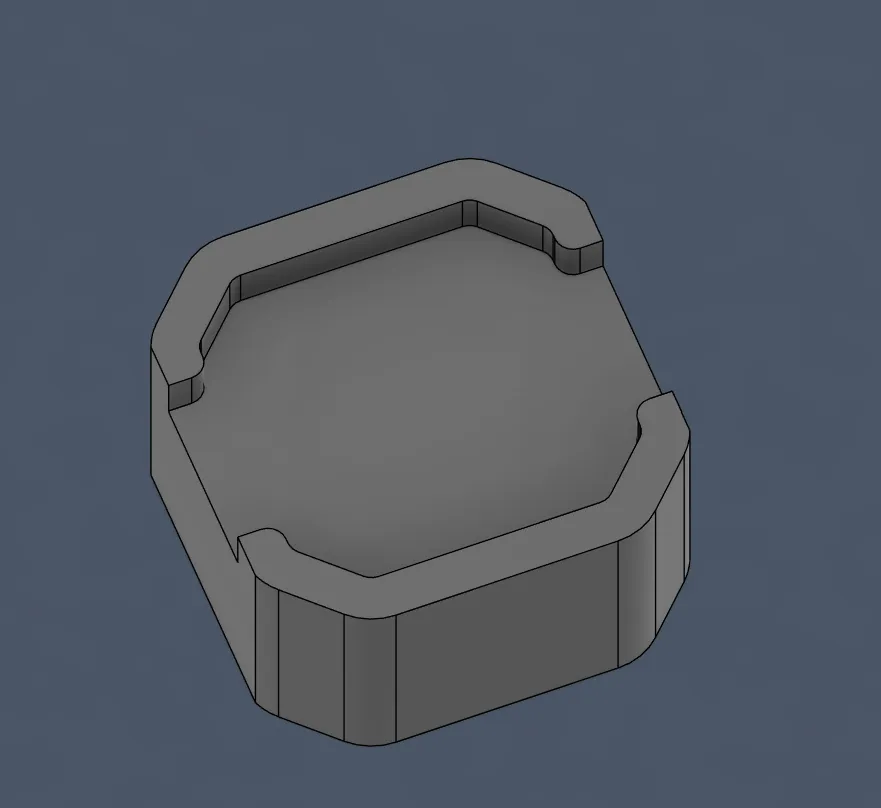
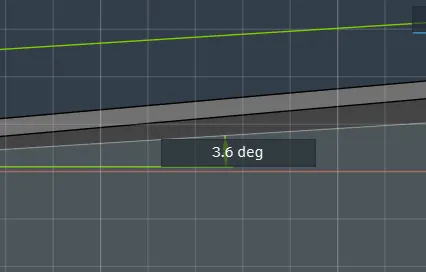
Now I had to cut the arms, but therefore I firstly had to measure the angle of the arms, and after measuring I found out that it was 3.6 degrees:
But firstly I selected the arms and cut the holes:
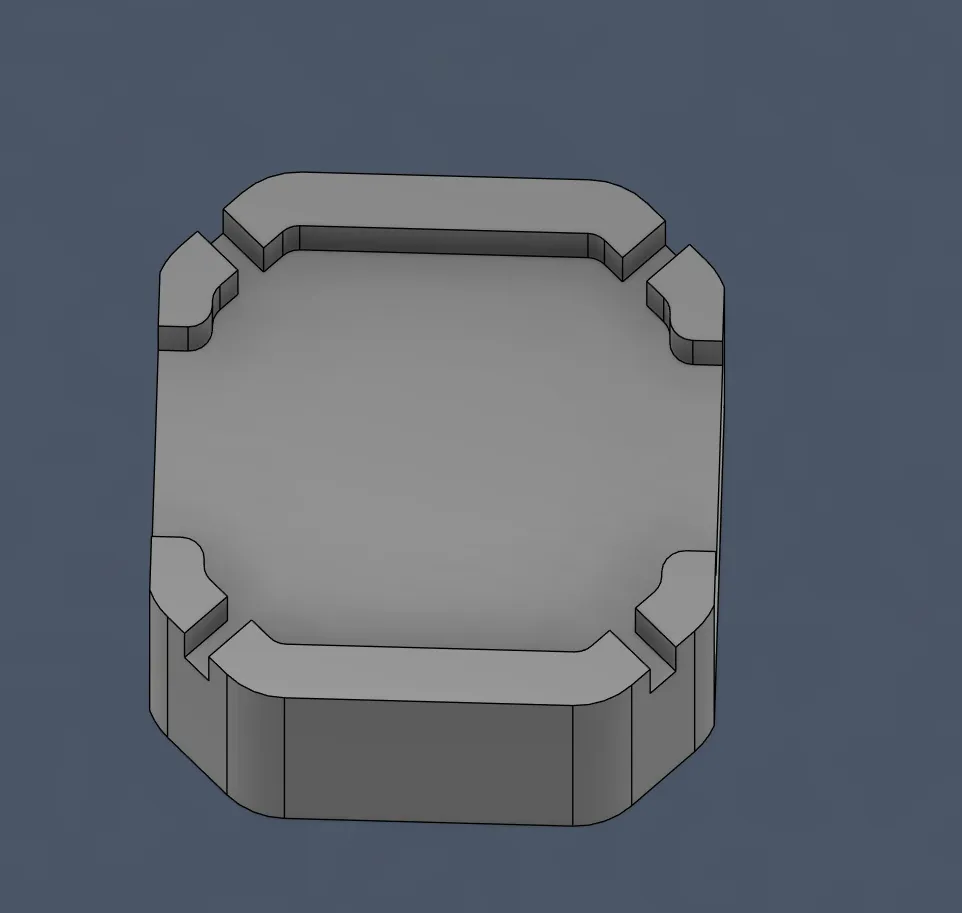
and after that, I rounded the corners.
- I rounded the corners of the arms with a radius of 2mm. I used that because it's small enough so that the drone is still in a good position, but also good for the printer so that it doesn't have to like stop and go in the other direction.
And then I continued on those corners:
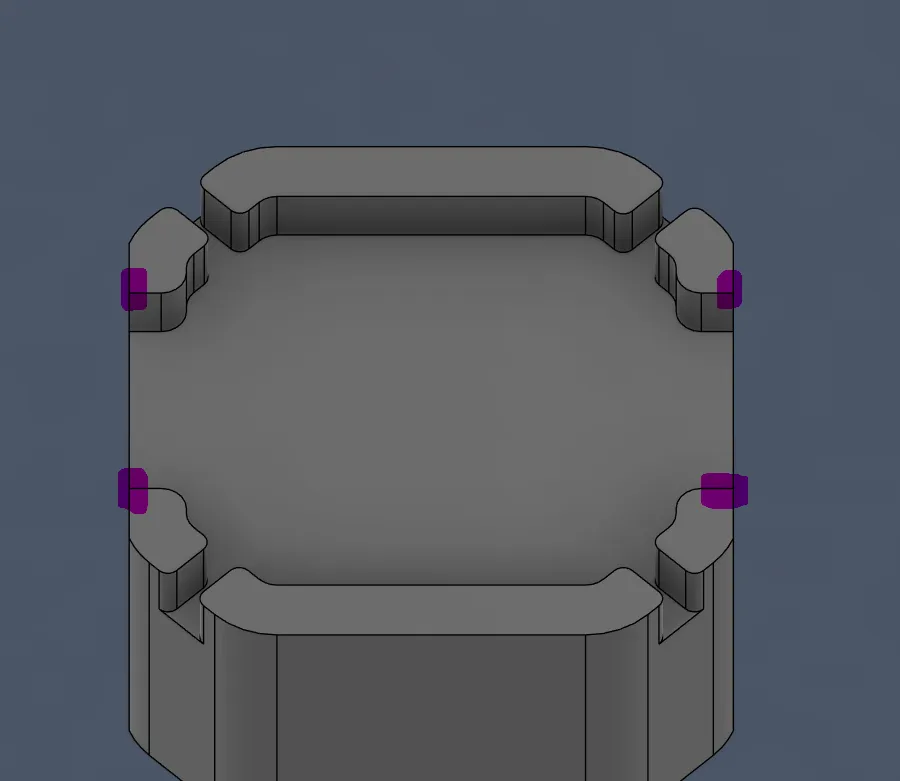
I decided to use 4mm here so that it looked like a half circle and so cleaner:
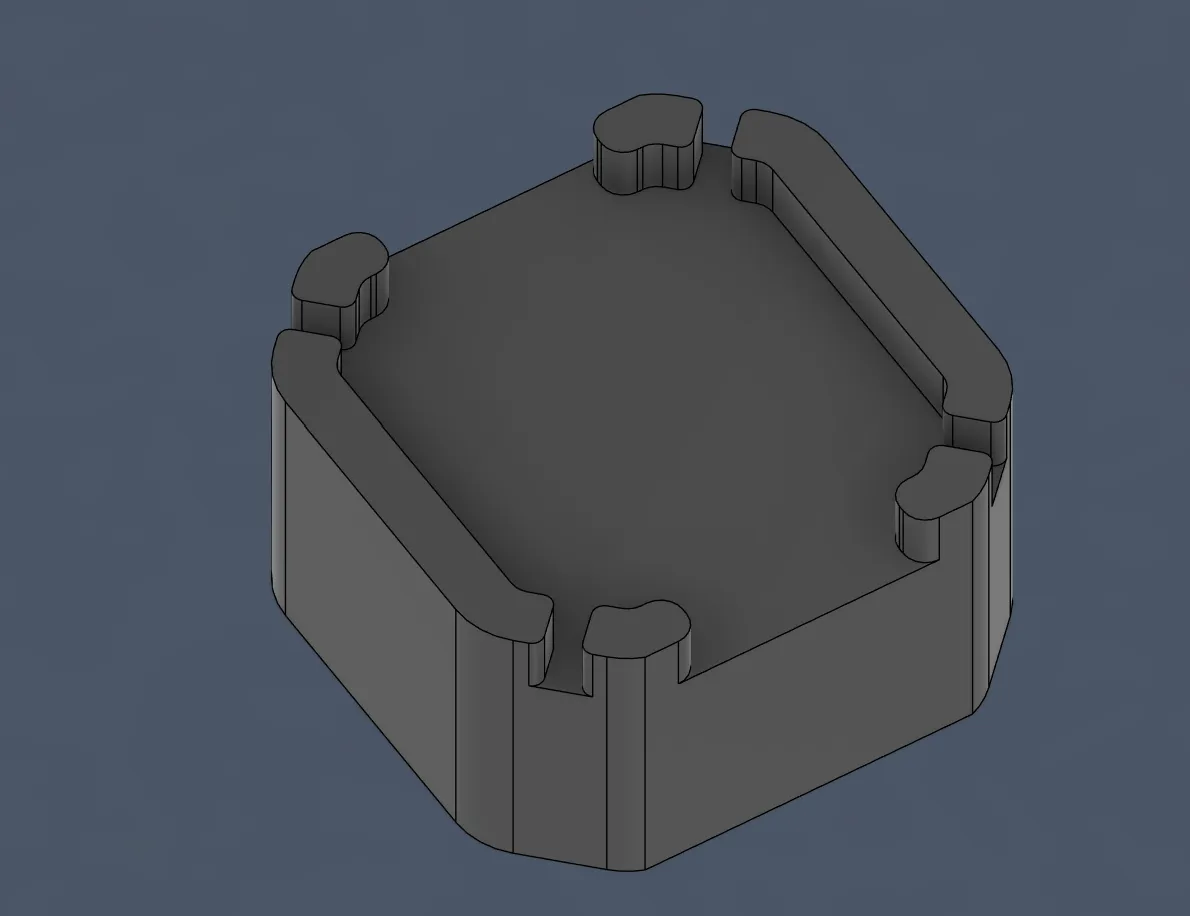
and now I had to make an offset of 0.2mm so that the drone isn't stuck:
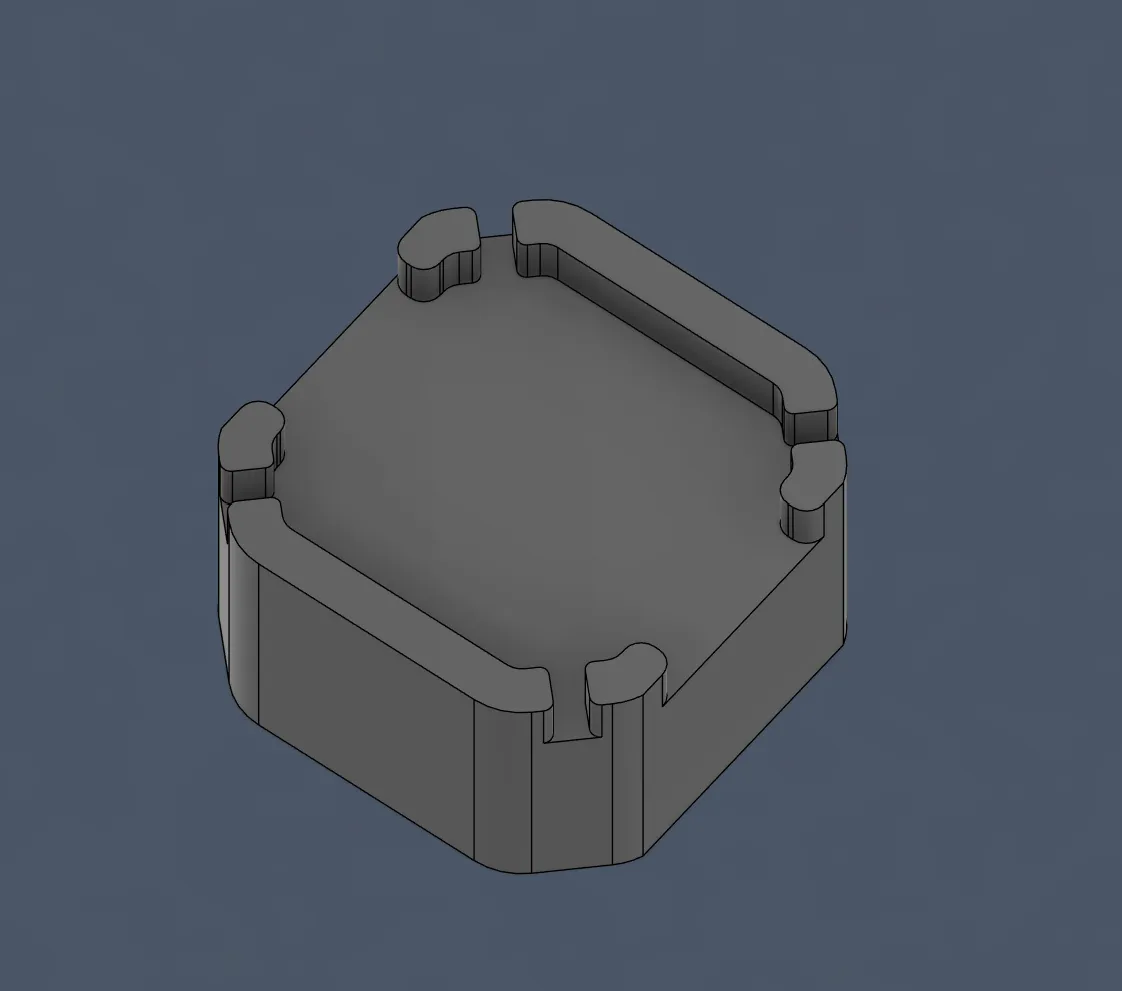
and now I added the angle for the drone arm, but I first had to search how you do that because I didn't know that.
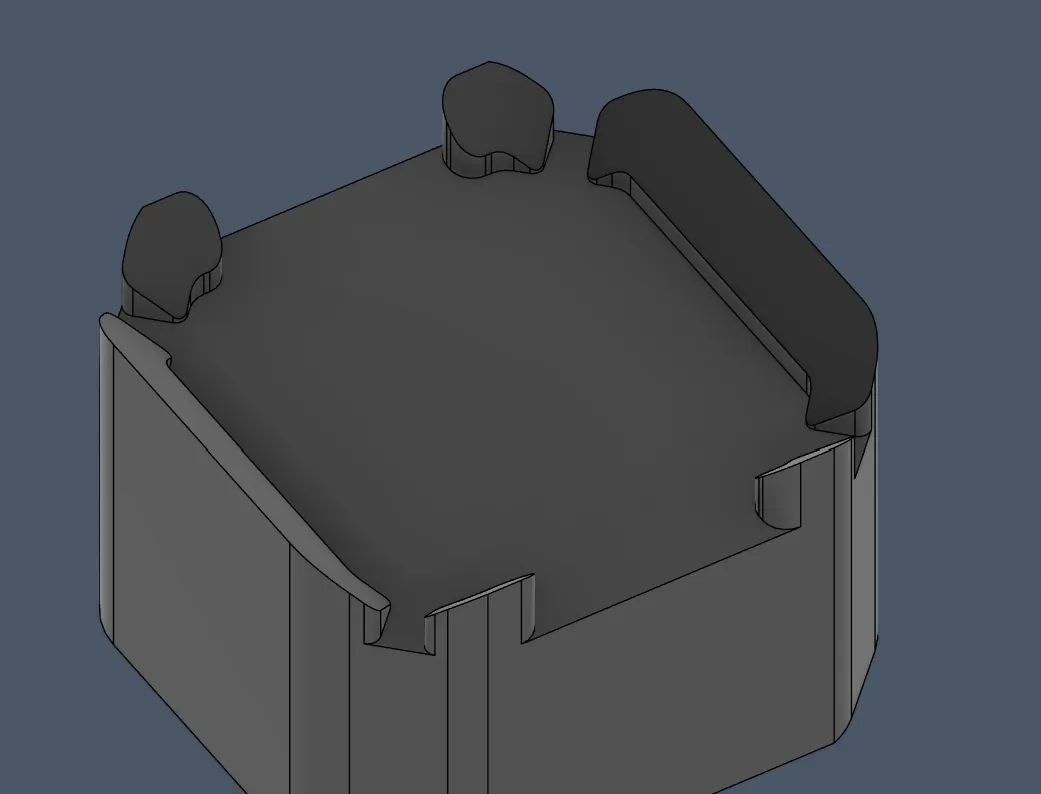
And I tried with many tools like Loft, chamfer, and draft. At first, I didn't really know how they all worked so I had to find that out, and all of them had their problems and it didn't end up how I wanted it. I was thinking of other solutions like maybe cutting it with planes or making like a sketch and then extruding that part with cut, but luckily after checking Draft, it worked perfectly! And after adding 45 degrees, it was perfect and I only had to adjust the height of the platform where the drone will sit:
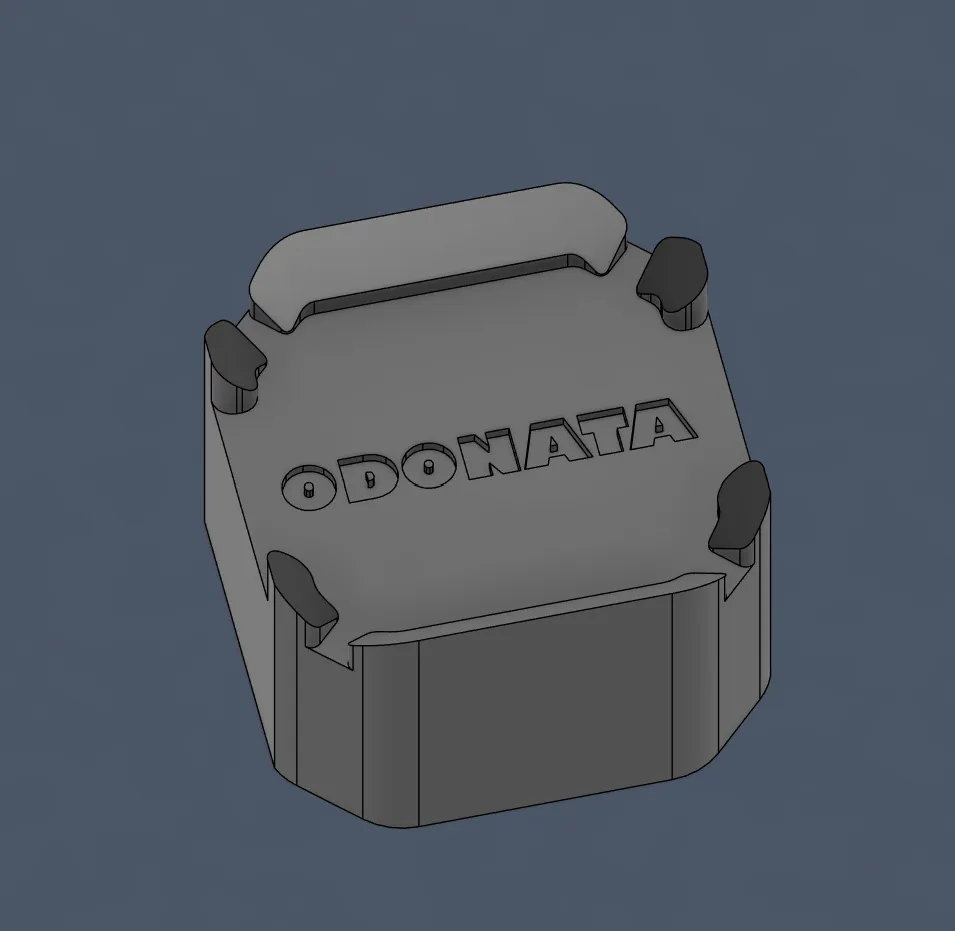
and then I wanted to make that landing station a bit nicer looking, so I added the project name:
then also added a small like barrier by making an outline:
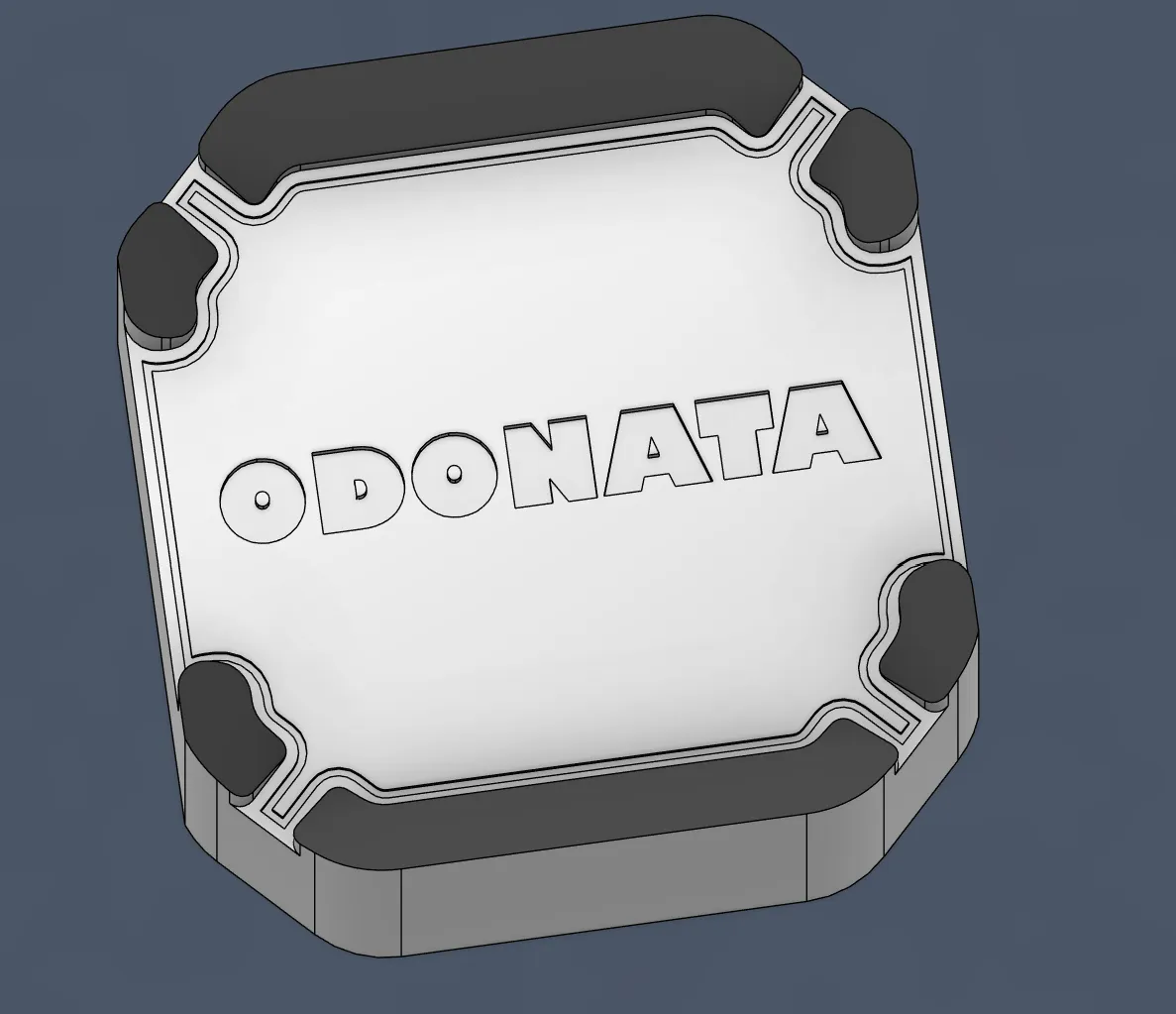
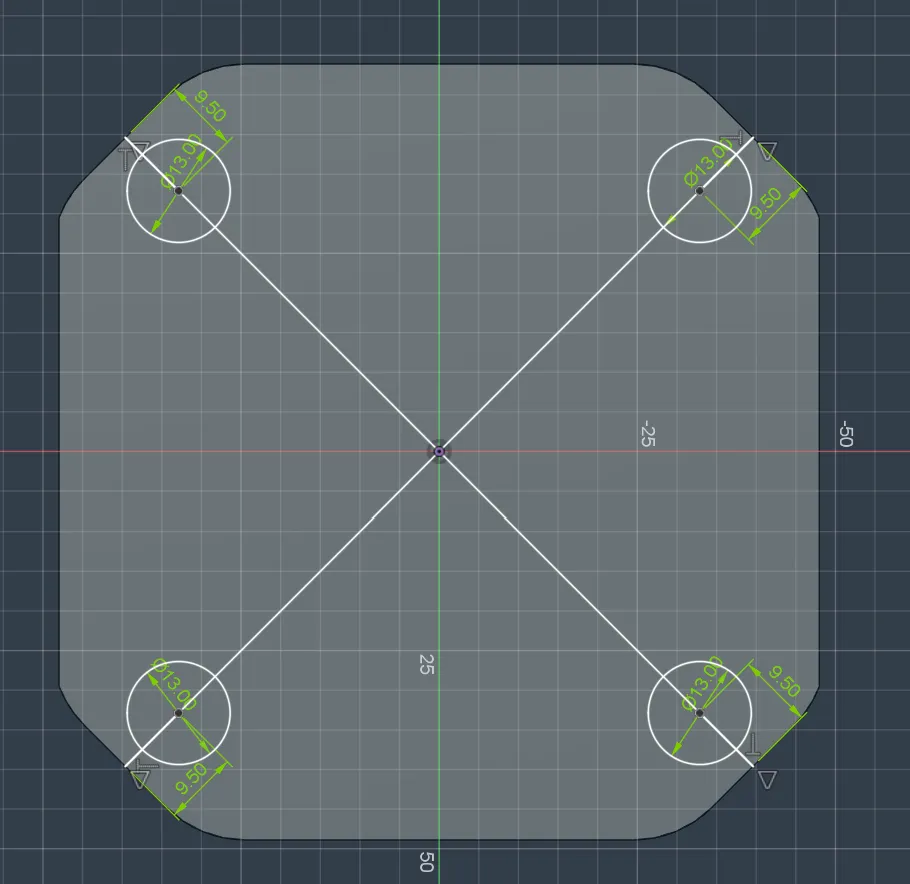
and I had the idea to also add Bumpons so that it stays at its place and also cushions the drone a little bit, SO I right away made the holes for it in the CAD model.
I tried making them as close as possible to the edges of the landing station with a diameter of 13mm:
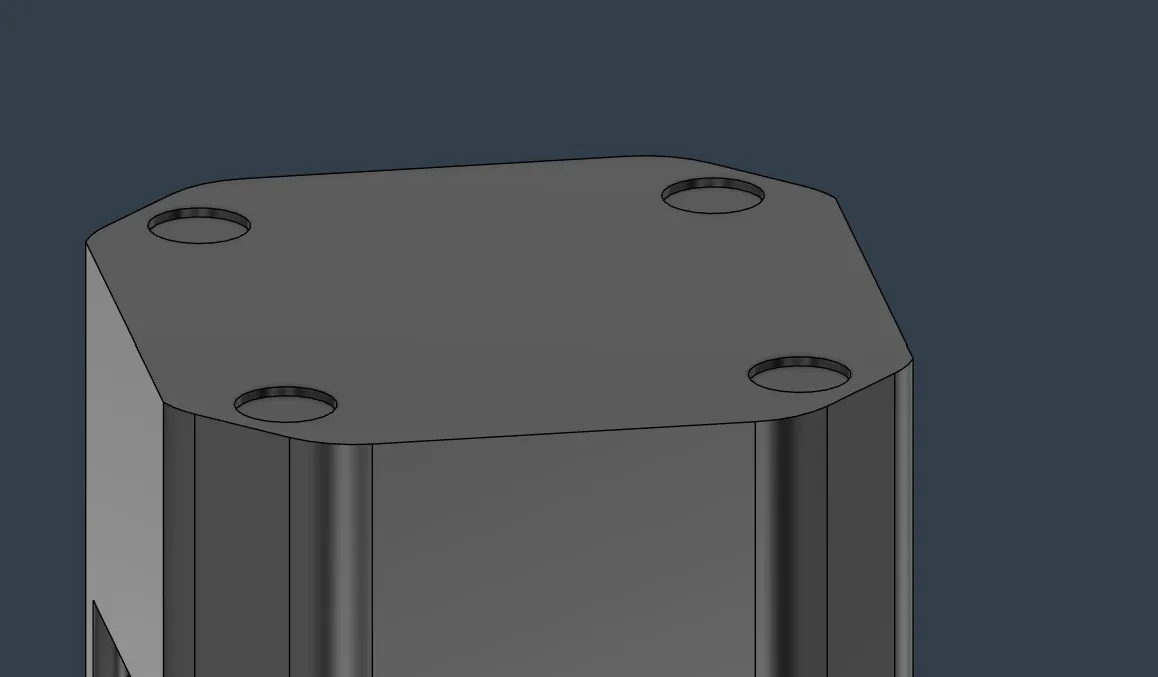
and after that, I extruded them with cut mode for 1.2mm:
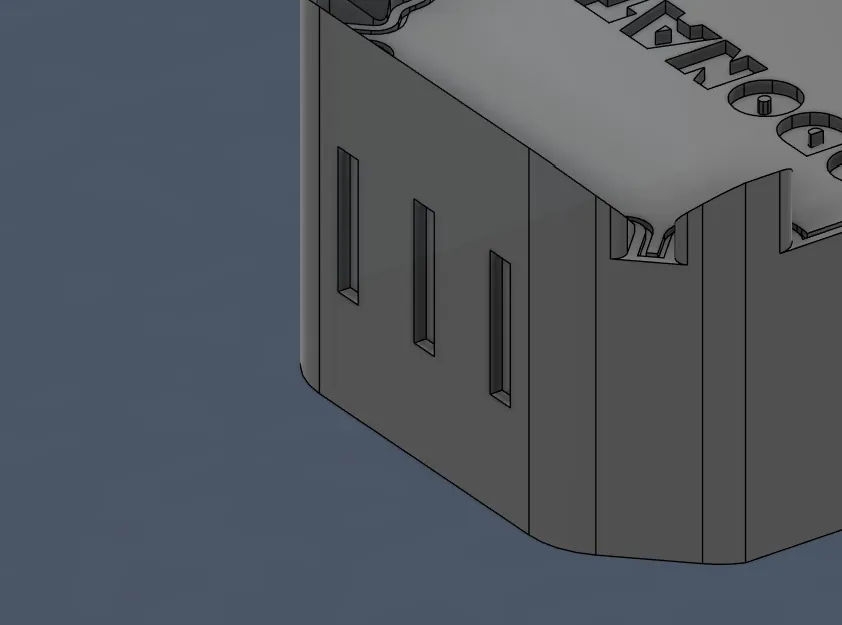
to make it prettier, I also added some little like strips or like blocks here:
and also added some text at the bottom:
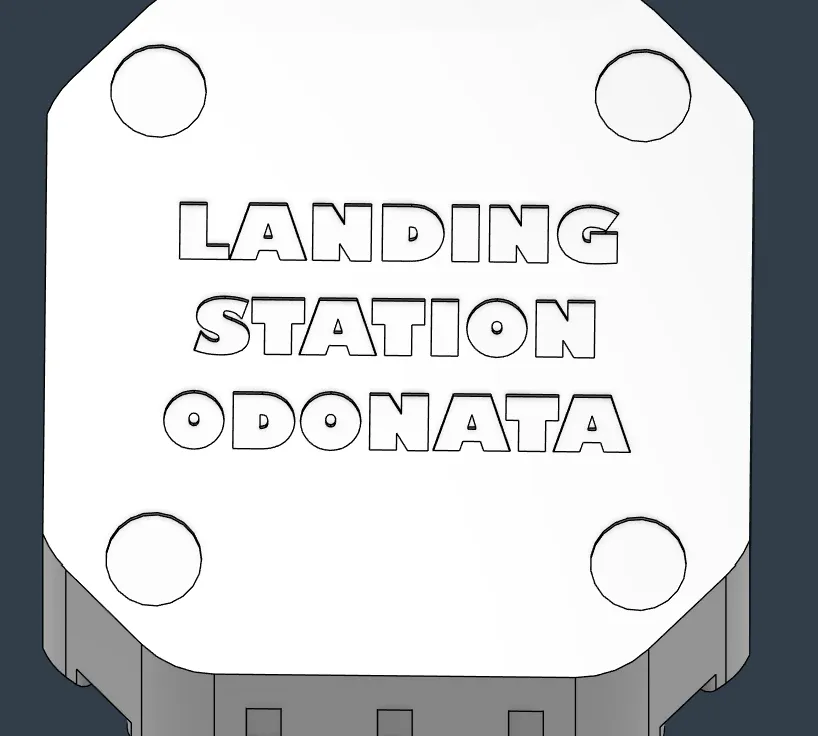
lastly (for good looks, I also added an outline to the center tiles):
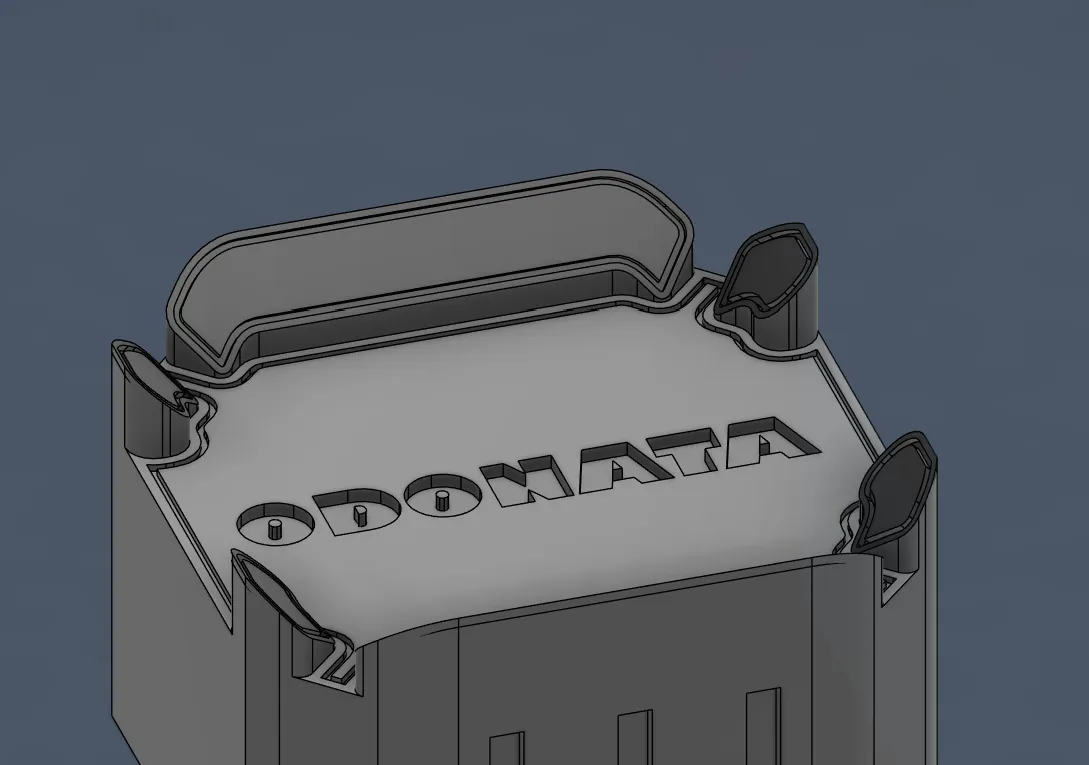
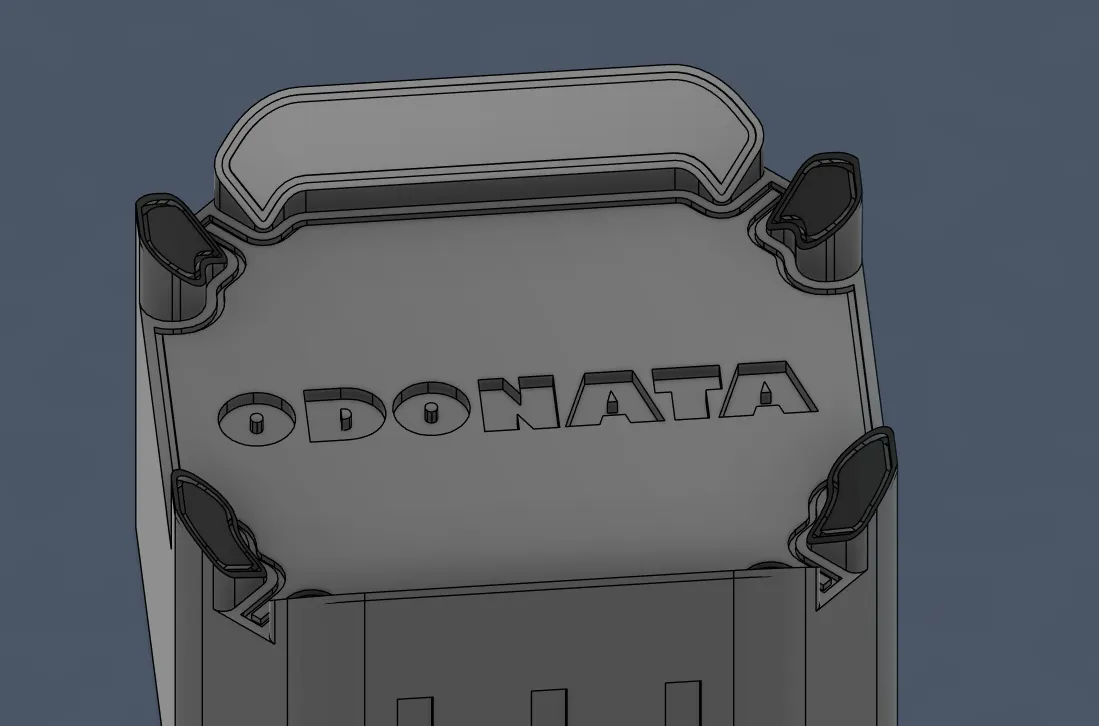
Looks sooooooo cool!!
and now I only had to add the AprilTag attachment code thing, and for that I had to firstly find out where the center of the camera is.
I started by projecting the camera thing and finding the center. Then I calculated that I would need 5mm so that the connection would be strong enough, and then I drew the rectangle—and the AprilTag can be this large.
And then I had the idea to make it so that you can slide in a piece of paper so that you don't have to glue it etc., SO I had to make like a cover with walls, and that's what the sketch looked like:
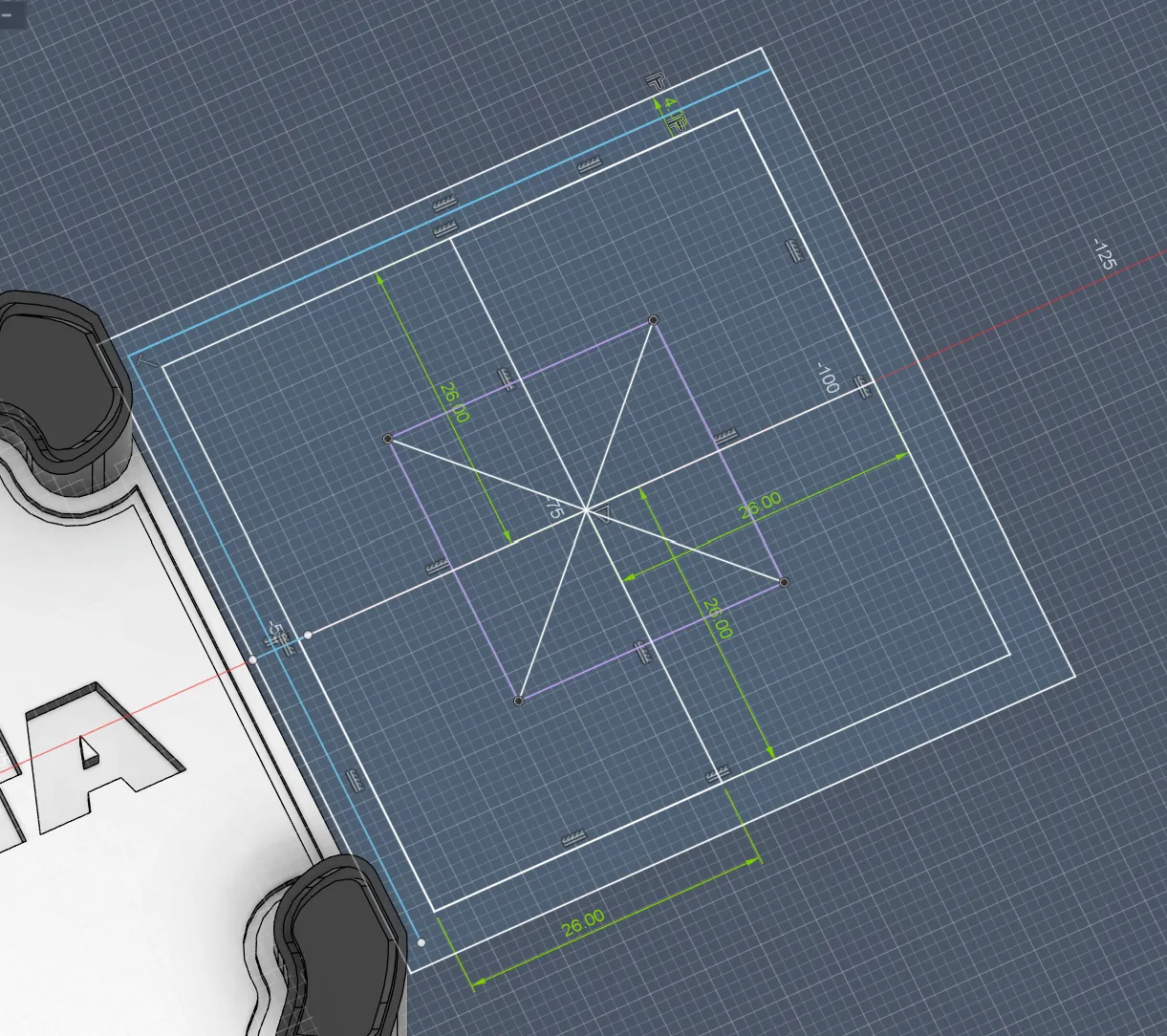
and after extruding the parts, it looked like that:
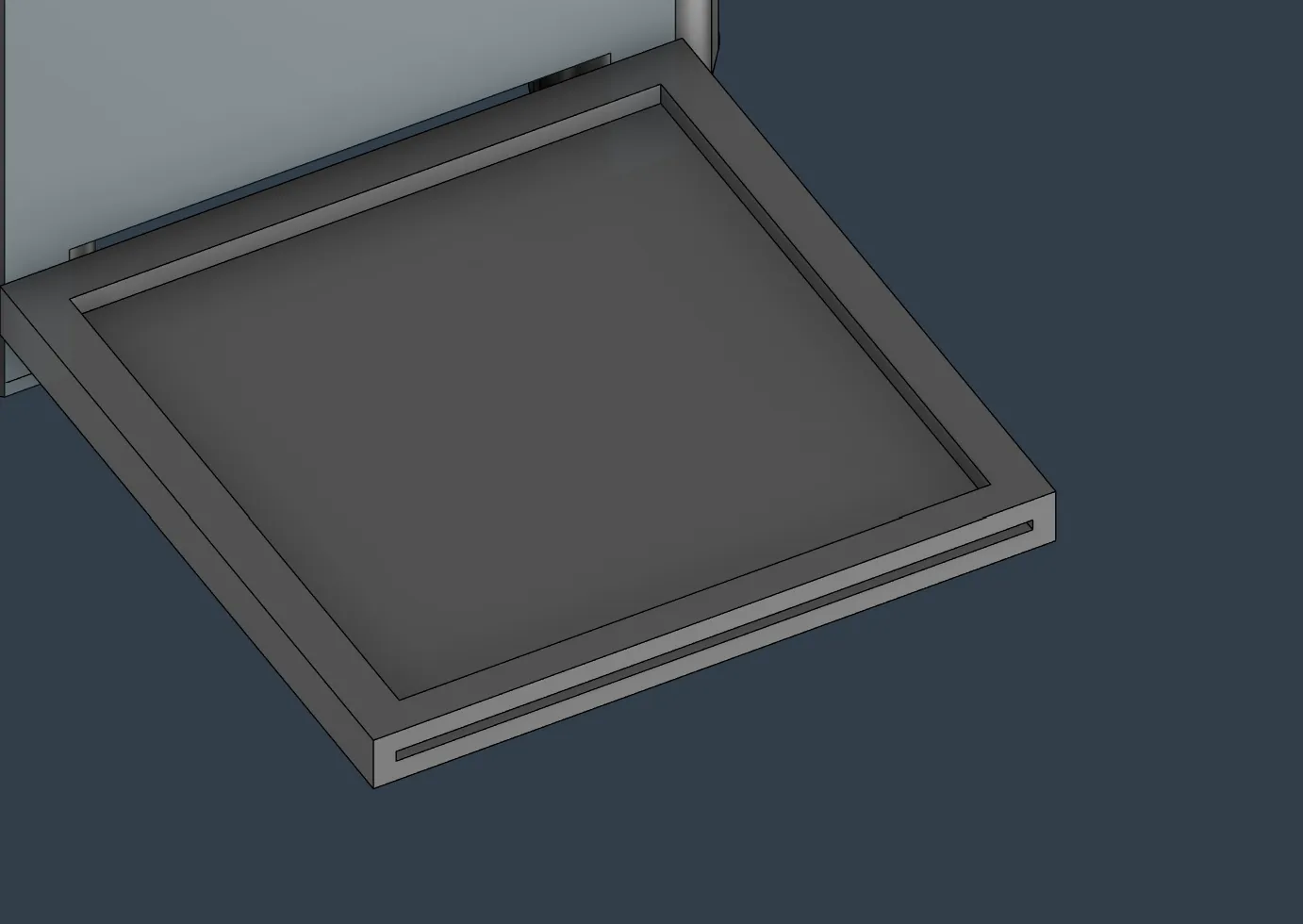
For the connecting mechanism, I thought of something like that. I added 2 of them for more stability, but also so that it cannot turn to the left and right, and then these teeth so that it doesn't come out.
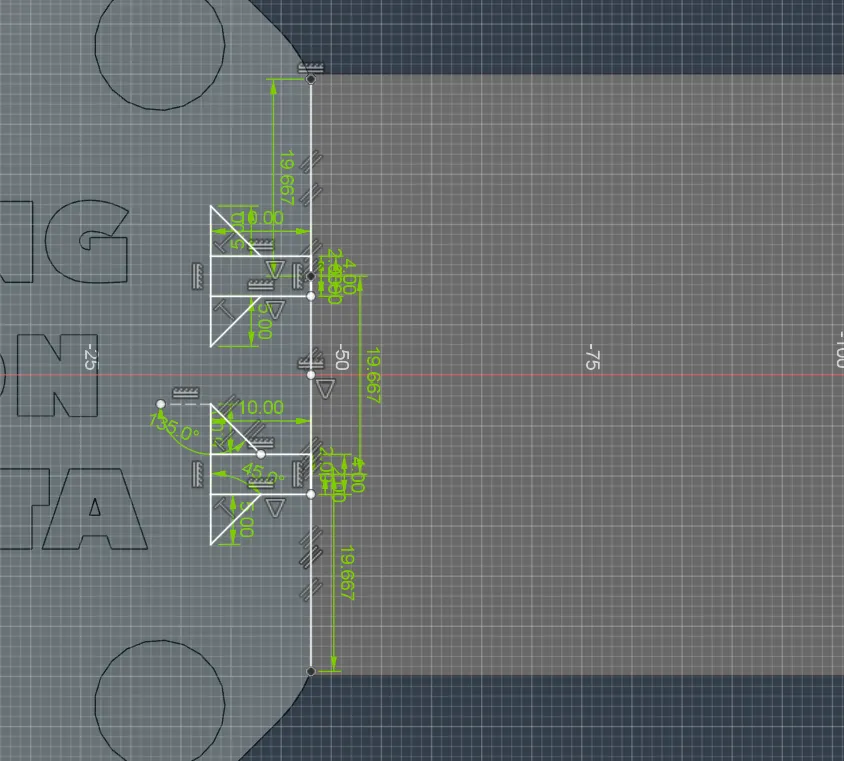
and after rounding, it looked like that:
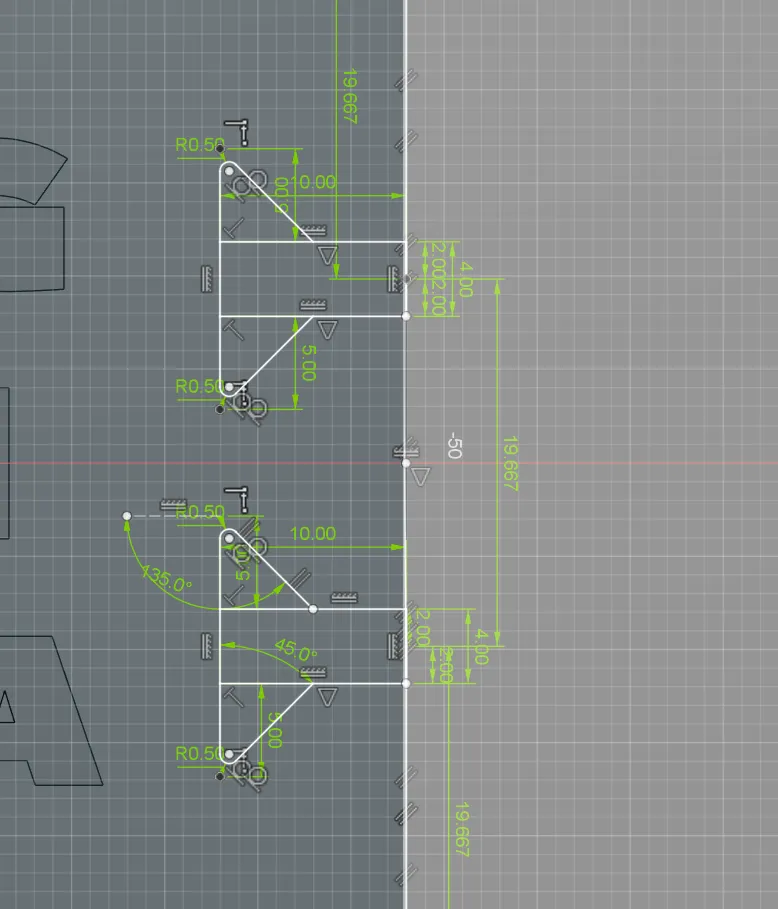
and additionally I then added an offset of 0.25mm so that it perfectly fits:
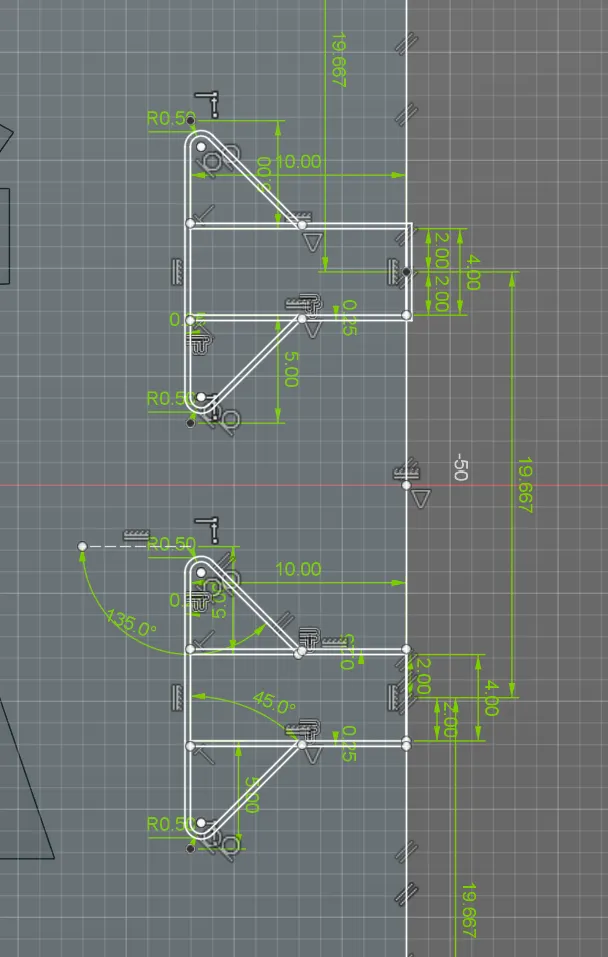
and then I extruded it (cut) into the station by 5mm.
And directly afterward, I added the original piece to the AprilTag holder and rounded the connection by 1mm:
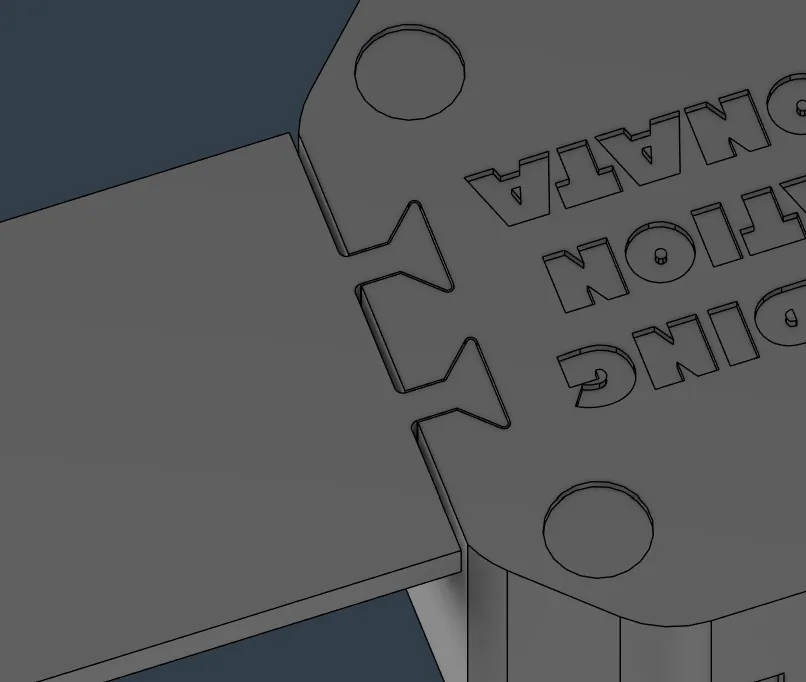
After that, I rounded the corners of the holder itself and I was finished with the CAD for that PROJECT!
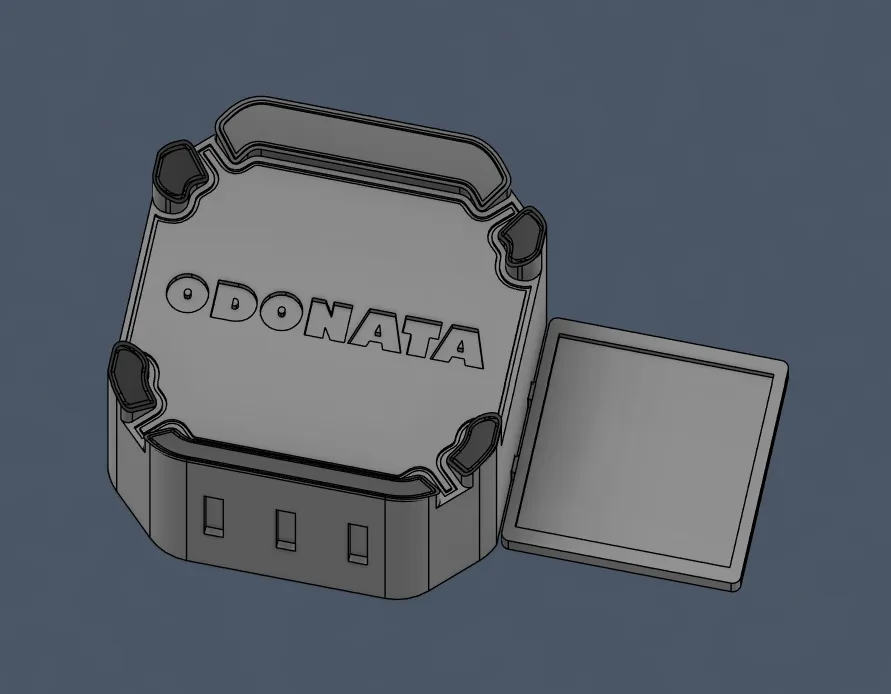
Happy with the progress today (last day), fixed the PCB + drone and started and ended the landing station. Sorry that this session got that long, I just didn't have the energy to fix and write the journal while I was sick...
Session recordings
Timelapse recordings of this session.