Designing the connection to the walls and designing them!!!
- Session
- 9 of 33
- Date
- 2 May 2026
- Time worked
- 2 h 49 min
- Reading time
- 4 min
- Images
- 15
First, I inserted the sketch (using Insert Derive, a new feature that I learned) with the combination sketch from the platform and the walls. Then I projected the important parts (here only the connections) to a new sketch so that I can redesign them. I also learned the tool to project points, lines, and bodies, sooo cool!
And after doing that it looked like that:
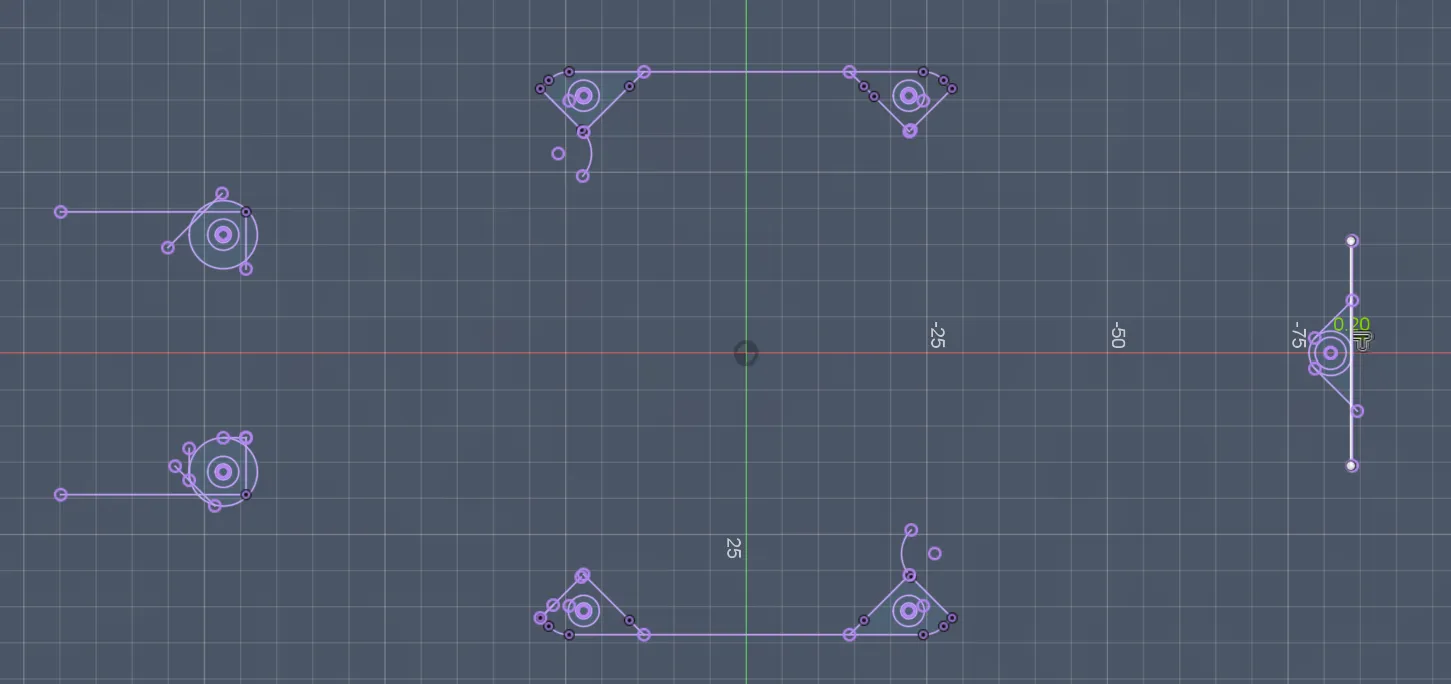
Afterwards I added a tolerance on all sides (where I haven't already applied one) of 0.2 mm so that everything will fit perfectly:
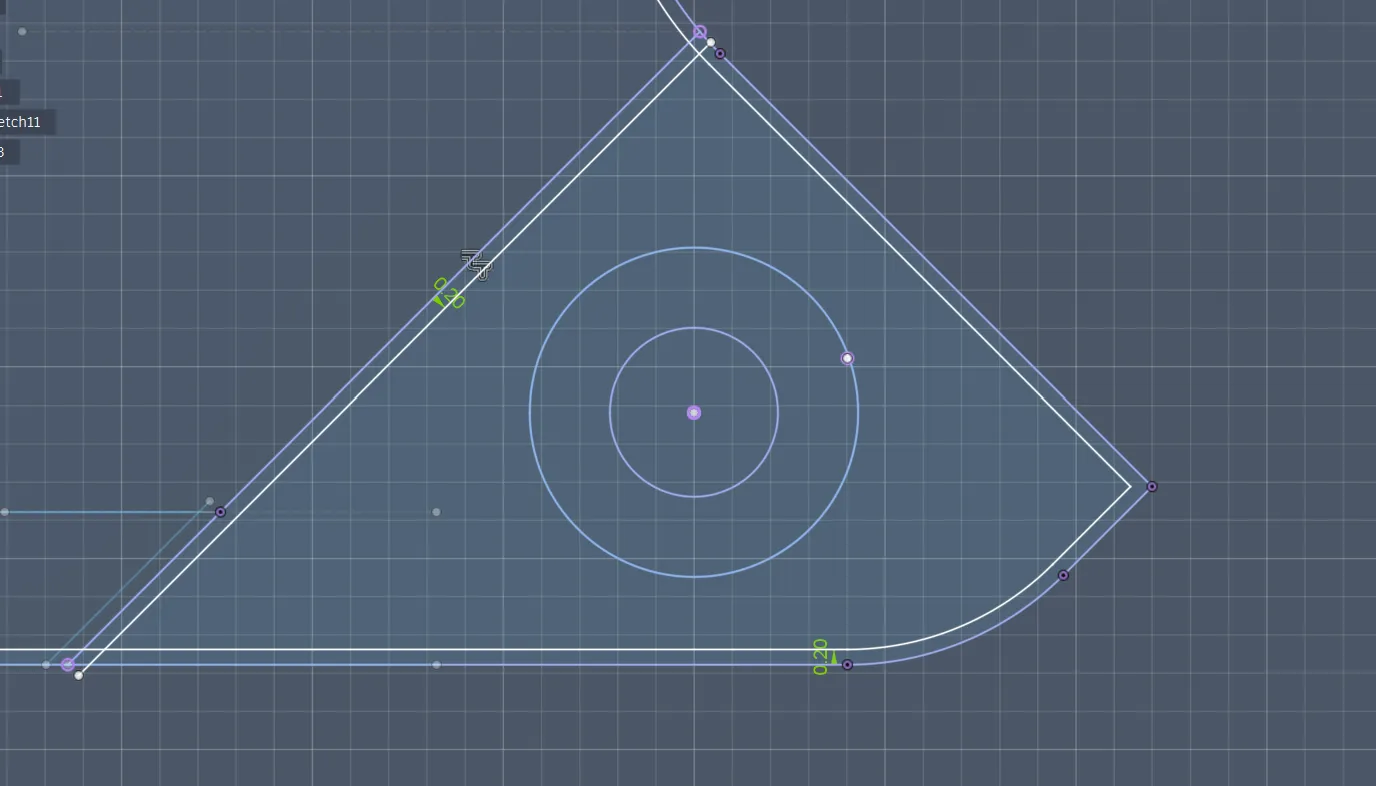
For the beginning, I extruded them to the height of the connector, so 3.3 mm, but I will probably have to adjust that in the future (and I forgot to say I also added a tolerance of 0.05 mm):
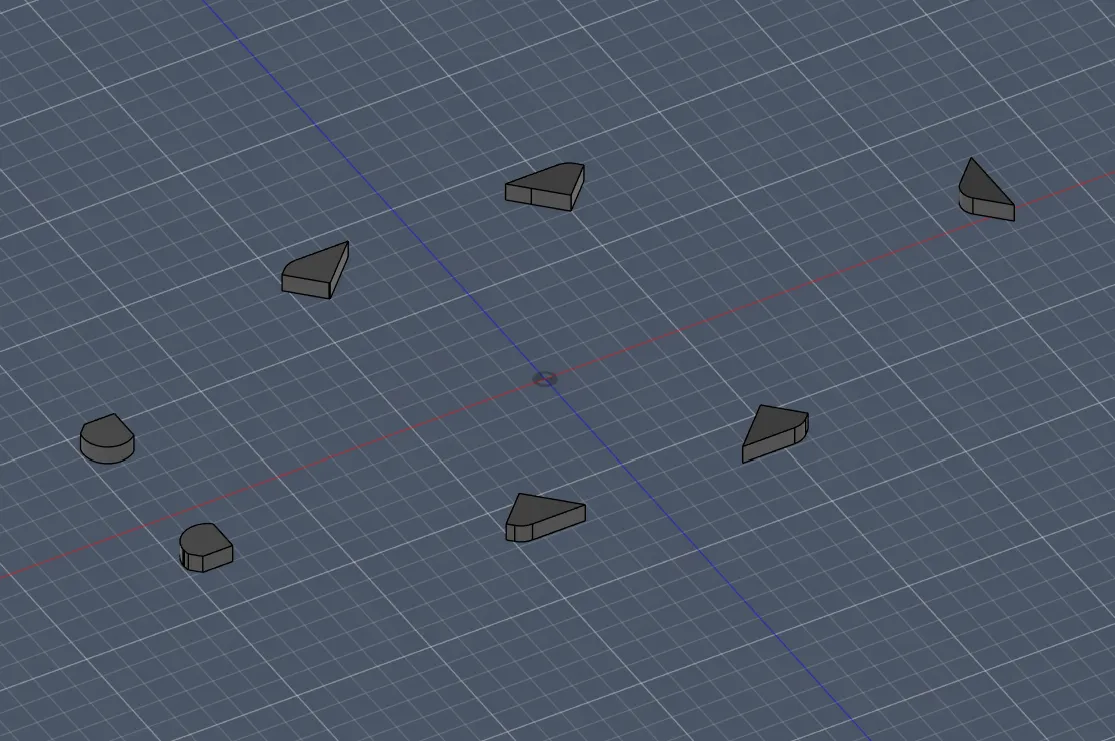
Then I continued making the holes for the heat inserts:
- I again projected the center points of the connectors to draw the circles
- Luckily I knew which diameter I should use for the heat insert holes: 3.3 mm, because I already did that for the arm holder heat insert holes, so I just copied that value
- Then I drew the circles with the projected points as centers
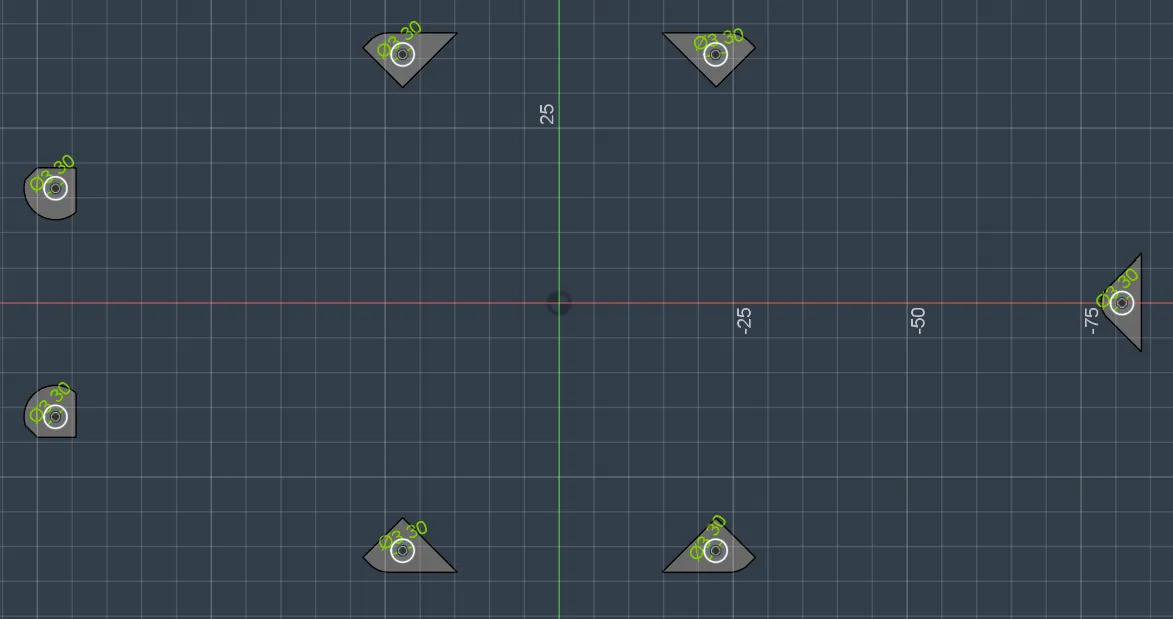
Then I proceeded with extruding them:
I extruded them 3mm + 1mm in height because the insert has a height of 3mm and needs 1mm buffer for optimal grip (thanks Google). And added additionally 4mm for more strength!
But during that, I encountered a problem: the extruded connectors were only 3.3 mm high, while the holes were 4 mm.
So it looked like that after extruding. The only problem was that I extruded the holders only to 3.3 mm and the holes to 4 mm. That’s why I had to go back to the beginning (T-T) and extrude them more so that they properly contain the holes:
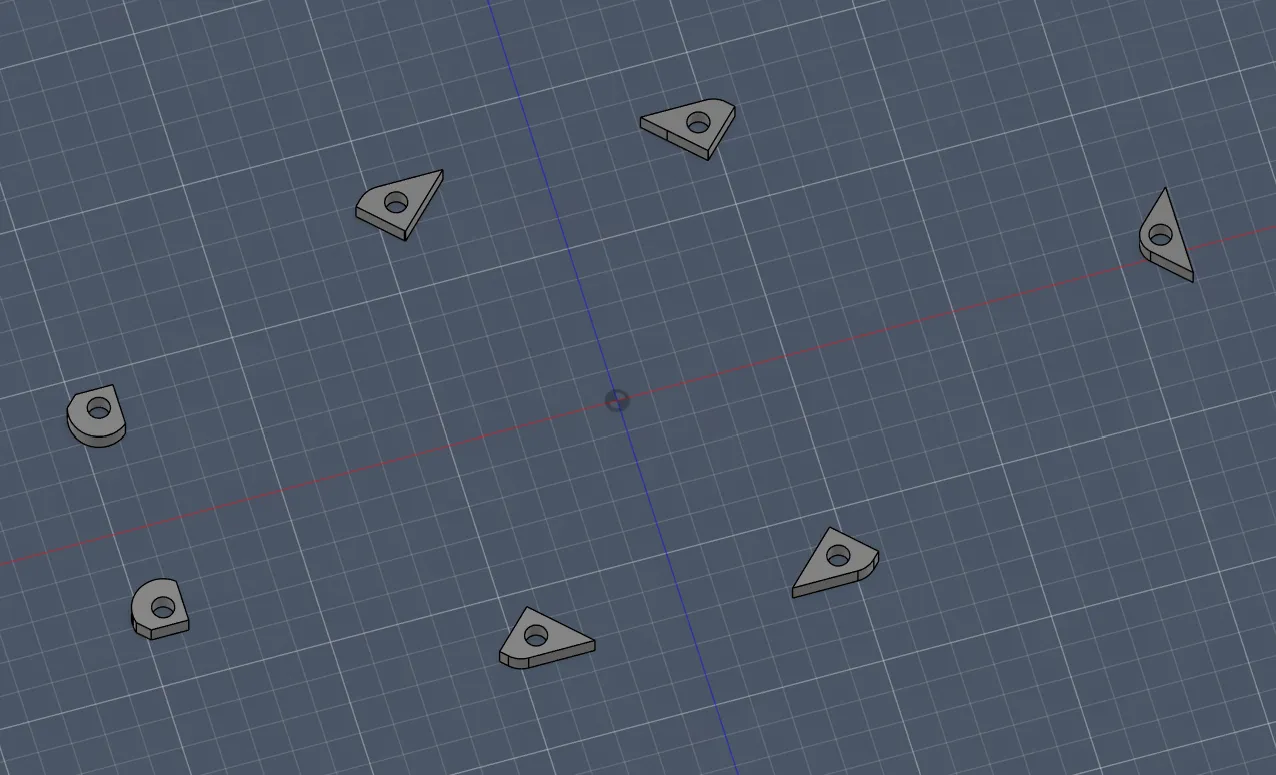
But after repairing and redesigning everything, it looked like that:
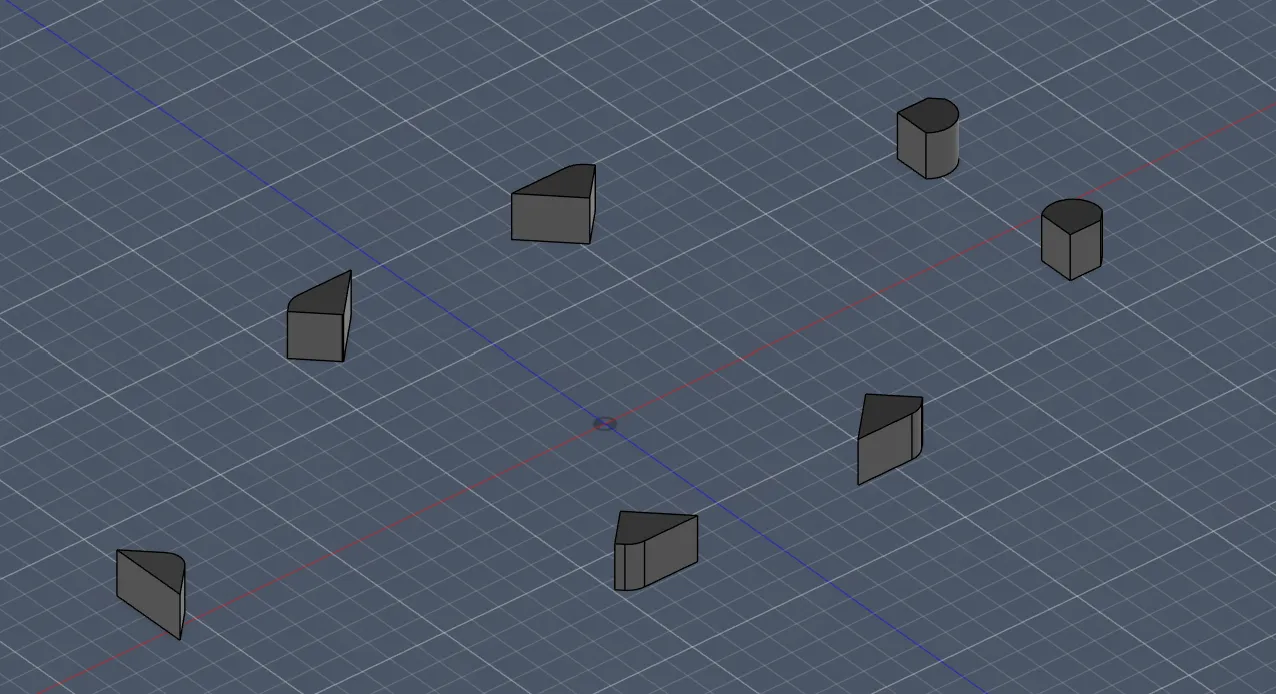
After all this progress, I wanted to properly see how everything looks assembled, so I:
- Created a new file called “All-together”
- Then I had to google how to combine or insert everything into one file, because I first thought you just copy the parts (completely wrong). I found out about the feature “Insert Derive” which lets you insert bodies, sketches, etc. into another file and it updates automatically if you change the original file
- Then I inserted the base file and the walls, which were perfectly aligned already, so I didn’t have to move them. But the arms were a pain: I had to move them manually and align them perfectly. Then, because I didn’t know about the mirror tool at first (which would have saved me sooo much time before T-T), I copied one arm again. After that I found the mirror tool and mirrored them along the Y-axis
- I also organized the bodies folder by creating two subfolders called “walls” and “arms” so I can work more cleanly
Then after doing all that, I saw the drone fully assembled for the first time and it was ABSOLUTELY FANTASTIC!!!
To continue, I inserted the sketch from the walls and projected it to a new sketch so that I can modify it independently from the other parts:
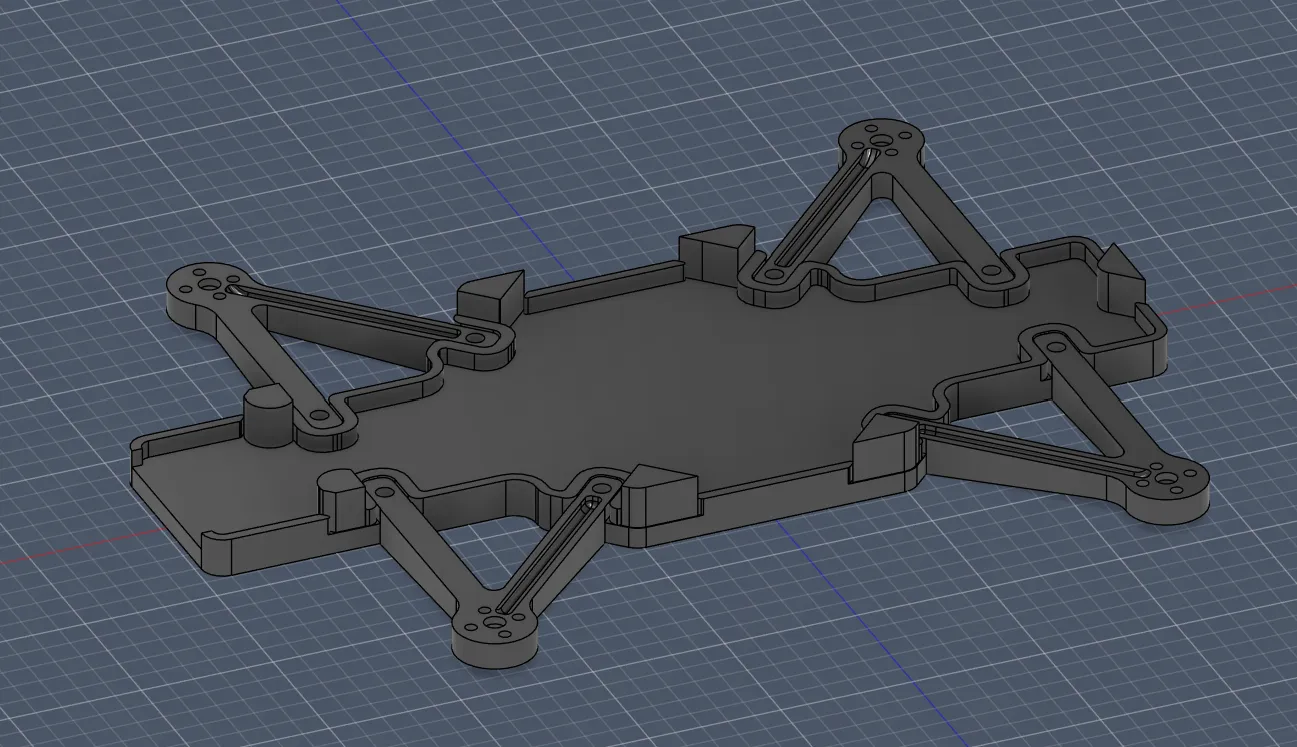
Then I redrew the walls and also extended them over the arm connectors so that there are no holes and everything is nicely connected:
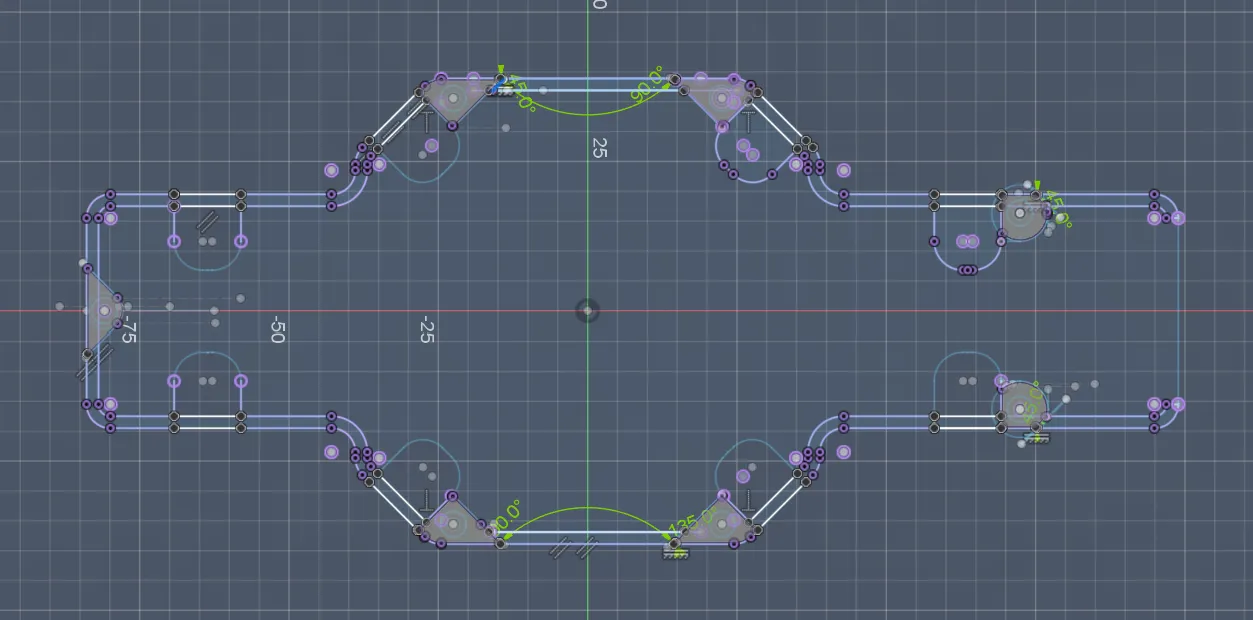
After selecting all the wall parts, I extruded them to 8 mm as a new body, so I can later cut the bottom part because otherwise it would collide with the base:
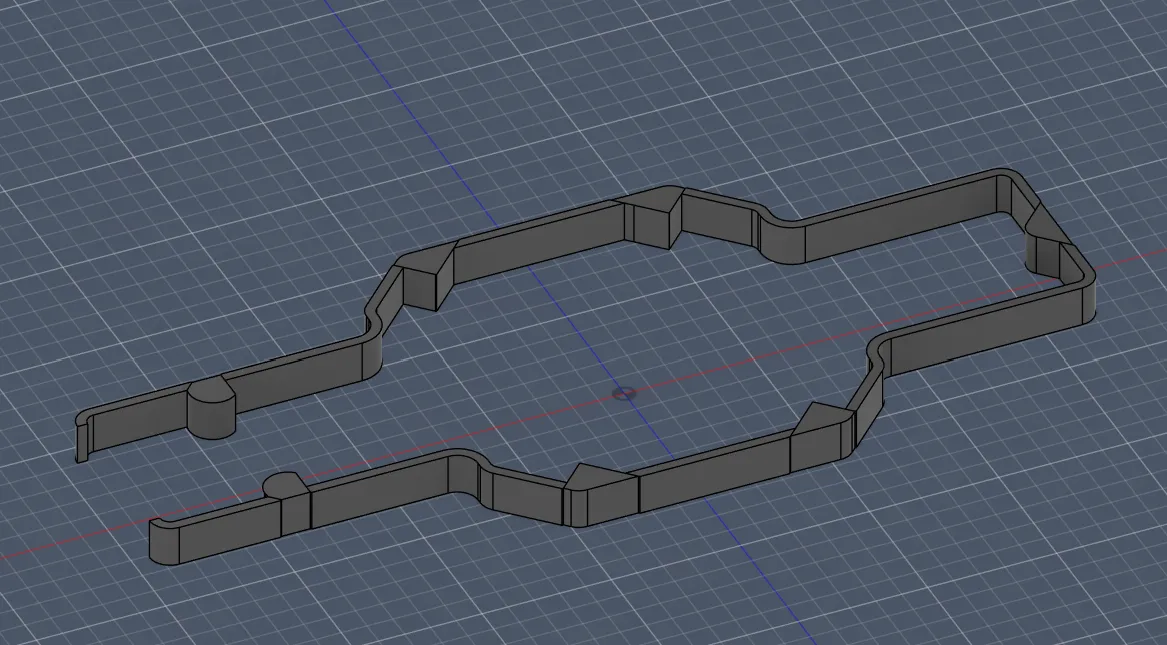
The problem during cutting was that I couldn’t find a cutting tool, but I discovered that you can extrude and enable “cut mode” and that worked perfectly (cut for 3.3 + 0.1 mm tolerance):
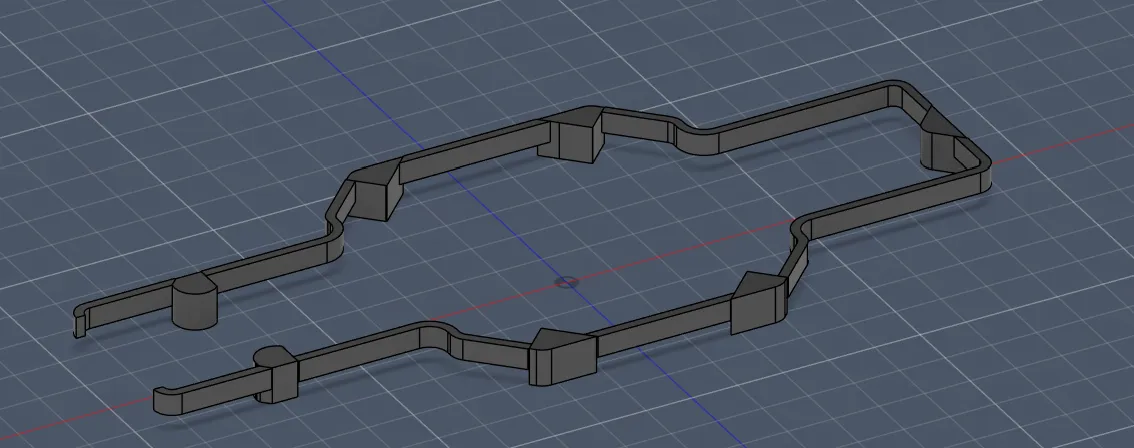
After saving that file and updating the All-together file, it looked like that (almost perfect):
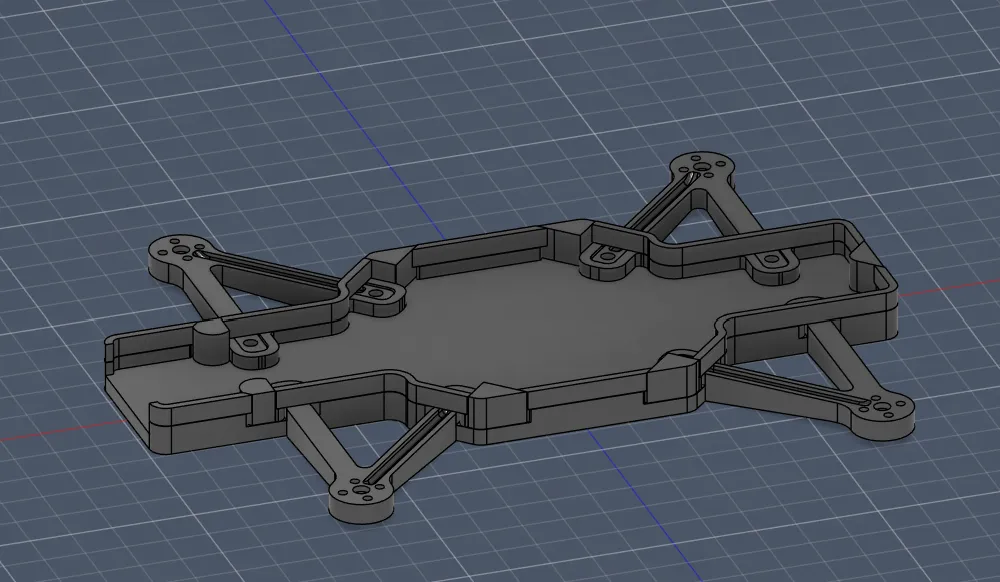
But there was a small detail that didn’t look nice and made the CAD unclean:
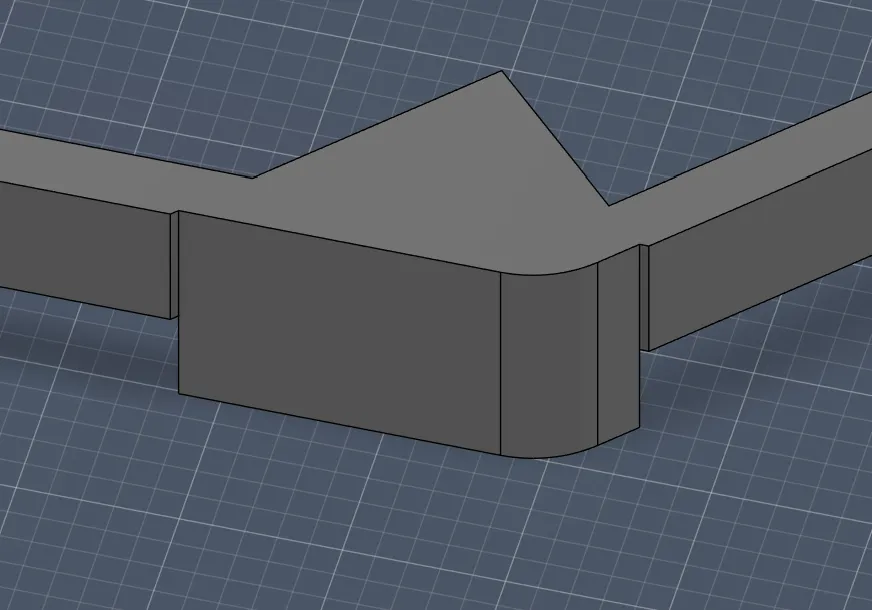
To remove this small wall cut , I went back to the sketch and drew the missing part by making a +0.2 mm outline. That fixed the problem, and after extruding it looked clean again:
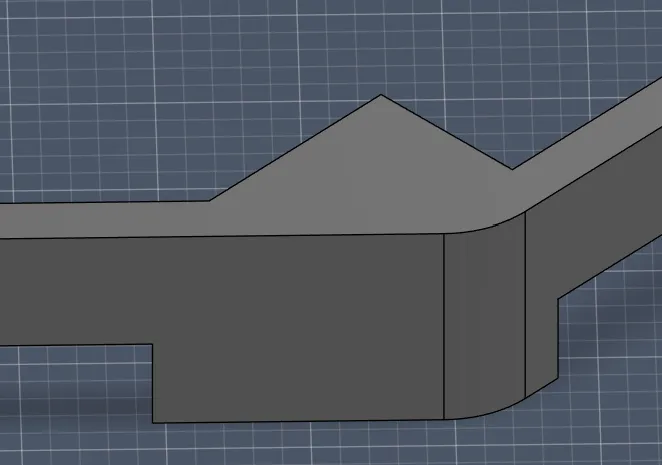
I was almost finished, but there were a huge number of edges and corners, so I decided (for better look and better 3D printing) to round them all.
I mostly chose the rounding radius by feeling (look + space saving), and after doing that it looked like this:
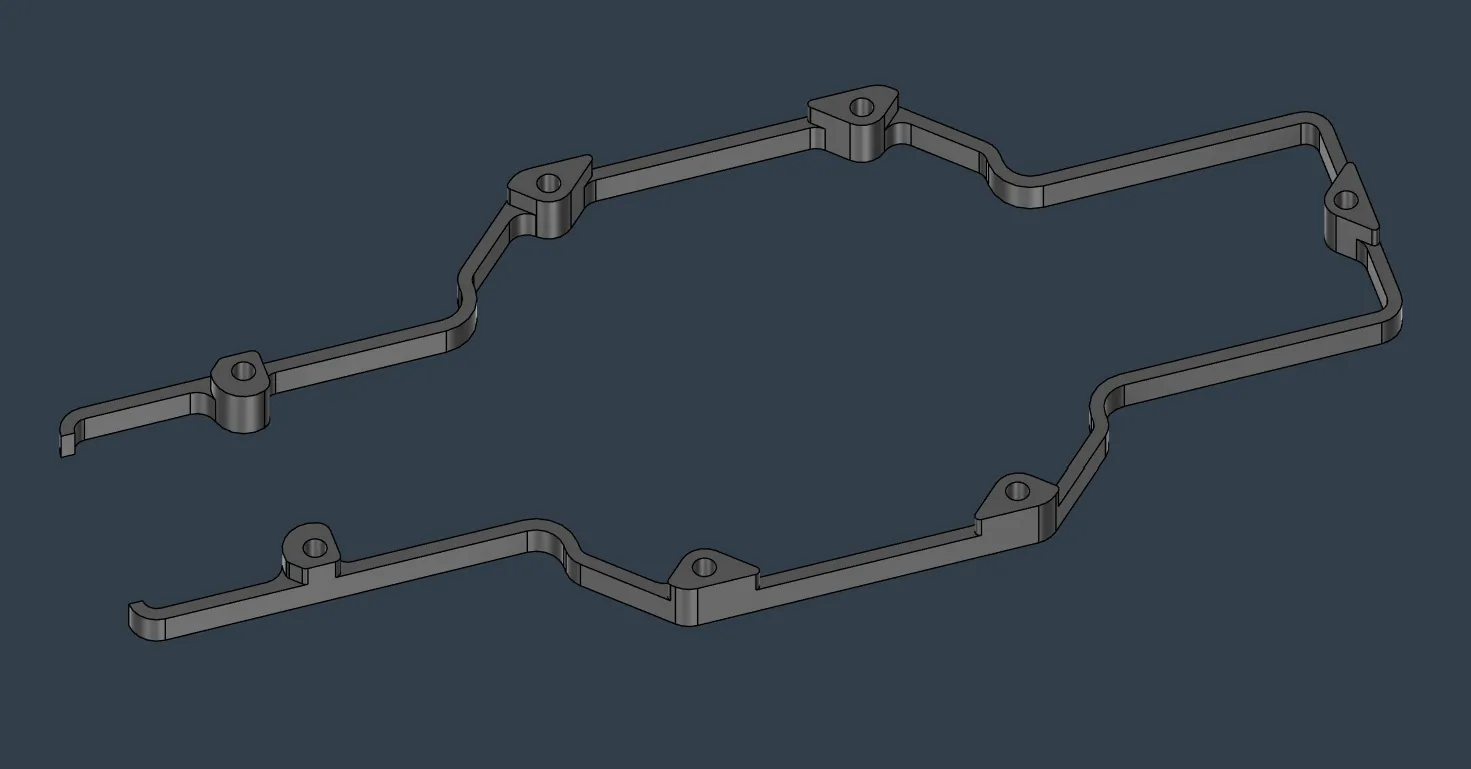
A positive side effect of rounding was also that I gained more space for the PCB.
And lastly I updated the All-together file again, and now the drone looks like this (amazing, jippy!!):
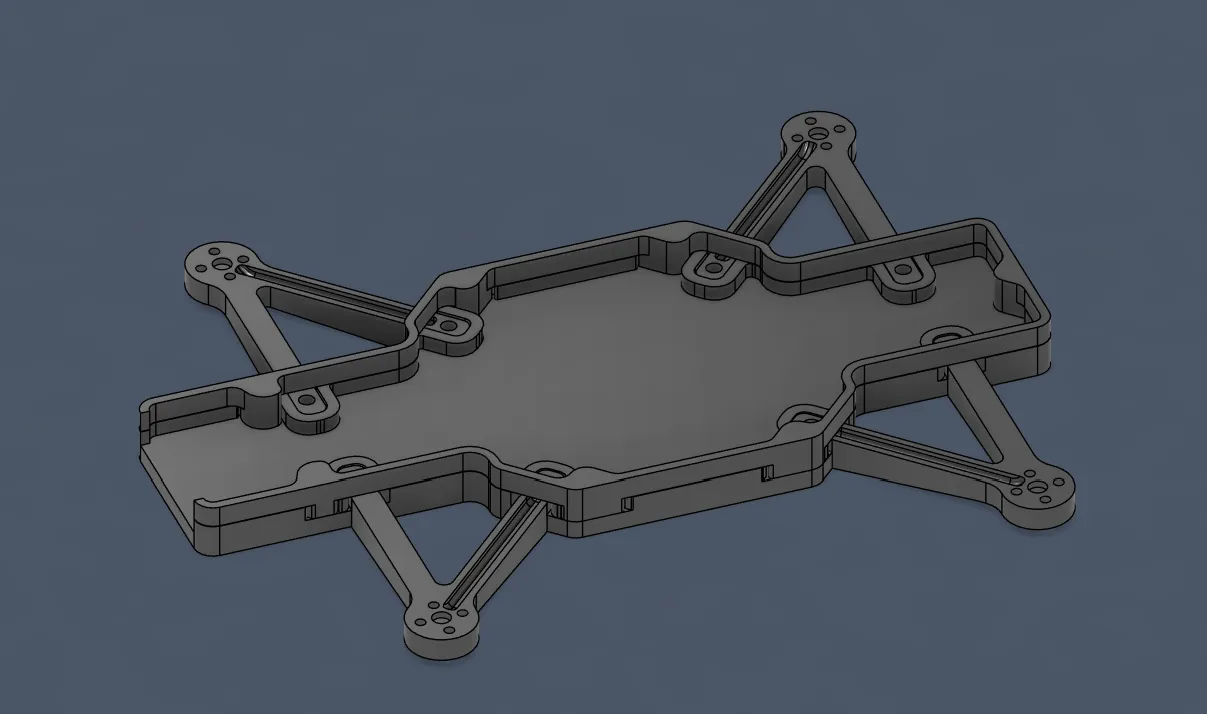
VERY happy with the progress today, because I was really afraid of starting with the wall connections since I didn’t really know how to design them, but in the end I got this!!
Session recordings
Timelapse recordings of this session.