Finding name and finishing the PCB!
- Session
- 26 of 33
- Date
- 23 May 2026
- Time worked
- 2 h 9 min
- Reading time
- 4 min
- Images
- 17
After I got back from school, I started directly and actually found a really cool name for my project: Odonata.
I came up with that because it's the Latin word for dragonfly. They have 4 wings, can fly in every direction, and are very precise pursuers. I really like the vibe because it sounds a bit Japanese or Chinese and a bit mysterious. So, I went right ahead and created the GitHub repo!
For the description, the first version was:
A small, fully autonomous drone that can fly precise flights indoors and be commanded from all over the world!
After a bit of small optimization, it was:
A fully autonomous drone for precise indoor navigation and worldwide remote control.
And after adding tags, it looked like this:
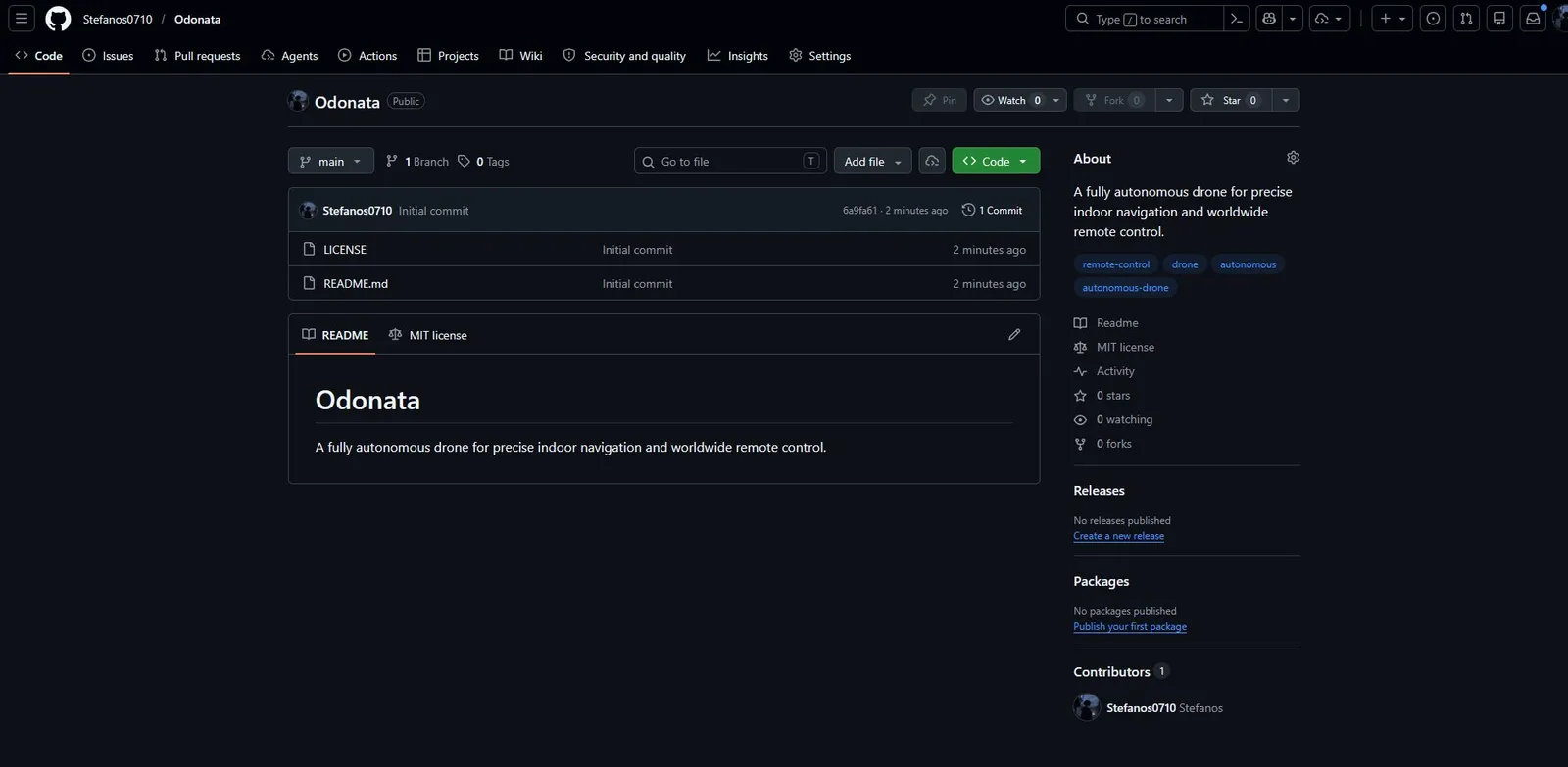
Lastly, I wanted to find a cool font for the name so that I could add it to the PCB, but also onto the drone itself.
I decided on this font, which is named: Bungee 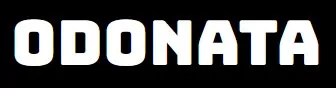
What I wanted to write on my PCB was the project name, my name, the date, the Fallout text/logo, the Hack Club flag, and also the version number.
So, I started with the flag, which I got from hackclub.com/brand/. To add that, I had to open the image converter in KiCad and upload it.
After watching this video (https://www.youtube.com/watch?v=00Gn0FWlMzU), it worked, and I had a HUGE HC flag on my PCB! (actually to big)
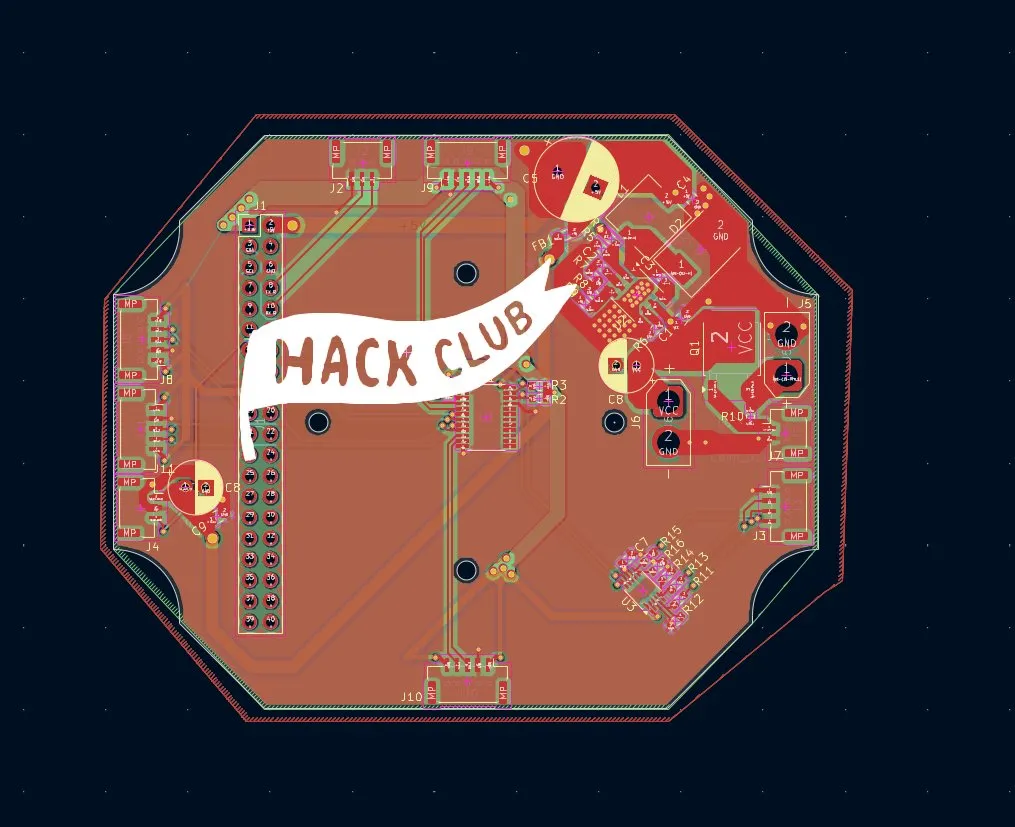
I wanted the flag and most of the text on the back, but I also wanted the name, so I had to measure how much space I have, and for the most parts I had max 20mm width. But I started with the text: After playing around a bit, I found 3 fonts that I liked (I couldn't use the other one I had searched for previously), and I decided on the first one.
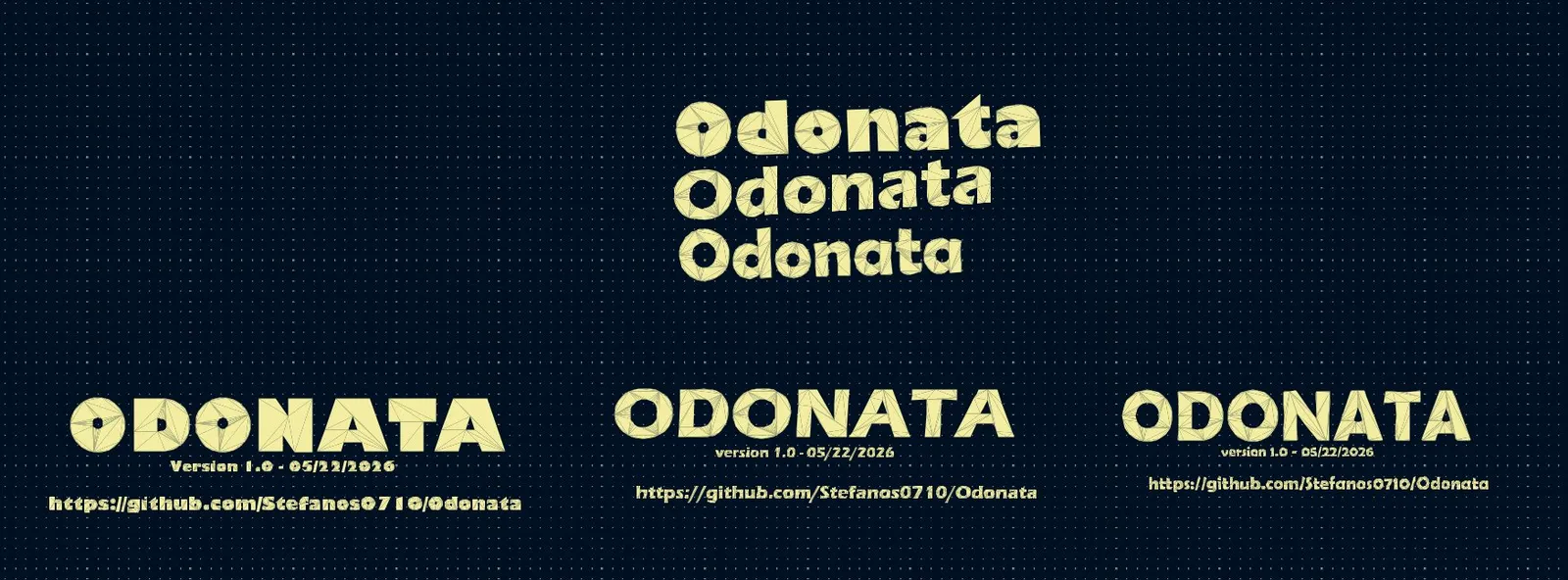
After placing it, it looked like this:
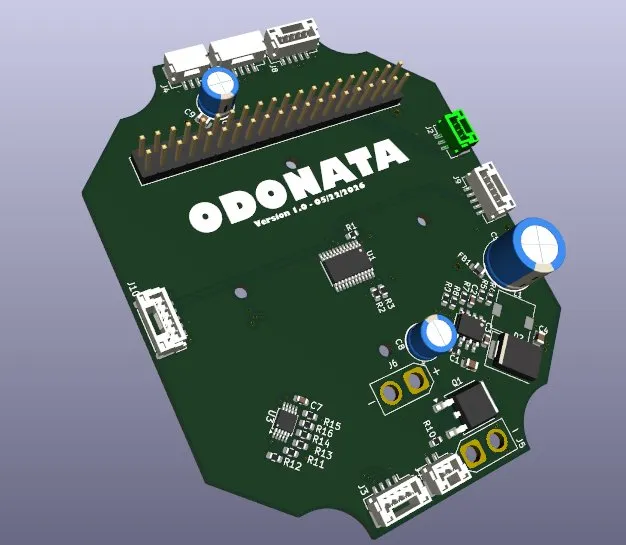
Then, on the other side at the bottom, I also placed the GitHub link and my name.
And then I wanted to add Fallout and soup :) For the FALLOUT text, I found out that I needed the HellsBells font, so I got that. (found that out from the website)

Then I noticed THAT AGAIN THE LOOKOUT APP ONLY RECORDED ONE SCREEN ALTHOUGH I SELECTED TWO! So I probably lost like 20 minutes of recording. (during that time I convertet the images and, had some Issues with negative and sizes so it took quite a bit of time, but worked at the end)
I also wanted to add this sticker, where orpheus skates a PCB, because it's very cool.
After adding them, it looked like this. But soup was too big, and the sticker and Fallout should be negative so only the small lines would be seen. So, I quickly changed that.
After all that, it looked like this:
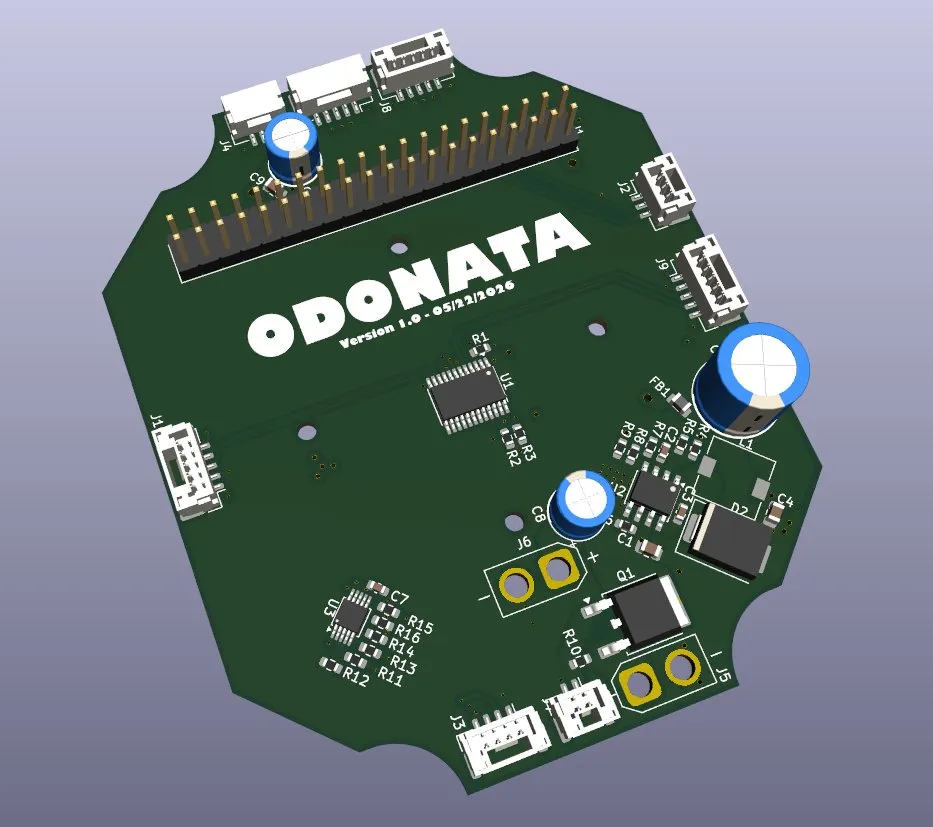
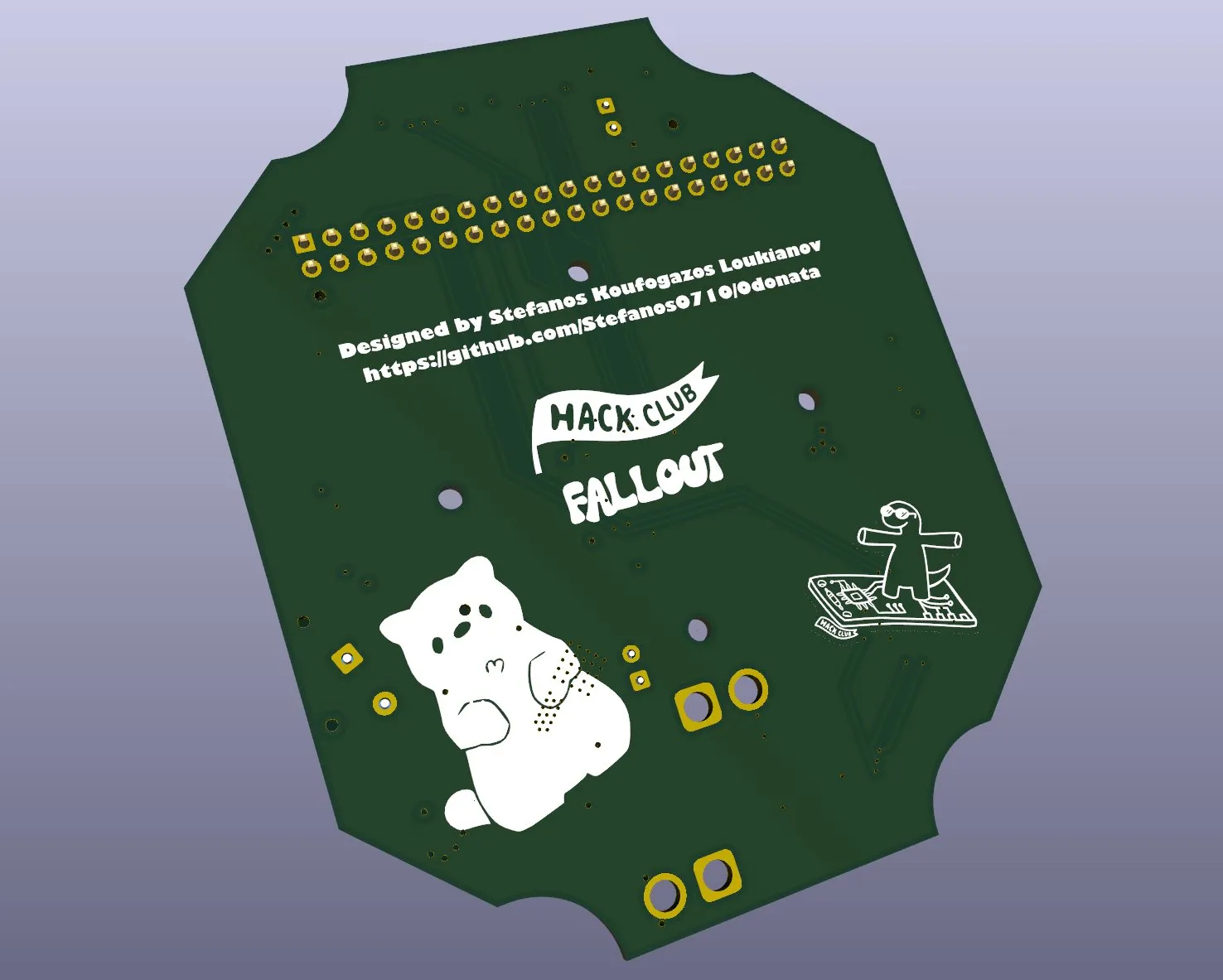
Then I wanted to save my PCB and check if everything was right.
When I ran the Design Rule Checker (DRC), I GOT SHOCKED (a bit exaggerated...), 8 errors and 36 warnings!
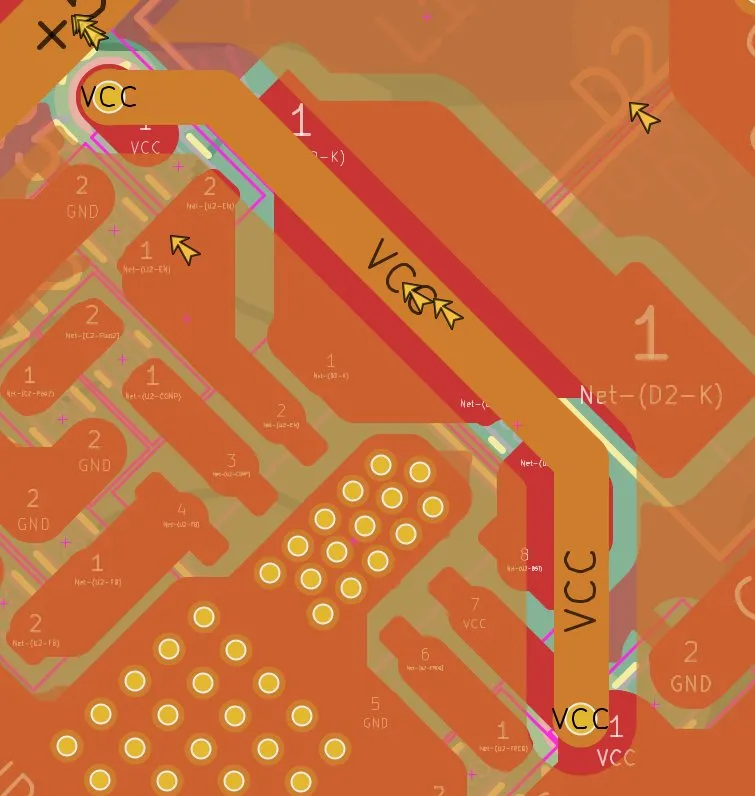
One error was that the GND and VCC were connected through vias.
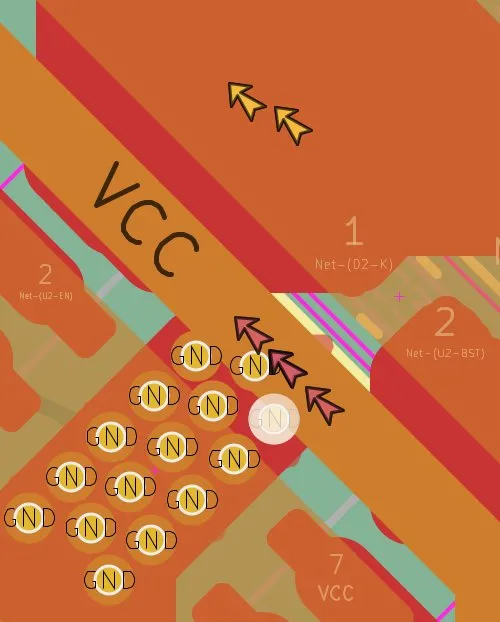
So I just moved the track further up... and... 4 ERRORS away!
Another error was that the distance was too close to the pins.
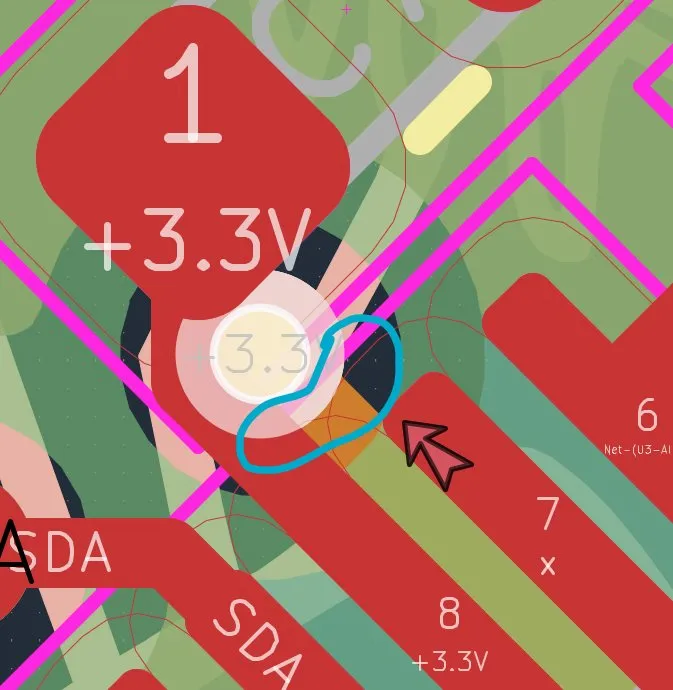
So I changed its position.
Then I got "Thermal relief connection to zone incomplete", and I didn't understand what the issue was. But after a bit of research, I learned it's because when you are soldering, the heat soaks into the large copper pads, making it harder to solder. It's actually not an electrical issue, and mostly there should be two small spokes, but there wasn't any space for that. So I just ignored/deleted that marker.
The next problem was the same GND thing, there wasn't enough space, so I moved the TX pin further down.
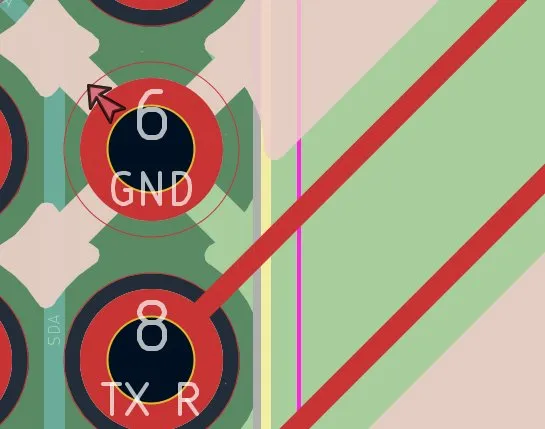
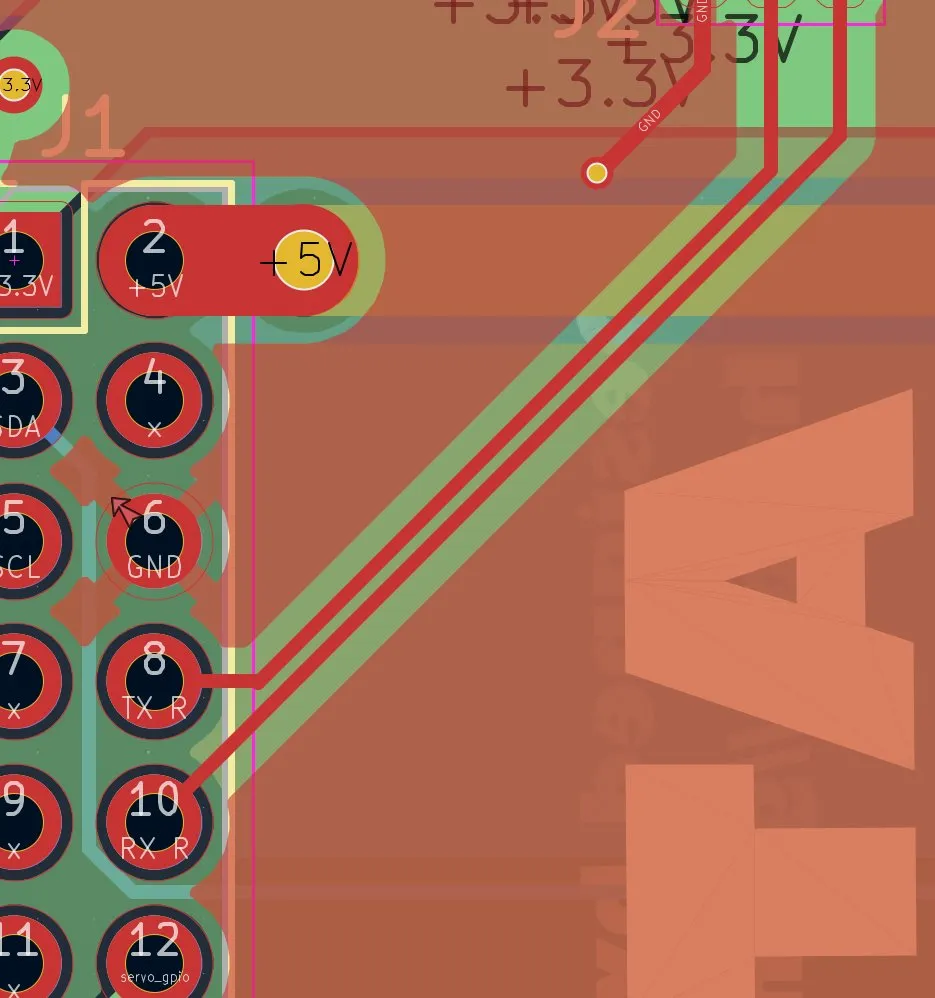
The next problem was like the one before the last one, so I just skipped it.
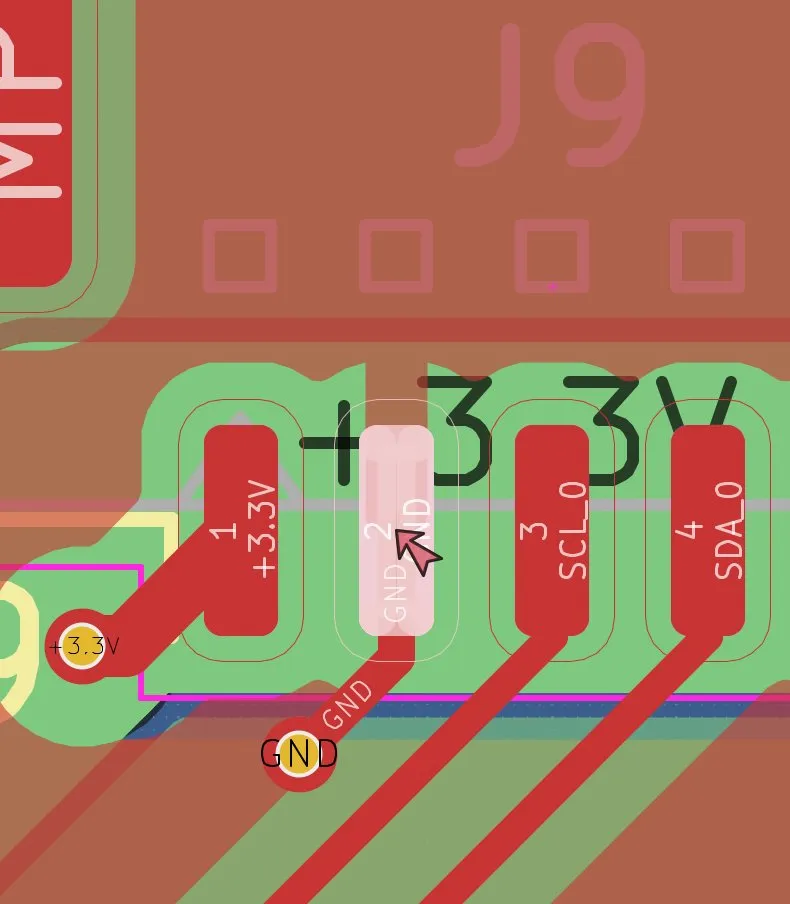
And then the next problem was that there was a track with no connection.
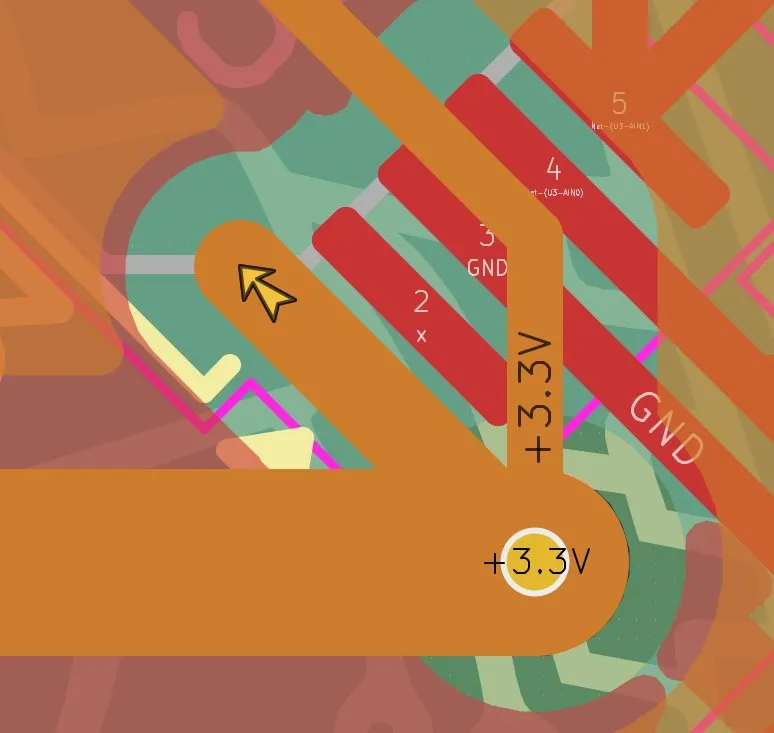
So I just deleted that, and then 0 errors and now only warnings!!!
Actually, all the warnings were no problem, and I was basically almost finished.
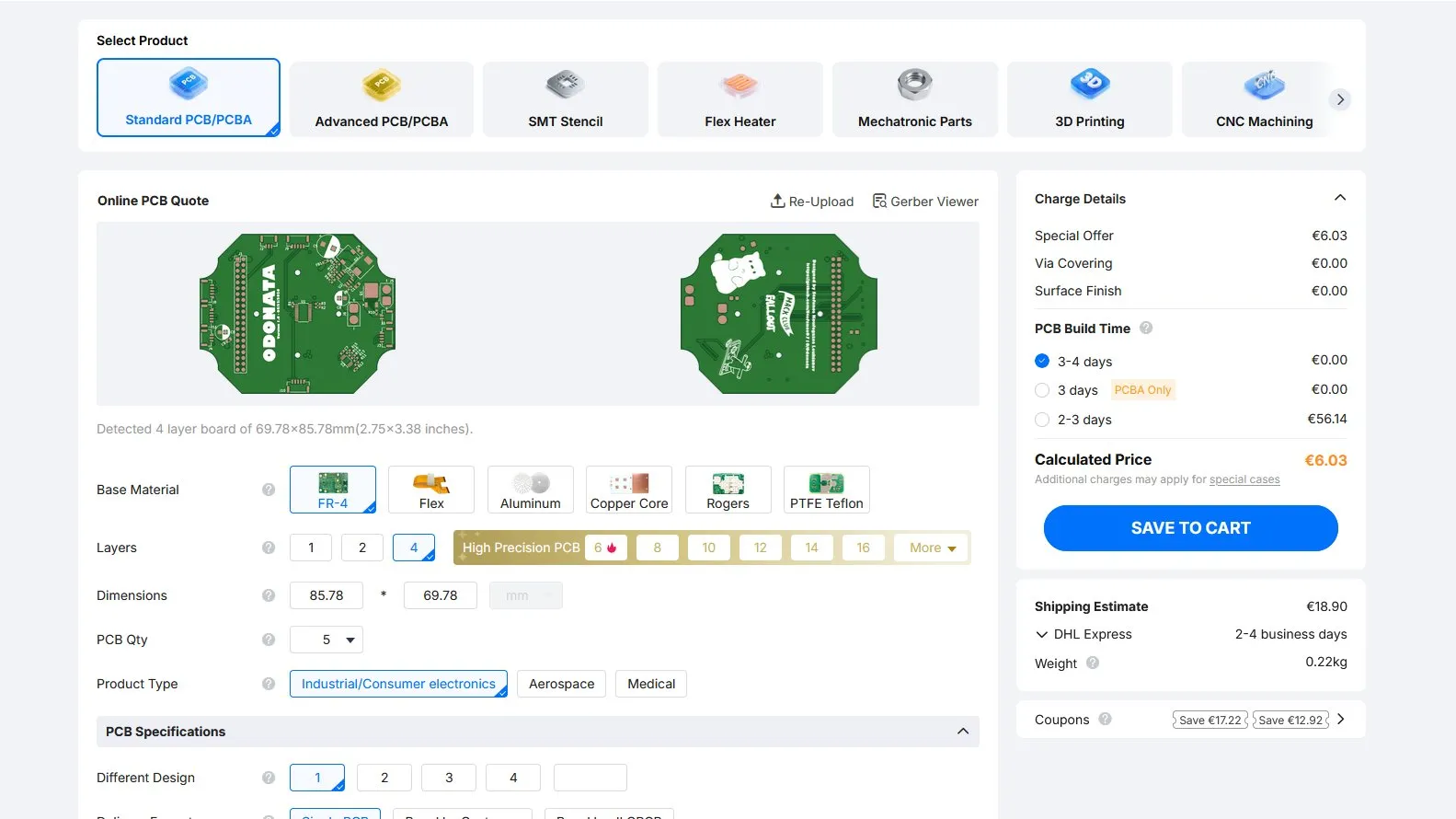
After generating the Gerber files and putting them in a ZIP, it looked like this. And 5 pieces would only cost 6 Dollars!
Lastly, I wanted to export the PCB as a 3D model to import it into Fusion for my drone. I exported it as a STEP file and uploaded it into Autodesk Fusion so that I can later assemble everything nicely in Blender, but also make the holes and standoffs to hold the PCB. But because the upload took sooooo long, I stopped the Lookout recording and took a shower. See ya soon...
And it´s morning... I actually got sick yesterday and went to sleep, so this session ends here now!
Session recordings
Timelapse recordings of this session.