Added the ToF-Sensors to the CAD Model and optimized it!
- Session
- 13 of 33
- Date
- 7 May 2026
- Time worked
- 2 h 21 min
- Reading time
- 4 min
- Images
- 16
Today I wanted to make the holders for all 4 ToF sensors that I chose in an older journals.
But before I started doing that, I first created the meshes for the servo holder for printing the servo holder to test if now everything is fine (from the last journal).
Therefore I first created a mesh, then opened it in the slicer, saved it to a stick, and started the print. But while the print was running I continued with the "real" part of the journal.
Some pics from the print :3
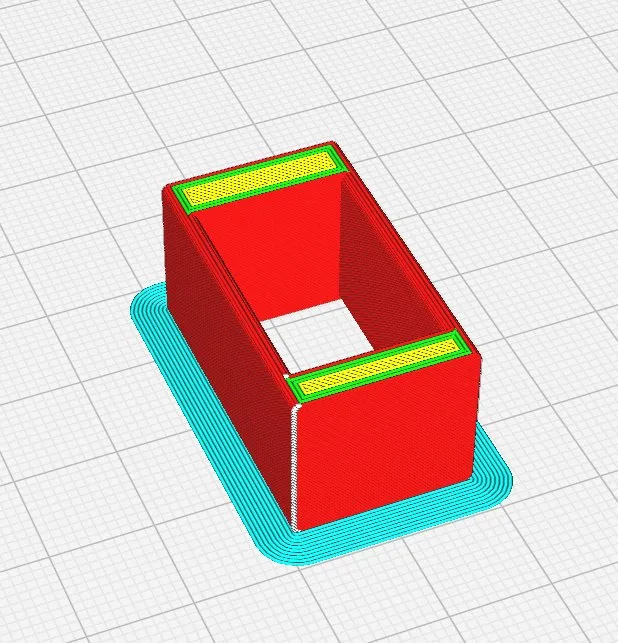
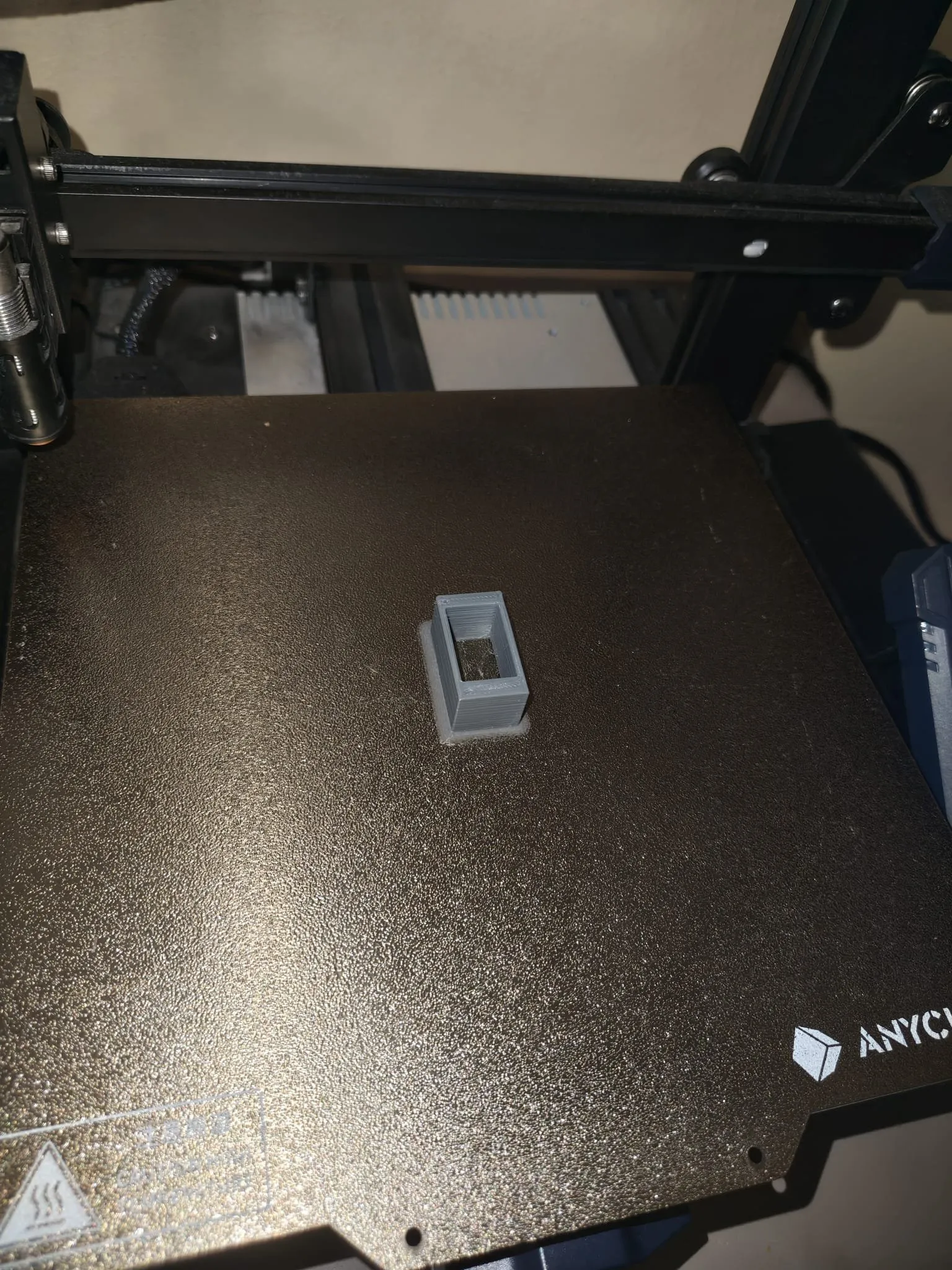
Then I started with the ToF sensor holders on the front, right, left, and the bottom.
Next I continued with adding the holes for the sensors, but I wasn’t sure how to connect them and place them in the platform/wall:
Should I make something like pins to connect them, glue them, or screw them, because they have holes?
And after a bit of searching online for solutions I found 2 typical solutions:
- Use normal screws
- Make little 3D-printed pins where you can place the sensor on it
And I decided to use the 2nd option because it is less weight and easier to design. But therefore I had to find the sizes of the holes and the distances.
Because I AGAIN couldn’t find the real sizes in the AliExpress store from the distance sensors. But then I found the sizes and searched for the best position for the sensor that was in front looking to the bottom, and then I first realized how BIG these sensors are. So I chose this position and drew them:
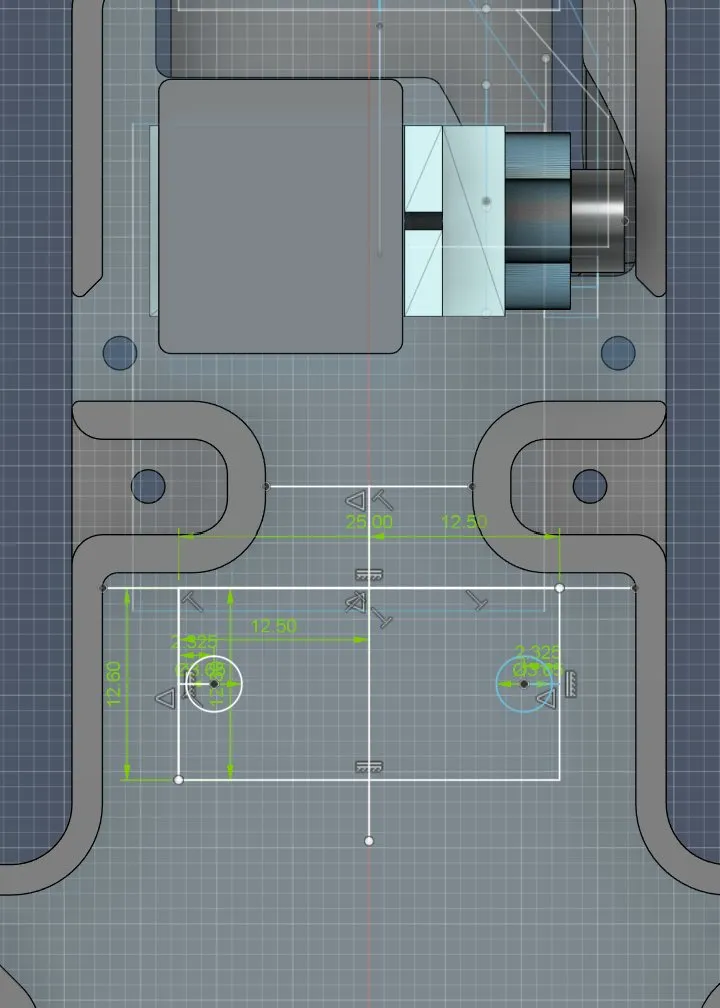
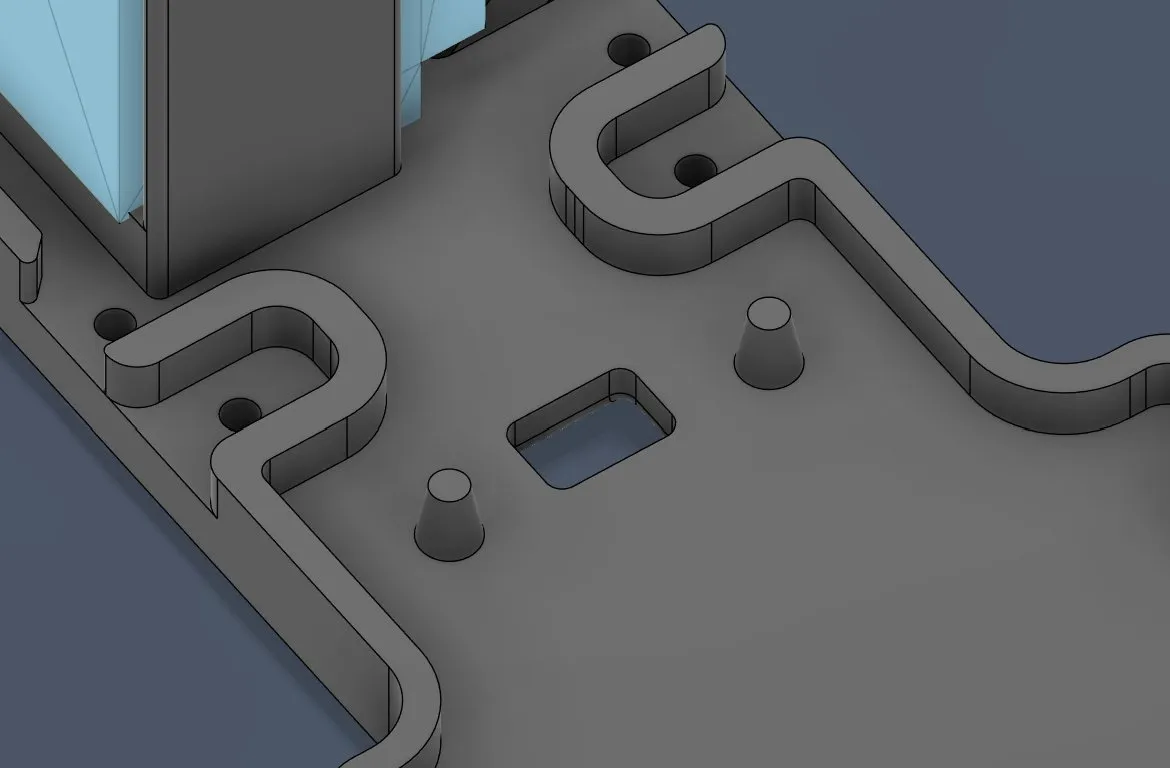
First I created a new sketch, found the center, drew the rectangles of the sensor and then the circles, made them slightly thinner, and after extruding and cutting the hole from where the sensor is looking, rounding the corners, and drafting the pins for optimal fastening, it looked like that:
Then I continued with the left and right side sensors.
And after building the holder pins and the hole for the sensor it looked like that
(same process like before):
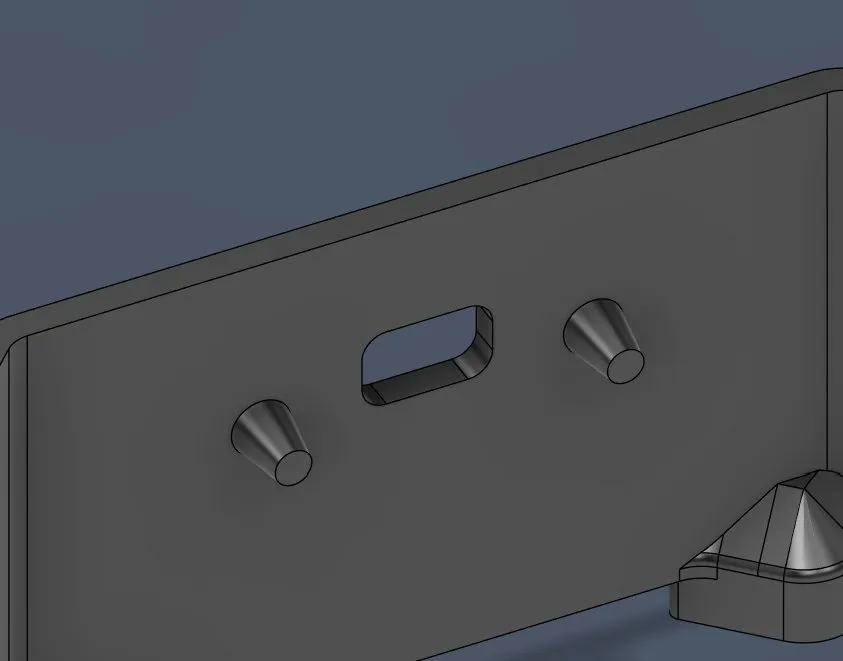
And then I wanted to copy that to the other side but I wasn’t sure how. But then I got the idea to just mirror the thing because it was identical, just that the holes and the pins would add to the other side.
For doing that I had to split the body into two parts so that I could mirror it and combine it.
But then I saw that I couldn’t just mirror it because that part is different from the other side, so I had to split it shortly before these parts:
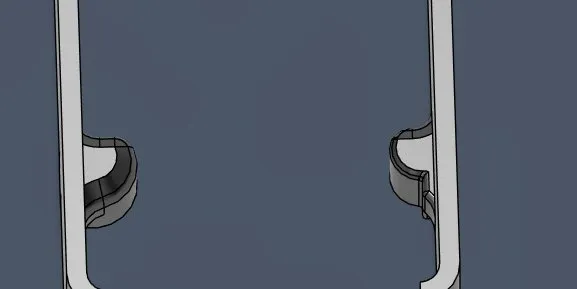
So I first created a new plane, split the object that shouldn’t be mirrored, then split it in half to copy the sensor plate, and then it looked like that:
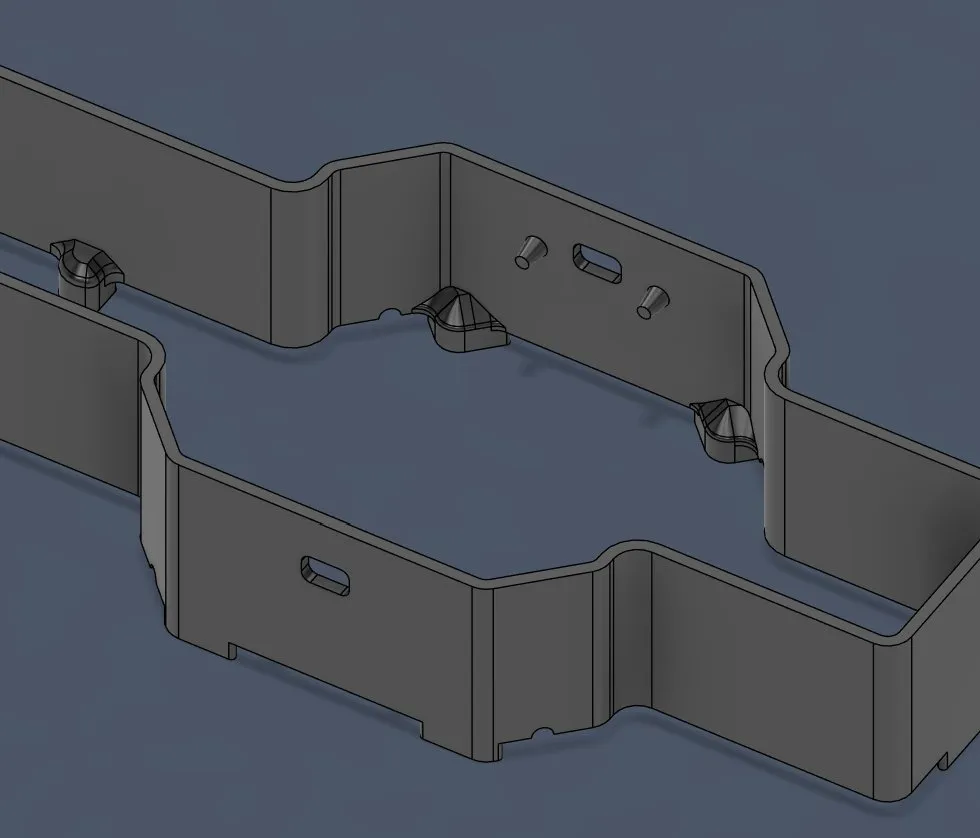
And after doing the bottom, right, and left sensors I continued with the front sensor, but there I quickly saw a problem: there wasn’t enough space for the sensor.
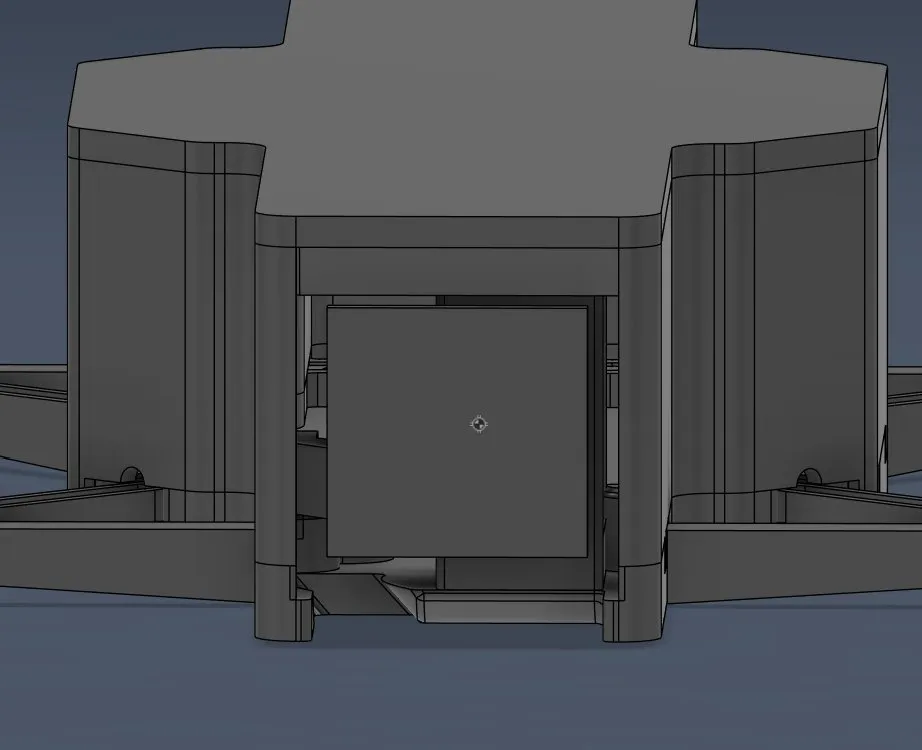
So I decided to move the camera plate further down so that I can get a bit more space and can position the motor above it. I also think that it will look better because then it won’t be that open anymore right now. SOO I started by measuring it and it actually would be possible to do. After measuring it should fit, but very knapp, only 1mm free between them. But I started by moving the camera plate further to the bottom (8mm).
And after I edited that it looked like this:
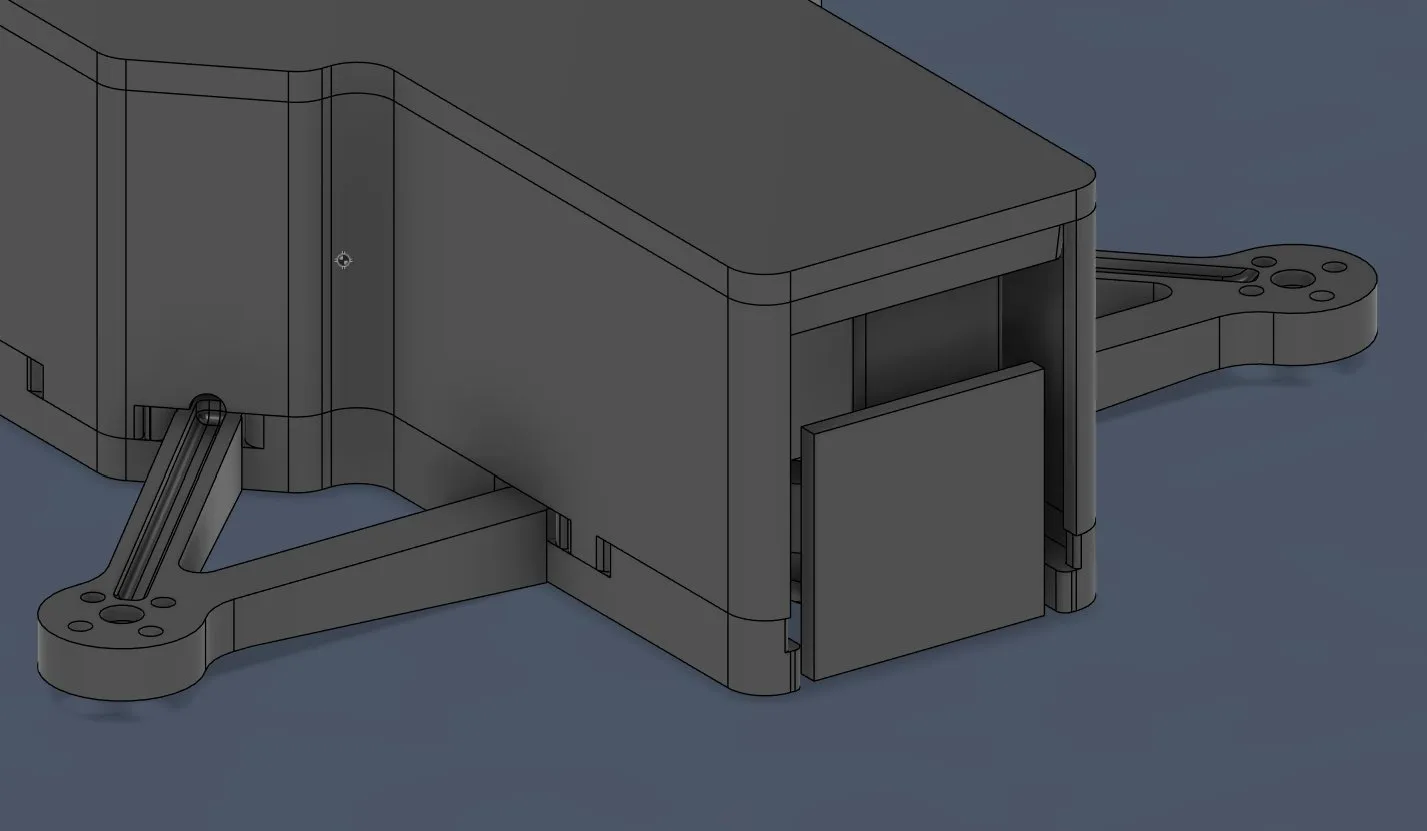
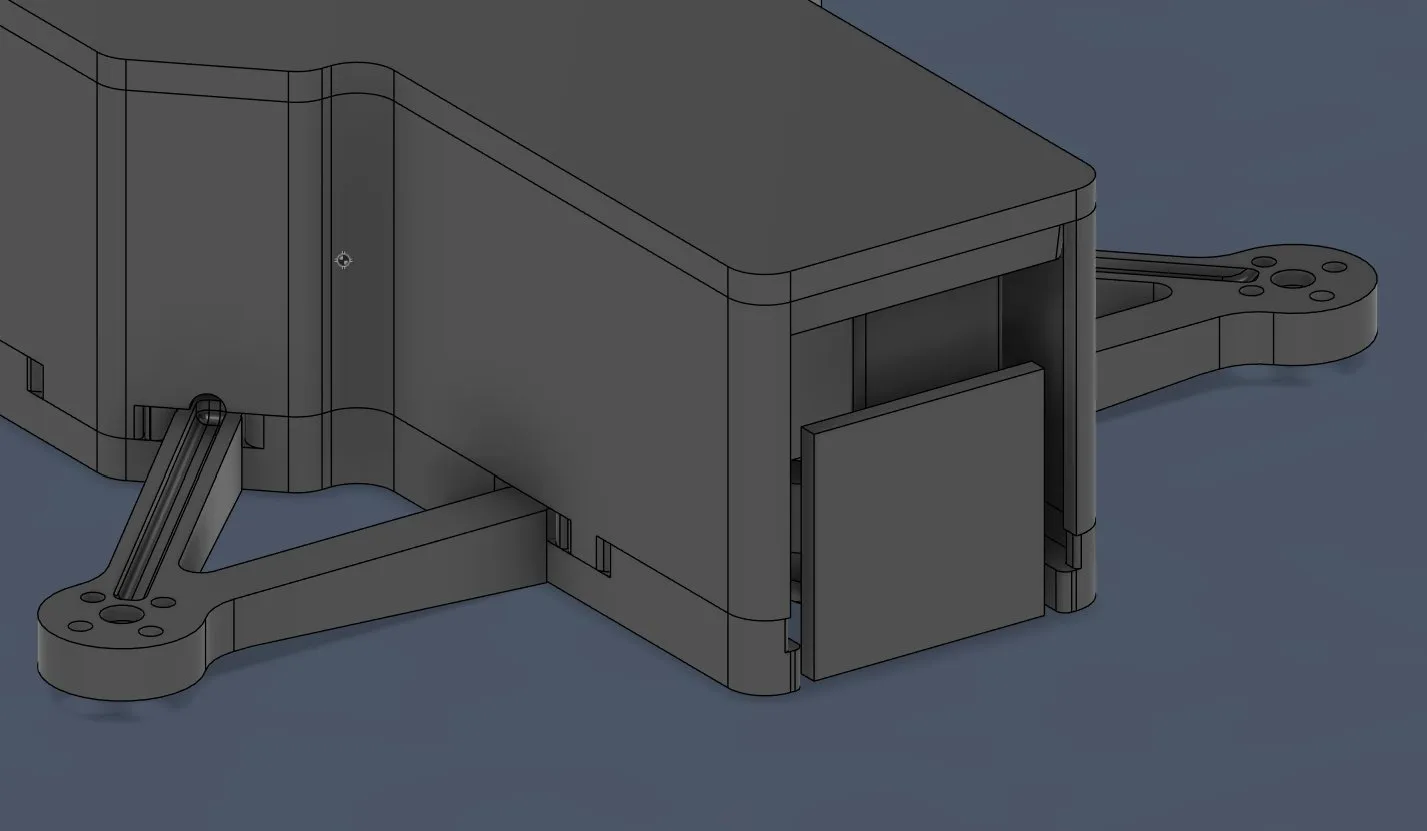
The next step was to make a wall above the camera for holding and placing the sensor.
But therefore I had to remove the case holder on that spot so that I have more space for the sensors.
But to start with I switched to the cover file and made a new sketch, selected that part that I didn’t need anymore, extruded it in cut mode, and after rounding it looked like that:
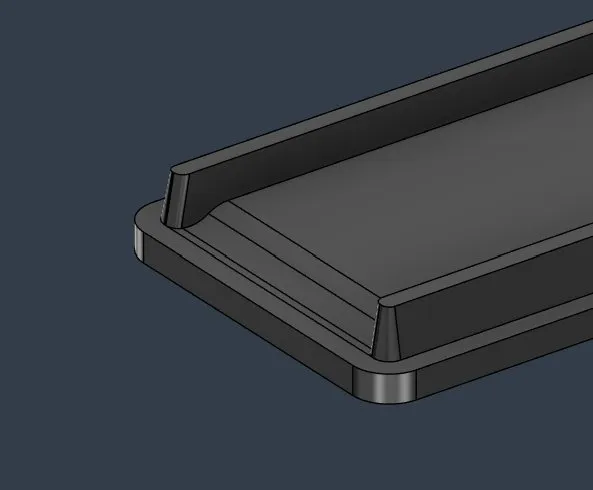
Next I added this small “wall thingy” because there was too much room there and it looked unclean, so I had to change that and it was important for the next step (hope with that image it’s more recognizable):
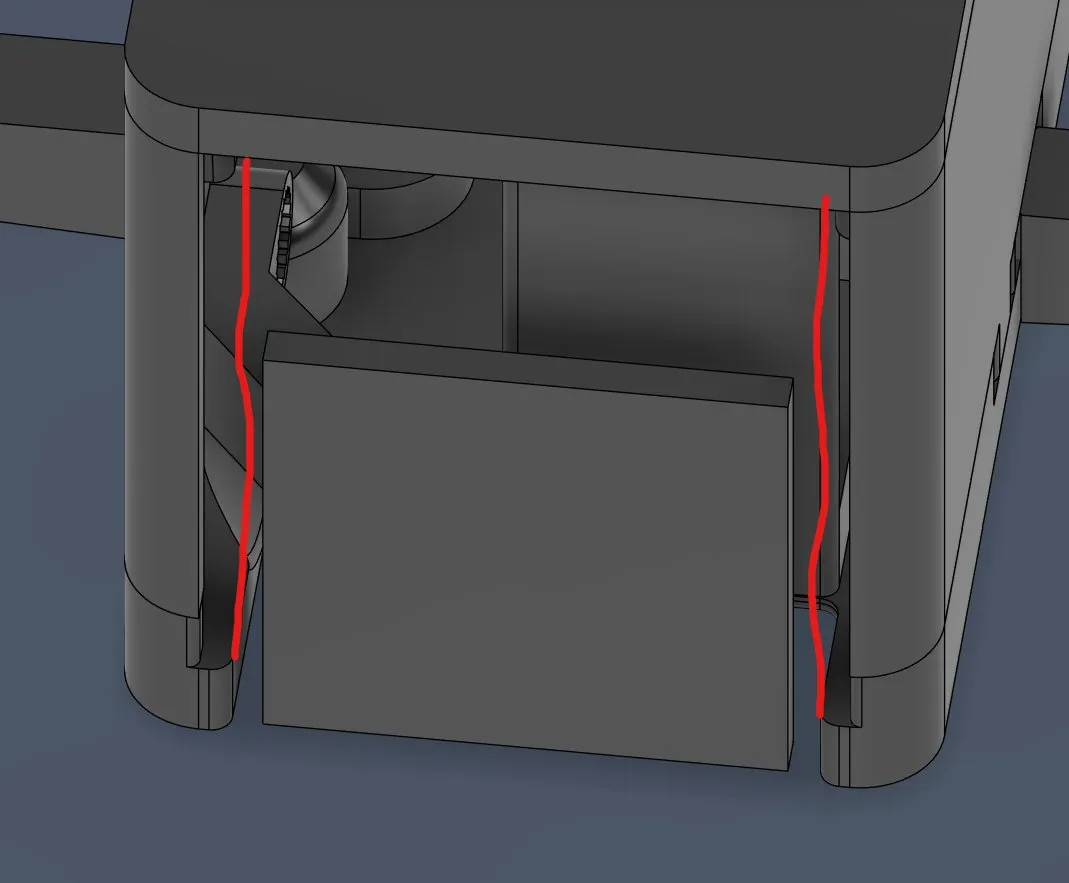
So I first started by extruding that part in the platform and then adding the new fillet and then copying that to the other side:
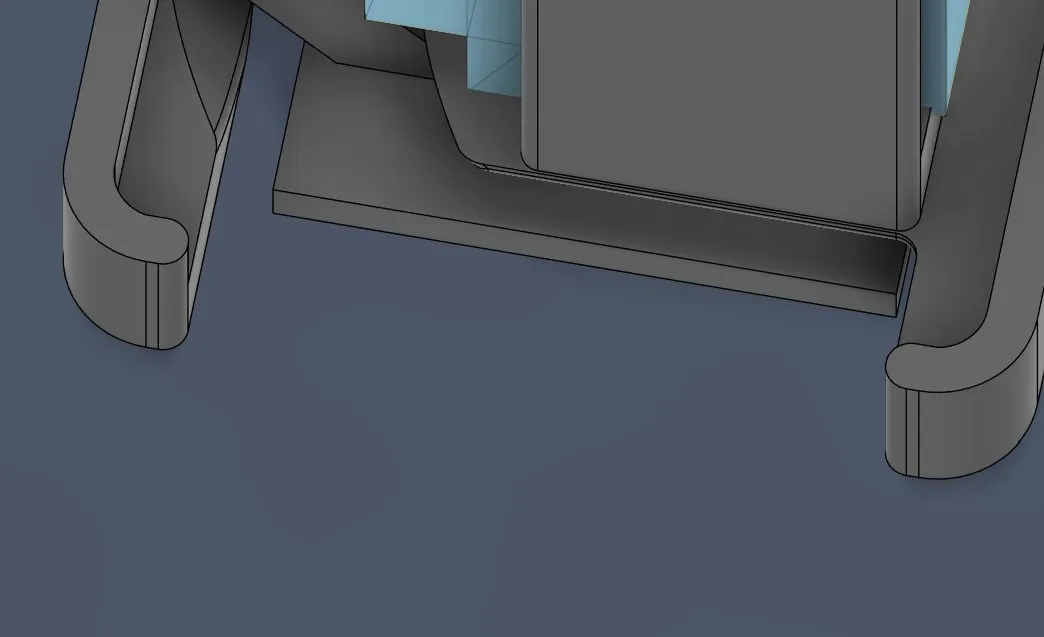
And after extruding that part for 1.495mm and rounding it, it looked like that:
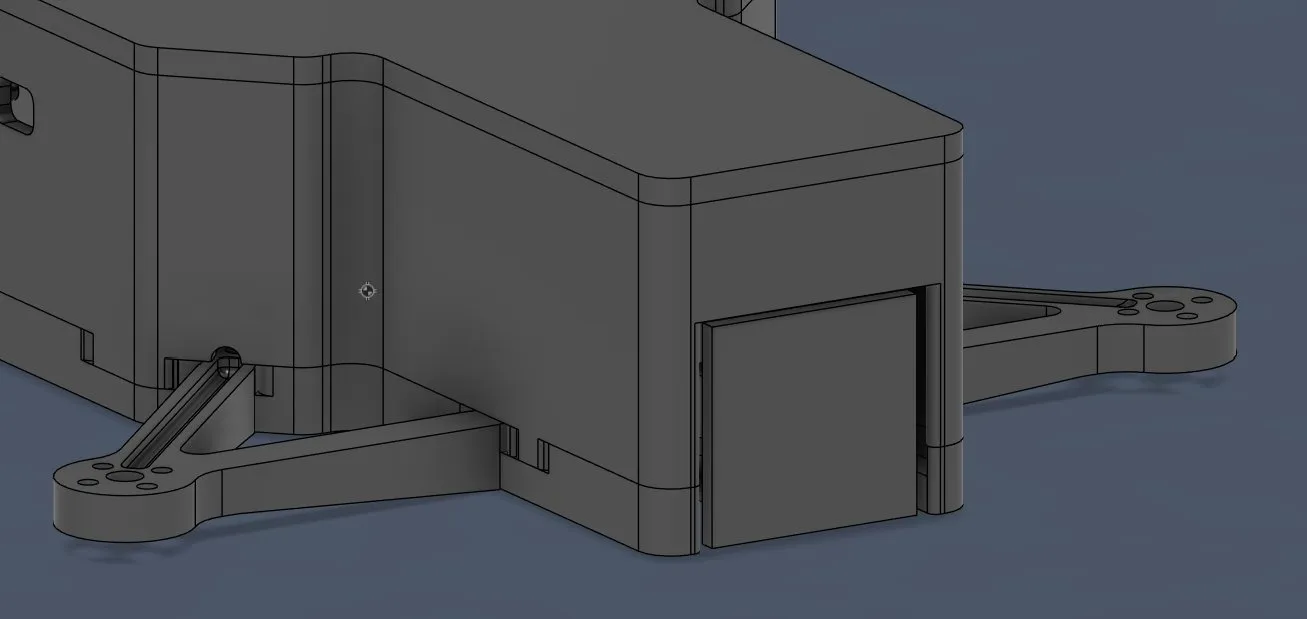
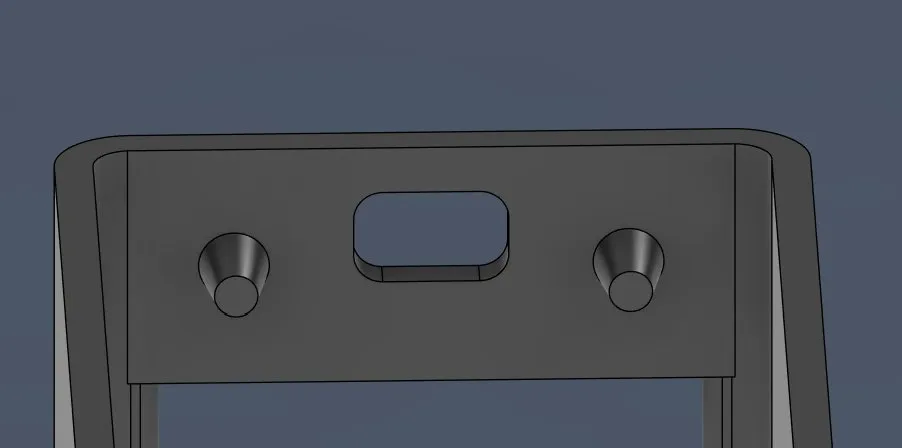
And after extruding the pins and making the hole (FOR THE 4th TIME now T-T) it looked like that:
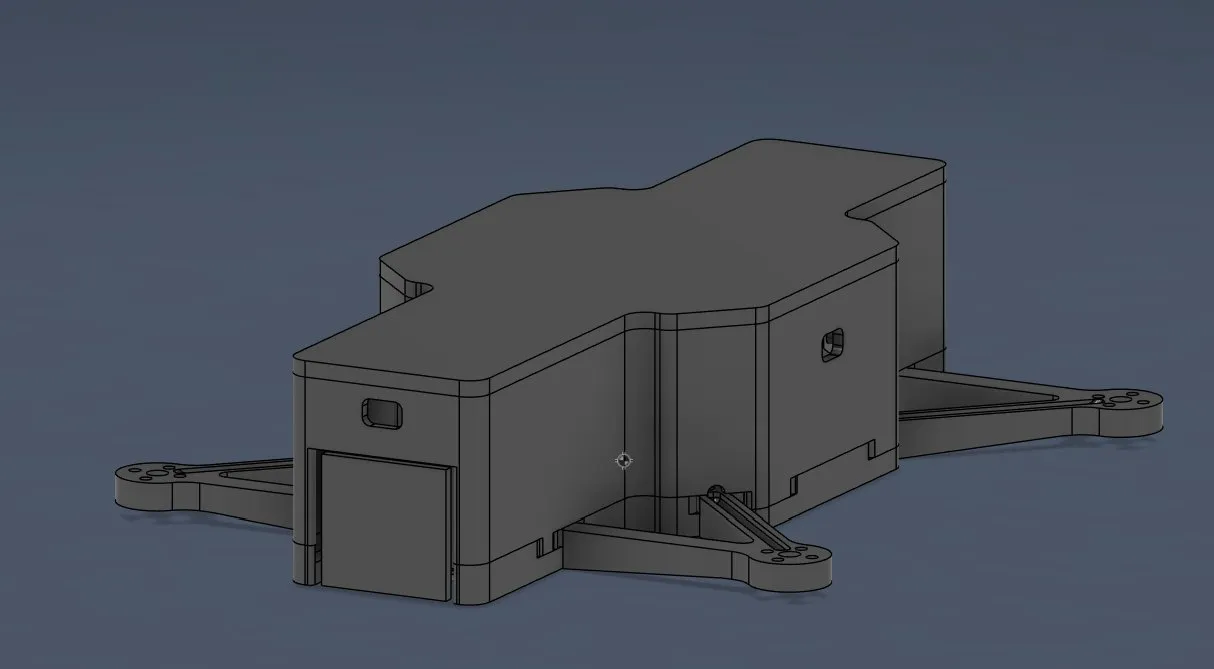
And in total:
And lastly for today I wanted to find the correct pogo pins and then also make the holes for them.
But after finding the best pogo pins (decided for them because shipping is very fast, very cheap, small, and only 2 pins for charging), I will do the implementing tomorrow because I’m tired a gotta finish presentation for school...
Here’s the link btw: [https://de.aliexpress.com/item/1005006525401310.html](Pogo pins)
Happy with the progress because I’m almost completely finished with the CAD model of the drone. Tomorrow I’ll implement the pogo pins and make the landing station, and then on the weekend I’ll do the electronics!!!!! (very excited!!)
Session recordings
Timelapse recordings of this session.