Fixing some issues with the servo motor and FINALLY finishing it!
- Session
- 12 of 33
- Date
- 6 May 2026
- Time worked
- 2 h 39 min
- Reading time
- 4 min
- Images
- 13
Btw I’m currently in school and forgot my mouse, so designing will be tough with just a trackpad!
I started optimizing the servo motor sizes because after printing that part I noticed that it doesn’t fit:
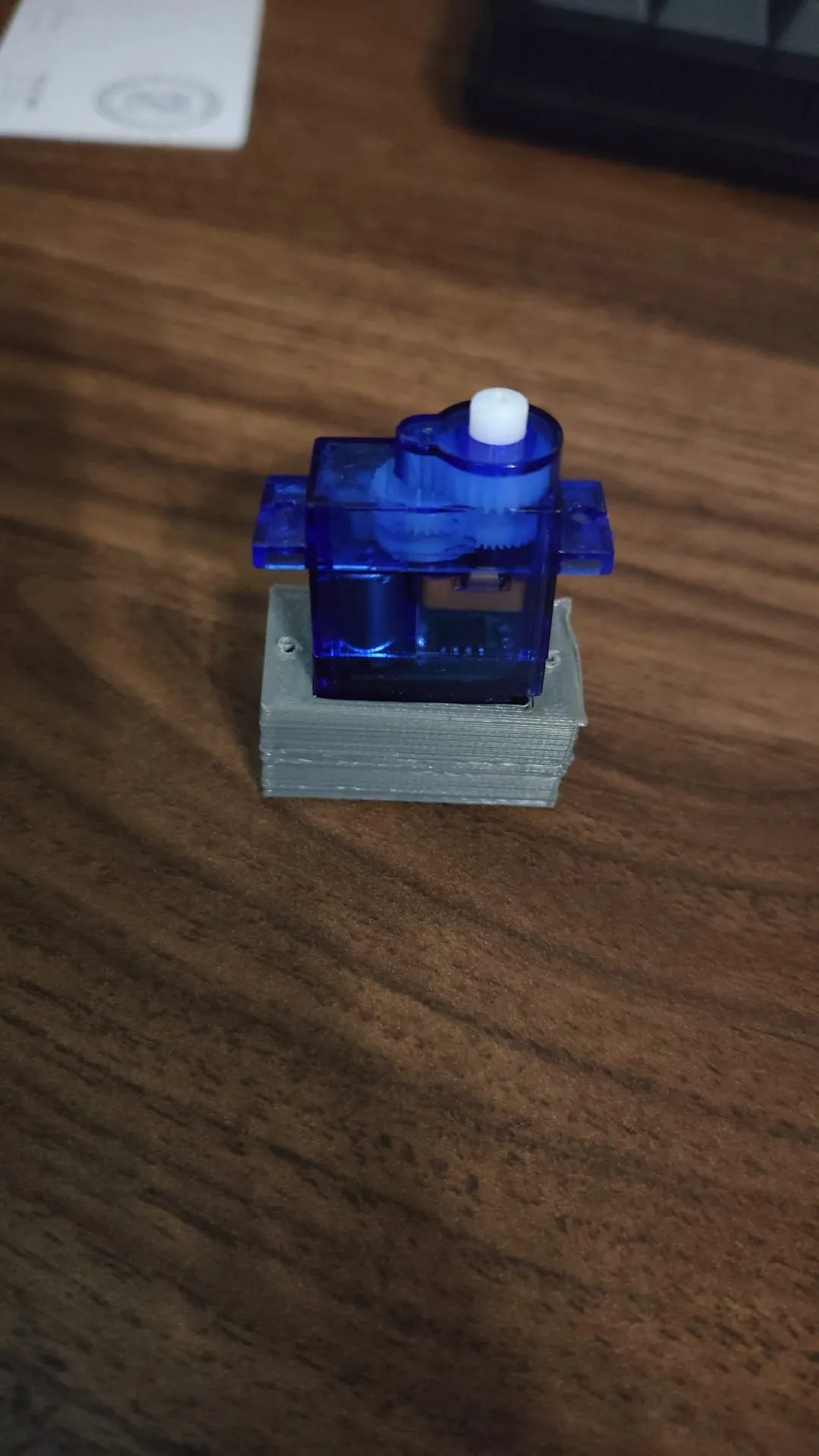
SO I decided to make the holder bigger by adding an additional 1mm to every side.
But before doing that I had to remove the roundings from the holder to better make it bigger:
After that, like I said before, I added 1mm to every side so that the parts would fit perfectly:
And after rounding again it looked like this:
Then I saved the file and updated it in the all-together file,
but for some reason I got thousands of errors and warnings that it couldn’t update the part. After checking what happened, I saw that I accidentally didn’t save some changes. But I also found out that I had one problem:
The holder and the wall connector were colliding....
So I had the idea to cut some material so that the servo would perfectly have its place. After cutting some material it looked like this, and I only had to delete one thin thing that looked strange:
Then I had to head to my violin lesson and then back home. After doing German homework, I directly continued. (7pm now)
But for some reason it didn’t save my progress and I had to redo some steps T-T, like the rounding of the holder:
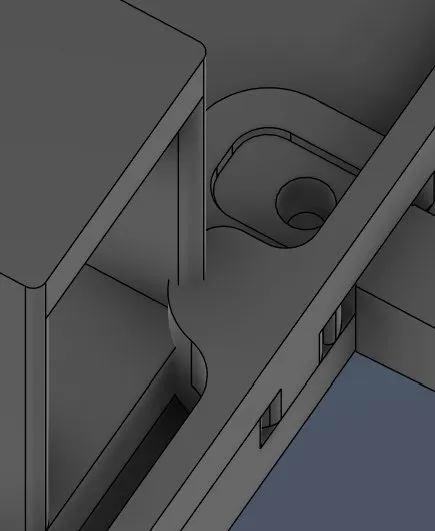
But the problem was that I was on the wrong timestep in the timeline, and after that everything was fine again...
(and then I noticed I didn’t record that T-T)
But after that I finally deleted this part that was overhanging.
And after rounding it looked like this:
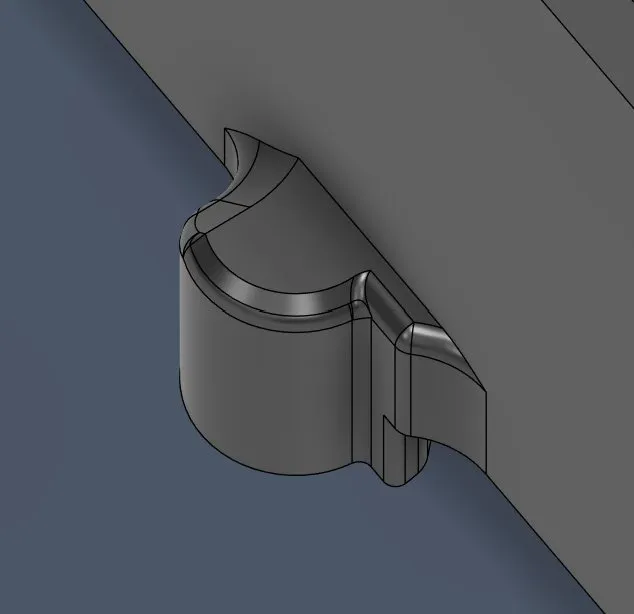
So after that process I am going to continue cutting the platform because the camera needs room and a cut in the platform to go underneath the drone.
But before that I had to position the camera arm perfectly, but that TOOK A LOOOOOT OF TIME. After trying, I found the perfect spot and positioned it:
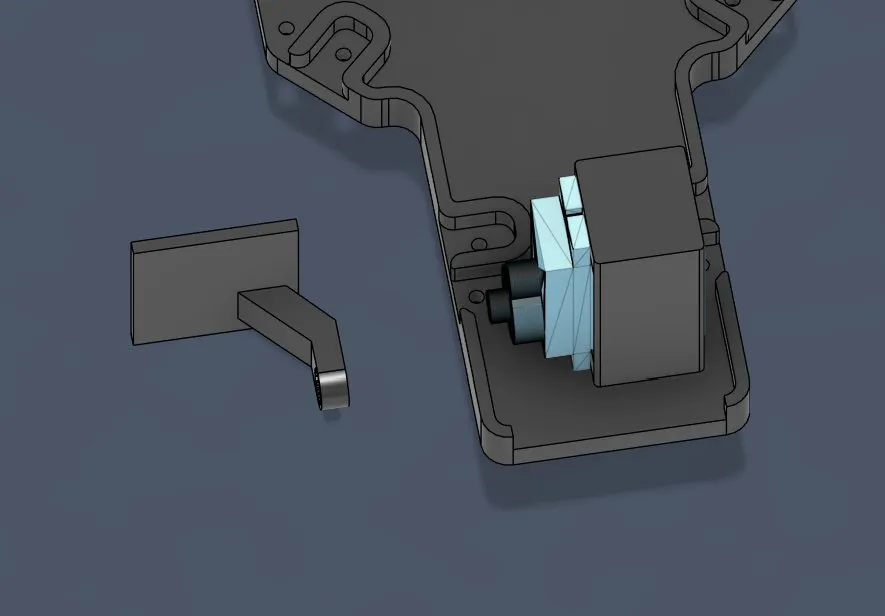
But while doing that I encountered 2 problems:
- The camera wasn’t perfectly centered
- The arm was too thick so that it almost touched the wall
For the camera centering, I first measured both distances from the corner to the platform:
left 2.476mm and right 4.586mm. After subtracting them and dividing by 2, I got 1.057mm that the whole thing had to move to the left. So after changing the sketch it looked like that.
But for some reason it didn’t update...
After googling, I saw that I should check if the Capture Design History is disconnected, if the link is broken, etc. But nothing worked, SOOO I decided to relink the arm and position it again, and it actually worked. It looked like this:
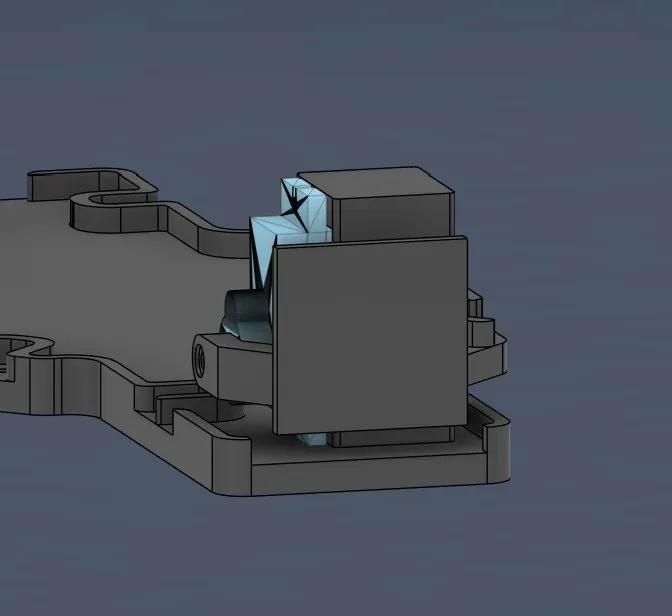
And after making the arm thinner it looked like this:
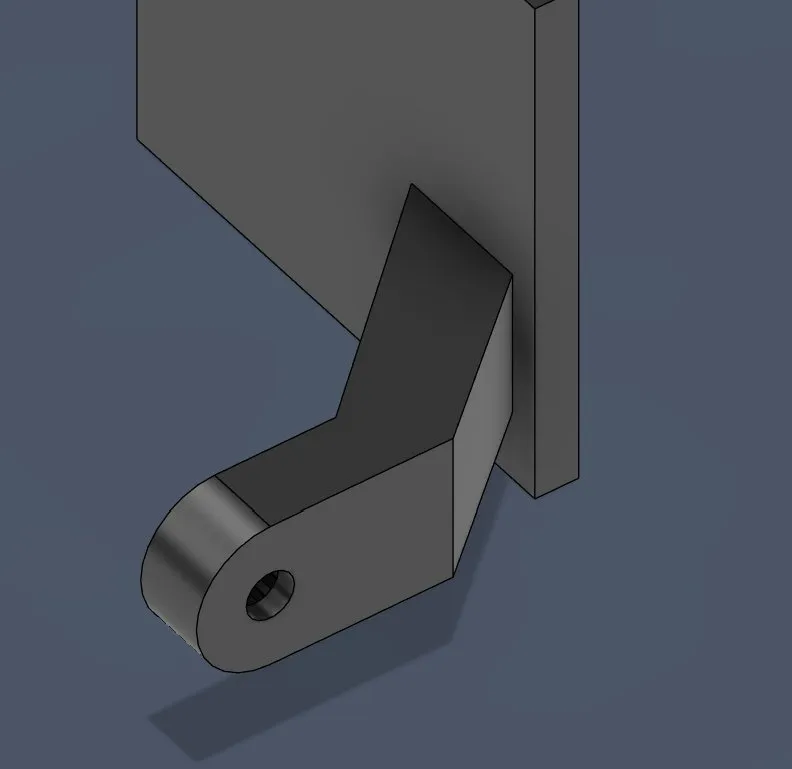
After that whole process I finally could cut the hole, but I wasn’t sure how to do this. After a couple of minutes of research I found out that you could use the revolve function, but it didn’t work for me, so I had to find another solution.
But after searching I checked again and understood that I was wrong, because I first thought that I had to select the whole body for that feature, but I just had to use faces. It was possible, I just forgot to apply some faces.
After finding that out I applied it, but I quickly realized that for some reason it was always shifted and not correct, which freaked me out:
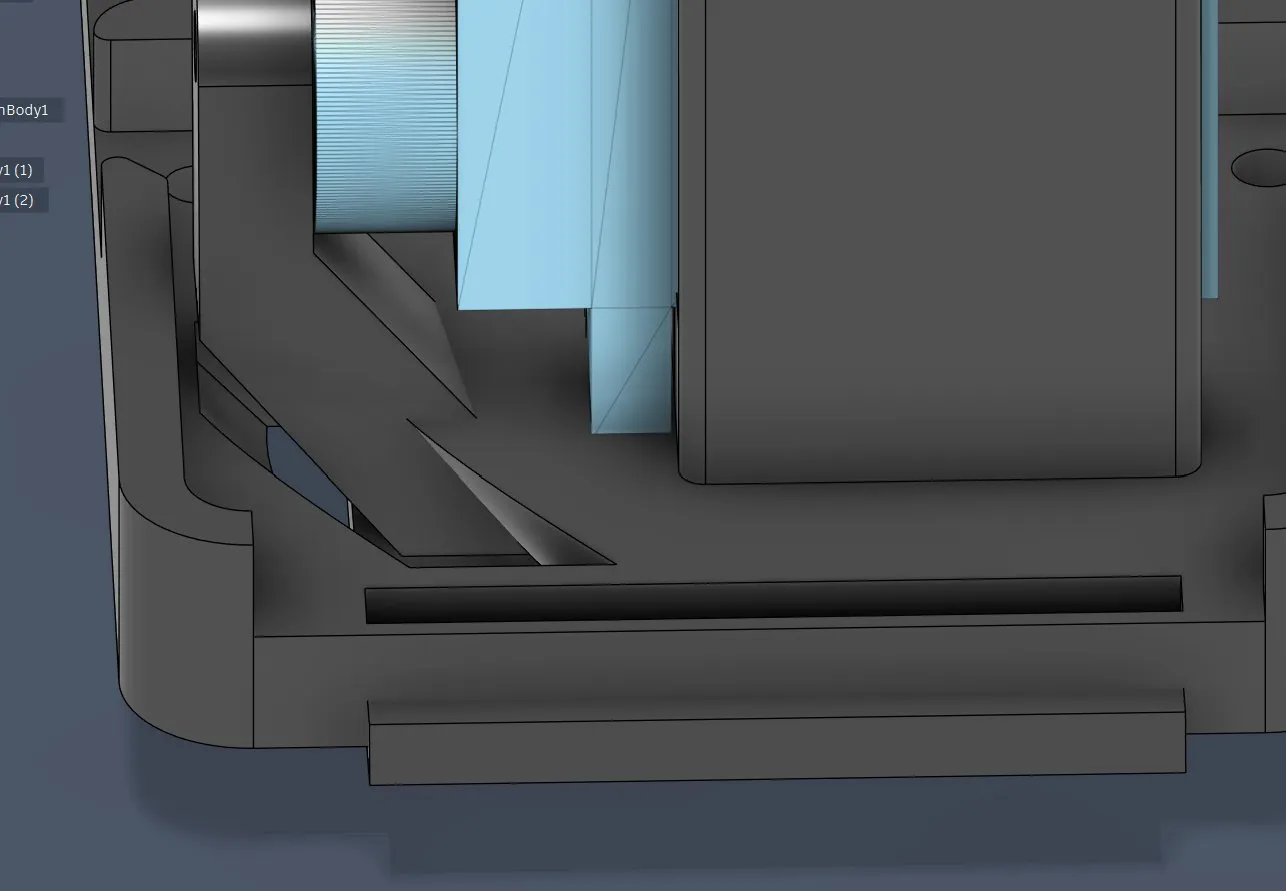
And after a ton of googling I found out that the face should be at the same height as the center rotating point, otherwise the point gets shifted and, like before, it would be wrong. So I had to cut the arm in half. For that I again searched online and found out that I had to create a plane and bring it to the right height, then select the object I want to cut with this thing, and THEN IT WORKED:
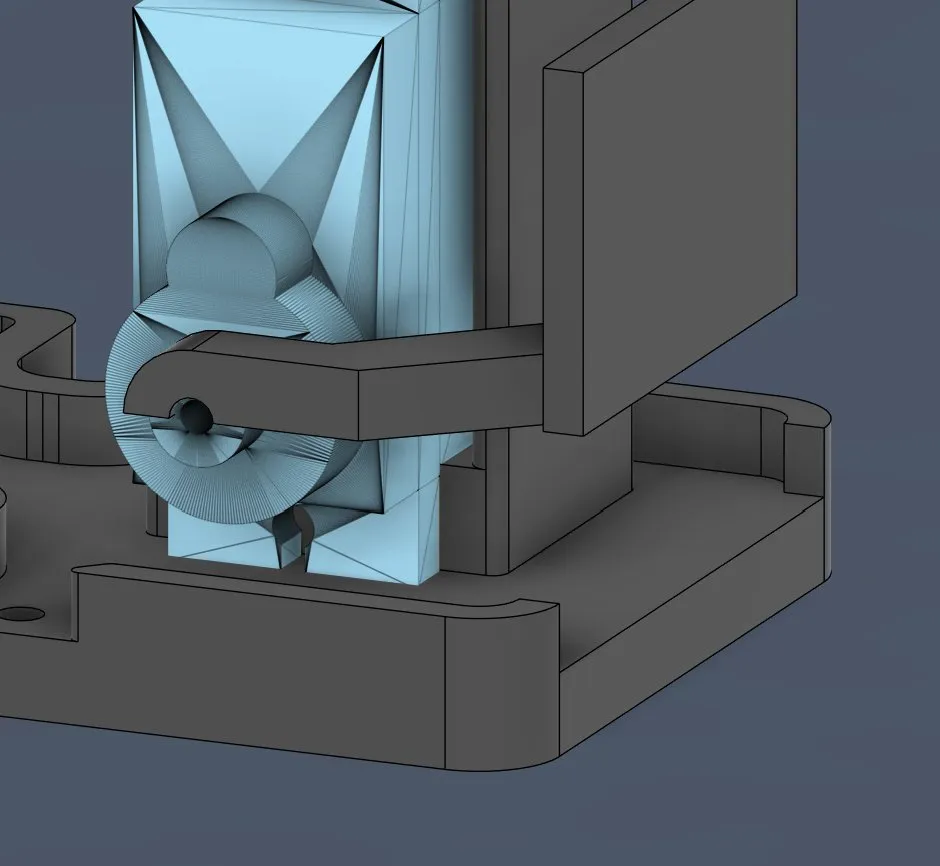
After that I applied it to all sides on the inside, an outline so that everything sits perfectly:
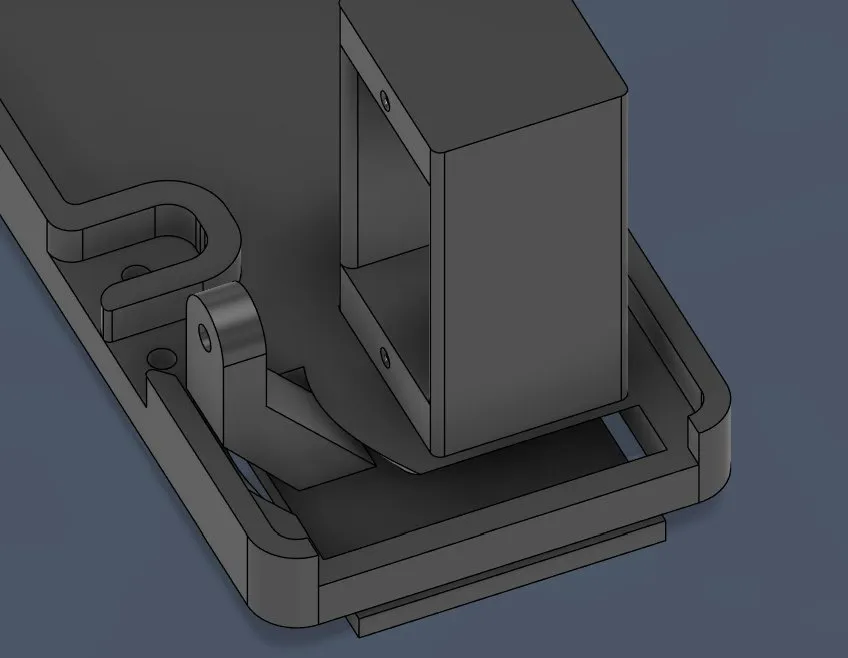
Lastly I also deleted this part of the platform:
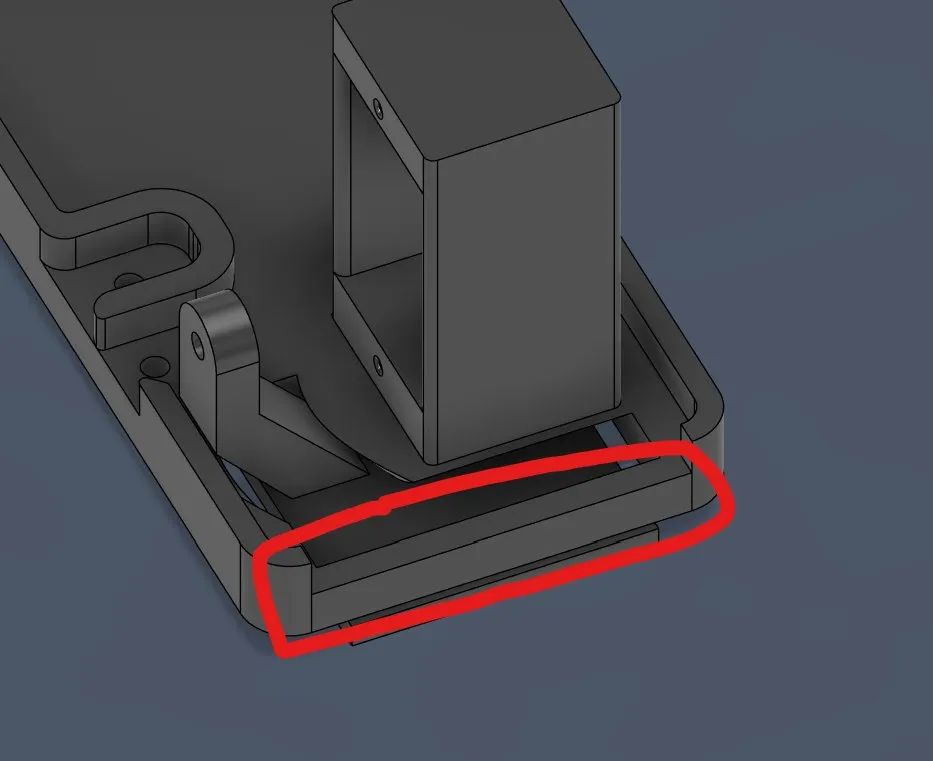
So that the camera thing can go through.
And after rounding the edges it looked like this:
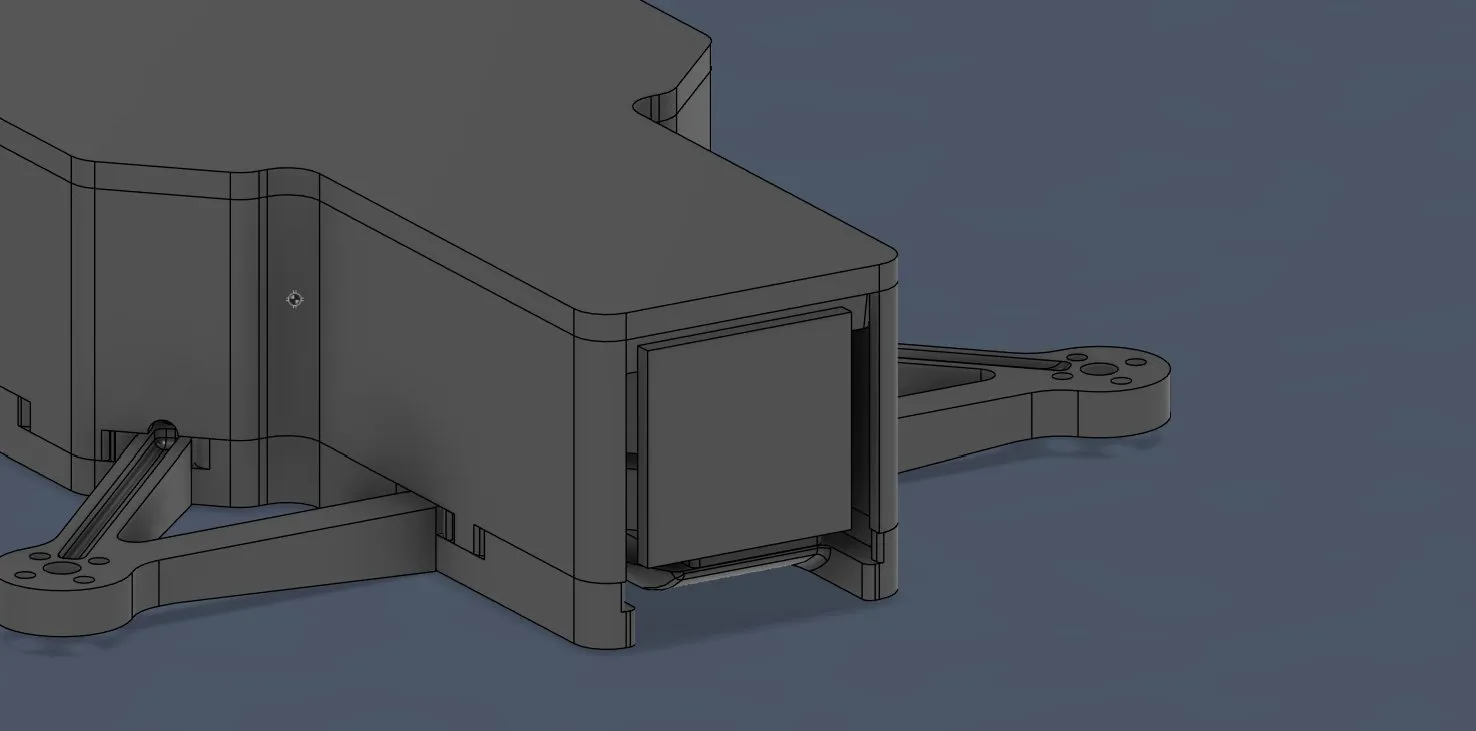
So one problem was left and then I go to sleep: the servo motor holder is higher than the walls:
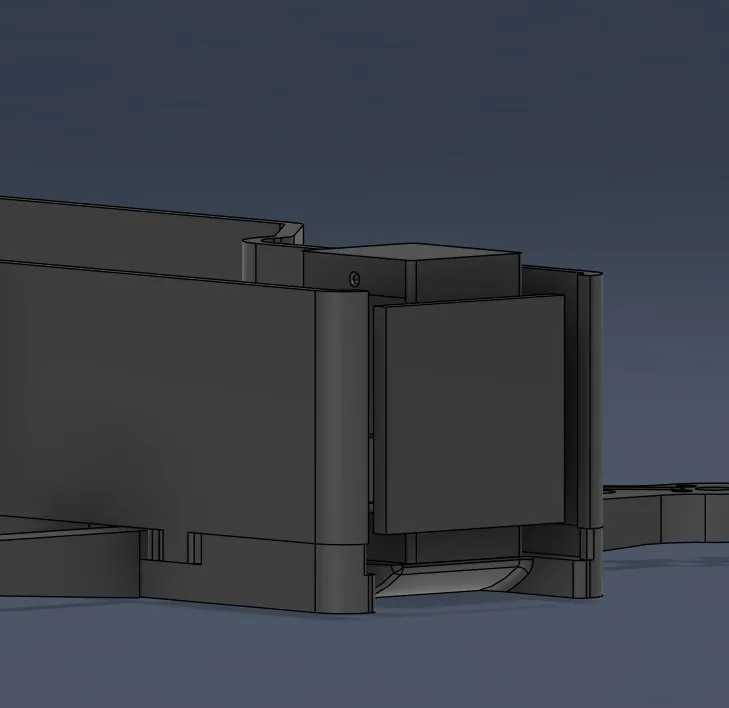
That’s why I have to make the walls 4mm higher.
Final look of today:
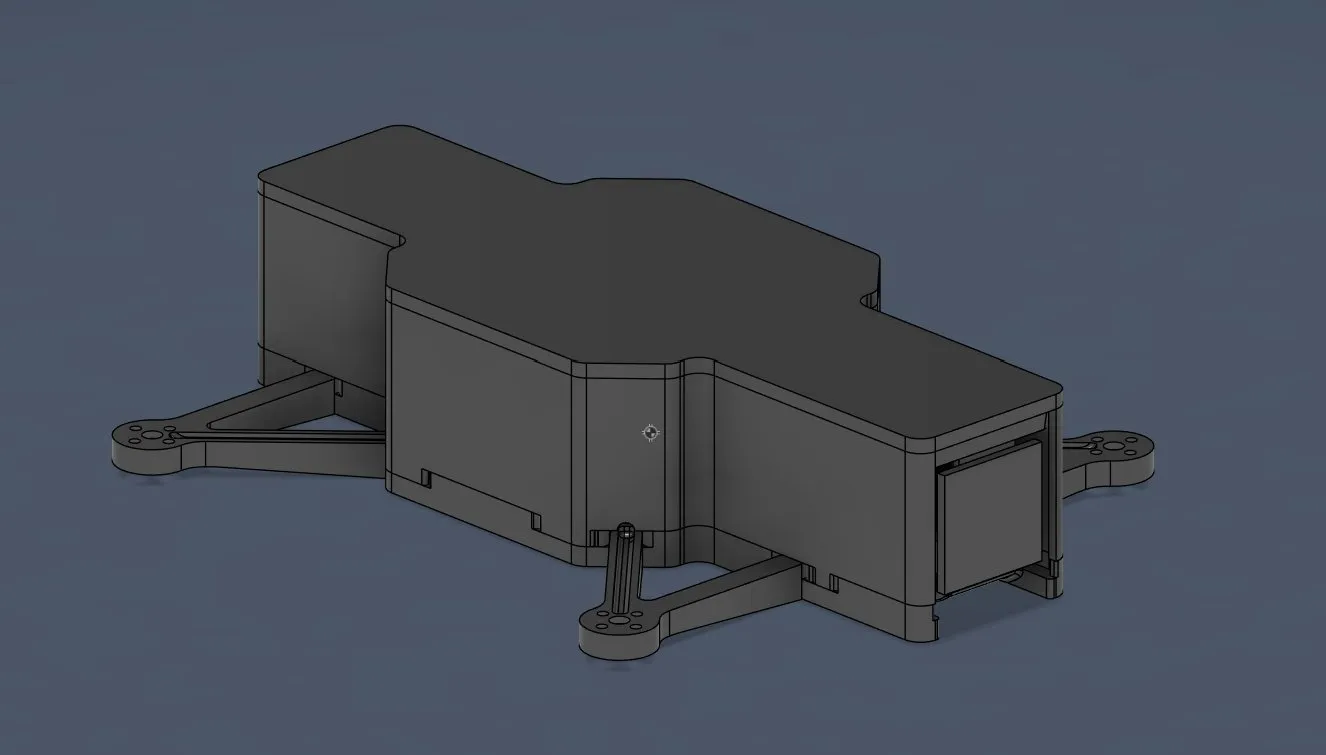
Happy, happy today, but it was a bit stressful with the cutting. Still happy that I managed that and excited for tomorrow!
Session recordings
Timelapse recordings of this session.