Starting with the CAD organisation and making the render
- Session
- 32 of 33
- Date
- 29 May 2026
- Time worked
- 4 h 23 min
- Reading time
- 3 min
- Images
- 14
Now I wanted to perfectly organize my GitHub repo and therefore I created, besides the firmware folder, also a PCB folder and a CAD folder. But I also wanted to check out approved and good projects to see how they did that, and after checking out other projects I decided to also make an image folder for all images.
But first I wanted to export all PCB files:
So I added the .kicad_pcb, .kicad_pro, .kicad_sch and gerbers.zip with the drill and gerber files.
Then I wanted to make the CAD files and that was a PAIN!
I firstly had to add all parts into one file and also the parts that I’ll buy, and the problem was that for some parts like the FC or battery I didn’t find any models, that’s why I had to add them myself. And after adding all, downloading, extracting them etc. it looked like that:
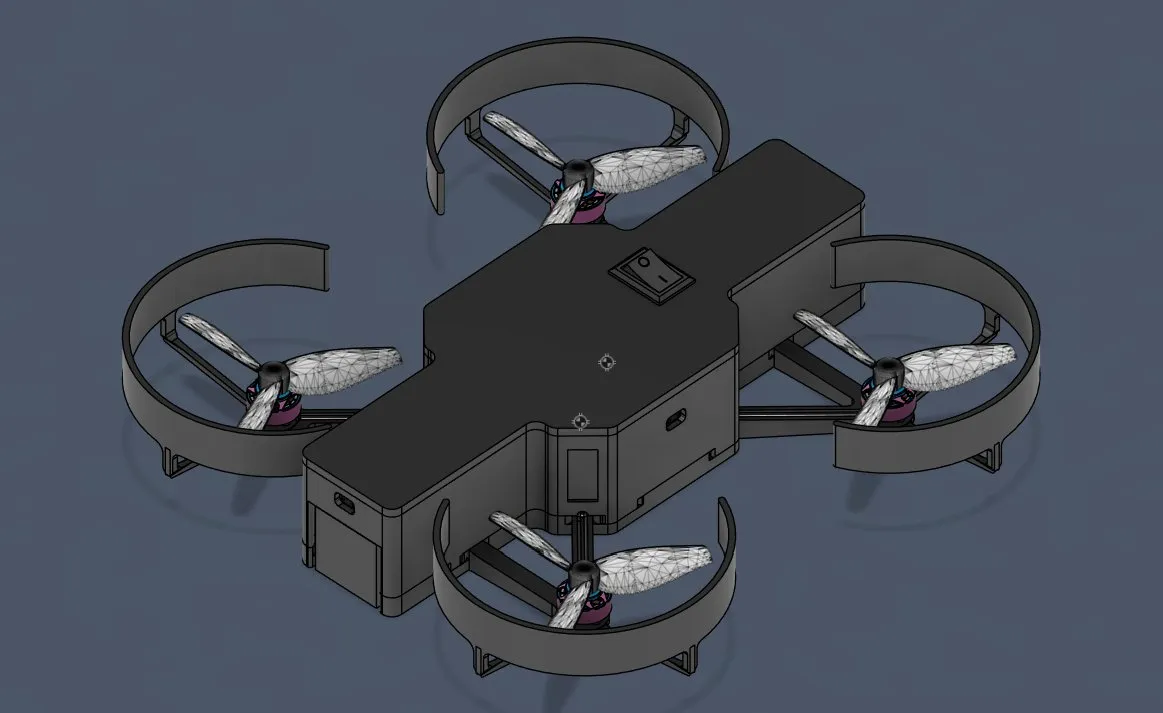
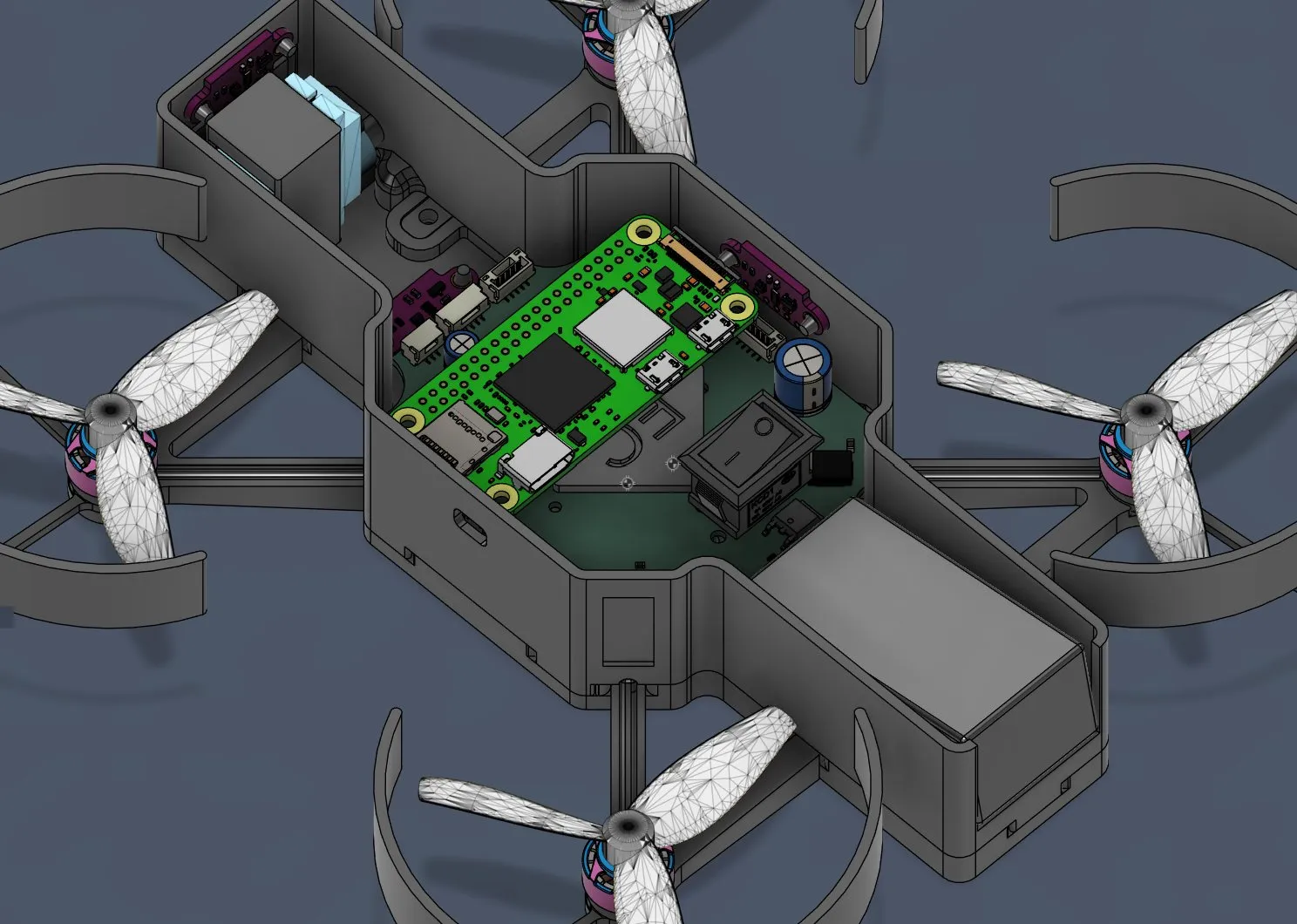
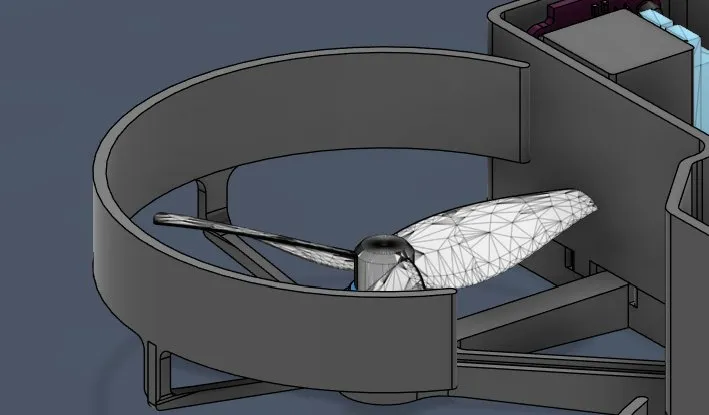
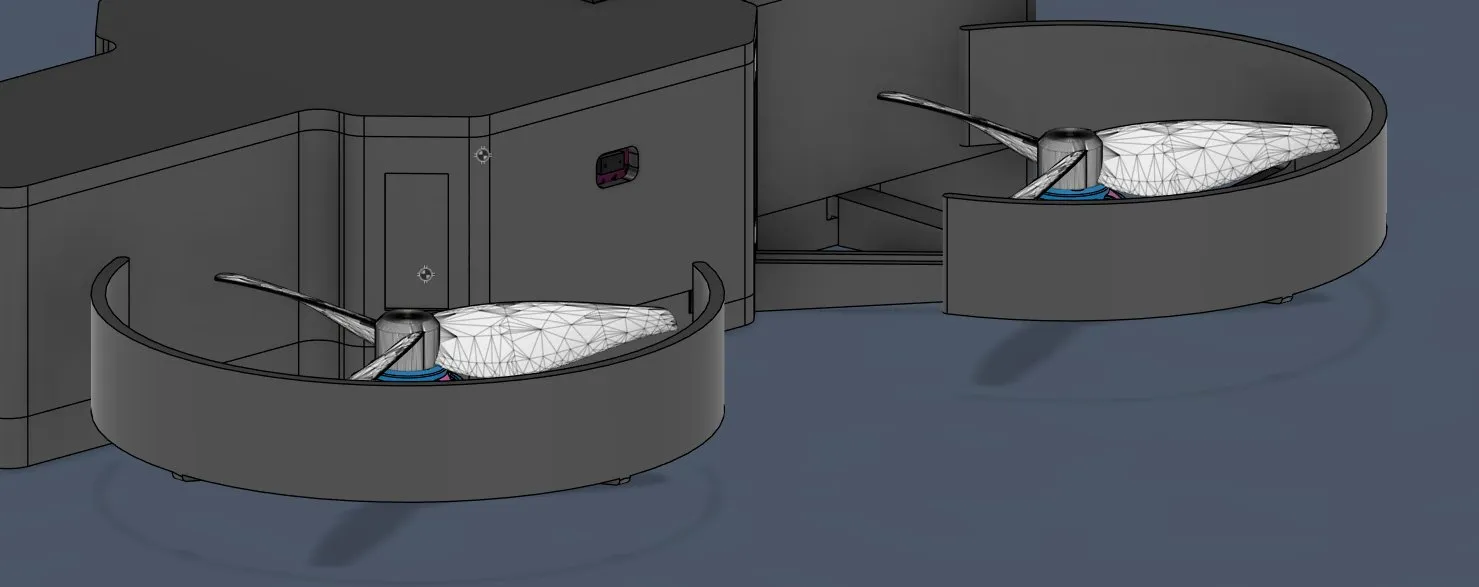
But I had some problems. The prop guards were a bit too high.
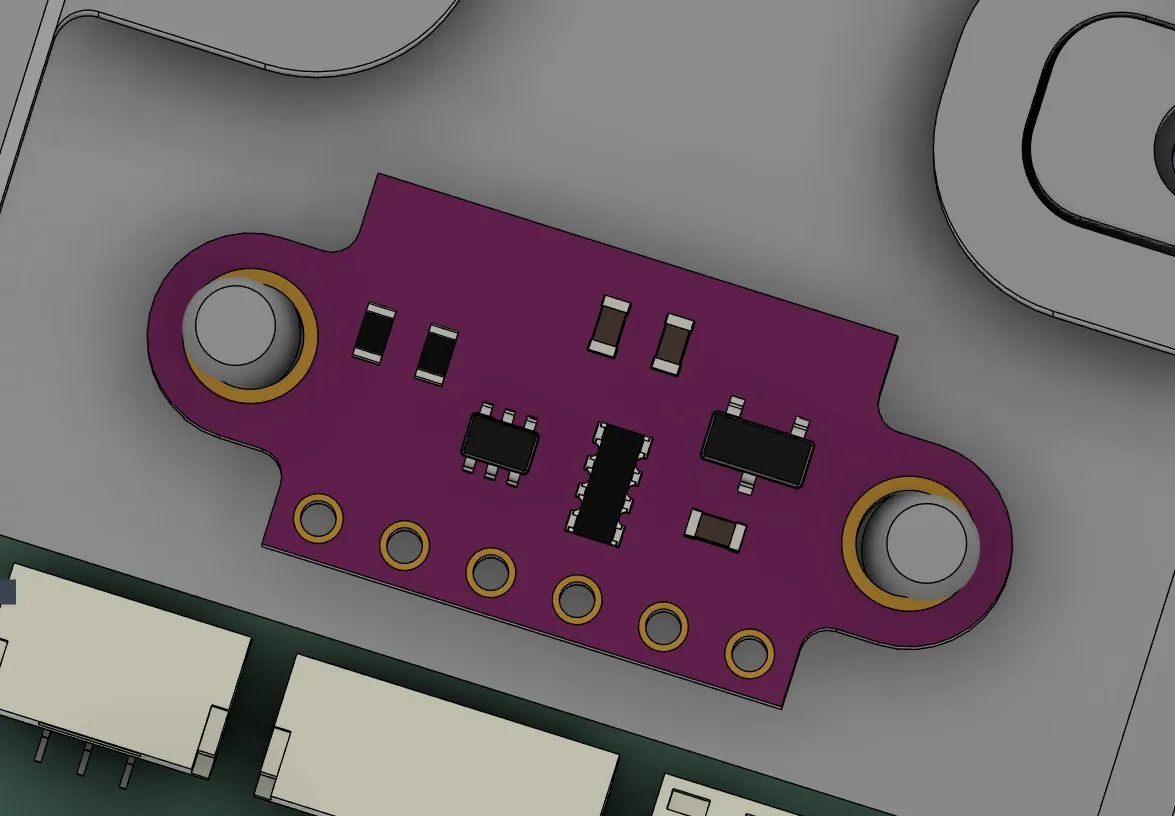
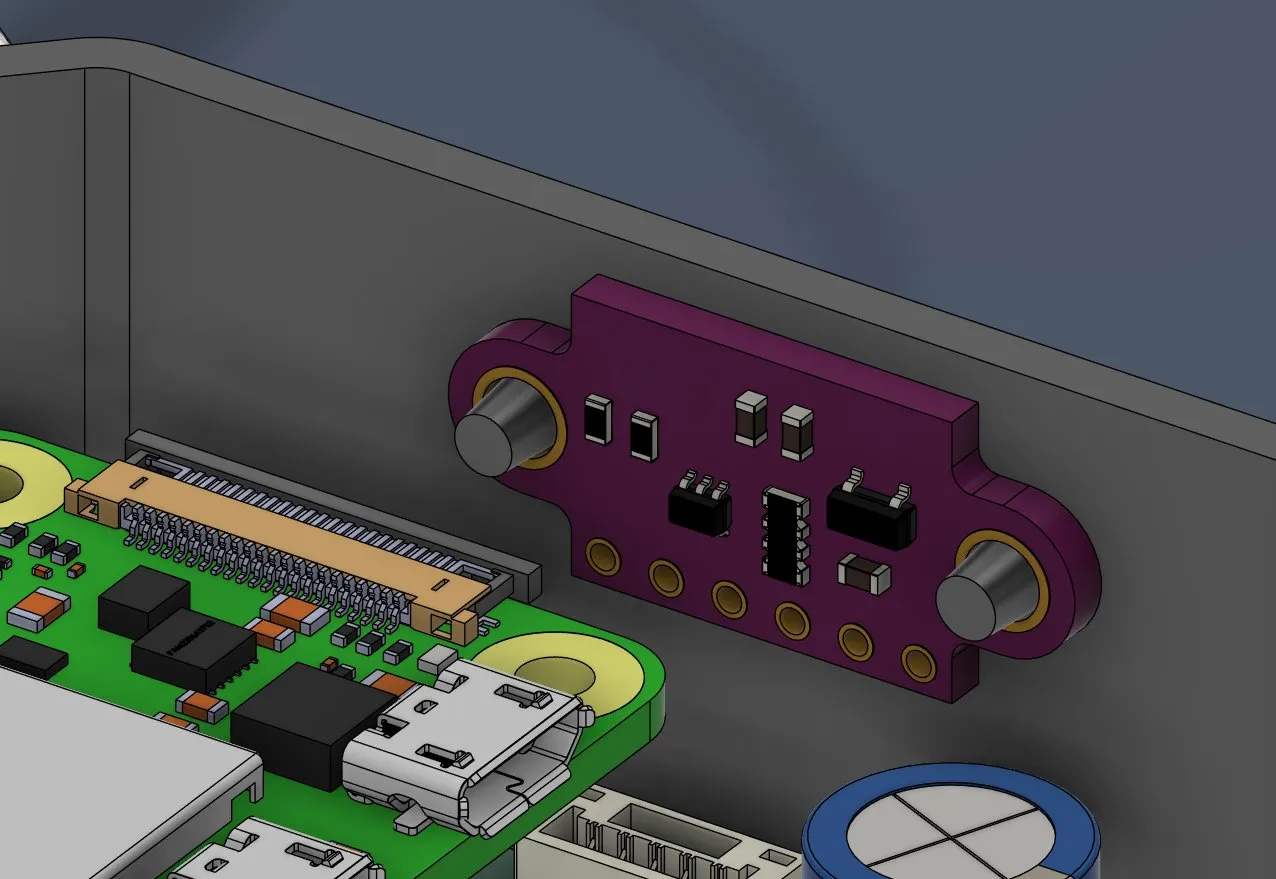
And the ToF sensor holder had the stilts too far apart:
Also I had the problem that the stilts were touching the camera cable from the Raspberry Pi, so I had to move that one further up.
So I started with the 2 ToF problems, but I quickly realized that for one of them I also had to move the hole.
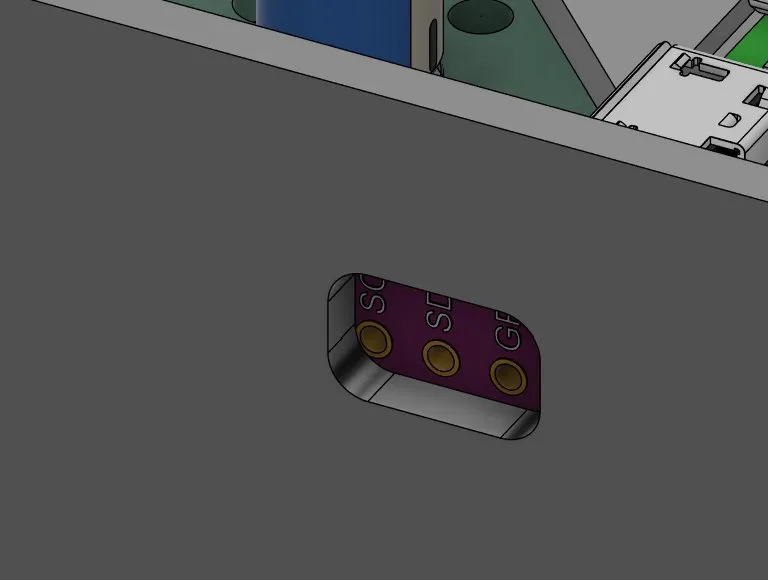
So after fixing it, it looked like that:
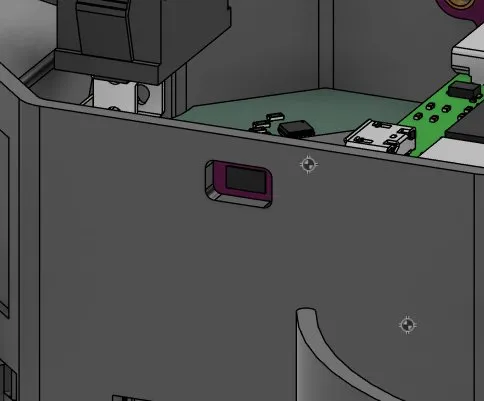
And after fixing the 2 errors it looked like that:
And after moving the prop guards more down they were perfect.
I wanted one more thing, because I was afraid that there would be too much heat at the PCB etc. I decided to make small cuts at the bottom of the case so that air can go through and the parts don’t get that hot. I only had to pay attention that the stilts had a good connection and weren’t floating in the air.
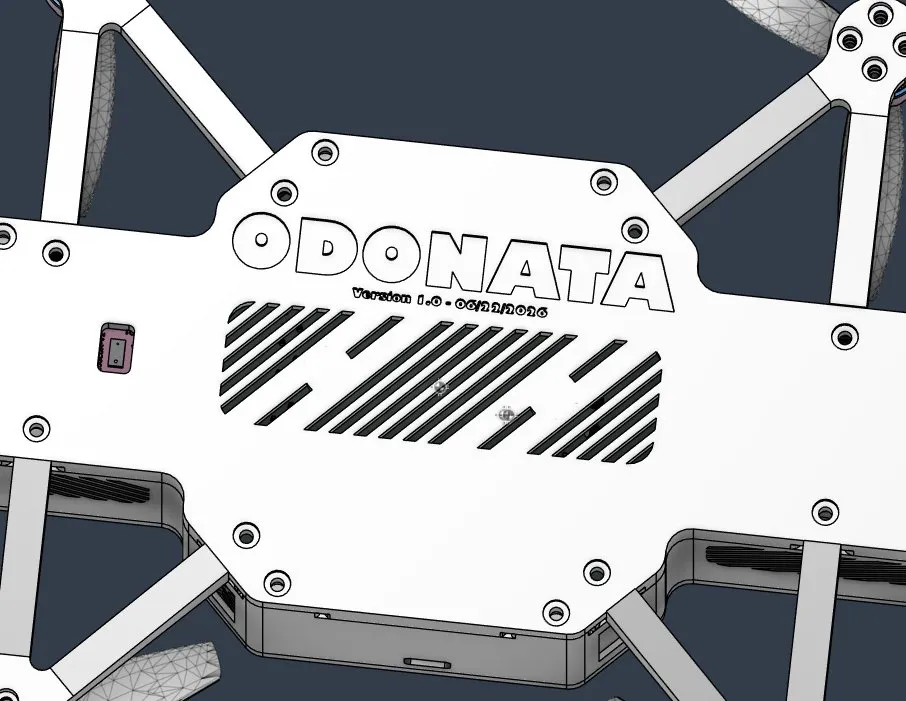
Then I thought I would need some airflow regulation, so I added some cuts at the front on both sides so that the air powered by the propellers can go through it.
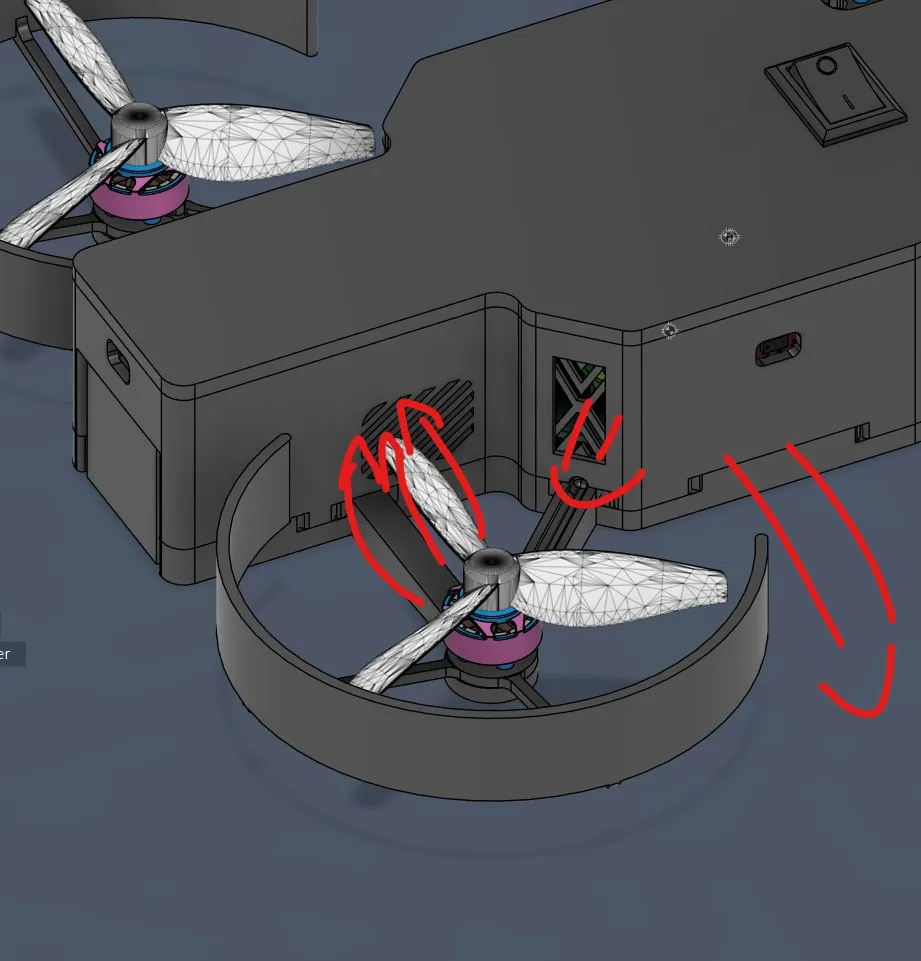
And lastly I thought that the battery can get really hot too, so I also added cuts there.
And finally I was finished with the assembled file and then I checked again which files were needed for the submission.
So the single parts as STEP, a fully assembled file and an .f3d file.
But then the render took my attention and I focused on that first.
After positioning everything I also added the landing station for better demonstrating it in the zine poster.
I decided to use the colors purple/blue and light green inspired by Neon Genesis Evangelion. I decided to make the small parts like the guard protectors, the camera holder and the cover green and use blue/purple as the base color. I also decided to make some faces of the landing station green to bring a bit more color and action into it.
I also decided to make the AprilTag holder green, and after checking which background looks the best I decided to use a classic background with 2 lights. I also wanted to use shadows and reflections with almost no roughness for a cool picture and after trying multiple poses I decided on this one:
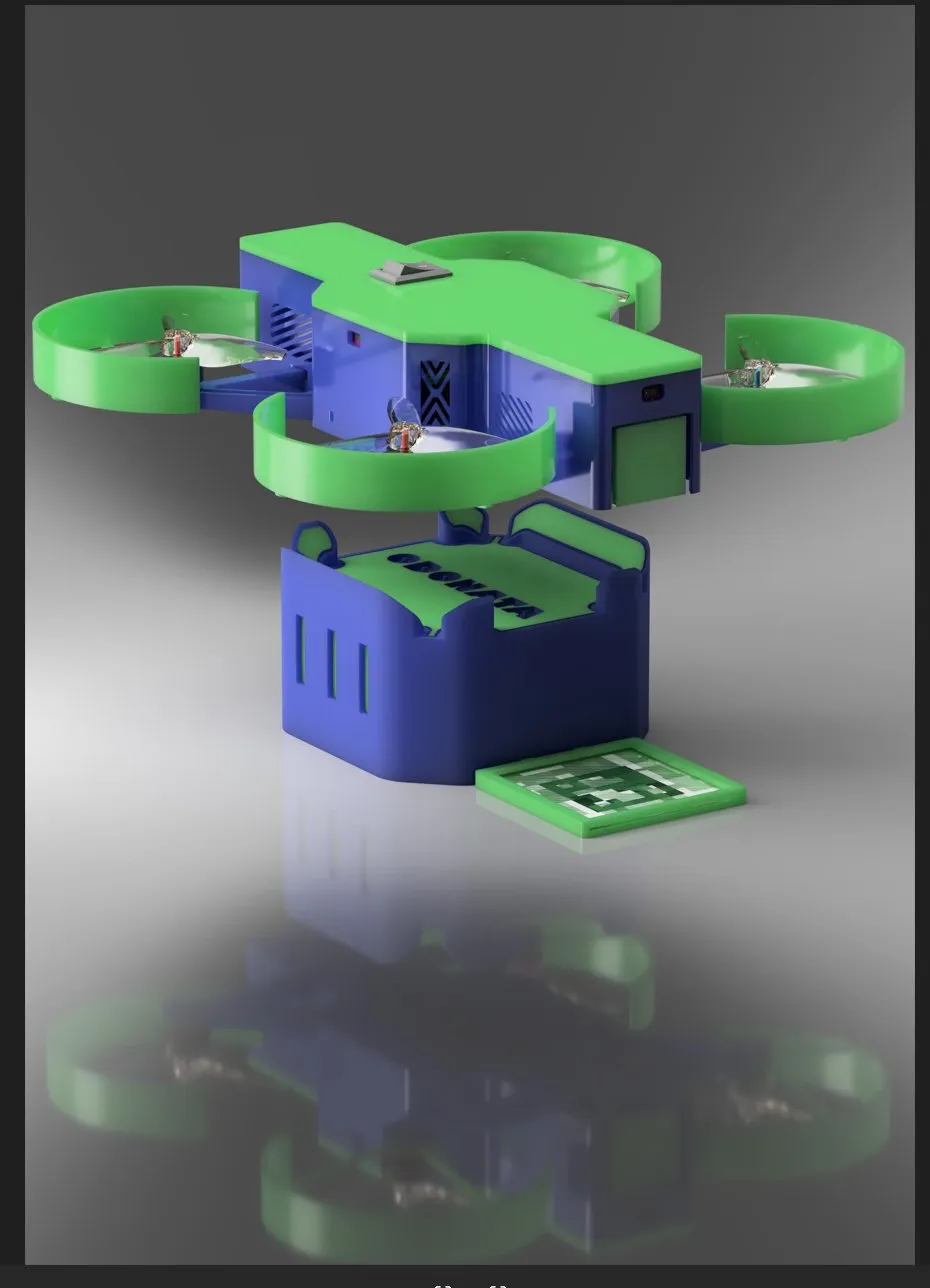
And my vision for the zine poster was this:
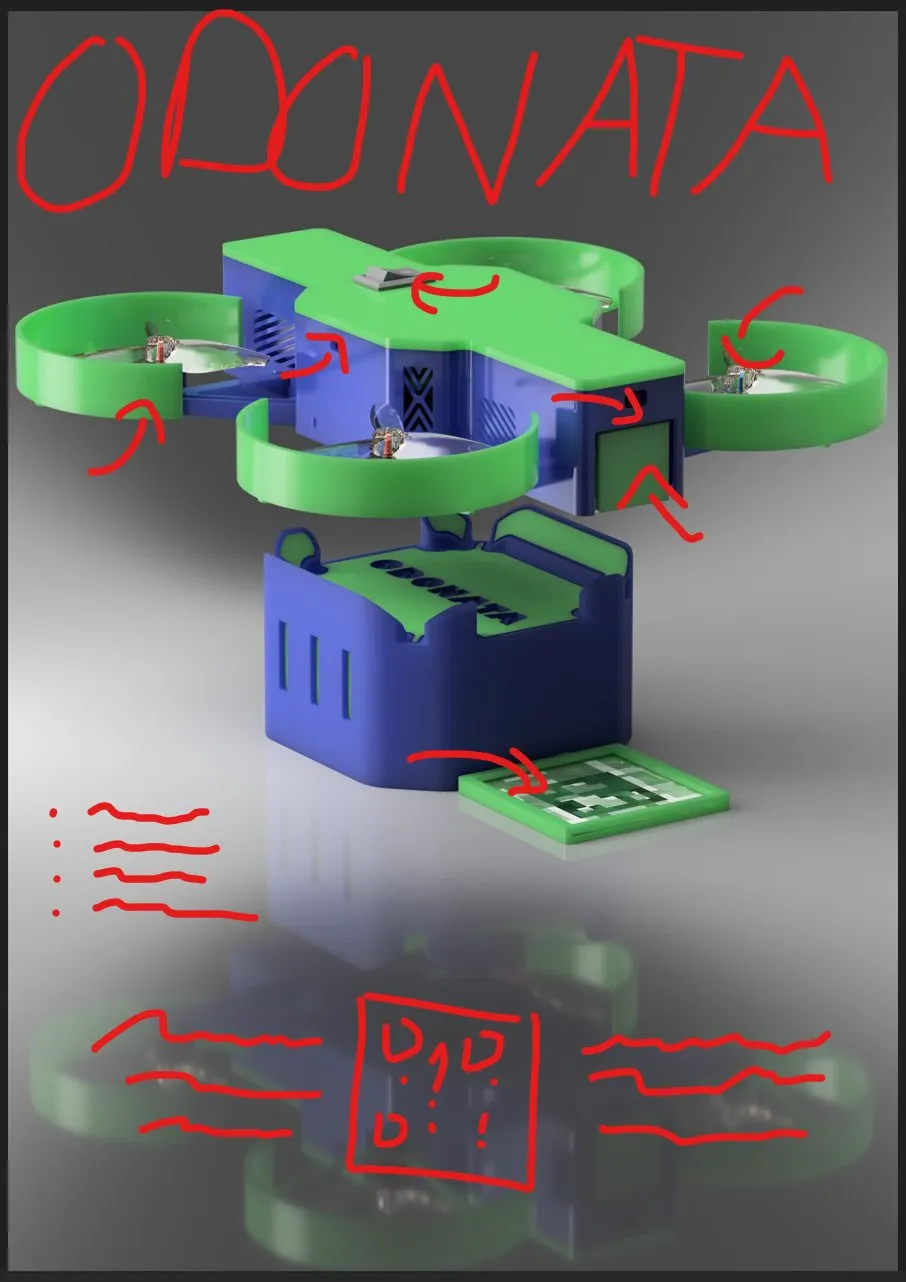
But I SAW THAT I FORGOT TO ADD the camera in the render and after finally finding one I also had to design a case, and I decided to make a slide in case.
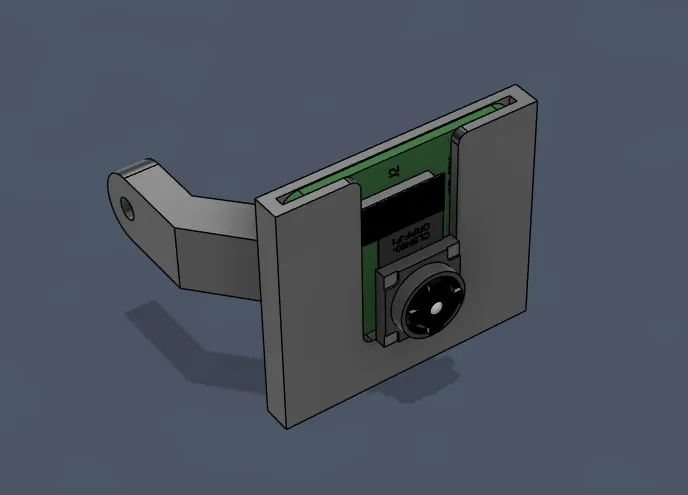
And after trying a lot with the settings and the resolution it looked like that after also adding the camera:
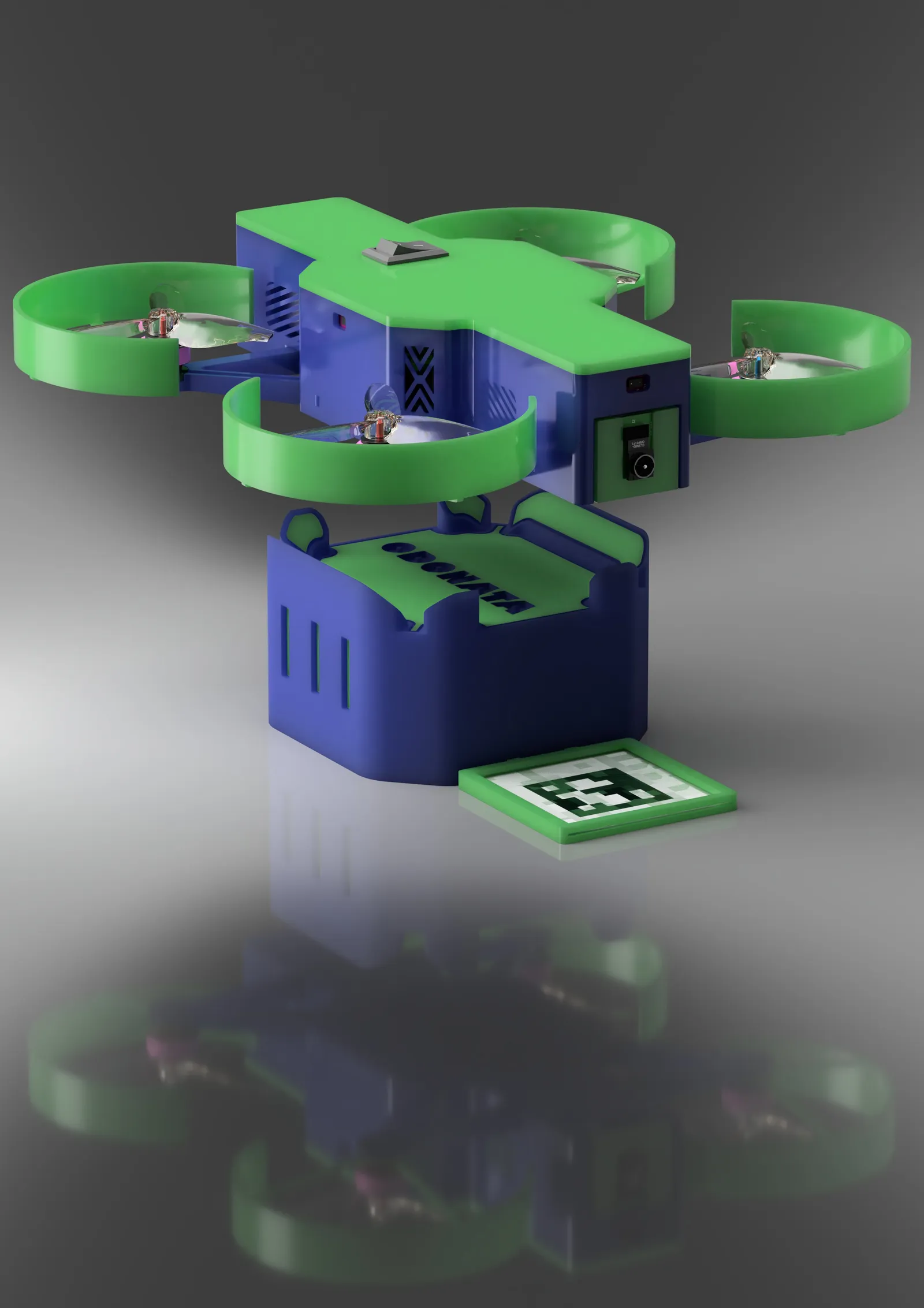
Happy with the progress, just got at the end a bit away from the main way, but also finished the render!
Session recordings
Timelapse recordings of this session.