Finished the Main CAD design on the drone!!!
- Session
- 10 of 33
- Date
- 2 May 2026
- Time worked
- 2 h 42 min
- Reading time
- 5 min
- Images
- 22
At the beginning, I firstly saw that the cable flow/canal wasn’t perfect and big enough because there was about 1 mm space for the cable, which isn’t really good (and enough):
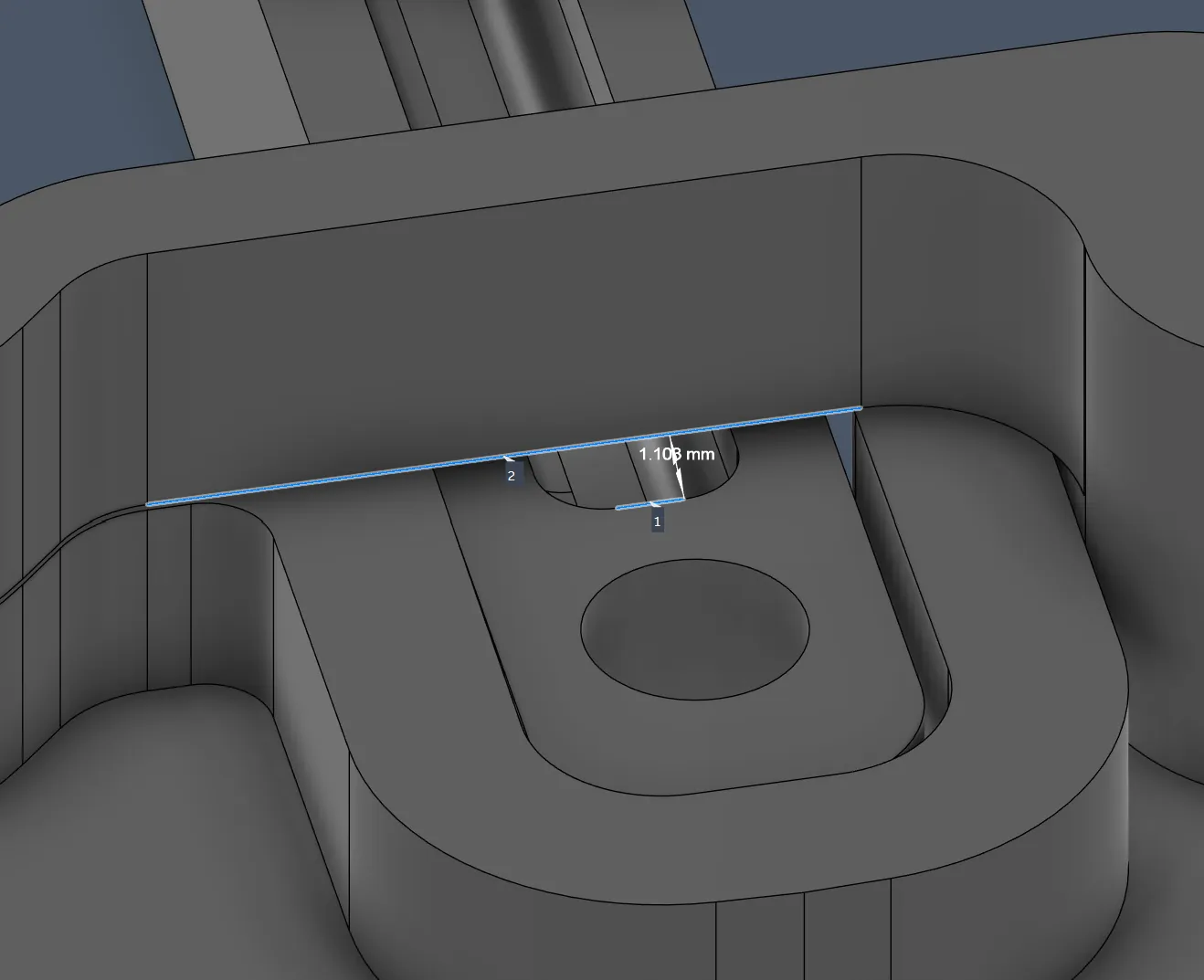
So I had 2 ideas on how to fix the problem:
- Complete the bridge over the connector but make a half-circle cutout to make the cable flow bigger
would look like that
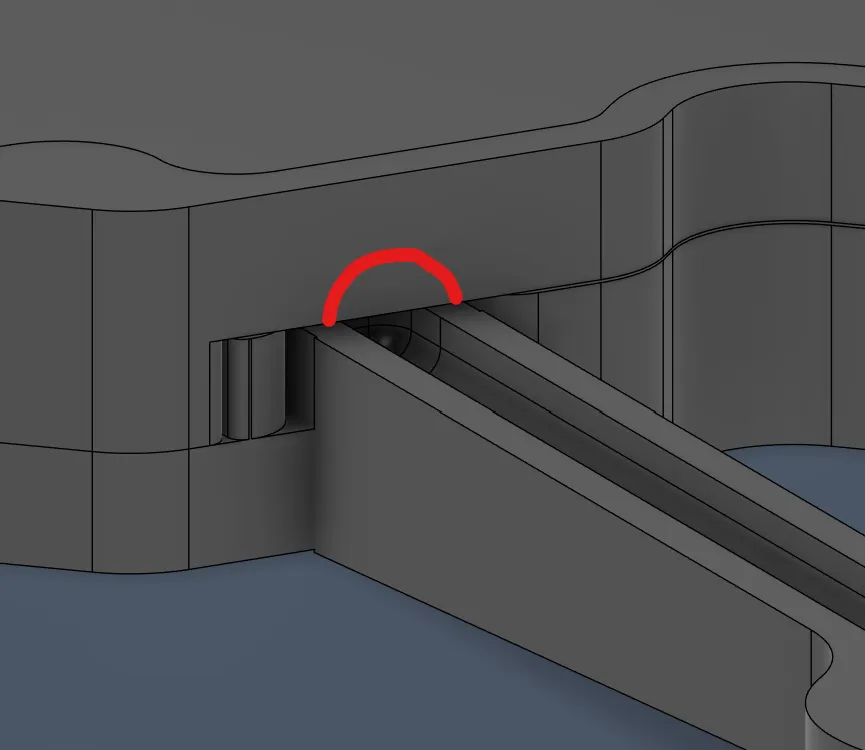
- Or make it from the inner side of the drone (at this part oblique), so that I can gain another 1 mm and from the outside it would look completely normal
btw, my goal was to get a "tunnel" of 2–3 mm, not 1 mm like now
So I firstly tried the 2nd option because I liked it more:
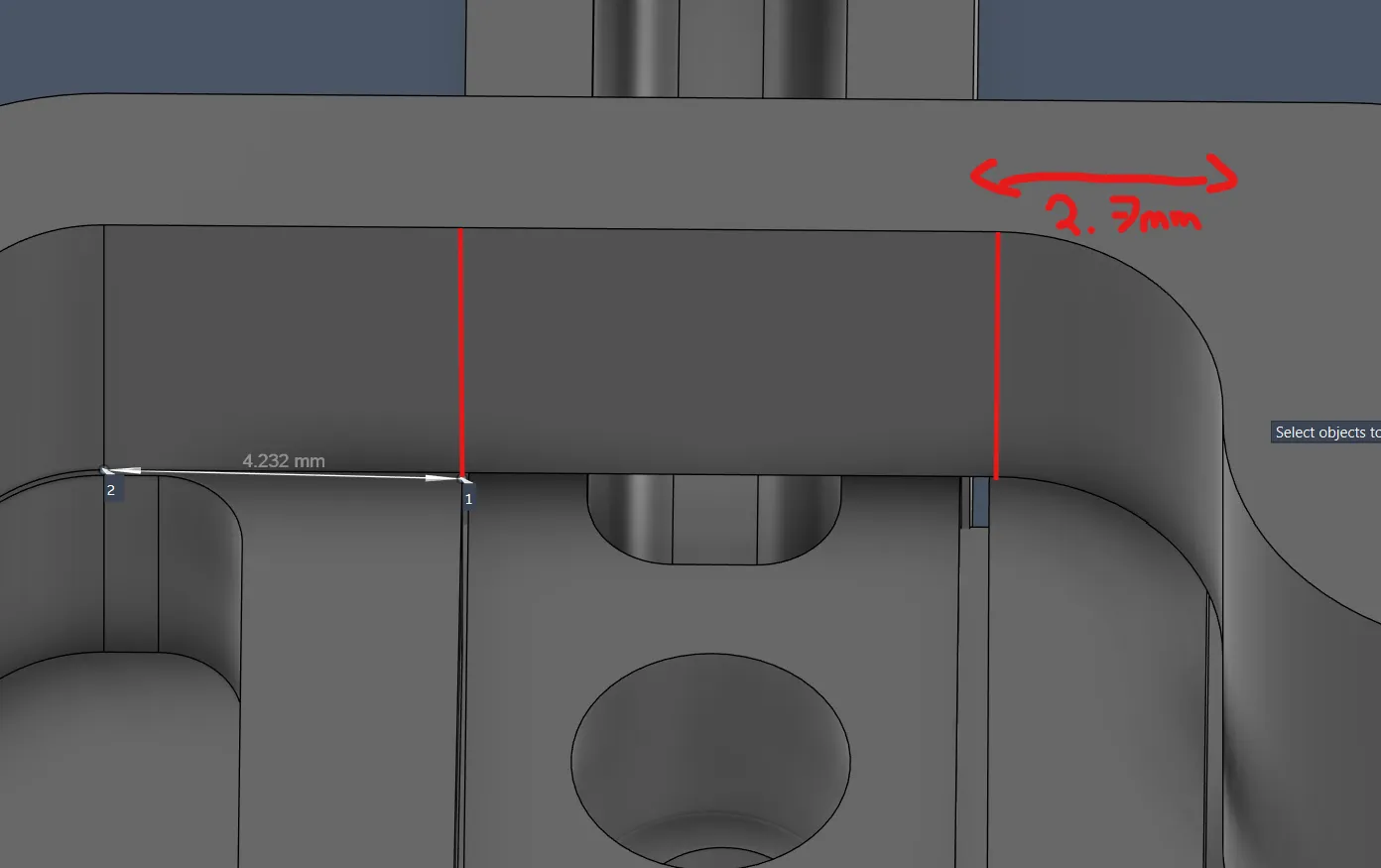
- Measured exactly where the connector begins and ends so that I know where the oblique should be, and got these values
- After knowing where everything fits and all values, I created a new sketch and started drawing the distances
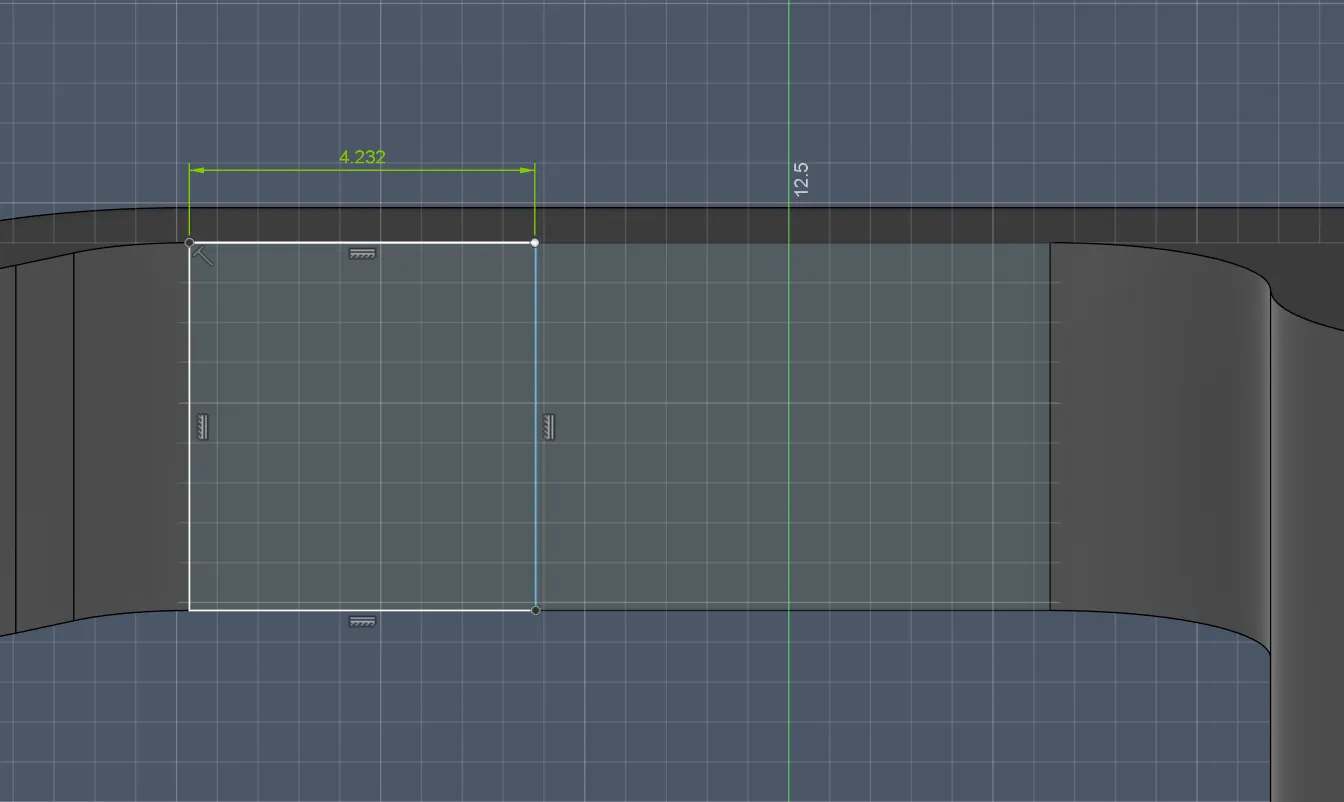
But when I started to make the oblique, it became a horror!
Because I didn’t know how to create an oblique, I googled and saw that you can deselect tangent chain, then just mark your line and it would work. But I had the problem that the whole line was connected with the curving tool, which was very annoying. After like 10 minutes of trying, I gave up and searched for another way to make it. I saw that you could split the thing into 2 bodies and completely separate the lines, but for some reason that didn’t work either. So I gave up on the oblique and continued with the half circle:
Because I had all values, it was pretty easy and I just had to find the center of the line of the circle and made a circle so that it looked like that:
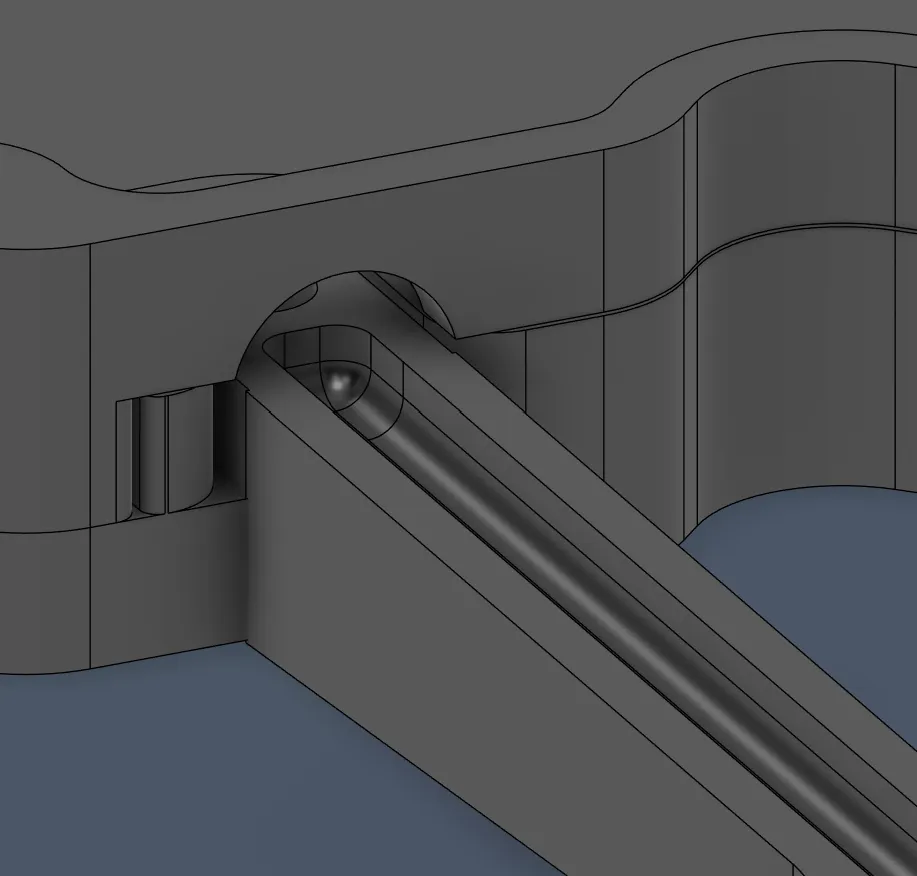
But I wasn’t completely happy with this because it was too big and didn’t give the arm support for stability. So my plan was to make the circle thinner so that it does have friction with the arm, so that it isn very stable. So I wanted to make it thinner like this:
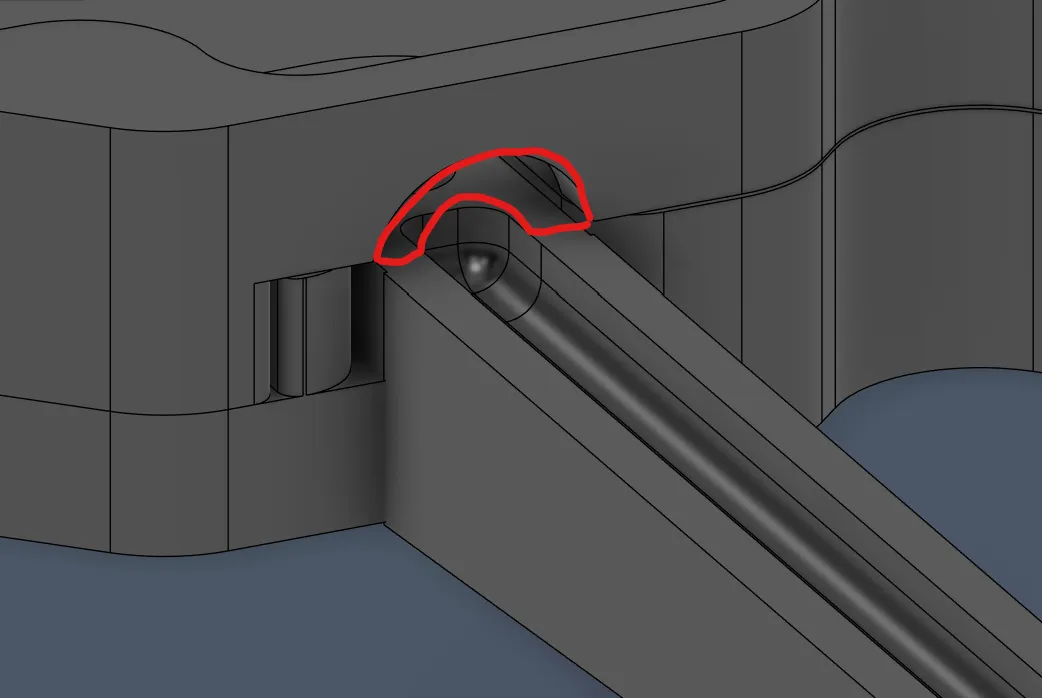
So after measuring the new distances and drawing the new circle and cutting it out, it looked like that, which is much better:
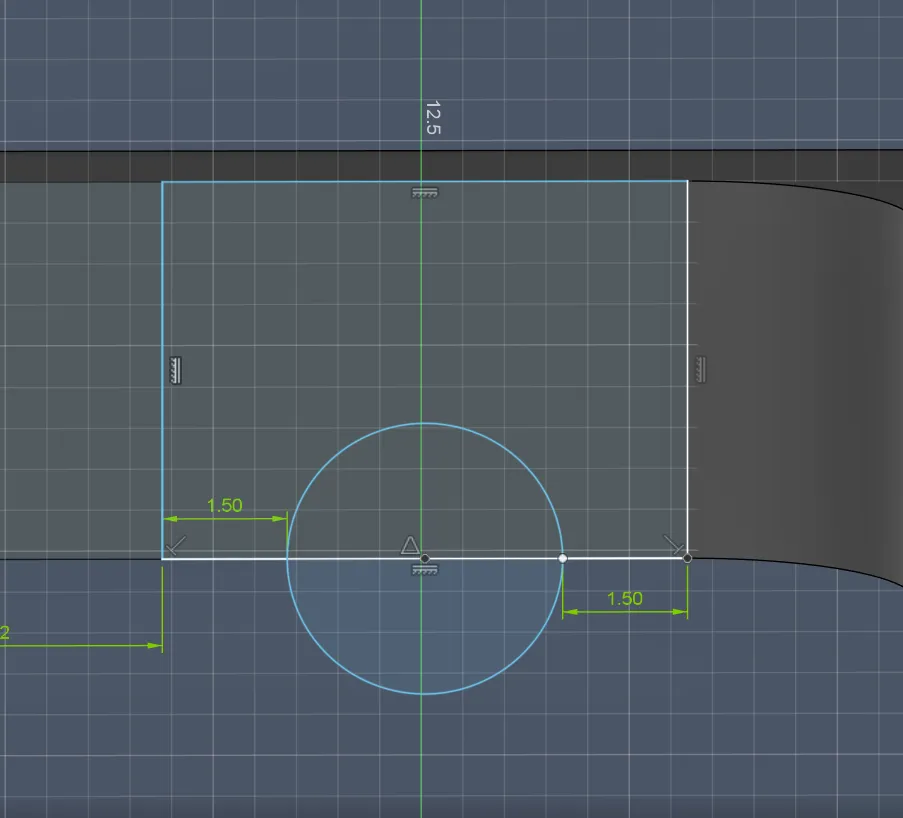
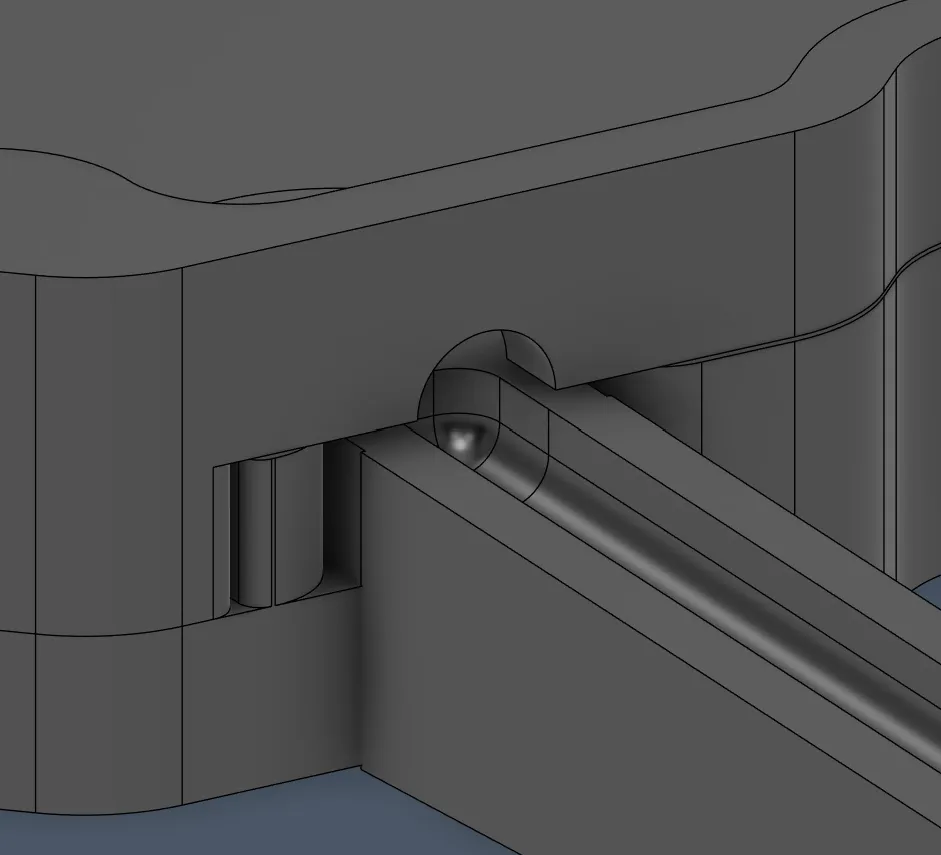
But then I noticed that I had added a small tolerance between the wall and the platform, which is for the grip and stability not the best, so I removed it and then it looked like that:
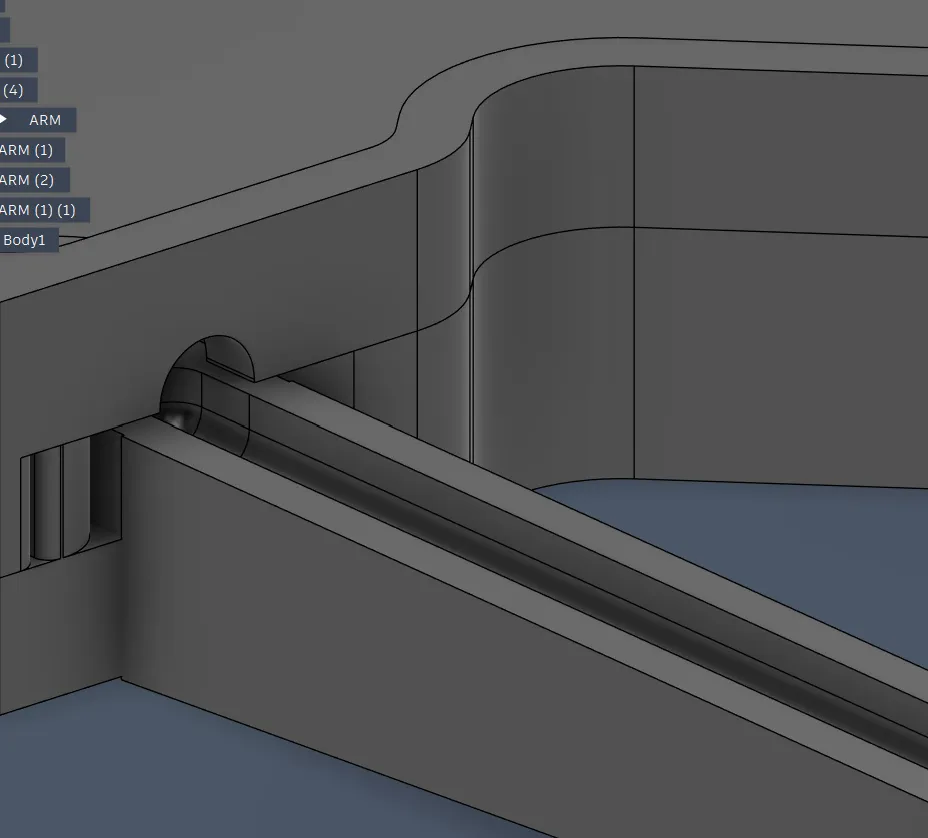
And after everything was fine, I applied the holes to all other 4 corners:
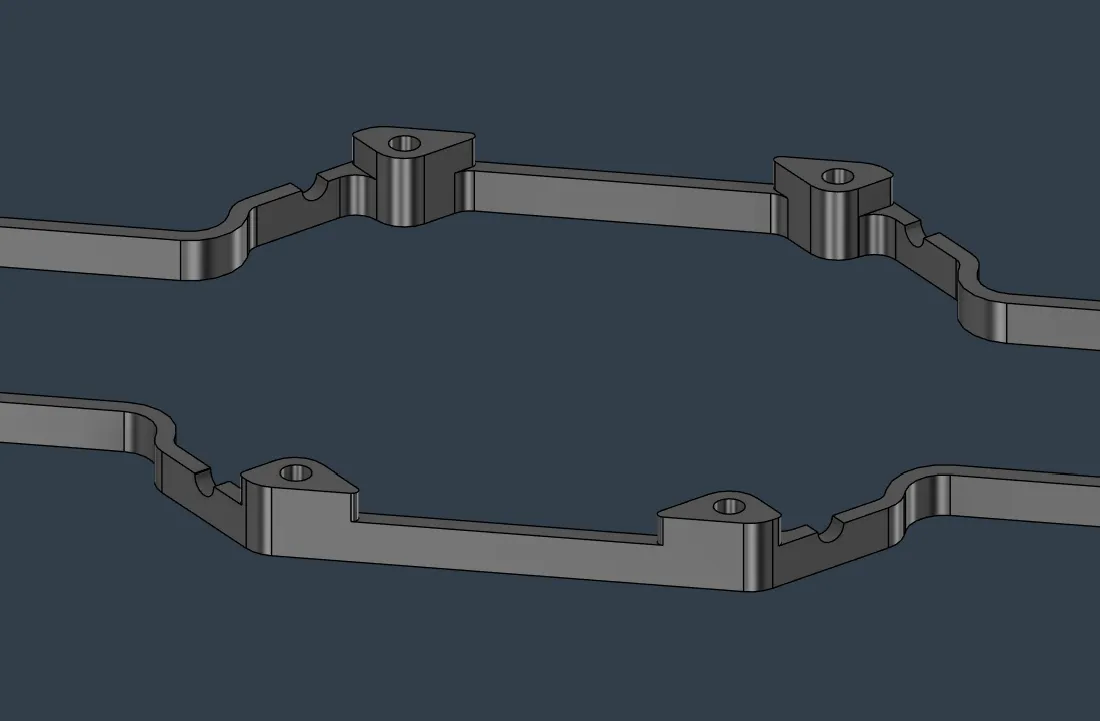
Next I wanted to continue with the walls, but I couldn’t just extrude the base right now because there are also the connectors, and if I extruded it, I would also extrude the connectors.
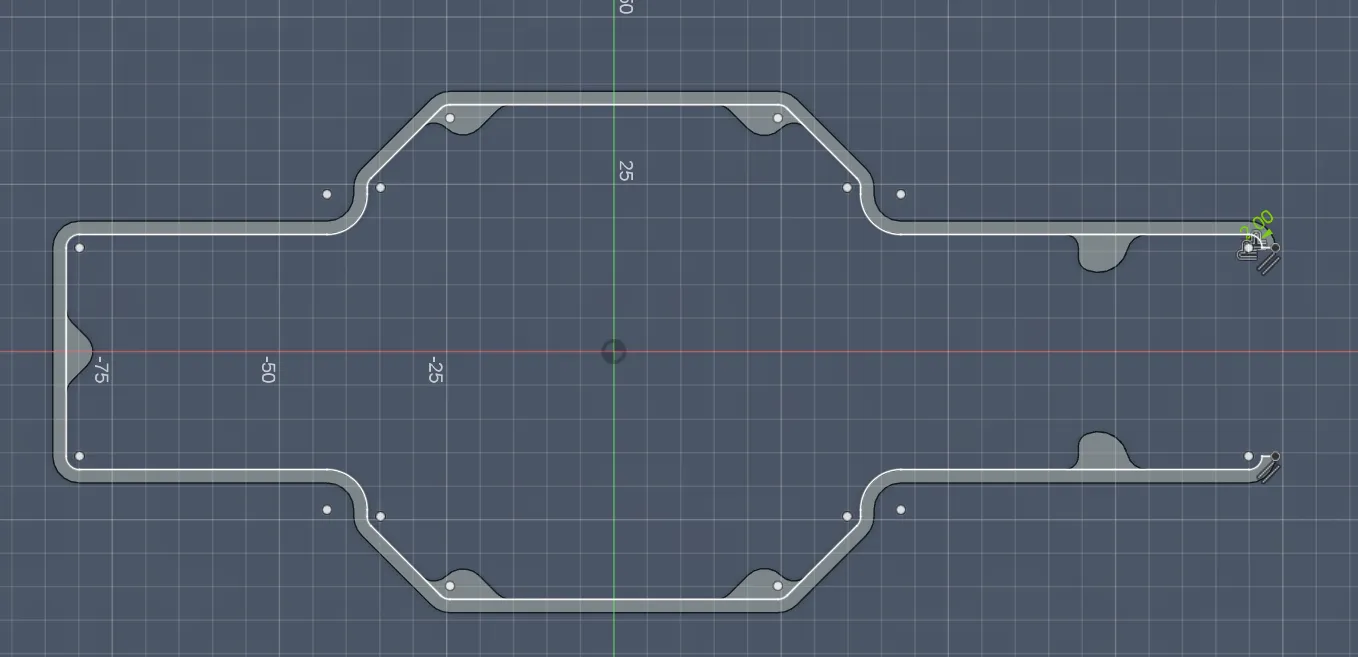
So I had to first create a new sketch on the walls, project the original walls, fill gaps, and then make an outline of 2 mm:
After that I could extrude the walls, but I had to think about the height of the drone, so I looked up how tall the parts will be. The tallest parts were (camera and battery) (in my opinion before I searched it up):
- for the camera I couldn’t find any dimensions, but it seems small like 2–3 cm, and the battery is 22 mm high, so I decided to make the drone 40 mm high so that everything fits for sure and I have some buffer and also space to add later stylistic accents
But after looking at the drone in All-together, it looked pretty chunky...
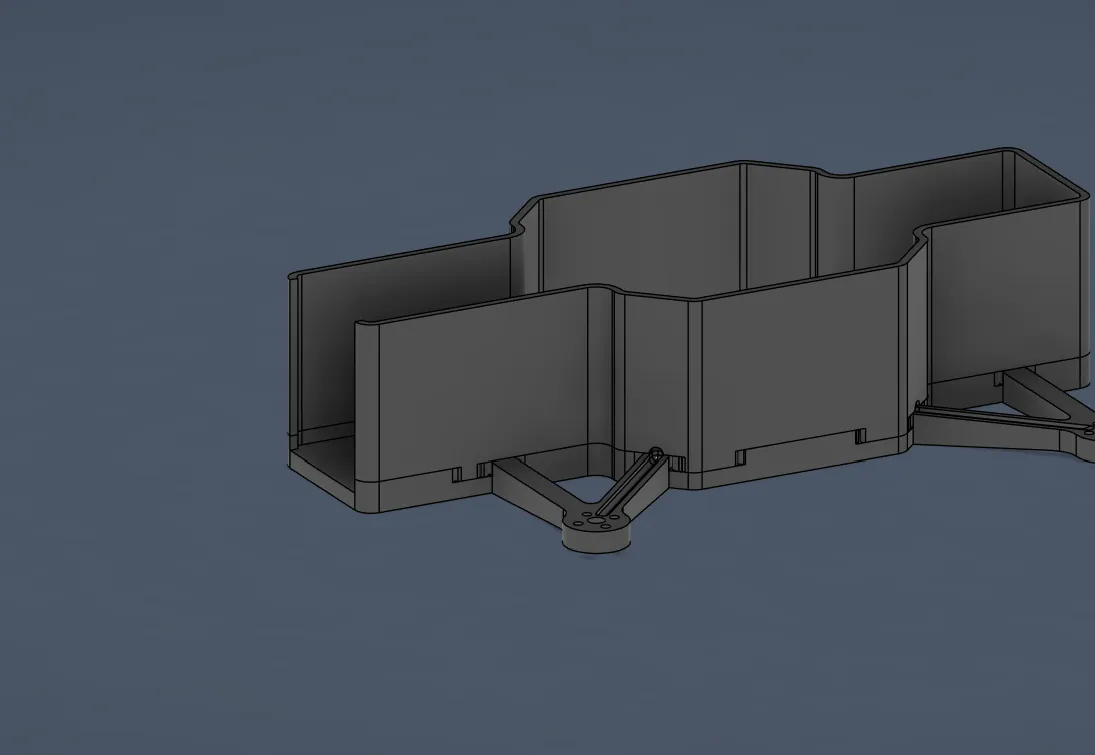
So I then tried adding only 30 mm, which looks much better:
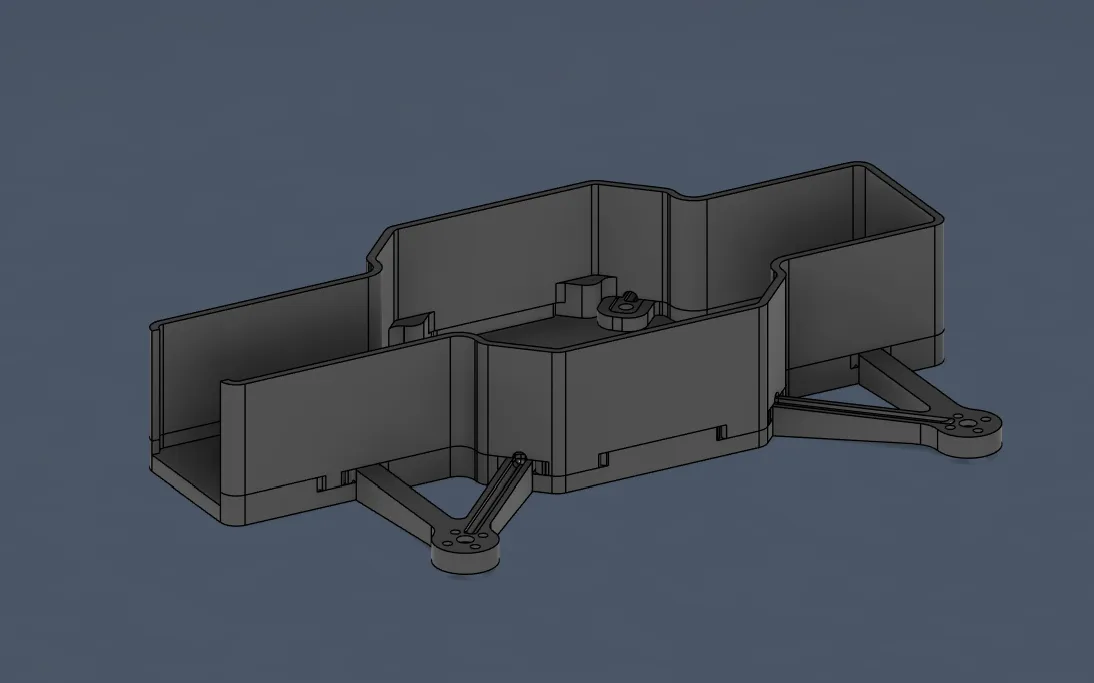
After the walls were standing, I wanted to focus on rounding the connector to save weight, material, and space, and so that the 3D printer can print the parts more easily, faster, and without errors.
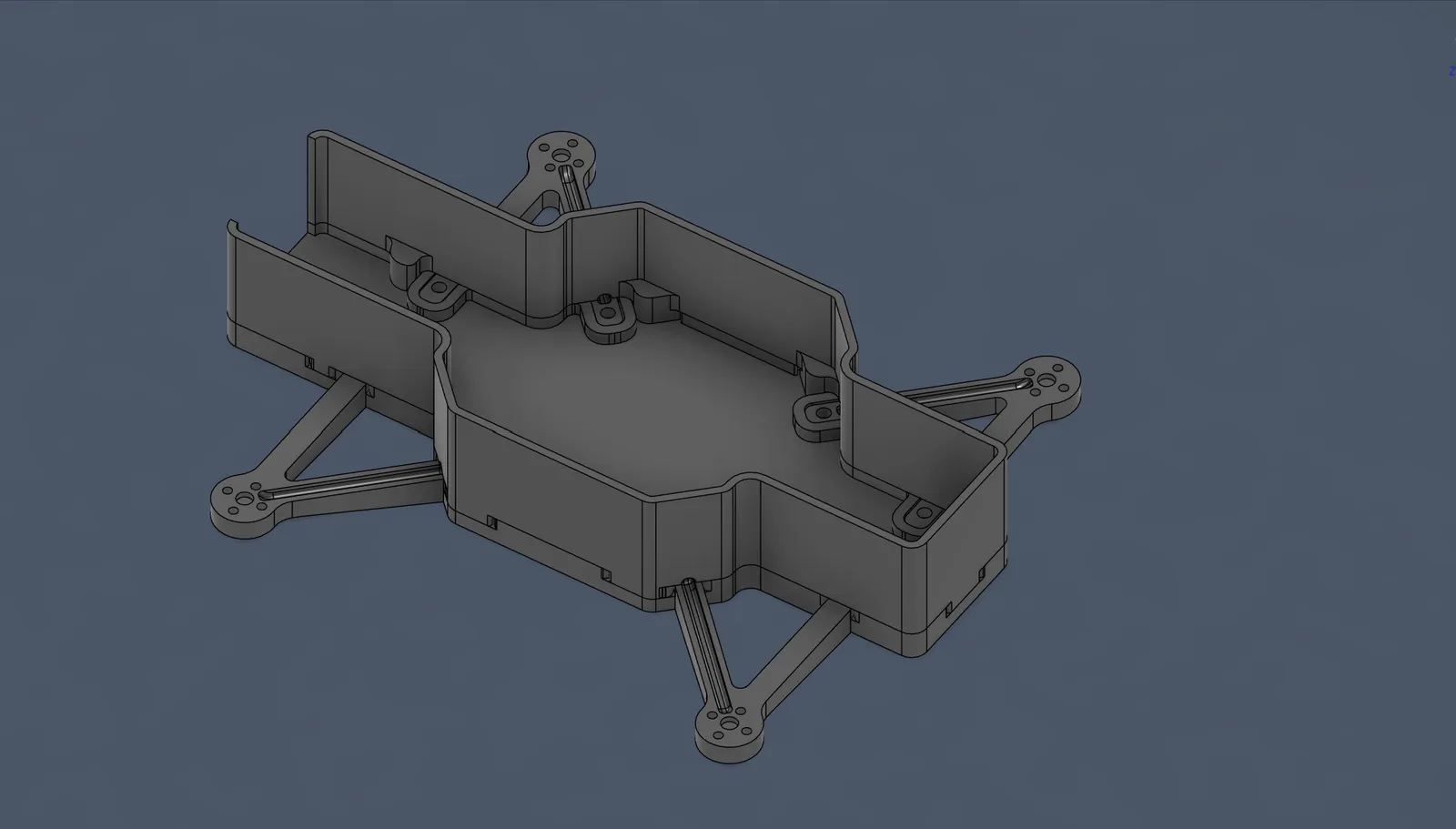
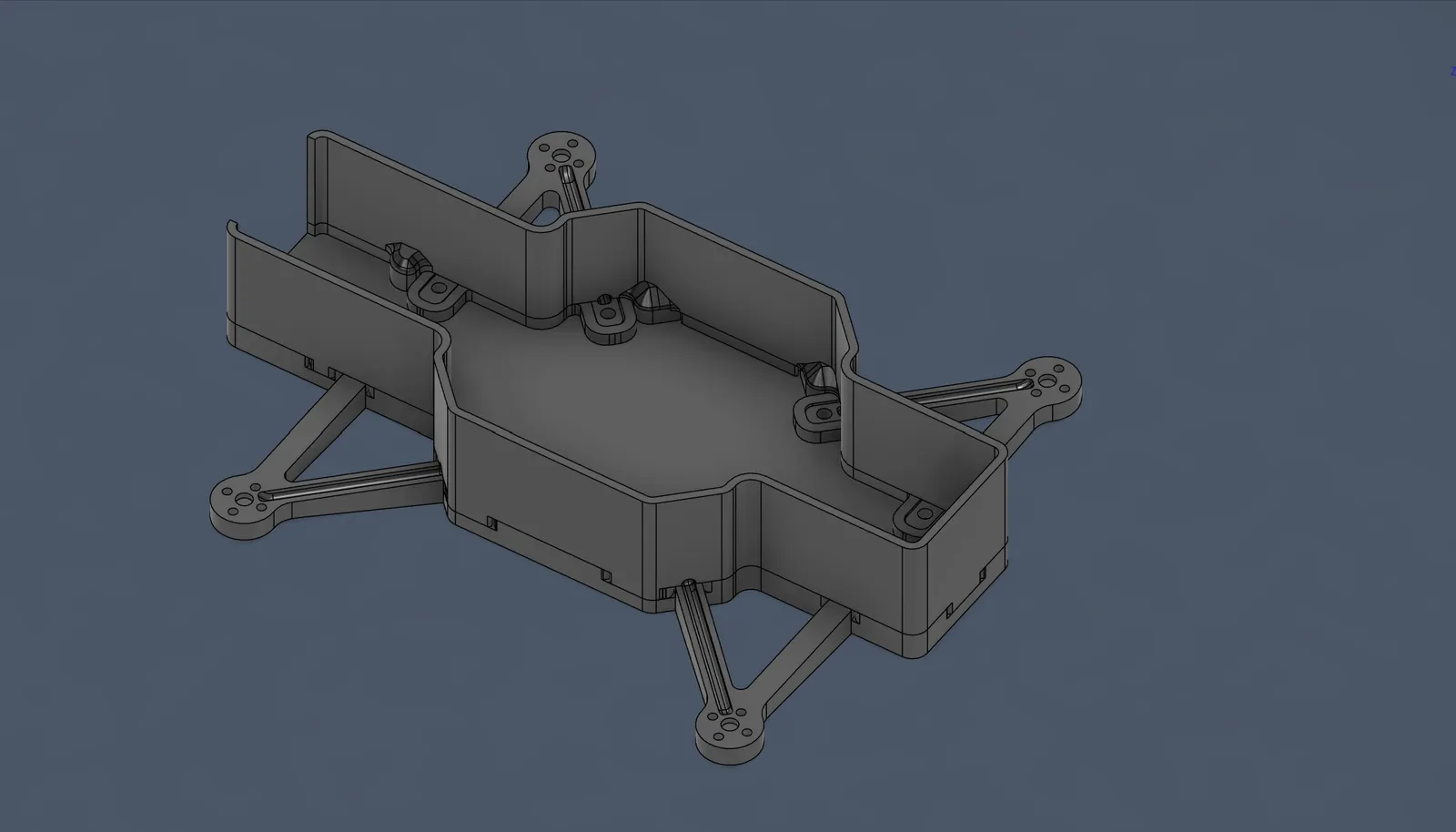
But I didn’t want to use the rounding tool because if I print the parts upside down, it’ll need many supports and would be harder to print. So I decided to use straight corners that kinda round the connector. For that reason, I searched online and found the perfect tool/feature from Autodesk Fusion for that: chamfer, which makes edges, and this is perfect for my case.
So I directly applied that and this is:
before
after:
After the walls were firstly finished, I continued with the case of the drone.
Therefore, I started by creating a new file called "cover" and inserted by derive the sketch of the walls of the wall part:
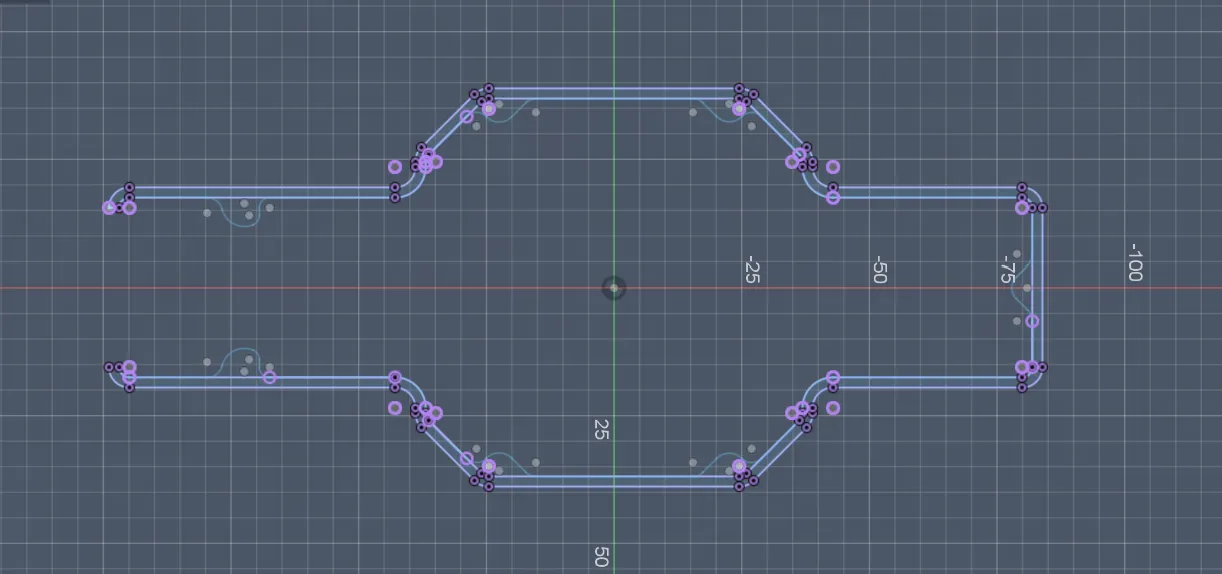
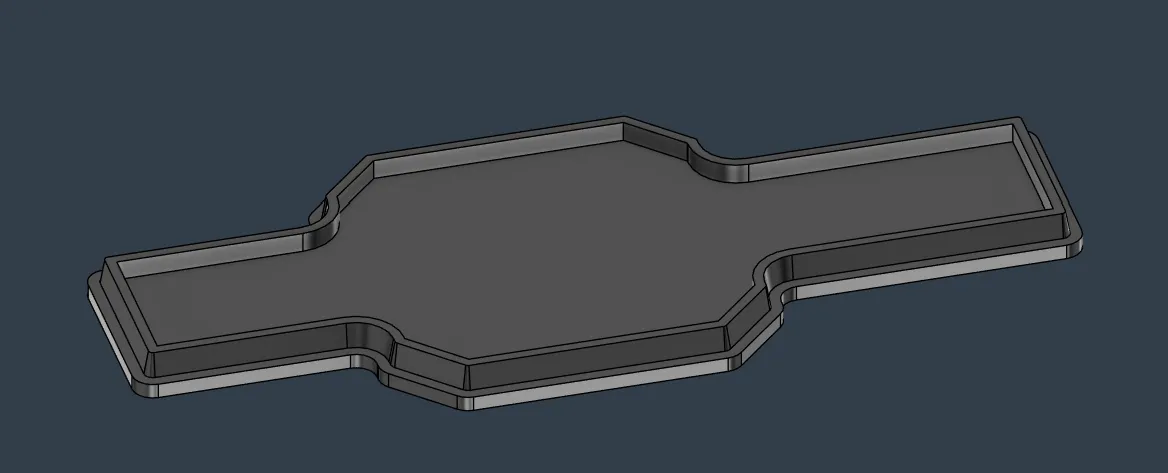
After projecting and drawing all missing parts of the walls, I outlined the inner wall edge by 0.3 mm per side and extruded the whole cover by 5 mm:
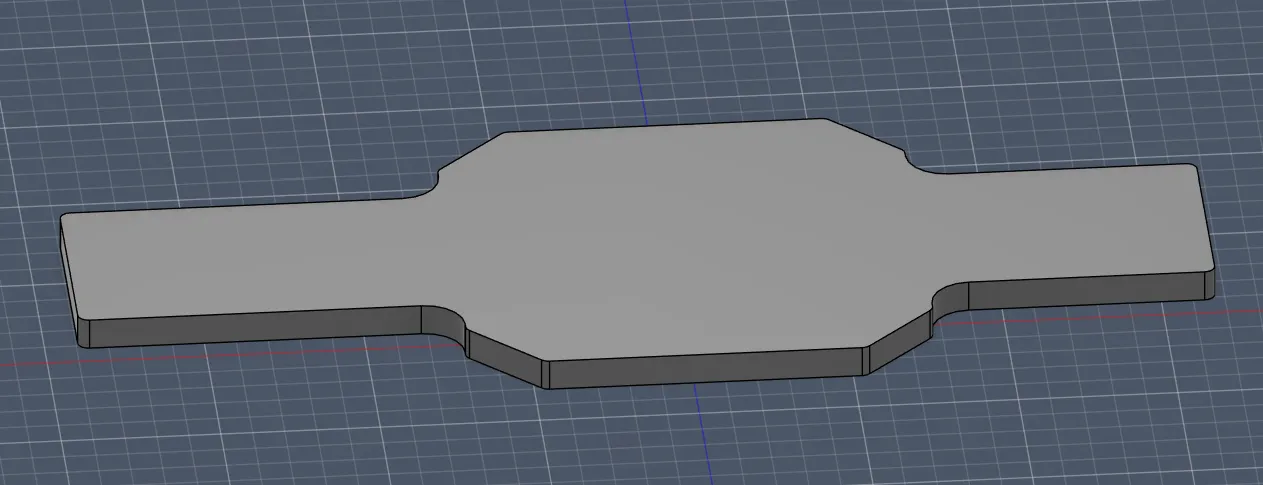
Then I wanted to add a bit of an oblique to the cover because I saw in a very good video that it is helpful (https://www.youtube.com/watch?v=XKrDUnZCmQQ). If the cover originally doesn’t fit because of 3D printing, in that case you can add an oblique so that it at least fits a bit.
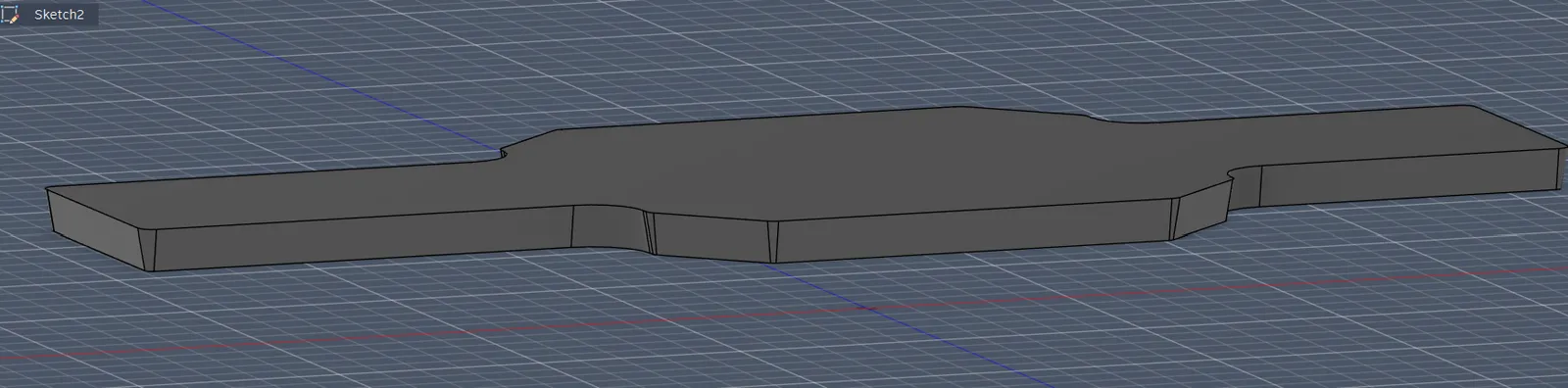
So after searching, I found out that the best solution for the oblique would be to use the draft method. So I tried implementing it and it worked on the first try!!! I made it go down by 10°, and after that it looked like this:
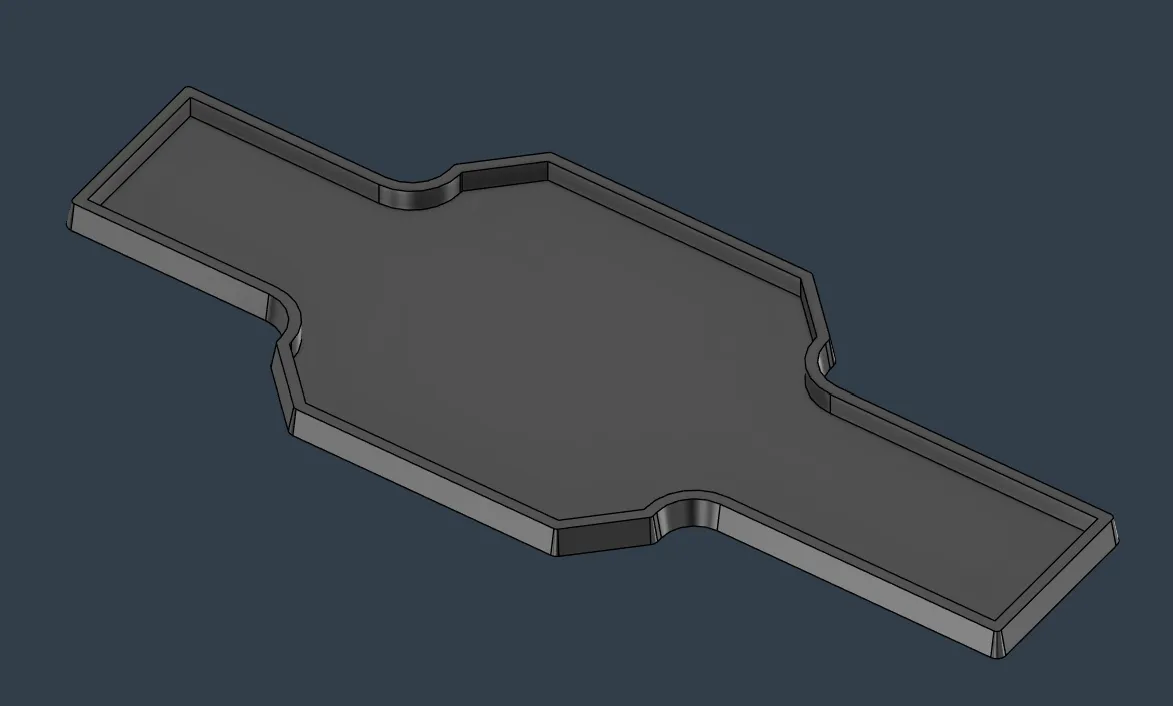
I also decided to remove the inner part of the cover to gain more space, lose weight, and get more flexibility if it doesn’t fit very well. I decided to leave an edge of 2 mm and a depth of 1 mm (because on the top comes again 3 mm).
So I began with the removing. Like I said before, I left 2 mm width and it looked like that:
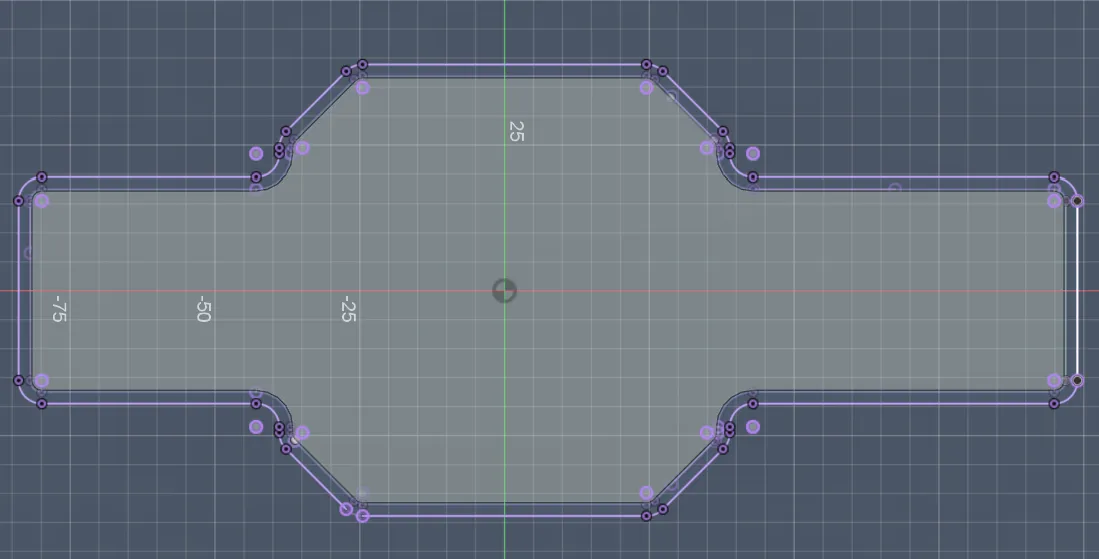
And now I had to design the thing that holds the cover because now it would just drop into the box. I decided to make it only 3 mm height because it’s stable enough, looks the best, isn’t too big, and has the least weight. After projecting and drawing again the lines, it looked like that:
And then, like I said before, I extruded everything by 3 mm:
Lastly, I also attached the cover into the All-together to see the final result:
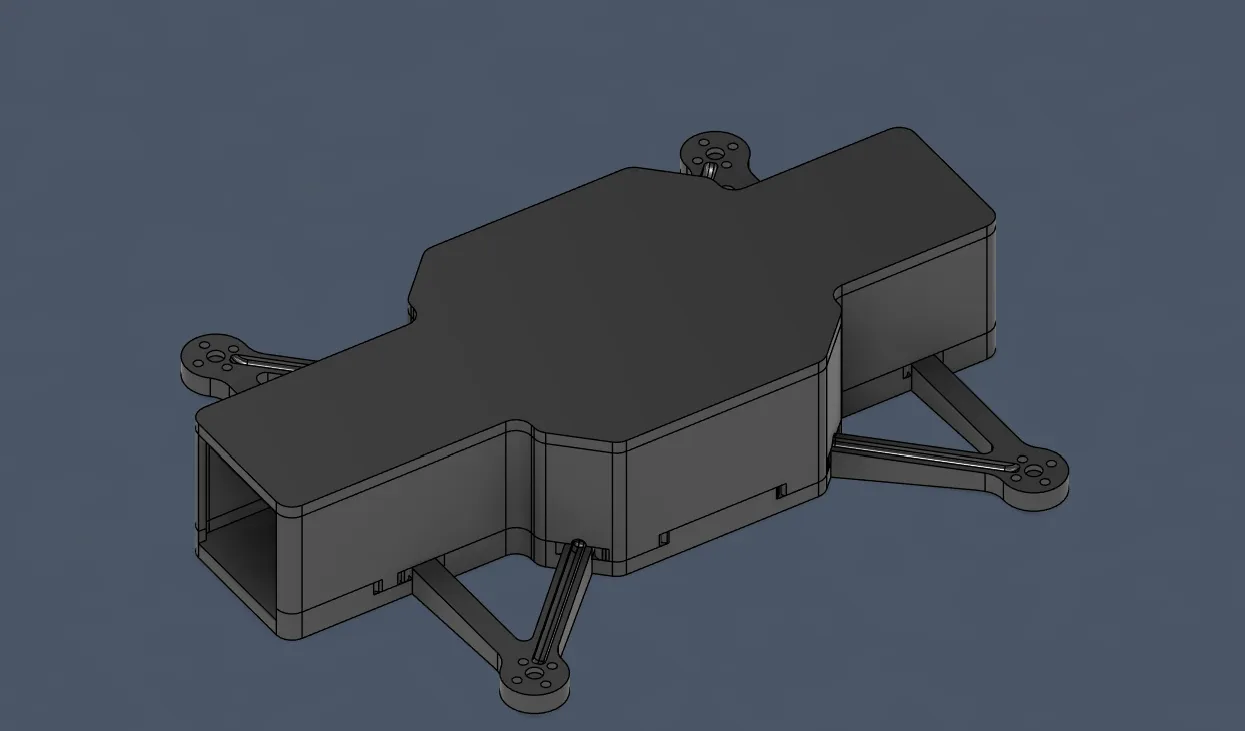
Overall, very happy because I finished the main drone CAD and now only have to design the holder for the servo + cam, the PCB holder, the sensor holder, and the pogo pins holder, but that will happen later (excited for the servo, although it’ll be very hard). Oh, and the wind guards (very important), almost forgot.
Session recordings
Timelapse recordings of this session.