Routing the 3.3V power supply and starting the 12.6V to 5V buck converter!
- Session
- 24 of 33
- Date
- 20 May 2026
- Time worked
- 2 h 18 min
- Reading time
- 2 min
- Images
- 12
ATTENTION: For some reason, Lookout bugged out on me and kept turning my main monitor off and on sometimes. So, for about 30 mins you do not see the progress, but I wrote what I did in that time in the journal. It's NO FRAUD, PLEASE DON'T count it as such or something, I don't wanna get in trouble...
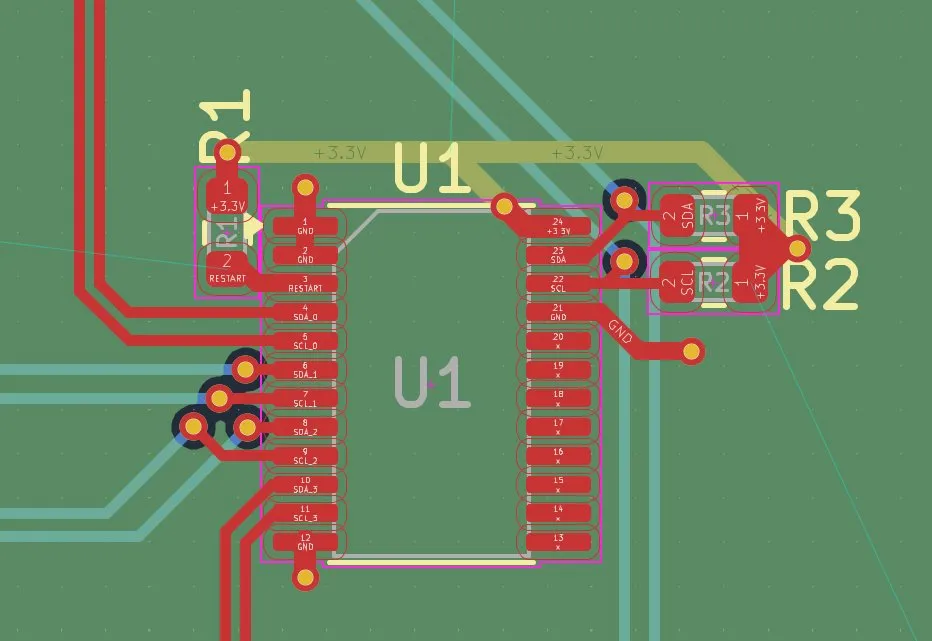
In this session, I want to route the U1 chip.
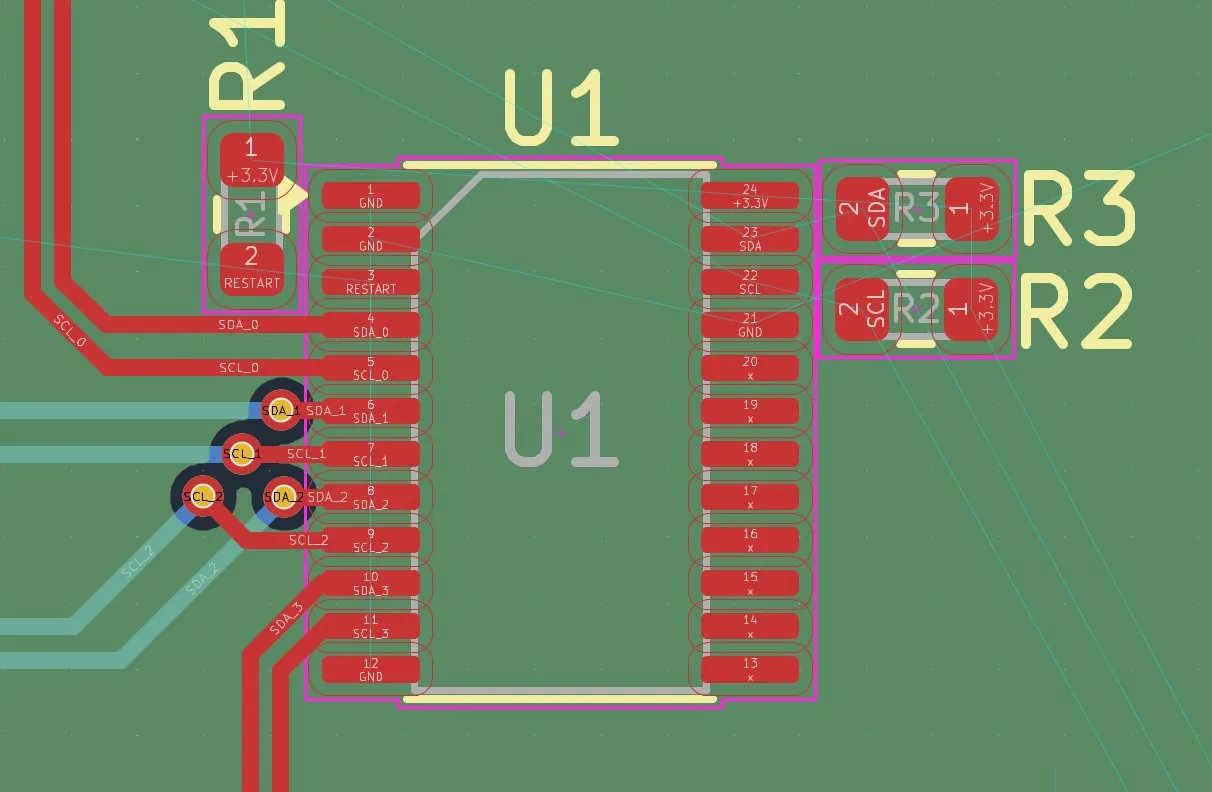
Therefore, I had to find (optimize) the position of the components to get the optimal connections.
I actually didn't need much time to optimize and I basically only moved the components (R1, R2, R3) further up so that the other pins have more space and the voltage lines have a bit more clearance from the data lines.
After that, I started by connecting the SDA/SCL connections. But after starting, I thought of that I had to pay attention to the second SCL/SDA line that goes from U3 (the battery percent).
Firstly, I created the vias for the pins at the U1 chip and the pull-up resistors.
And then I also added the vias at the battery percent sensor.
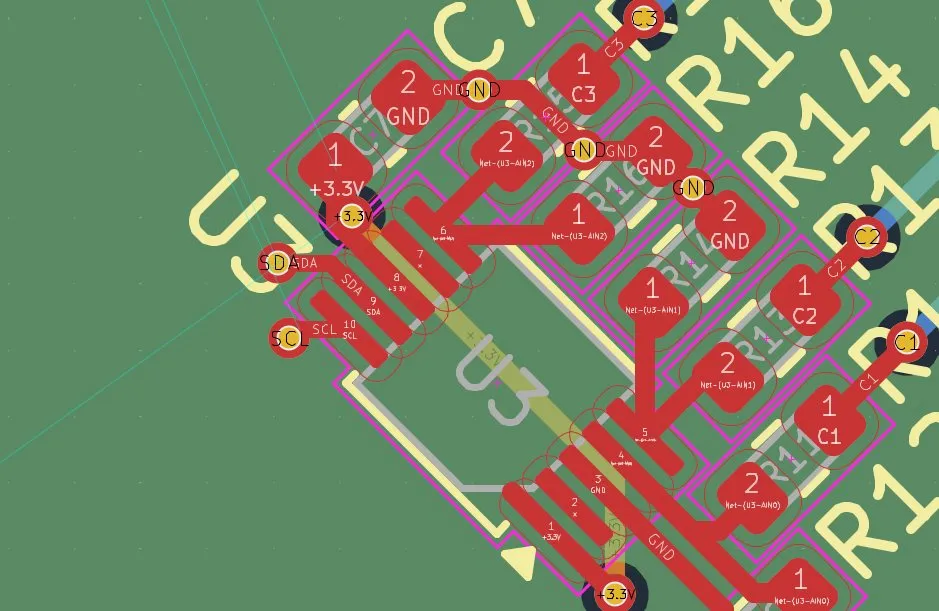
And then I connected all 4 pins with the Raspberry Pi.
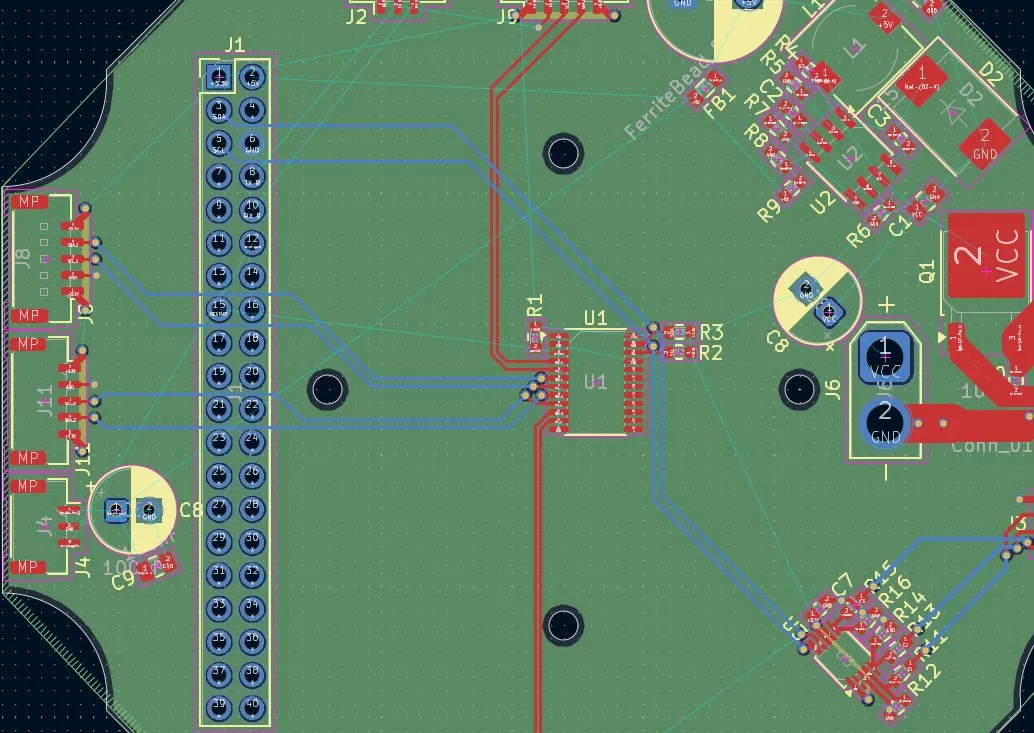
I firstly made the GND connections, and since there were plenty of GND pins, I decided to connect them with vias.
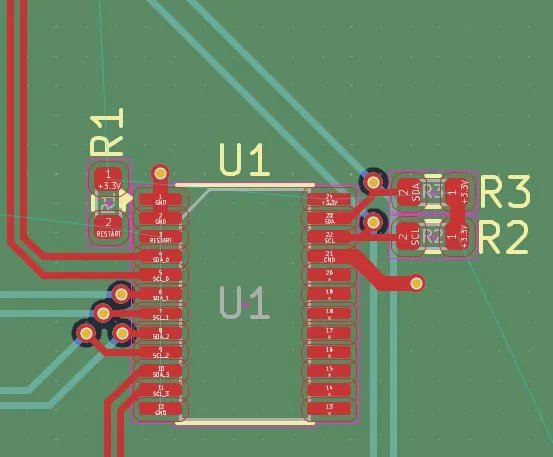
Then I added the last GND vias because I had forgotten that, and I also changed the thickness of the vias from 0.5mm to 0.4mm because that was the width of the pads for soldering.
After that, I made the 3.3V vias and connected them to the 3rd layer (power plane).
Lastly, I had to connect the reset pin with the Raspberry Pi, which I also did through the 4th layer (2nd signal layer) because the other tracks were blocking the way.
But then I found an issue with the connection because there was again no way through.
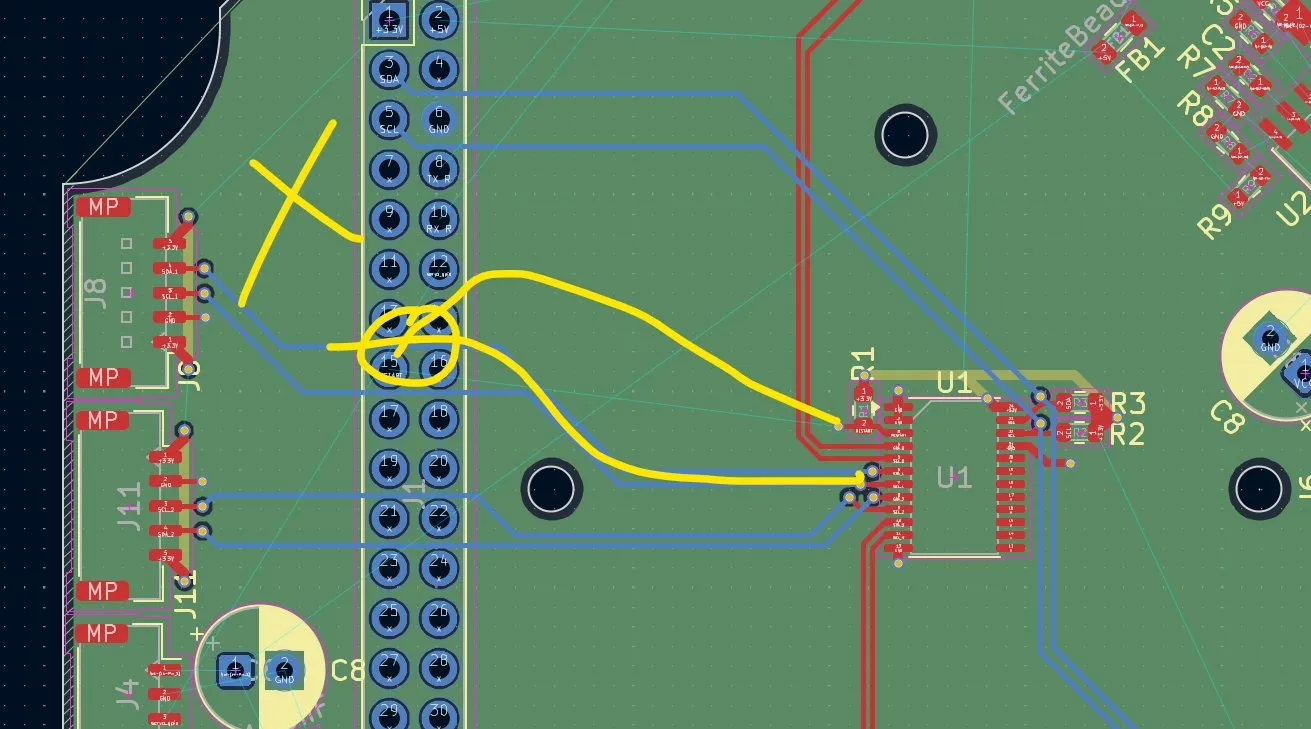
And after bringing the lines further down, it looked like that. And after connecting the line:
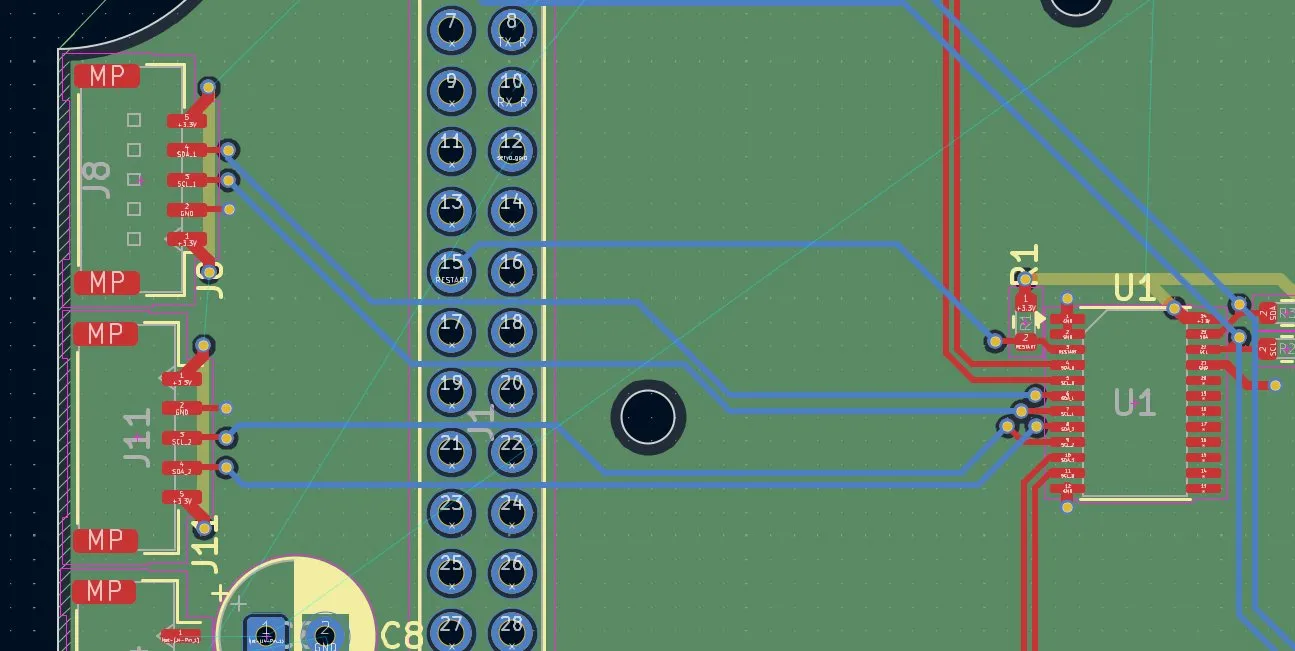
After connecting all with a 1mm track and the small track with 0.5mm, it looked like that:
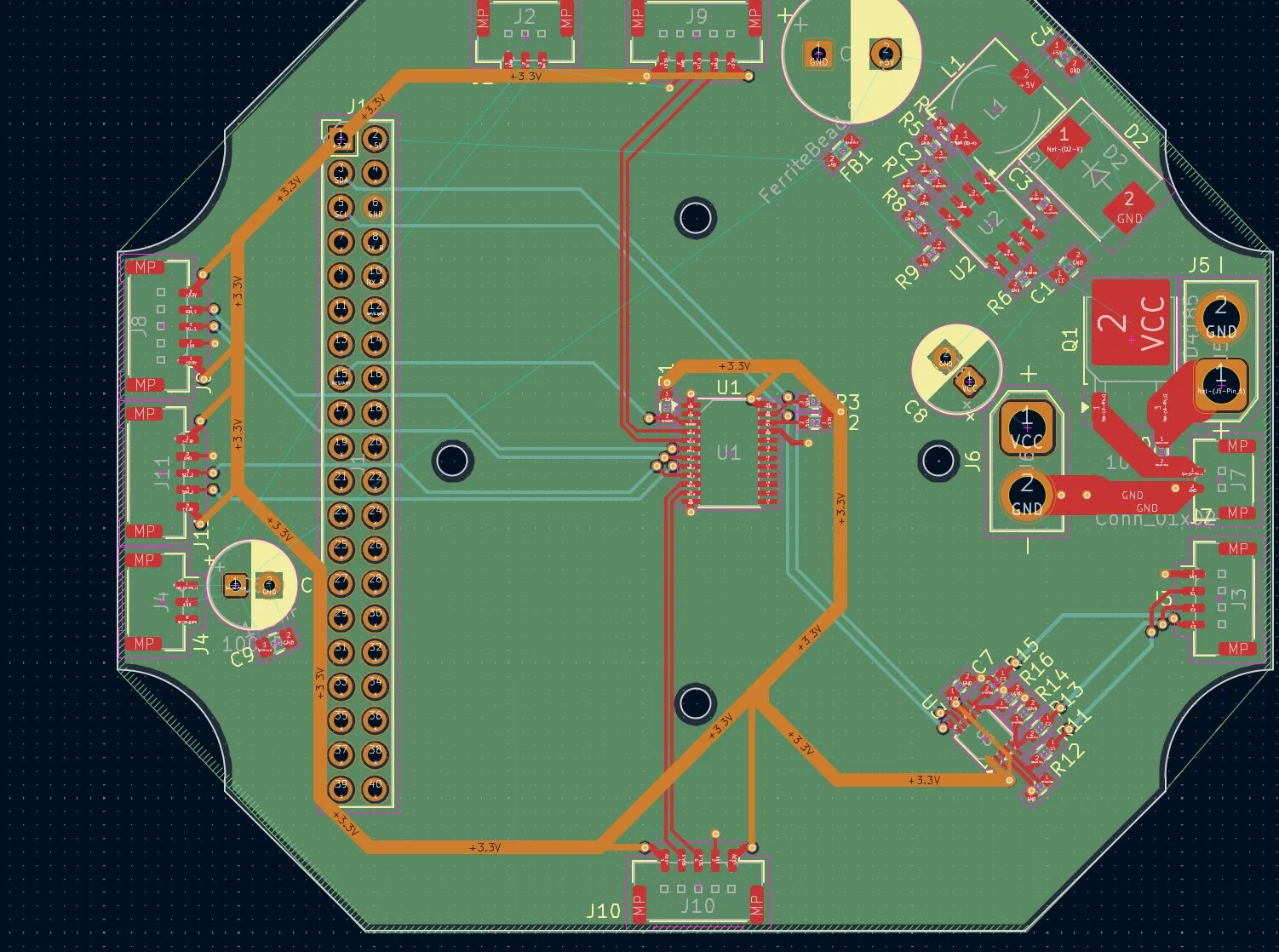
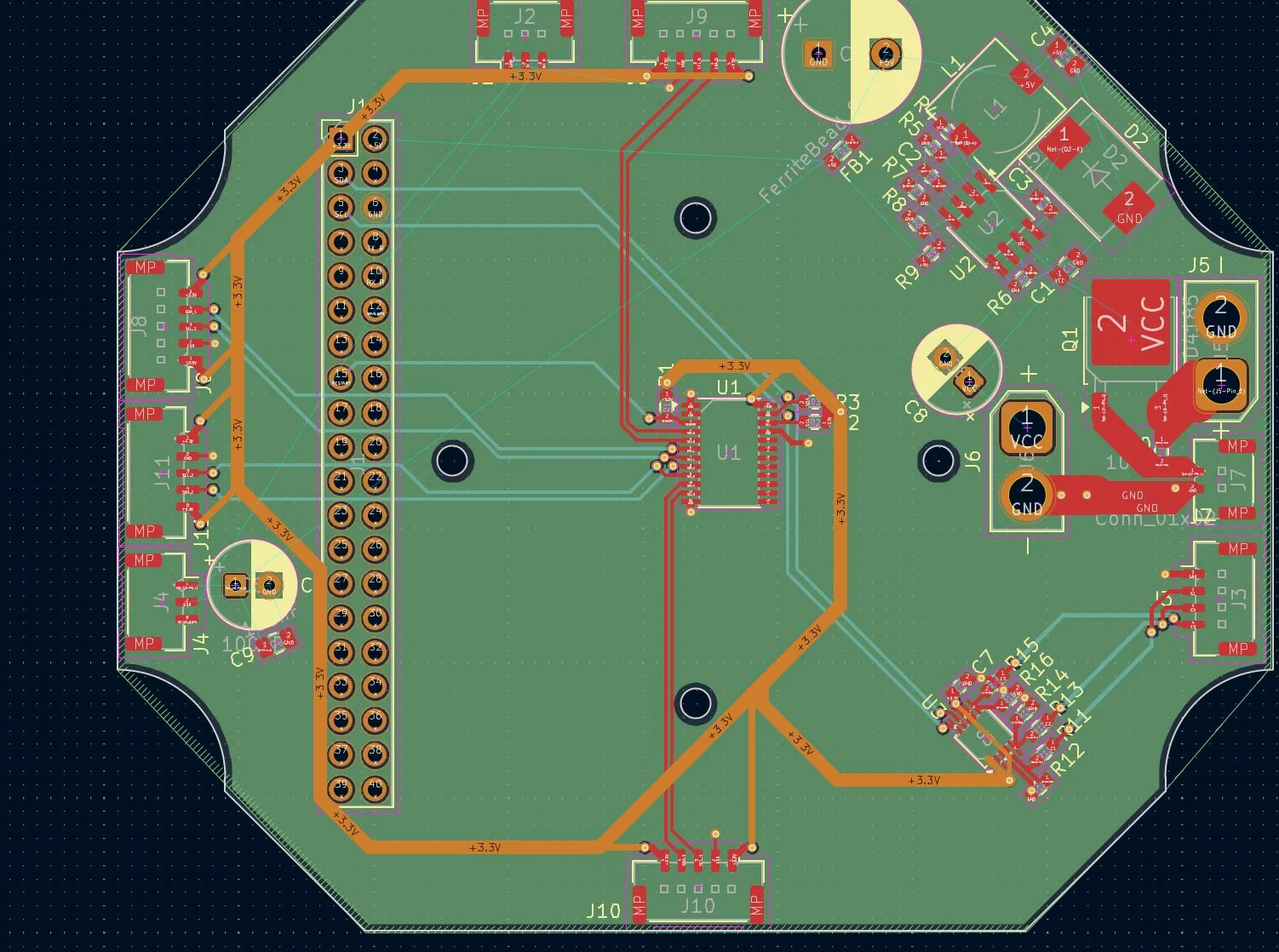
(And here I don't know why the app just recorded only one screen for a couple of minutes, sorry) But then I was afraid that one pin couldn't power that many things. Also, another problem came up: the other power lines had almost no way around.
So I decided to use vias and bring them to the GND plane, but the vias were too small, so I decided to make them bigger: 1.0mm diameter and 0.5mm hole.
And after drawing and trying a bit with sizes and positions, and paying attention that it doesn't go parallel or so to data tracks, it looked like that:
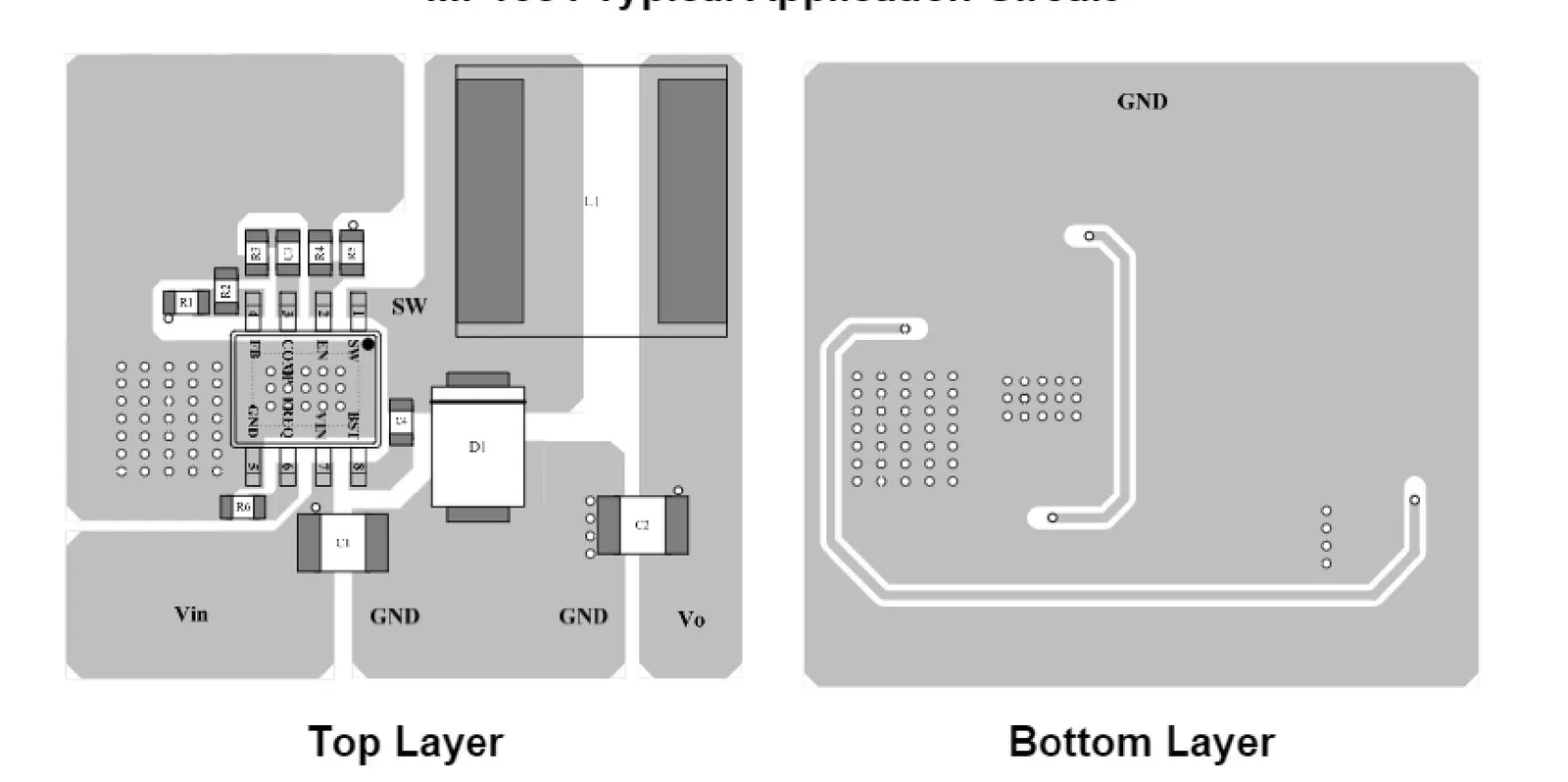
And then I moved on to making the 12.6V to 5V thing. But firstly, I had to find the best position, and I looked in the datasheet to see how to do it best:
And after all the tuning, it looked like that:
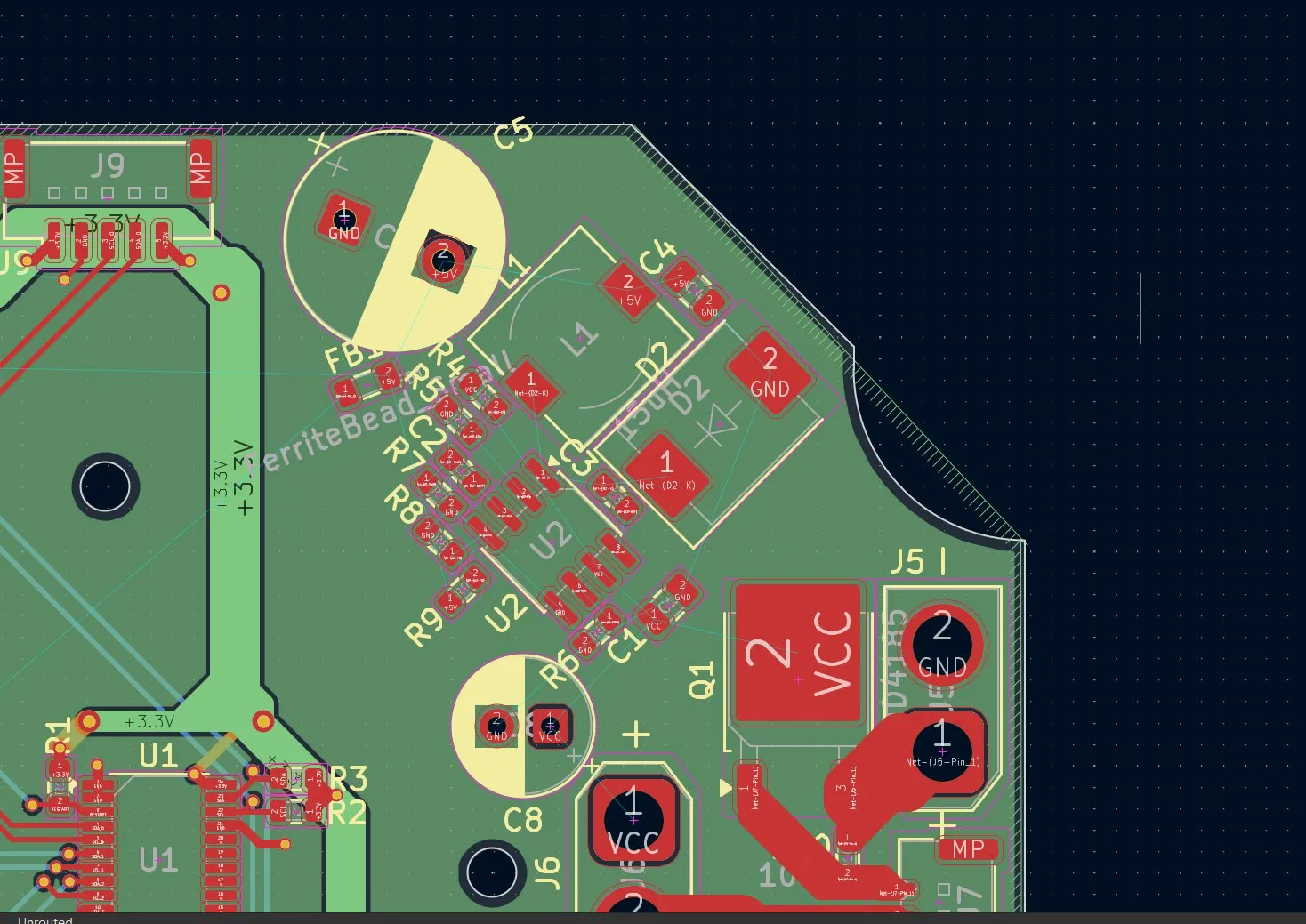
But after all of the routing, I mostly followed the design from the schematics and optimized it to mine:
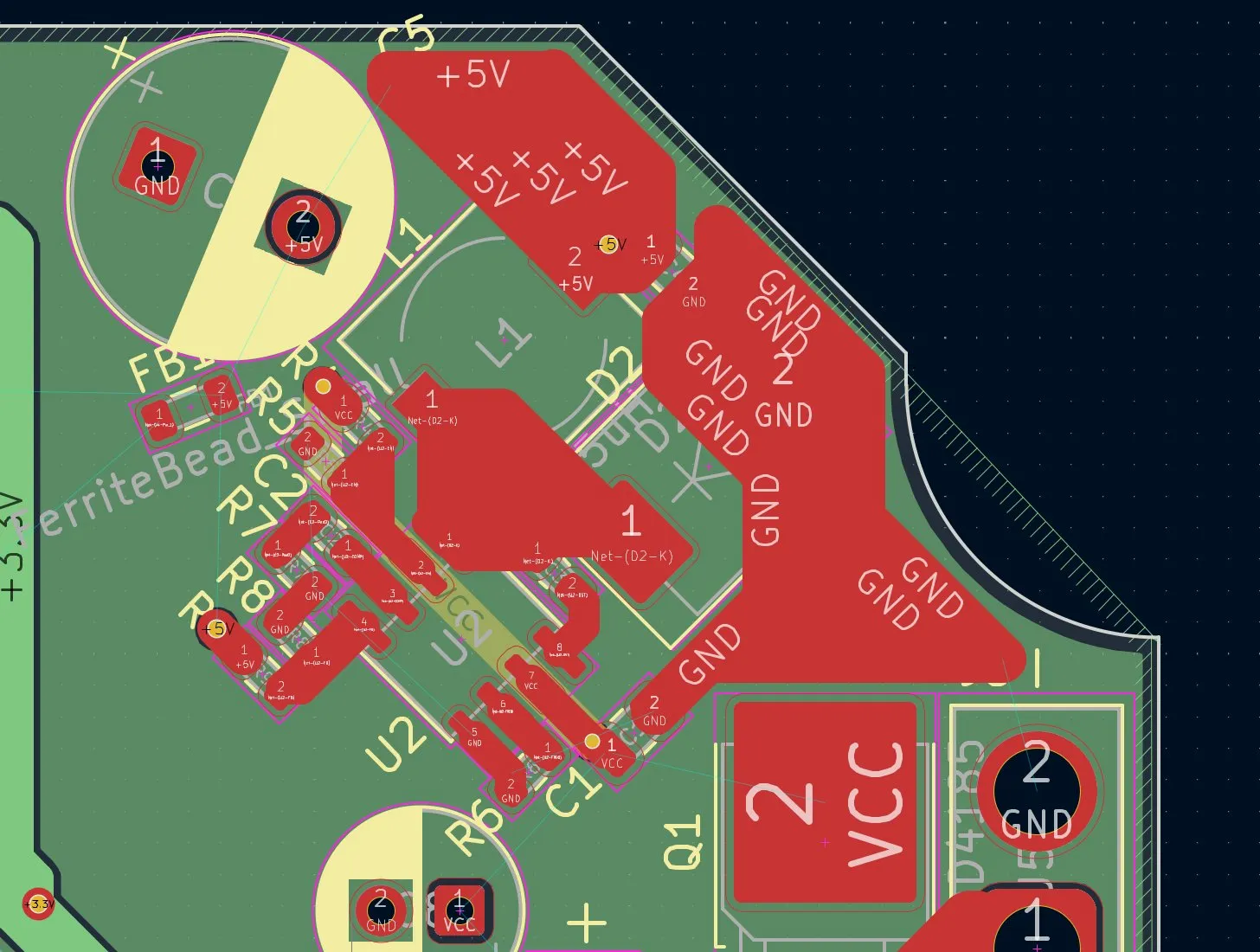
Tomorrow I'll hopefully finish the PCB, and then by the end of the weekend I'm finished with the project. Overall happy today, and till tmw!
Session recordings
Timelapse recordings of this session.